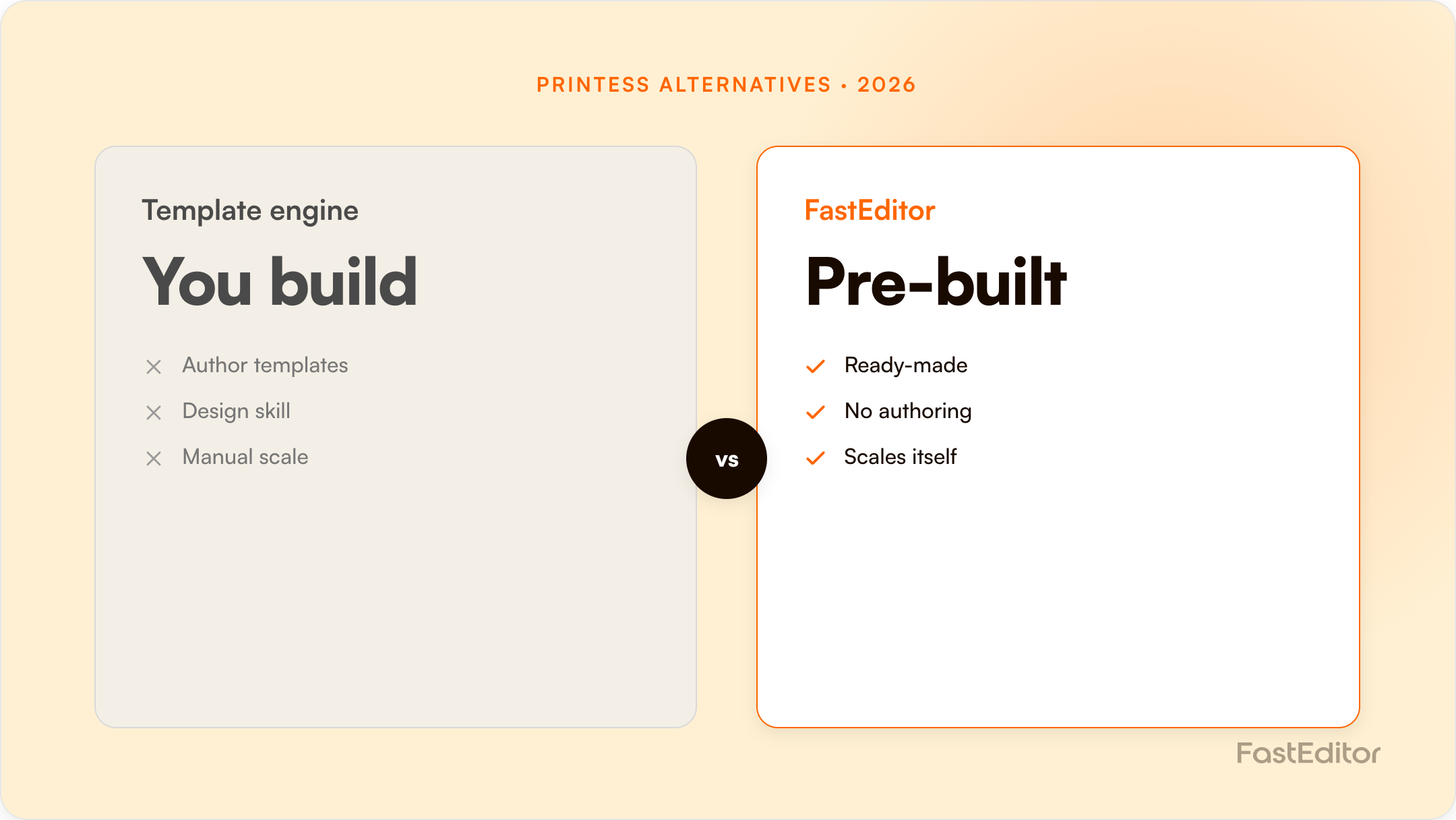
Printess is a powerful template-driven web-to-print engine. Teams switch for less template maintenance and more automation: FastEditor vectorizes customer uploads, enforces per-supplier specs automatically, and outputs a production-ready file across 150+ suppliers.
Looking for a Printess alternative? Printess is a powerful, template-driven web-to-print engine, strong on variable data and complex print documents. Teams look for an alternative when they want less template-building and more automation: automatic vectorization of customer uploads and per-supplier spec validation that ends in a production-ready file. This guide compares Printess with FastEditor honestly, including where Printess is strong, and the capability that decides most switches.
On this page
Printess can produce a print file, but it relies on templates you define, and it does not focus on automatically turning a raw customer logo into a spec-correct file. FastEditor automates exactly that: it vectorizes the upload, validates it against per-supplier specs with automated preflight and line-thickness checks, and outputs a production-ready file per supplier, the core of artwork automation. FastEditor reports up to 80% lower cost per order and 99.95% file accuracy.
The biggest practical difference is where the specifications live. In a template engine, the spec is something you encode into each template. FastEditor ships with 150+ promotional-product and apparel suppliers pre-integrated, each carrying its own decoration methods, imprint areas, and file requirements, so the spec is enforced automatically rather than template by template. For a broad, multi-supplier catalogue, that is far less setup and maintenance.
FastEditor is API-first with connectors for Shopify and WooCommerce, so it adds to your stack rather than replacing it. A typical migration maps your catalogue and decoration methods, connects the relevant suppliers, embeds the editor, and routes output into production, usually live in 3 to 4 weeks. You can keep Printess for the template-heavy print products it does best and use FastEditor for logo and photo personalisation at scale.
If your catalogue is dominated by complex, template-driven print documents and you want maximum templating control, Printess is a strong engine. If your priority is automated artwork handling, supplier-spec enforcement, and production-file output across a large multi-supplier promo and apparel catalogue with minimal template maintenance, FastEditor is built for that. Model it with the ROI calculator or see our case studies.
Printess prices in euros on a cost-per-order-credit model. One credit covers a document of up to 4 pages or 20 MB; anything larger consumes another credit.
| Plan | Monthly (EUR) | Included order credits | Overage per credit | Storage / seats |
|---|---|---|---|---|
| Small | Not printed on the pricing page; the Shopify listing shows $39 | 100 | €0.40 | 5 GB / 1 seat |
| Medium | €249 | 1,000 | €0.30 | 50 GB / 3 seats |
| Large | €1,190 | 7,000 | €0.25 | 500 GB / 5 seats |
| Enterprise | Call us | Individual | Individual | Unlimited |
All prices exclude VAT. Unused credits do not roll over, and the minimum invoice is €20. Add-ons are priced separately and add up quickly: AI credits from €99/month, the mockup service from €99/month, a ramp-up service at €180 per hour, and €200/month module fees on Medium for Database & Tables, HP SiteFlow / Kornit X, Slim-UI and Magic Photobook. Extra seats are €20/month, extra storage €10 per 5 GB.
Trial length is inconsistent across channels: printess.com advertises 30 days, the Shopify listing 14 days, and the WooCommerce plugin says the first 10 orders are free. Confirm which applies to you.
| Capability | Printess | FastEditor |
|---|---|---|
| Template engine | Excellent; IDML import from InDesign, snippet and resource libraries | Not a template engine |
| Variable-data and multi-page documents | Excellent, a genuine specialism | Supported via output profiles |
| Print-ready PDF output | Excellent: ISO-conforming, CMYK and spot, bleed, engraving and die-cut modes | Yes, per supplier spec |
| Automatic vectorization of customer uploads | Not documented; accepts vector uploads, offers AI contour, background removal and upscale | Built in and automatic |
| Supplier decoration spec libraries | Not a Printess concept; resource libraries hold design assets | 150+ suppliers with imprint areas and colour limits |
| Print-workflow integrations | HP SiteFlow, Kornit X, Atomyx | Supplier-side production routing |
| Metering model | Order credits, 4 pages / 20 MB each | Monthly plan + per production file |
| API | Backend API plus a JavaScript API for headless UI | API-first |
Printess is a serious commercial print engine. If your output is a multi-page catalogue, a personalised photobook or a variable-data mailing, its ISO-conforming PDF pipeline and IDML import are ahead of what we do, and honestly ahead of most of the market.
The trade is setup. In a template engine the decoration spec is something you encode into each template, per product, per method. Across a promotional catalogue with hundreds of items and five decoration methods each, that is a permanent maintenance job. FastEditor ships the specs pre-integrated per supplier, so the constraint is enforced automatically rather than authored by hand.
Choose Printess if your business is print-document-shaped: photobooks, calendars, business stationery, wide-format, variable-data campaigns, anything where the artefact is a document with pages. Choose it also if you already run HP SiteFlow or Kornit X, since those integrations are first-class. If your team includes people who are comfortable in InDesign and who will own the template library, Printess rewards that investment.
Pricing checked 14 August 2026 from each vendor's public pages and marketplace listings. Vendors change plans often, so verify before you commit.
Not primarily. FastEditor focuses on automated artwork handling and production-file output per supplier, with editing on top, rather than a template-building engine.
Yes. Many teams keep a template tool for complex print documents and use FastEditor for logo and photo personalisation at catalogue scale.
Typically 3 to 4 weeks for an API-first integration.
More articles in Comparisons.
