Flyers, brochures, business cards and folded print carry strict bleed, resolution and colour rules. FastEditor automates the flow from upload to production-ready file, so every job is checked before it reaches the press.

Print specification enforced. Each product carries its size, bleed and safe-area rules, so artwork is checked against the real print specification rather than a generic threshold.
Resolution and colour validation. Uploads are measured for resolution at the finished size and converted to the colour space the press requires, with low-resolution files flagged before they ship.
Production-ready output. On approval, FastEditor outputs a press-ready file to the printer's specification, so the job goes straight to production without a prepress round.
Paper print is unforgiving. A missing bleed, an image below resolution or the wrong colour space means a reprint. Each product also has its own size and safe-area rules, and a file that works for one job often fails for another.
FastEditor checks all of this on upload. The artwork is measured against the product's bleed, resolution and colour requirements, and the customer is guided to fix anything that would fail before the order proceeds. The press-ready file is then generated to specification.
Connected print suppliers arrive in the FastEditor Product Hub with their sizes, bleed rules and production specifications already attached to each product, across flyers, brochures, business cards and folded formats.
New suppliers are added continuously, so any paper print product in the catalogue is production-ready from the day it is connected.
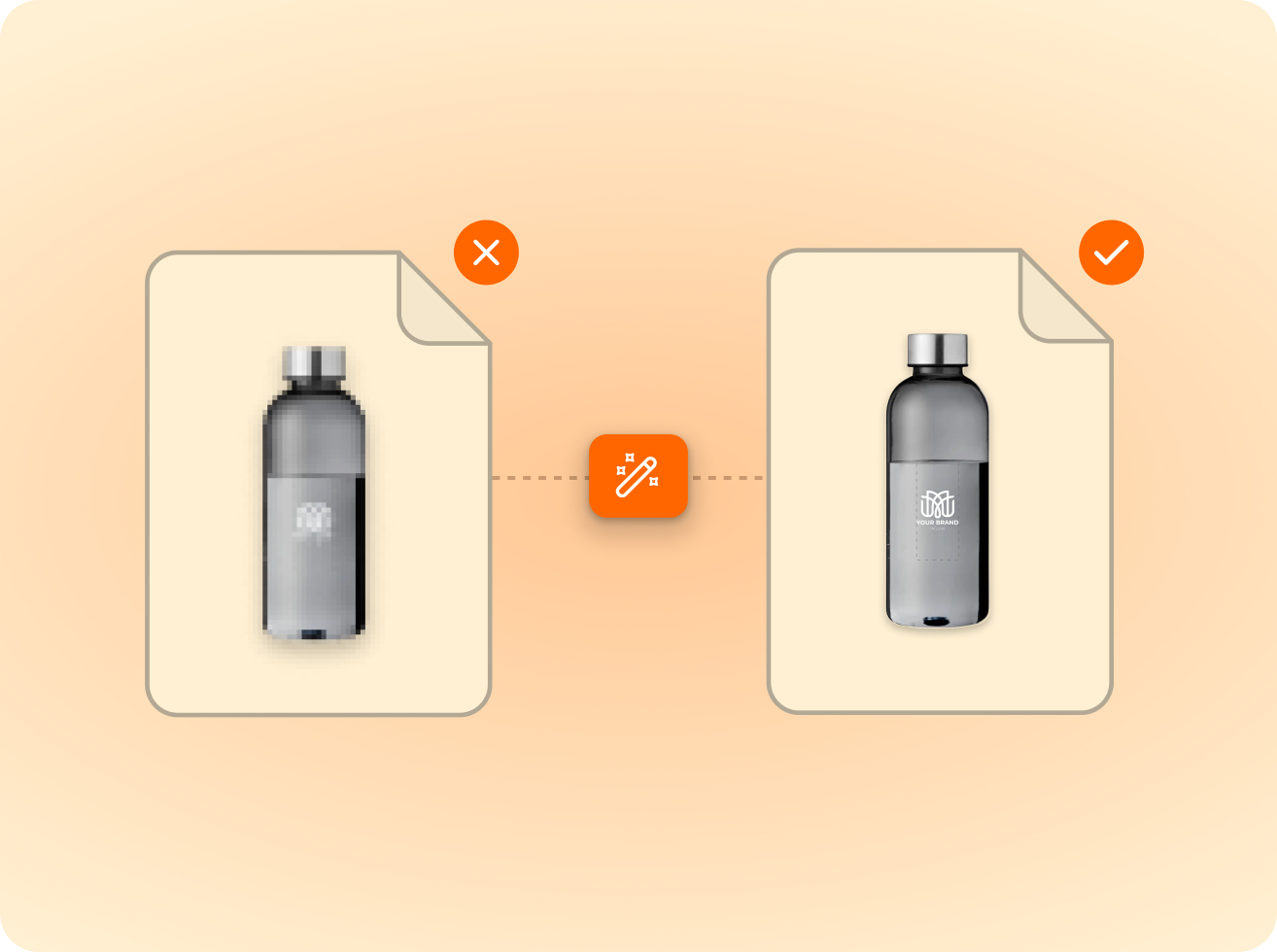
of the logos customers upload are not print-ready as supplied — FastEditor corrects them automatically before they reach production.
Measured across 13,773 uploads, November 2025 to May 2026
Bleed, safe area, resolution at the finished size and colour space, all measured against the product's real print specification rather than a generic threshold.
The file is flagged and the customer is notified before the order proceeds, so a low-resolution job does not reach the press.
Yes. Uploads are converted to the colour space the press requires for the product, so the file matches production rather than a screen preview.
PDF, AI, EPS and SVG for vector artwork, and PNG, JPG and TIFF for raster. Files are checked against the product specification on upload.
Yes. Once the artwork passes the checks and the customer approves, FastEditor generates a press-ready file to the printer's specification.
Same pipeline, different print area.







.png)