The moment artwork lands on a product, FastEditor produces an accurate proof carrying your brand. Customers approve it online, your team downloads the proof and the production file together, and the sign-off is stored against the order.
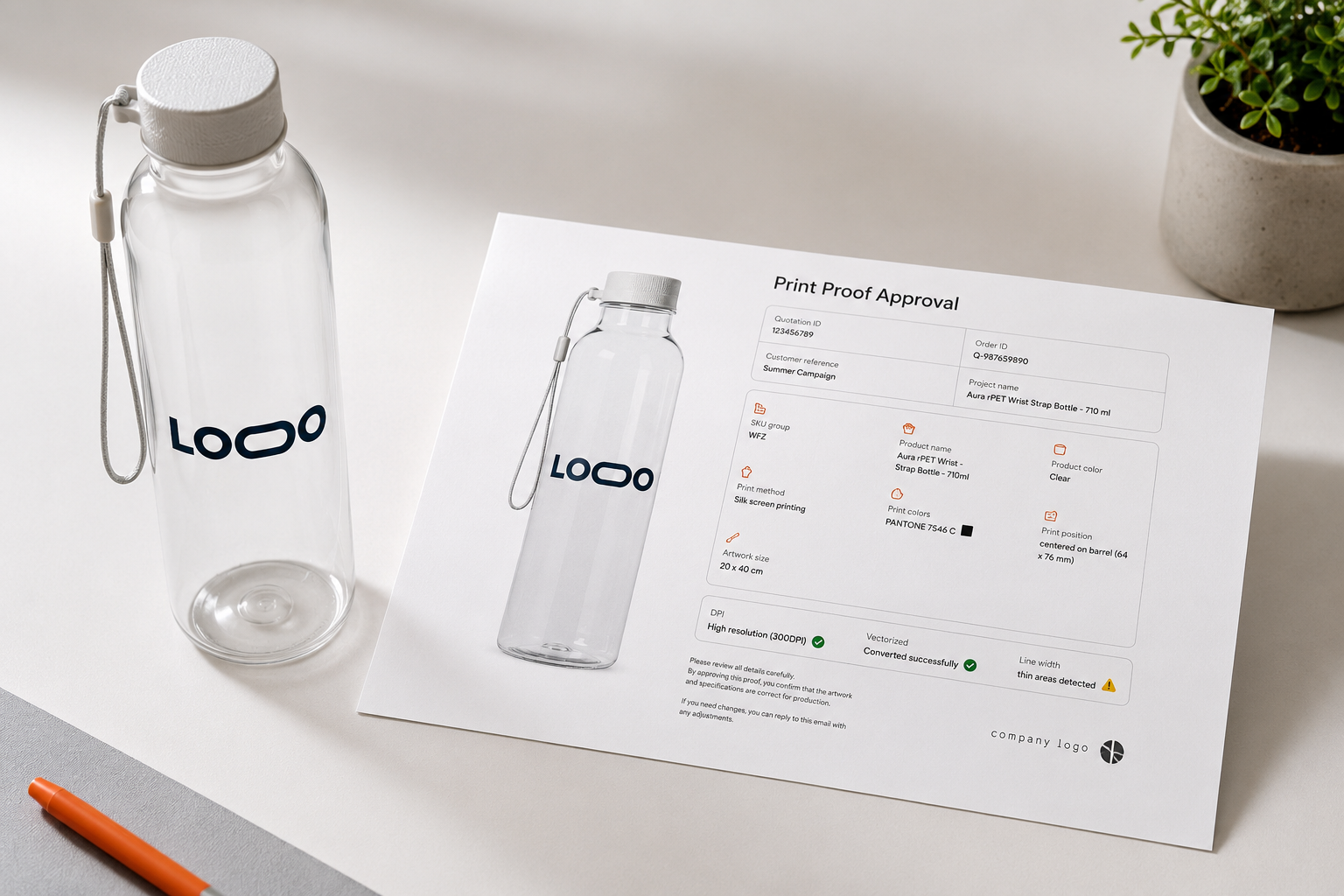
The industry has approved artwork by email attachment for decades. It is slow, it is manual, and when a complaint arrives nobody can prove what the customer actually signed off on.
Every proof is assembled by hand, exported, renamed, and attached to an email before anyone can look at it.
Three rounds of “can you move the logo up a bit” on an order whose margin never covered one round.
When the delivered product is disputed, the approval is buried in someone's inbox, or was never written down.
Whether the order starts in your webshop or with an account manager, the proof looks the same and carries the same data.
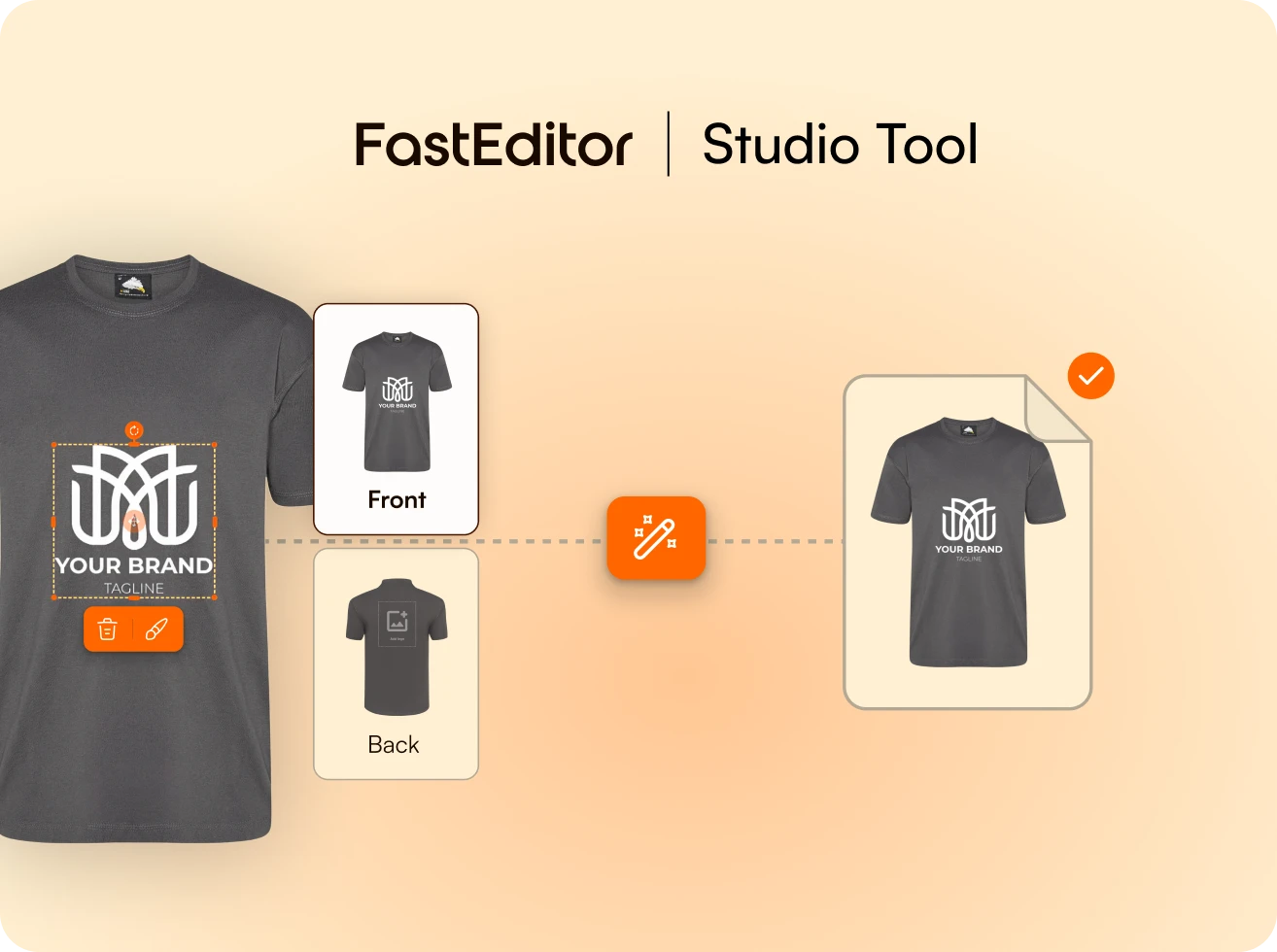
Place artwork, pick the product, download both files in under 20 seconds, branded and ready to send.
Explore Studio Tool →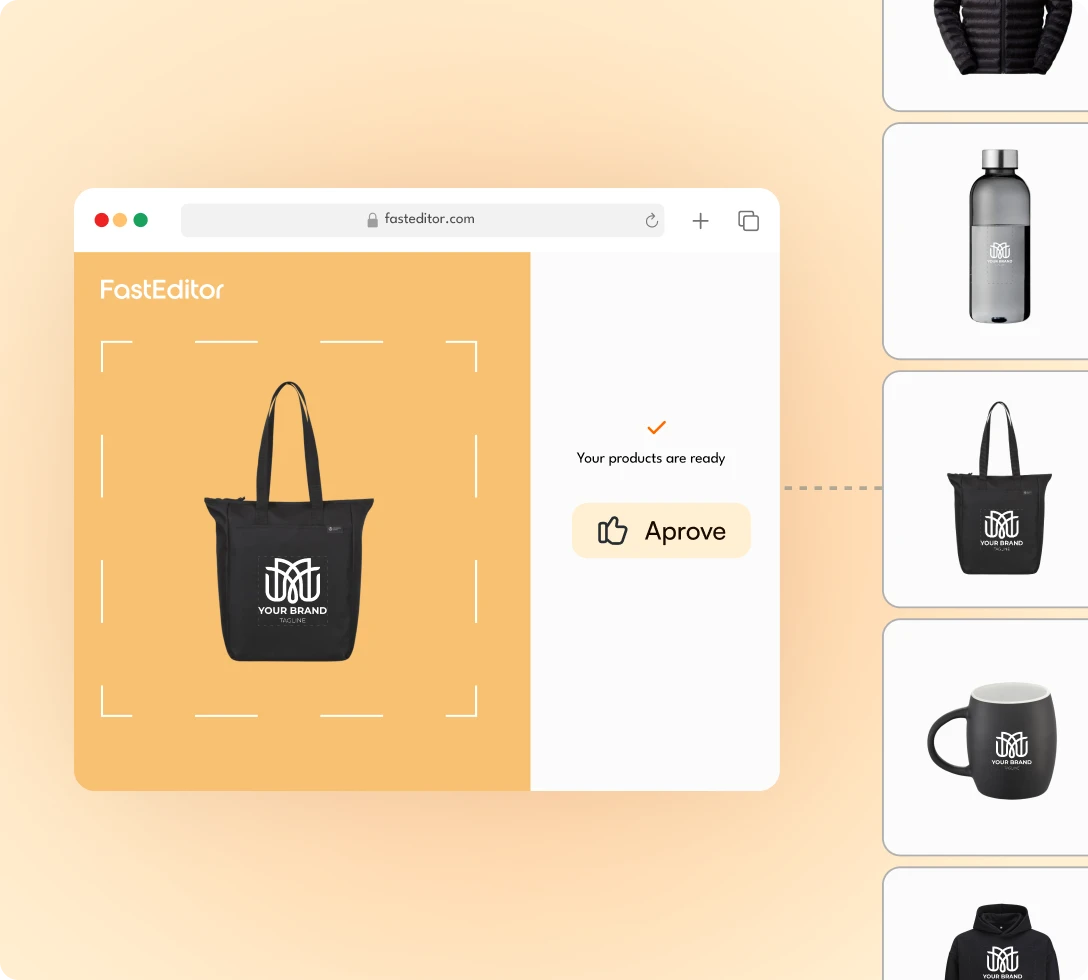
The proof is generated live as the customer personalizes, with your logo, colors and terms on every screen.
See the customer flow →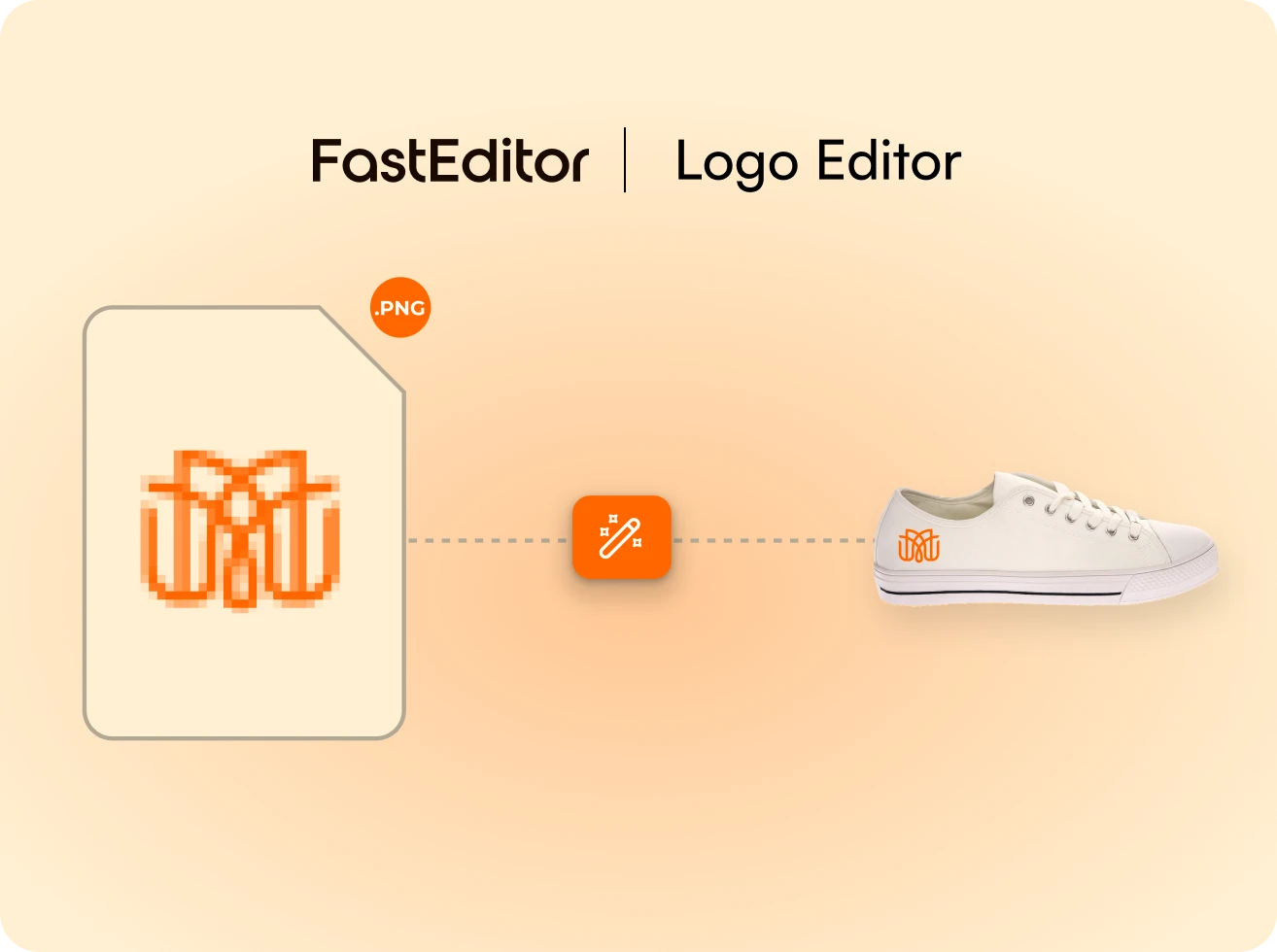
Timestamped, stored against the order, and bundled with the production file when it moves to manufacturing.
Explore Logo Editor →A branded proof, generated and approved online in about 20 seconds, bundled with the file the press runs.
A branded, method-accurate proof is created automatically.
The customer approves online, in one place.
The approved proof is bundled with the production-ready file.
What changes when the proof is a by-product of the order instead of a task.
No manual assembly in Illustrator or Photoshop for any order, at any quantity.
Customers see a real proof of their own order before they pay, not after.
An account manager sends a branded proof in the time it takes to write the email.
Approvals are timestamped, stored, and attached to the file that went to print.
Templated per workspace, so output is identical regardless of who generated it.
AllGifts scaled to 5x more product variants without adding a single proofing step, the proof is generated by the order, not by a person.

Still unsure whether it fits your catalog? We will walk it through on your own products.
Ask us anythingUnder 20 seconds in the Studio Tool. In the customer-facing Logo Editor it is created live while the customer personalizes. Both routes produce the same branded output.
Online, inside the editor. The approval is timestamped, stored against the order, and bundled with the production file when the order moves to manufacturing.
Yes. Proofs are templated per workspace. Your logo, brand colors, contact details, terms and custom content blocks appear automatically.
Yes. It is generated from the same data as the production file: exact placement, dimensions, technique and colors.
Approvals are logged with a timestamp and customer identifier and stored alongside the order. Customers use them to settle disputes about what was approved.
Yes. From the Studio Tool an account manager can share a branded proof for review and convert it to a production order once approved. PDF by default; PNG and JPG can be enabled.
Personalized demo within 24 hours. We run it on your own products and print methods, 15 minutes.
Book a demo