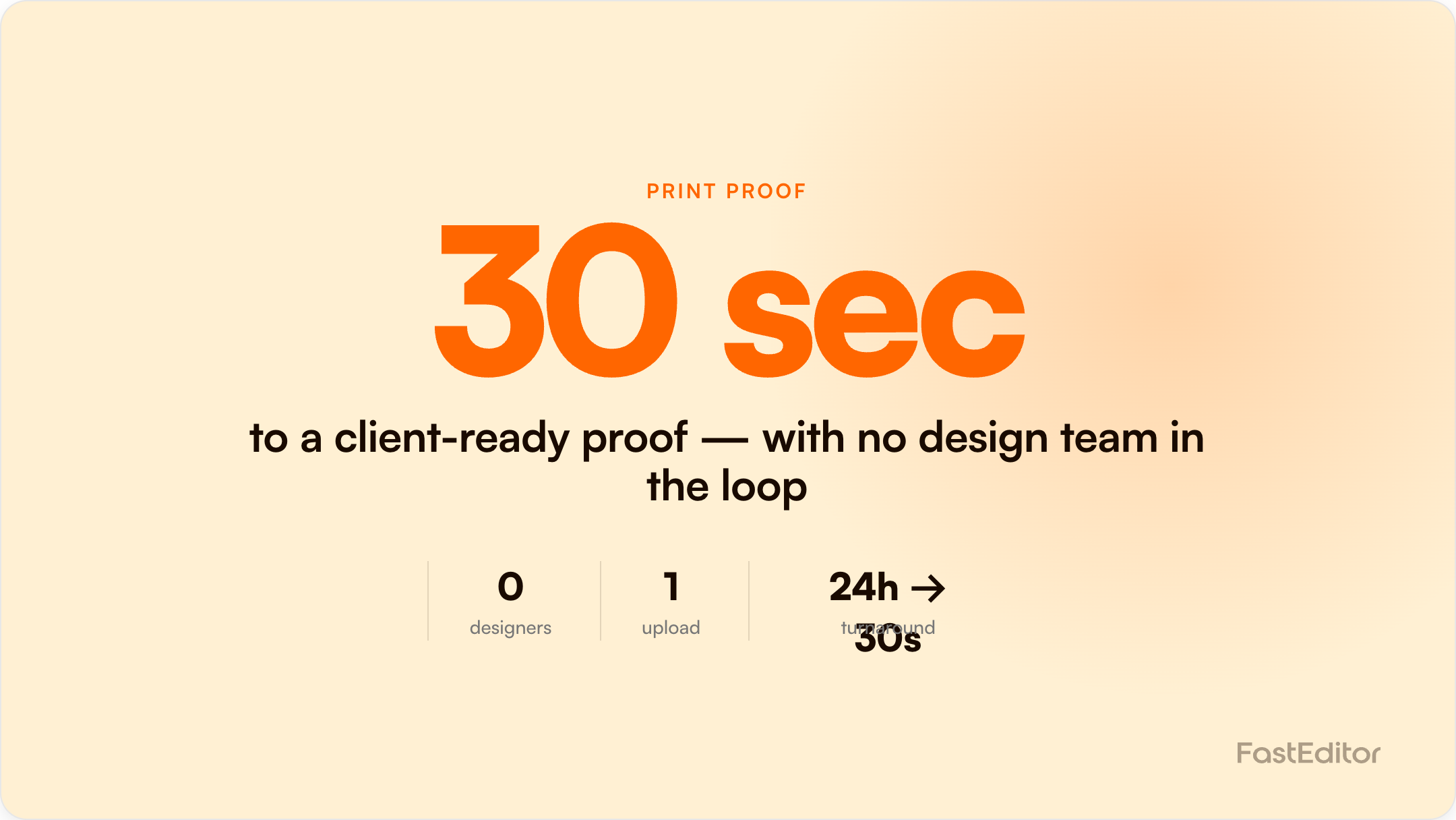
A traditional print proof takes one to two days and four to six touchpoints. In the Studio Tool, any sales rep uploads a logo, picks one of 563,981 product configurations, lets auto-placement position it, and generates a branded, production-spec proof PDF in about 20 to 30 seconds, ready for approval in the meeting.
FastEditor platform data: across 13,773 logo uploads analysed, the median time from upload to a production-ready file is 53 seconds, and a branded print proof generates in about 20 seconds. See the Artwork Automation Benchmark 2026.
Your sales rep is meeting a client at 2pm. The client wants to see their logo on a mug, a tote bag, and a polo. If your team needs 24 hours to turn that around, you have probably already lost the sale to whoever showed something first. Here is the step-by-step alternative: a production-spec proof, built live, in about 30 seconds.
The traditional flow runs: email the supplier or studio, wait one to two days, receive a rough mockup, amend, re-send. The average proof takes four to six touchpoints, and every cycle is paid for whether or not the quote converts. Meanwhile, buyer expectations have moved. McKinsey's B2B research found that omnichannel success rests on a digital sales hat trick of speed, transparency, and expertise, with speed defined as giving customers instant access to information. Its B2B Pulse research shows buyers now move fluidly across ten or more channels and expect e-commerce-grade responsiveness from every supplier. A proof that arrives tomorrow is answering a question the buyer asked yesterday, often of three competitors at once. Helloprint saw this at scale: automating artwork handling cut its artwork time by 80%.
Proof turnaround: traditional versus automated
Traditional proof
24 hours
designer prep, email, revisions, approval
Automated print proof
~20 sec
branded PDF, generated on upload
Upload to production-ready file
53 sec
benchmark median
Conversion lift reported
up to 20%
when buyers approve in the meeting
FastEditor Artwork Automation Benchmark 2026 and partner-reported conversion data.
Speed only wins if the proof is production-accurate. A proof that looks nicer than the real output just schedules a complaint, which is exactly why a soft proof can disagree with the final print. Every proof should show:
No designer touches any of these steps. That is the point: proofing moves from a design task to a sales motion. Try the Studio Tool and build your first proof against a real product catalogue.
For the bigger picture, this proof step is one part of the full artwork automation flow.
| Step | Traditional process | Studio Tool |
|---|---|---|
| Logo preparation | Hours to a day with a designer | Under a minute, automatic |
| Product mockup | One to two days via supplier or studio | Seconds, auto-placement |
| Proof document | Manual assembly in design software | Branded PDF in about 20 seconds |
| Revisions | Four to six touchpoints over days | Adjusted live, typically one round |
| Approval | Email chains after the meeting | Share link, signed off in the meeting |
Because the proof is generated by the same engine that produces the final output, approval is binding in the best sense: what the client signs off is what production receives as a production-ready file. There is no second interpretation step where errors creep back in. For field sales and offline resellers, that turns the proof into the close, which is the whole case for treating the logo editor as a live sales tool: FastEditor partners see up to 20% higher conversion when buyers can see and approve the product instantly.
No. Upload a logo, choose a product, and the proof generates automatically with auto-placement, locked colours, and a branded PDF layout.
Yes. It is built on the product's real decoration areas and method rules, so the approved proof matches what production receives.
Exact decoration positions, PMS colour values per method, imprint dimensions, the decoration method, a colour and substrate disclaimer, and an approval field.
Yes. Send the share link or PDF and the client can approve on the spot, in the meeting where the buying decision is actually made.
More articles in E-commerce & Conversion.
