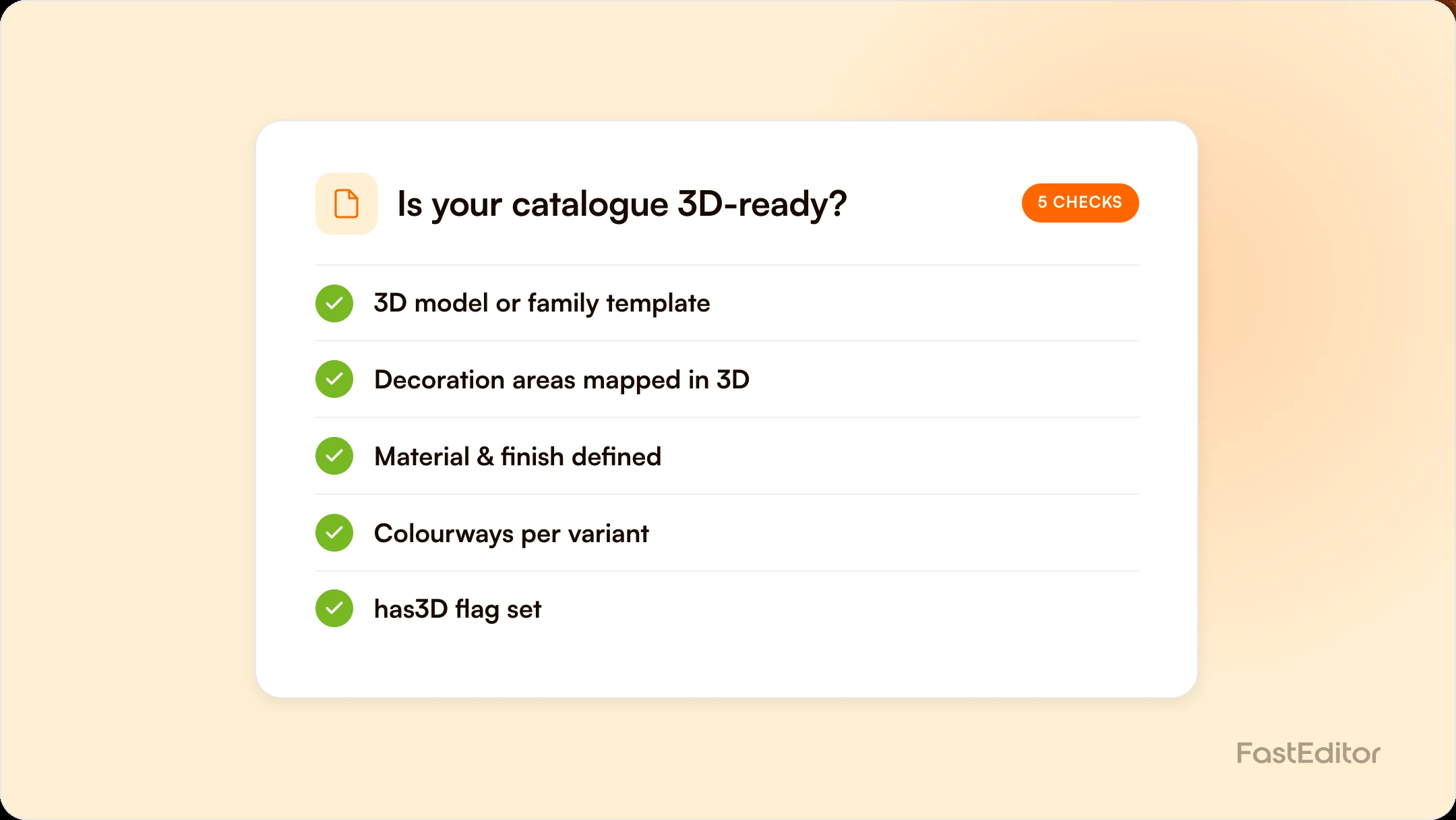
A product is 3D-ready when it has a usable 3D model or family template, correctly mapped decoration areas, and clean product data, including a simple has3D flag so your storefront shows 3D only where it works. Getting a catalogue ready is a data exercise, not a per-SKU modelling project, and the same data feeds the production file.
You have seen the demo: a customer spins a branded bottle in 3D, drops their logo on it, and checks out with confidence. Now you want that across your whole range, and the question lands on your desk. Which of our thousands of products can actually do this, and what has to be true for each one? The honest answer is that 3D preview is less about clever graphics and more about clean, structured product data. A product is 3D-ready when the data behind it says so.
On this page
This article, from the team behind FastEditor, breaks down what 3D-ready really means, the exact product data a catalogue needs to support instant 3D preview, and how suppliers can get there without modelling every SKU by hand.
Seeing a personalised product in three dimensions removes the doubt that kills online orders. The buyer sees their logo wrap around the mug, sees the scale, sees the finish, and stops worrying that the real thing will surprise them. Our own analysis of 3D visualisation for promotional products found it can lift conversion meaningfully, because it closes the confidence gap at exactly the moment a customer is deciding to buy. For suppliers, offering 3D across a catalogue also makes every reseller who plugs into that catalogue more competitive, which is the whole point of supplying good data.
Three things have to line up before a product can be shown and personalised in 3D. Miss any one and the product either cannot render or renders in a way that misleads the customer.
The product needs geometry: a 3D model of the shape, or a template it can inherit from a product family. A plain mug, a rounded bottle and a structured backpack are different shapes, but many catalogue items are variations on a small number of base forms. That is what makes catalogue-scale 3D realistic. You model families, not every individual SKU.
A 3D shape on its own is just a marketing spin. To personalise it, the model needs its decoration areas defined in three dimensions: where the print or embroidery sits, how large it can be, and how it curves around the surface. These are the same imprint areas your production team already works with, expressed so the logo wraps realistically instead of floating as a flat sticker.
Finally, the catalogue data has to describe all of this in a structured, machine-readable way, and expose a simple signal that tells any storefront whether a given product supports 3D at all. Without that, a reseller cannot know which products to offer in 3D and which to fall back to a flat preview.
Concretely, each product or variant in a 3D-ready catalogue should carry:
The flag sounds trivial, but it is what makes a large catalogue usable. When a distributor integrates thousands of SKUs, their storefront cannot guess which products have a usable 3D model. A single, reliable has3D property lets them show the 3D option only where it genuinely works and fall back gracefully everywhere else, with no broken viewers and no manual list to maintain. This is a real request we have built for, precisely because it turns 3D from a per-product special case into a catalogue-wide capability that any integrator can consume. Clean flags like this are part of the wider discipline of standardising decoration data across a supplier catalogue.
It is worth being clear about what 3D readiness buys you. A convincing 3D preview sells the order. It does not, by itself, produce the file the decorator needs. As we cover in the difference between a configurator and artwork automation, a preview is a rendering, while production needs a real production-ready file with correct dimensions, colours and vectors. The value of doing 3D properly is that the same structured data, decoration areas, sizes and colours, feeds both the preview and the production file, so the thing the customer approved is the thing that gets made.
The path is a data exercise more than a design project.
Done this way, 3D readiness becomes a byproduct of good catalogue data rather than a separate initiative, and it slots straight into the same supplier go-live process you already use to get products live across distributors. Suppliers already publishing structured catalogues through the FastEditor product hub are most of the way there.
| Field | Why it exists | Level |
|---|---|---|
| Stable product and variant IDs | Keeps model, decoration areas and colourways linked as the catalogue changes | Required |
| 3D asset or base template | Gives the product geometry; inherit at family level where possible | Required |
| Decoration areas with position and max size | Makes the logo wrap the surface instead of floating on it | Required |
| Material and finish | Matte, gloss and metal catch light differently | Recommended |
| Colourways tied to variants | Switching colour changes the model, not just a swatch | Recommended |
has3D flag | Tells any storefront which products to offer in 3D | Required |
A usable 3D model or family template, decoration areas mapped in three dimensions with correct positions and maximum sizes, material and colour data, and a has3D flag that tells storefronts the product supports 3D. Without all four, the product either cannot render or misleads the buyer.
No. Most catalogues are variations on a small number of base shapes, so you model product families once and let individual SKUs inherit the geometry and decoration areas. It is a data and templating exercise, not a per-SKU modelling job.
It is a simple true or false property on each product that tells any connected storefront whether the item can be shown in 3D. It lets integrators offer 3D only where it works and fall back to a flat preview elsewhere, without maintaining a manual list.
No. A 3D preview sells the order but is a rendering. Production still needs a real production-ready file with correct vectors, colours and dimensions. Good 3D setups share the same structured data with the production pipeline so the approved design is what gets made.
More articles in For Suppliers.
