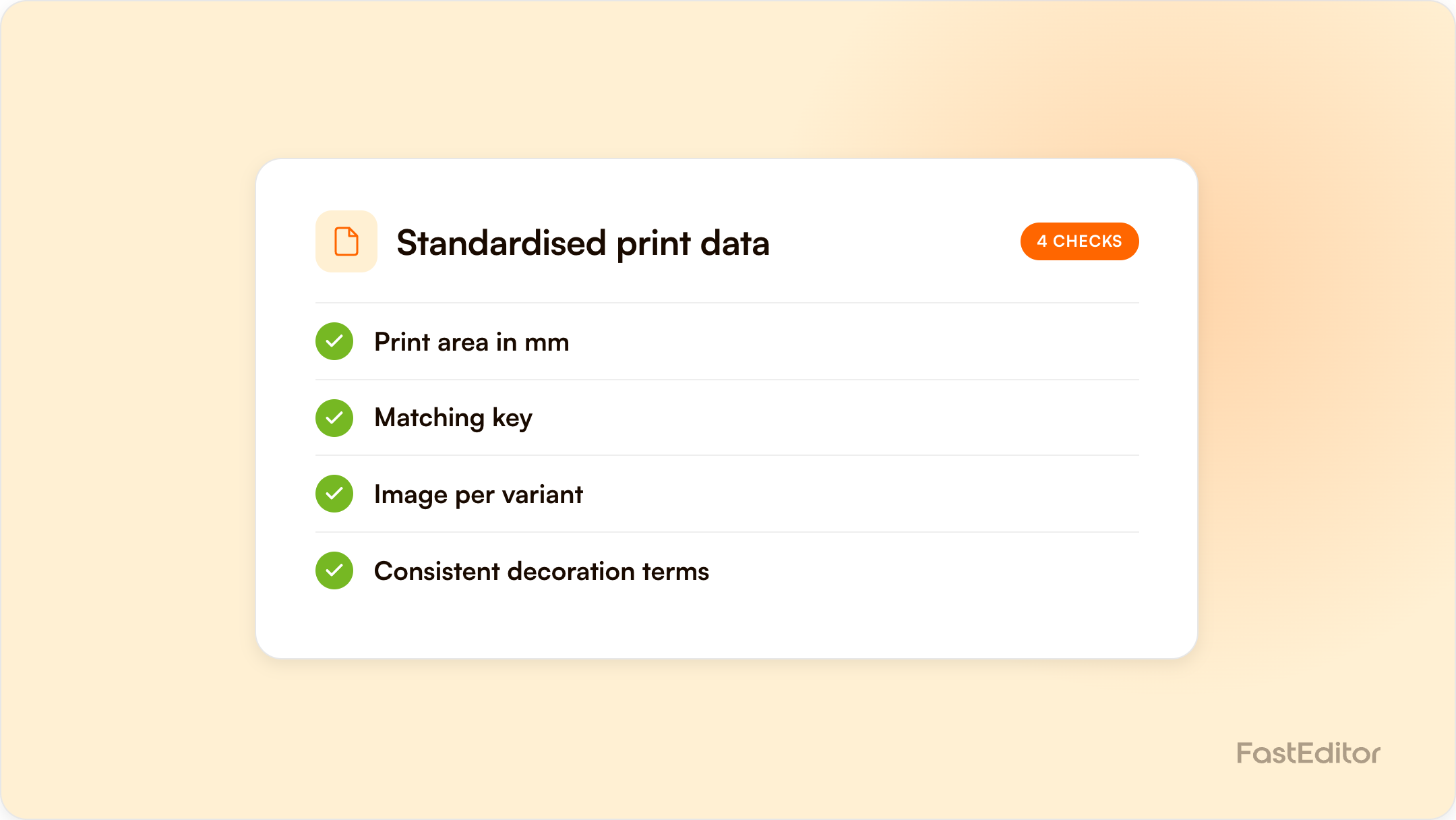
Print data, also called decoration data, defines a product's print areas, decoration methods, colour limits, and correct variant images. Without it, resellers cannot visualise, proof, or produce an item. Standardise it across your catalogue with a defined schema, a controlled vocabulary for decoration methods, fixed SKU and image mapping, and validation before publishing.
A product without print data cannot be personalised, visualised, or produced. It sits in your catalogue looking complete, and then the first order for it stalls because no system knows where the logo goes or how it will be decorated. Standardising print data is how you stop that happening across thousands of SKUs.
On this page
This guide is for suppliers and distributors who want their products to go live, visualisable, and order-ready across every reseller that lists them. It covers what print data is, the problems that show up most often, what good looks like, and how to standardise it at catalogue scale.
Product data describes what an item is. Print data, sometimes called decoration data, describes how it can be branded. For each product it answers a short list of questions:
Without these fields, a web-to-print editor has nothing to place artwork onto, and a reseller cannot show a live preview or generate a production-ready file.
Standardising print data across a catalogue
The order matters. Normalising vocabulary before you have audited what exists just moves the mess around.
Define the schema
Decide the exact fields and allowed values: print areas in millimetres, decoration methods, colour limits, variant colours and images.
Audit what you have
Find every product with missing print areas, missing methods, or mismatched images and colours. Count them before you plan.
Normalise the vocabulary
Map every decoration name in the feed to the controlled list. Silkscreen, screen print and serigraphy become one value.
Fix SKU and image mapping
Confirm every image and colour resolves to the correct variant, and that the matching key agrees with the reseller.
Validate before publish
No product goes live with empty print data. This is the gate that stops the problem returning.
Print data is the foundation the rest of the workflow stands on. When it is missing or wrong, the failures appear far from the cause:
The reseller experiences this as the product not working. The real cause is usually one or two empty fields in the source data.
1. Missing print data. The product exists but its print areas or decoration methods are blank. This is the single most common blocker to getting an item live.
2. SKU mismatch. The identifier in your feed does not match the identifier the reseller or the editor uses, so artwork and proofs attach to the wrong variant. Agreeing one matching key removes a whole class of errors.
3. Wrong colours and images. A variant labelled black that shows a blue image, or an image that does not match the SKU, breaks customer trust and produces incorrect previews. PMS colour matching only works when the underlying colour data is right.
4. Inconsistent decoration naming. One feed calls it screen print, another silkscreen, another serigraphy. Without a controlled vocabulary, automated systems cannot map methods to file rules. The decoration techniques guide covers the methods these names should map to.
Standardised print data has a consistent shape for every product:
The detail matters less than the consistency. A field that is filled the same way for every product can be automated. A field that is filled differently each time has to be fixed by hand.
If your data is aggregated through a distributor, this work is shared, and getting the matching key and the missing fields resolved together is the fastest path. The supplier artwork workflow and the guide to product catalogue software go deeper on the tooling.
Clean, standardised print data is what lets you list a product once and serve every reseller: visualisable, proofable, and order-ready across every channel that lists it. It is the least glamorous part of artwork automation and the one that decides whether the rest of it works. When the data is clean, getting your range live across the network is the next step, and for suppliers selling under a reseller's own brand, that also means knowing exactly what launching under your own brand actually requires.
| Problem | What the reseller sees | What actually fixes it |
|---|---|---|
| Missing print data | Product cannot be personalised at all | Fill print areas in millimetres and decoration methods per area |
| SKU mismatch | Artwork and proofs attach to the wrong variant | Agree one matching key with the reseller or distributor |
| Wrong colours and images | A black variant showing a blue product image | Map every image and colour value to the correct variant |
| Inconsistent decoration naming | Methods that no automated system can map | Normalise to one controlled vocabulary across the feed |
Product data describes the item, such as name, size, and price. Print data describes how it can be decorated: print areas, decoration methods, colour limits, and the correct images per variant.
The most common reason is missing print data. Without print areas and decoration methods, no system can visualise the product or generate a correct production file.
If the identifier in your feed differs from the one a reseller or editor uses, artwork, proofs, and files attach to the wrong variant. Agreeing one matching key prevents it.
Consistent fields can be automated. The work is defining a schema and a controlled vocabulary, then normalising existing data to match it.
Standardised print data is what makes a catalogue configurable across distributors. See how it is stored per supplier in the Product Hub, or review the connected supplier network.
More articles in For Suppliers.
