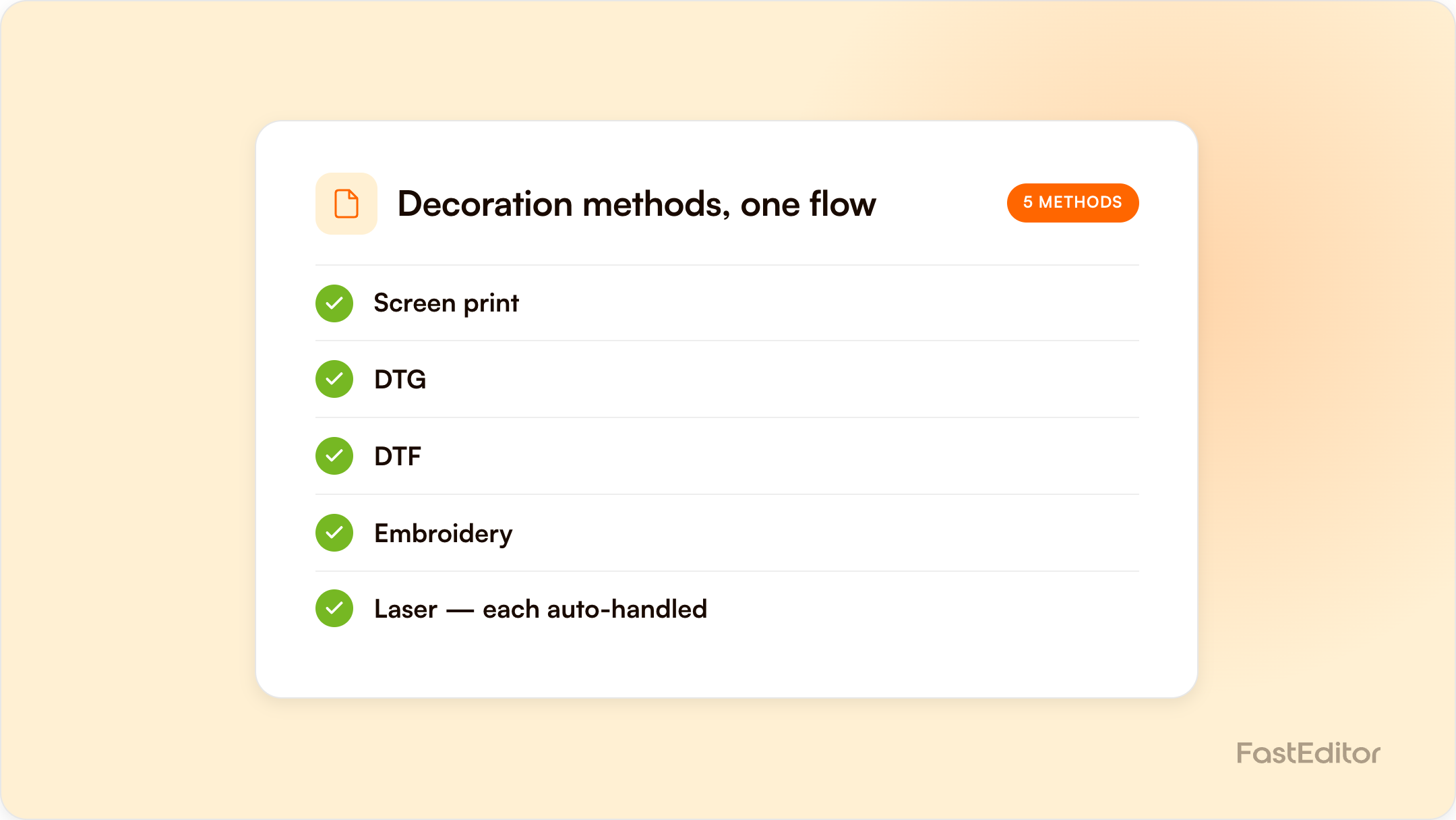
Screen print, DTG, DTF, embroidery, laser engraving, UV print, and pad print each suit different substrates, volumes, and budgets, and each demands a different file. This guide compares all seven methods on cost, colour capability, durability, and artwork requirements, and shows how automation generates the correct production file for each from a single upload.
FastEditor platform data: across 13,773 logo uploads analysed, roughly 85% needed at least one fix before production and 61% needed vectorization. Which fix applies depends on the decoration method, which is exactly what this guide covers. See the Artwork Automation Benchmark 2026.
On this page
Benchmark note: 13,773 logo uploads were analysed in total (19 November 2025 to 31 May 2026). The correction rates quoted here are measured on the stable instrumentation window of 8,664 uploads, March to May 2026. See the full methodology.
A customer wants their logo on 200 mugs, 50 polos, and 100 pens. That is one order, three products, and at least three decoration methods, each with its own file requirements, colour rules, and production constraints. Pick the wrong method and you pay in reprints; prepare the wrong file and the order stalls in back-and-forth email. Understanding decoration methods is not an aesthetic exercise, it is operational. The stakes are real, too: promotional products are kept and used, with PPAI's Product Power 2026 study finding that 65% of consumers are very likely to keep a branded product for six months or longer. A badly decorated product advertises your mistake for just as long.
Screen printing pushes ink through a fine mesh stencil onto the product, with one screen prepared per colour. Because every screen costs time and money to set up, the economics improve dramatically with volume: the five hundredth shirt costs far less to decorate than the first.
Best substrates: cotton and cotton-blend textiles, plus flat items such as tote bags and umbrellas. Typical MOQ: 25 to 50 units, driven by setup cost per colour. Durability: excellent; properly cured inks survive 50 or more wash cycles. Artwork requirements: vector files with spot-colour separations, a hard cap on the number of colours (commonly 4 to 8), no gradients without halftoning, and a minimum line thickness so fine detail does not clog the mesh. This is also the method where PMS colour matching matters most, because each spot colour is mixed as physical ink.
DTG works like an inkjet printer for clothing: the garment is pretreated, then CMYK plus white ink is jetted directly into the fabric. There are no screens and no per-colour setup, so a one-off photographic print costs roughly the same per unit as the fiftieth.
Best substrates: cotton-rich garments; polyester performs poorly. Typical MOQ: one unit. Durability: good, though usually below screen print over repeated washing. Artwork requirements: high-resolution artwork at 300 DPI, CMYK colour mode, transparent background. Low-resolution uploads are the most common failure point here, which is why fixing low-quality customer logos matters so much for DTG: in our benchmark data, 79% of uploads needed upscaling.
DTF prints the design onto a PET film, applies a powdered adhesive, and heat-presses the transfer onto the product. It has grown rapidly because it combines DTG-style full colour with far wider fabric compatibility.
Best substrates: cotton, polyester, blends, nylon, and many synthetics that DTG cannot touch. Typical MOQ: one unit. Durability: strong wash and stretch resistance, often outperforming DTG on synthetics. Artwork requirements: the same full-colour, high-resolution files as DTG, with clean edges, because the transfer is cut around the printed shape.
Embroidery reproduces the logo in stitched thread rather than ink. The artwork must first be digitized into a machine-readable stitch file, which makes this the method with the most distinctive file requirements of all.
Best substrates: polos, workwear, caps, and fleece, anywhere a premium tactile finish justifies the cost. Typical MOQ: low, but the per-unit price stays relatively flat because machine time scales with stitch count. Durability: the best of any method; thread typically outlasts the garment. Artwork requirements: a digitized stitch file, text at least 4 to 5 mm tall, a limited thread palette, and no gradients. The full detail is in our guide to embroidery digitizing and automation.
A laser burns or marks the product surface, removing material to reveal the layer beneath. There is no ink at all, which means no colour, but also nothing to fade, peel, or wash off.
Best substrates: metal drinkware, wood, glass, leather, and coated pens. Typical MOQ: one unit, which is why engraving dominates personalisation. Durability: permanent. Artwork requirements: a clean single-colour vector; line thickness is critical because strokes thinner than the beam width simply disappear.
UV printing jets ink onto the product and cures it instantly with ultraviolet light, which lets full-colour artwork bond directly to rigid objects that conventional inks would never adhere to.
Best substrates: pens, power banks, bottles, phone accessories, and other hard goods. Typical MOQ: one unit on digital flatbed machines. Durability: good for most items; heavily handled products may need a protective varnish to resist scratching. Artwork requirements: CMYK files at 300 DPI, often with a separate white underbase layer so colours stay vivid on dark or transparent surfaces.
Pad printing picks up ink from an etched plate with a soft silicone pad and stamps it onto the product. Because the pad deforms around curves, it reaches surfaces no flat process can.
Best substrates: curved and irregular small items: pens, golf balls, keyrings, USB sticks. Typical MOQ: usually 50 to 100 units, since each colour needs its own plate. Durability: moderate; heavily handled items wear over time. Artwork requirements: vector artwork with spot-colour separations, a very small print area, and strict limits on fine detail.
| Method | Cost at low volume | Cost at high volume | Colour capability | Durability | File requirement |
|---|---|---|---|---|---|
| Screen print | High (setup per colour) | Lowest per unit | Spot colours, 4 to 8 | Excellent | Vector, spot separations |
| DTG | Low | Moderate | Full colour, photographic | Good | CMYK, 300 DPI |
| DTF | Low | Moderate | Full colour | Very good | CMYK, clean cut edges |
| Embroidery | Moderate | Moderate (stitch count driven) | 12 to 15 thread colours | Outstanding | Digitized stitch file |
| Laser engraving | Low | Low | Single tone, no colour | Permanent | Single-colour vector |
| UV print | Low | Moderate | Full colour plus white | Good | CMYK plus white layer |
| Pad print | High (plate per colour) | Low per unit | Spot colours, 1 to 4 | Moderate | Vector, spot separations |
Whichever method fits the order, the channel itself performs: ASI's Global Advertising Specialties Impressions Study shows promotional products consistently rank among the most influential, enduring, and cost-effective ad mediums available. The execution risk sits almost entirely in the artwork.
This is where artwork automation earns its keep. One upload, validated against the rules of whichever method the product needs: automated vectorization for screen print, engraving, and pad print; upscaling and colour-mode conversion for DTG, DTF, and UV; stitch-file generation and thread mapping for embroidery. Colour counts are checked against method limits, and each output is a production-ready file for its specific process, generated in a median of 53 seconds across the 563,981 product configurations in the Product Hub. If you want to see method-specific validation in practice, start with automated line thickness checks: the single test that catches the most engraving and screen print failures before they reach production.
It depends on volume. Screen print and pad print are cheapest per unit at high volume once setup is amortised, while DTG, DTF, laser engraving, and UV print are cheapest for single units because they need no setup.
Each method has different colour, format, and detail constraints. A digitized stitch file for embroidery, a CMYK raster for DTG, and a single-colour vector for engraving are fundamentally different outputs.
Laser engraving is permanent because it alters the product surface itself, and embroidery typically outlasts the garment. Among ink methods, screen printing is the most durable.
Yes. Automated artwork platforms validate the upload against the rules of the chosen method and generate the correct output per product automatically.
To see how these methods apply to a specific vertical, read our workwear and PPE decoration playbook.
More articles in Artwork Automation.
