Pens are one of the most ordered promotional products, and one of the most technically demanding to decorate correctly. FastEditor automates the entire flow: logo upload, cylindrical preview, technique-specific file generation, and colour validation. All without manual artwork handling.
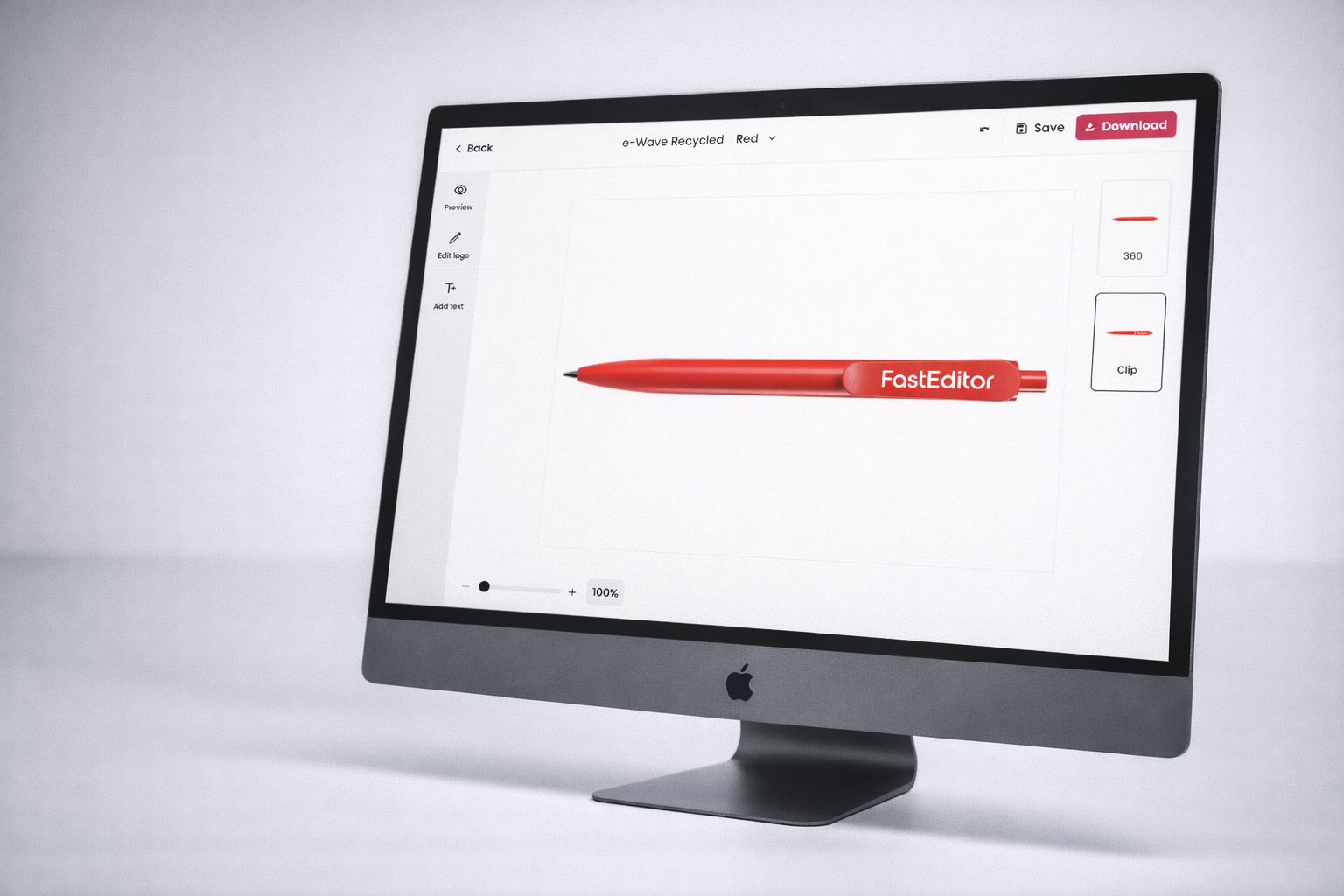
Cylindrical 3D Visualisation. Logos on pens wrap around a curved surface. FastEditor renders the uploaded logo on an accurate 3D pen model, showing the artwork on the barrel from all angles, exactly as it will appear on the finished product. Customers see what they're ordering before they approve.
All Decoration Techniques Supported. Digital printing, pad printing, screen printing, and laser engraving, all available within the same flow. FastEditor applies the correct file output for each technique automatically. No manual conversion, no separate tools per technique.
Technique-Specific File Output. Each decoration technique requires a different production file format. FastEditor generates the correct output automatically, calibrated colour files for digital printing, separated layers for pad and screen printing, and clean vectors for laser engraving. Orders go straight to production.
Pen decoration is technically demanding. Print areas are small. Colour limits vary by technique. File requirements differ between digital printing, pad printing, screen printing, and laser engraving. A logo that works for a t-shirt often doesn't work for a pen without modification.
FastEditor handles all of this automatically. The uploaded logo is vectorised, colours are checked against the technique's limitations, and the artwork is scaled and positioned within the correct print area for the specific pen model. The customer sees the result in 3D before approving, and the production file is generated to exact spec.

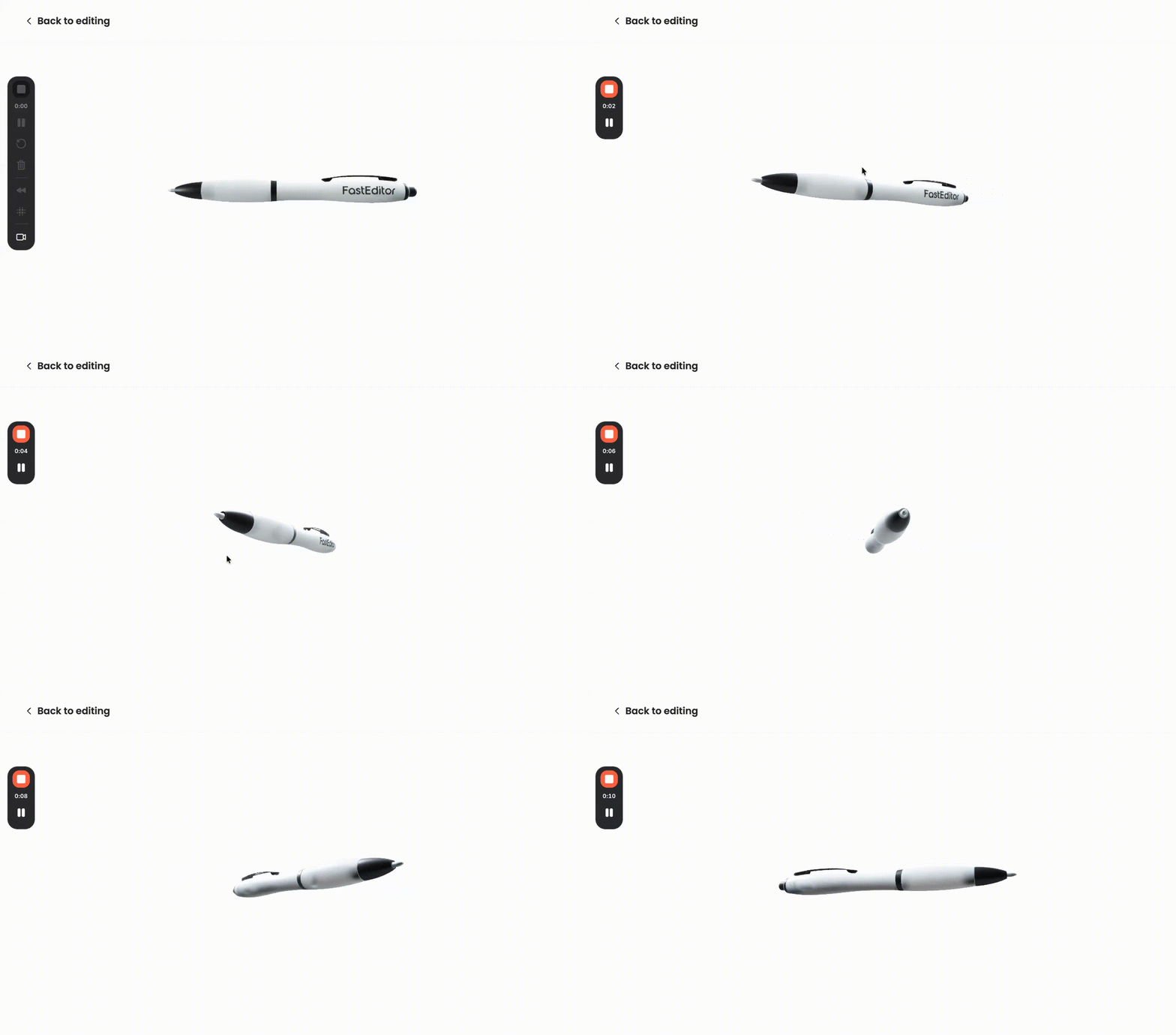
FastEditor renders the uploaded logo directly onto a 3D model of the pen, showing the artwork on the barrel in the correct position, at the correct scale, with accurate curvature applied. Customers can rotate the pen model to view the logo from front, side, and back.
For B2B buyers ordering branded pens in volume, this is the moment the sale is made. Seeing the company logo on the pen in full 3D, before a single unit is printed, eliminates doubt and reduces revision requests significantly.
Whether the order calls for digital full-colour printing, single-colour pad printing, multi-colour screen printing, or laser engraving, FastEditor handles the complete flow, from logo upload to production-ready file, without switching tools or involving the artwork department.
Each technique receives the correct file format automatically. Digital printing files are output in calibrated colour mode at the required resolution. Pad and screen printing files are separated by colour layer. Laser engraving files are output as clean vectors. The right file, every time, without manual intervention.
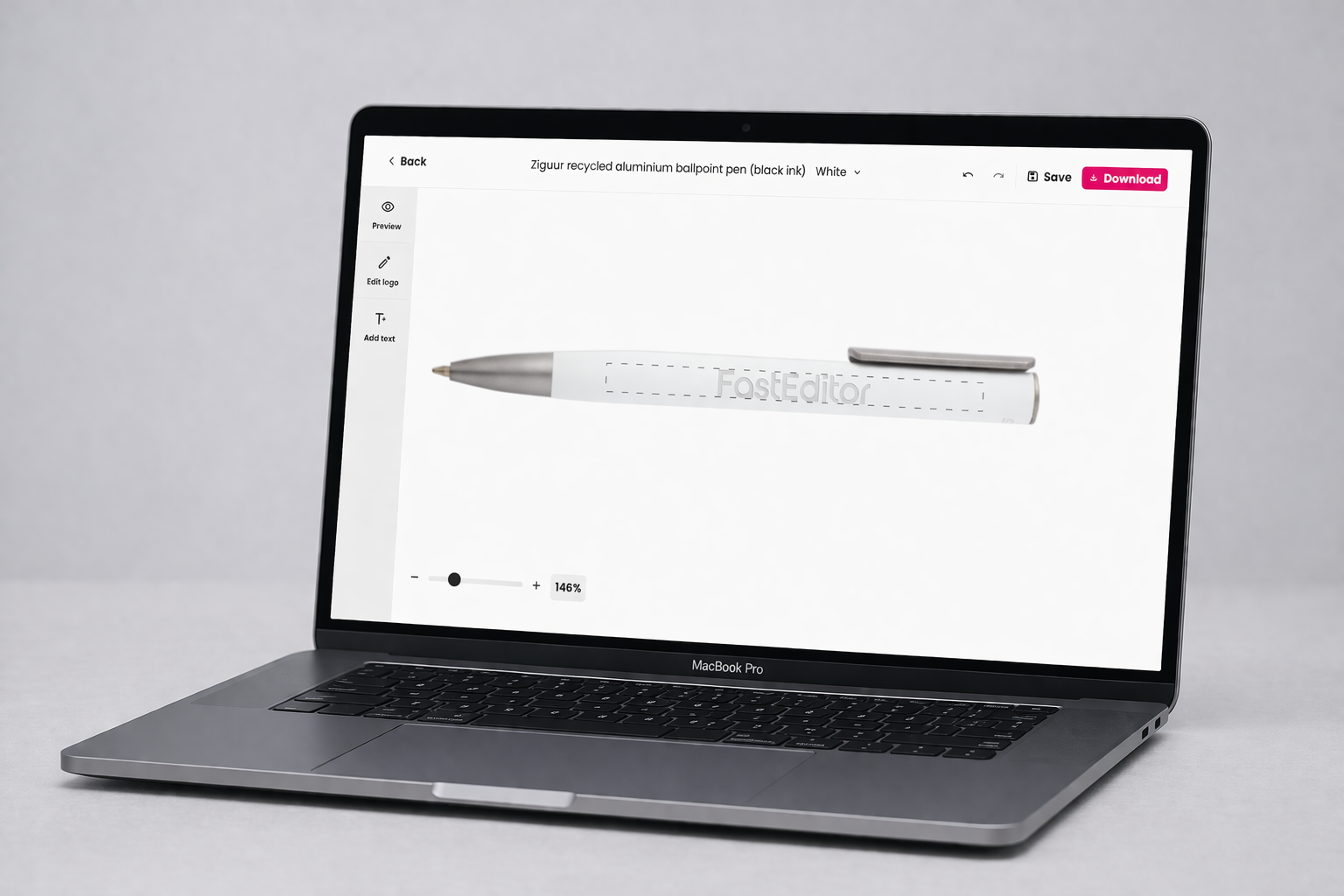

FastEditor's Product Hub includes pre-configured pen models from the leading promotional product suppliers across Europe. Print areas, technique specifications, colour constraints, and production output rules are built in for every product. No manual spec lookup. No configuration per order.
Toppoint, PF Concept, Erga Online, BIC, Solo Midocean, ClipperInterall, and many more, covering the full range from classic ballpoint pens to rollerballs, stylus pens, multi-function pens, and premium engraving models.
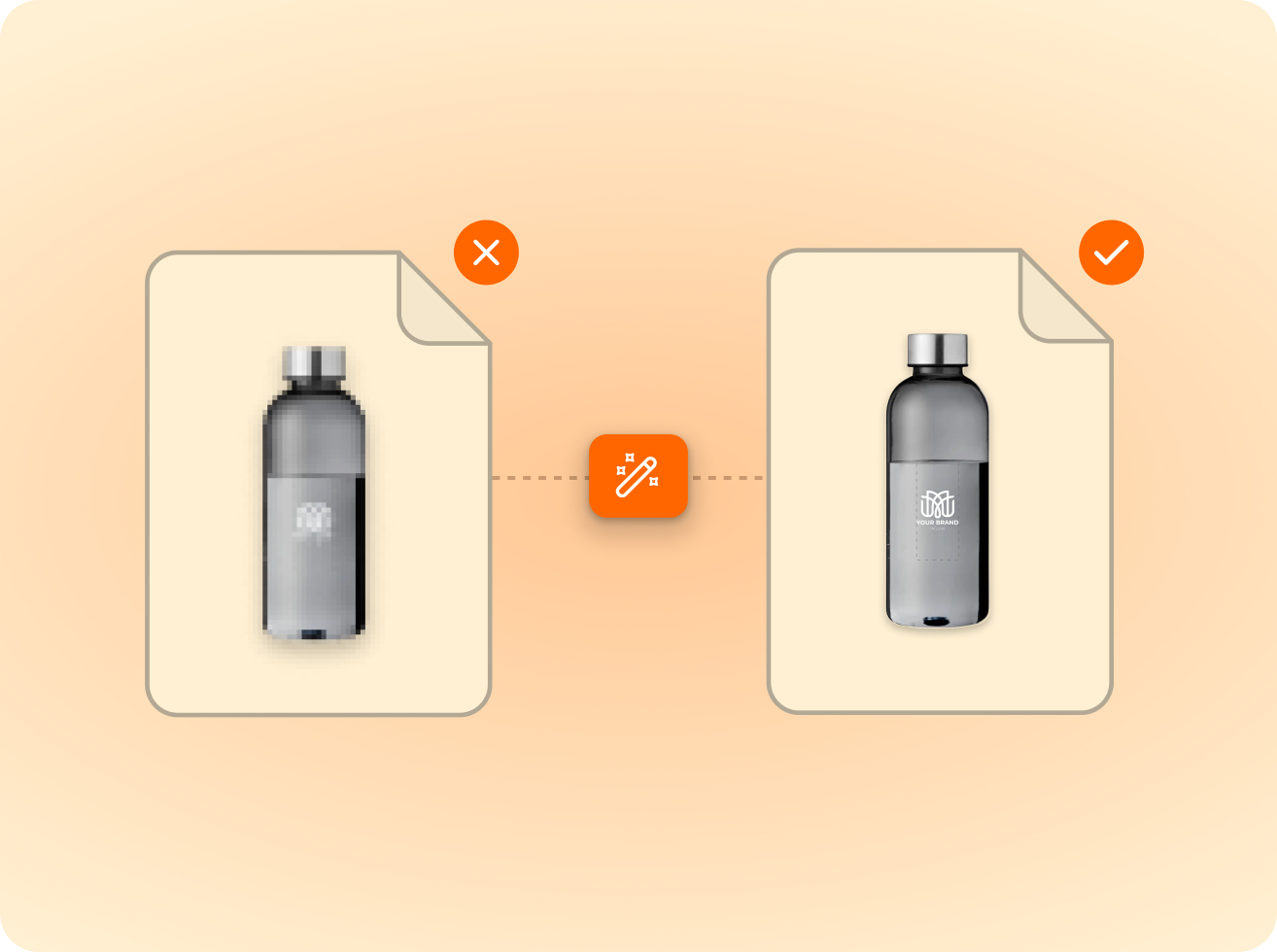
of the logos customers upload are not print-ready as supplied. FastEditor corrects them automatically before they reach production.
Measured across 13,773 uploads, November 2025 to May 2026
FastEditor supports digital printing, pad printing, screen printing, and laser engraving for pens. The correct production file format is generated automatically based on the technique configured for each pen model in the Product Hub. No manual file conversion is required.
FastEditor validates the colour count of the uploaded logo against the colour limit for the selected decoration technique. If the logo exceeds the limit, the customer is notified and guided to adjust the artwork before proceeding. Where possible, the system suggests an automatic colour reduction. This prevents incorrect orders from being placed.
Yes. FastEditor renders the pen in full 3D and allows the customer to rotate the model to view the logo from front, side, and back. The 3D preview updates in real time when the artwork is repositioned or a different pen colour is selected. What the customer approves in the 3D view is exactly what gets produced.
The production file is generated as a flat artwork file with the correct dimensions for the pen's print area, exactly as required by the print facility. The 3D curvature shown in the preview is for visualisation only. The production file itself follows the supplier's flat artwork specification for the selected decoration technique.
Yes. Each pen model is configured individually in the Product Hub with its own print areas, technique settings, and colour constraints. The flow works for any pen type where a product configuration exists, ballpoint, rollerball, stylus, multi-function pens, and more.
Under 20 seconds. Logo upload, vectorisation, colour validation, and production file generation all run automatically in sequence. No manual steps between customer approval and production-ready output.
Under 20 seconds. Logo upload, vectorisation, colour validation, and production file generation all run automatically in sequence. No manual steps between customer approval and production-ready output.
Yes. When the logo passes colour validation and the customer approves the 3D proof, the production file is generated and sent directly to production. No artwork team involvement, no back-and-forth, no manual checks. FastEditor handles every step between upload and production-ready output automatically.
Same pipeline, different print area.







.png)