From chest logos to full back prints and sleeve decoration. FastEditor handles the complete workwear decoration flow across specialist workwear brands. Multi-position, multi-technique, with the Logo Editor and Studio Tool both supported. Embroidery visualisation and DST file generation are in testing with our first partners.
Specialist Brand Coverage. Blåkläder, ID Identity, Tricorp, Regatta Professional, Hydrowear, Image Workwear, New Wave Textiles, Santino, Snickers Workwear, and many more, all pre-configured in the Product Hub with exact print areas and decoration specs. Any workwear garment in the catalogue is decoration-ready from day one.
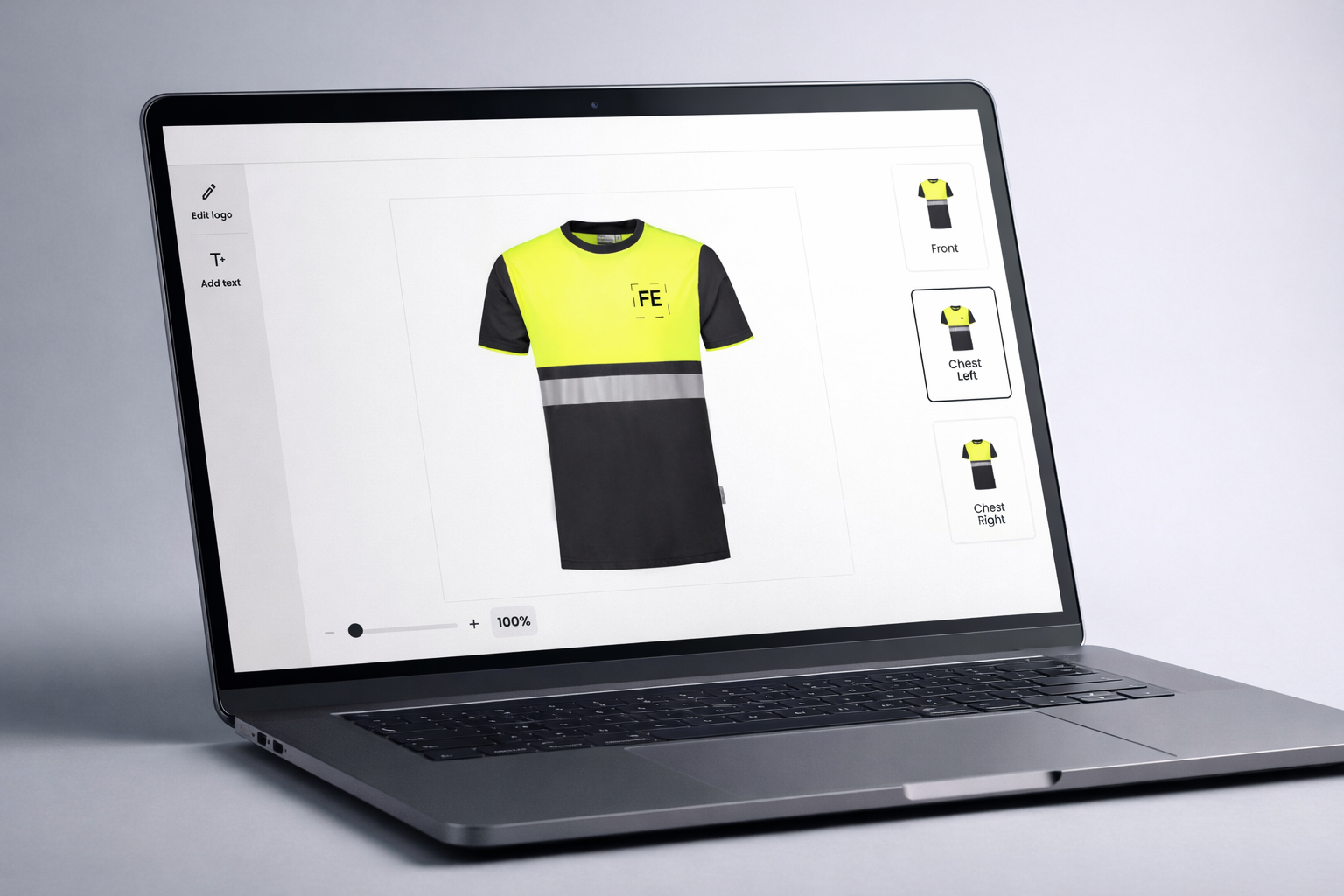
Multi-Position, Multi-Technique. Chest logo, full back print, sleeve decoration, collar label, configured in one flow for both the Logo Editor and Studio Tool. Screen printing, DTG, heat transfer and pad printing all supported. Embroidery visualisation and DST file generation are in testing with our first partners.
Logo Editor & Studio Tool. B2B buyers configure branded workwear through the Logo Editor for self-service ordering, or through the Studio Tool for sales teams generating proofs and production files in under 30 seconds. Both tools connect to the same Product Hub specs and output production-ready files automatically.
FastEditor's Product Hub covers the full professional workwear market, from high-visibility safety garments to premium corporate casualwear. Every brand below is pre-configured with print areas, decoration technique specs, and production output rules. No manual setup per order. No spec sheet lookups.
Core workwear. Blåkläder, ID Identity, Tricorp, Hydrowear, Santino, Snickers Workwear, durable professional garments built for multi-position decoration across chest, back, and sleeve areas.
Corporate & promotional workwear. Regatta Professional, Image Workwear, New Wave Textiles, versatile ranges covering polos, softshells, fleeces, and jackets, pre-configured for screen printing and DTG.


Workwear orders are rarely single-position. A jacket order might require a chest logo, a full back print, and a left sleeve decoration, each in a different technique. FastEditor handles all positions within a single flow, for both the Logo Editor and the Studio Tool.
The Logo Editor lets B2B buyers configure their own branded workwear online, uploading a logo, selecting print positions, and approving the proof without involving a sales team. The Studio Tool lets sales and account managers generate proofs and production files for any workwear product in under 30 seconds, no design software required.
Workwear decoration spans multiple techniques, screen printing for volume runs, DTG for full-colour designs, heat transfer for complex multi-colour logos, pad printing for accessories. FastEditor applies the correct production file format per technique automatically, based on the configuration in the Product Hub.
Each position in the order outputs a separate, technique-specific file. Colour separations for screen printing. High-resolution RGB for DTG. Vector files for heat transfer. The complete file set is generated without any manual DTP or artwork handling.

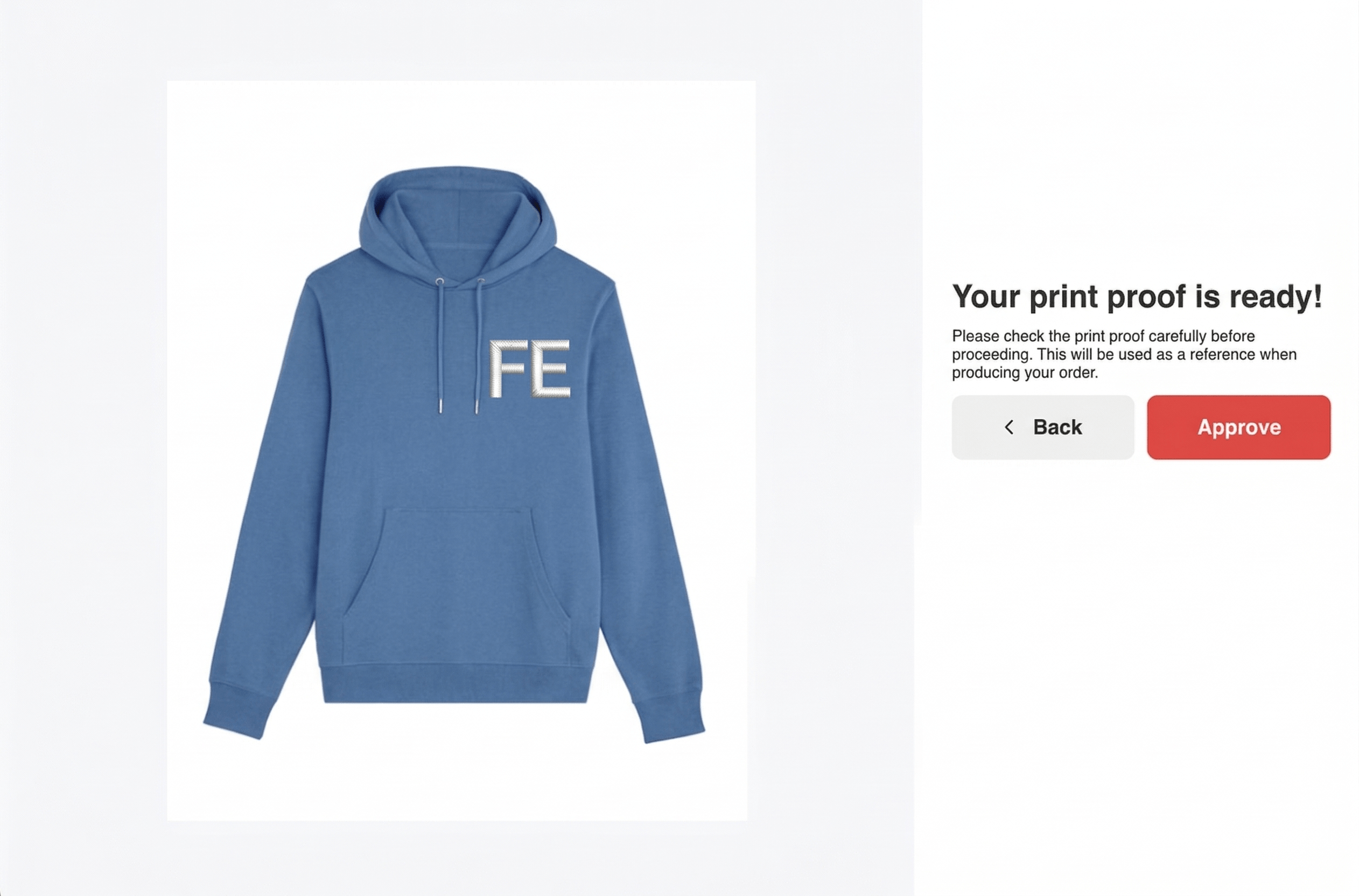
Automatic embroidery digitising, a logo upload converted to a DST stitch file with thread colours mapped and stitch density set per fabric, alongside an on-garment visualisation, is in testing with our first partners. Screen printing, DTG, DTF, heat transfer and pad printing are generally available today. See the current status on apparel decoration.
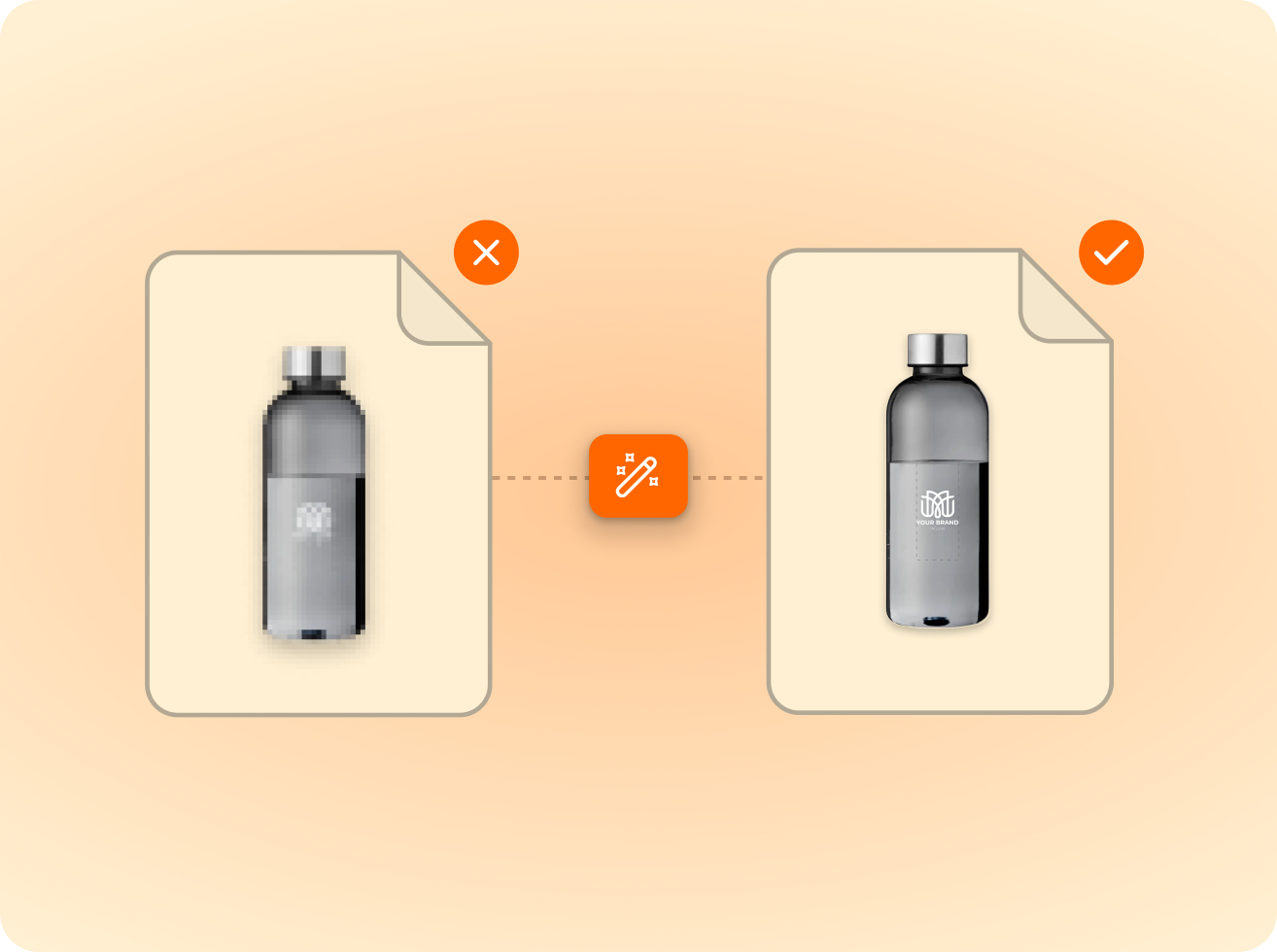
of the logos customers upload are not print-ready as supplied. FastEditor corrects them automatically before they reach production.
Measured across 13,773 uploads, November 2025 to May 2026
The Product Hub currently includes Blåkläder, ID Identity, Tricorp, Regatta Professional, Hydrowear, Image Workwear, New Wave Textiles, Santino, and Snickers Workwear, with more brands added continuously. Each brand is fully pre-configured with print area specifications and decoration technique rules. No manual setup is required for any product in the catalog.
Yes. The Logo Editor is designed for self-service B2B ordering, buyers upload their logo, configure print positions, and approve the proof independently. The Studio Tool is designed for sales teams and account managers, generating proofs and production files in under 30 seconds without design software. Both tools connect to the same Product Hub specifications and output the same production-ready files.
Yes. FastEditor processes each decoration position independently within a single order. A workwear jacket can have a screen-printed back, a heat transfer chest logo, and a pad-printed sleeve badge, each generating its own technique-specific production file automatically. The customer approves all positions in a single proof before the order is submitted.
Embroidery visualisation and automatic DST file generation are in testing with our first partners. When generally available, buyers will see a realistic embroidery preview on the garment before approving, and the DST stitch file will generate automatically from the uploaded logo, no manual digitising required. Screen printing, DTG, heat transfer and pad printing are all fully available today.
The standard FastEditor integration goes live in 3 to 4 weeks. Workwear products are configured in the Product Hub during onboarding, including print areas, technique settings, and brand-specific constraints. No custom development is required. New brands can be added to an existing integration without additional development work.
All standard formats are accepted: PNG, JPG, SVG, AI, EPS, and PDF. Files are automatically vectorised where required for screen printing and heat transfer output. No manual file preparation required from the buyer.
All standard formats are accepted: PNG, JPG, SVG, AI, EPS, and PDF. Files are automatically vectorised where required for screen printing and heat transfer output. No manual file preparation required from the buyer.
Yes. Once the proof is approved, production files are generated automatically for every decoration position and technique. No artwork team involvement, no manual checks, no reformatting. Orders go straight to production.
Same pipeline, different print area.









.png)