Book a demo
Photo Products

White Label Photo Product Software, Under Your Own Brand

Sell photo books, canvas and prints without building an editor. Customers upload their photos once and FastEditor handles the rest — automatic album layout, resolution validated per placement, print-ready output — all running on your domain, in your branding, with no third party visible to the customer.

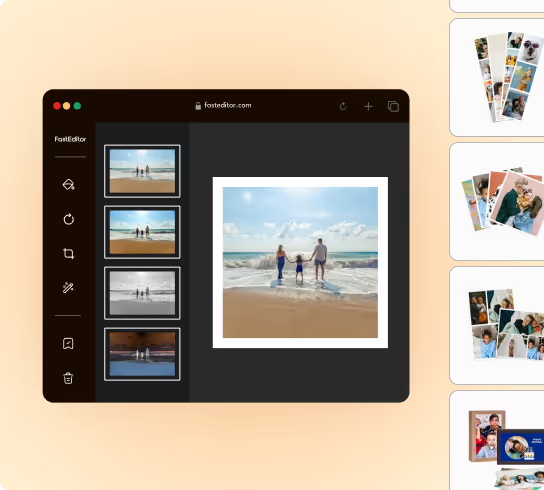
FastEditor white-label photo editor shown on a reseller's own-branded store

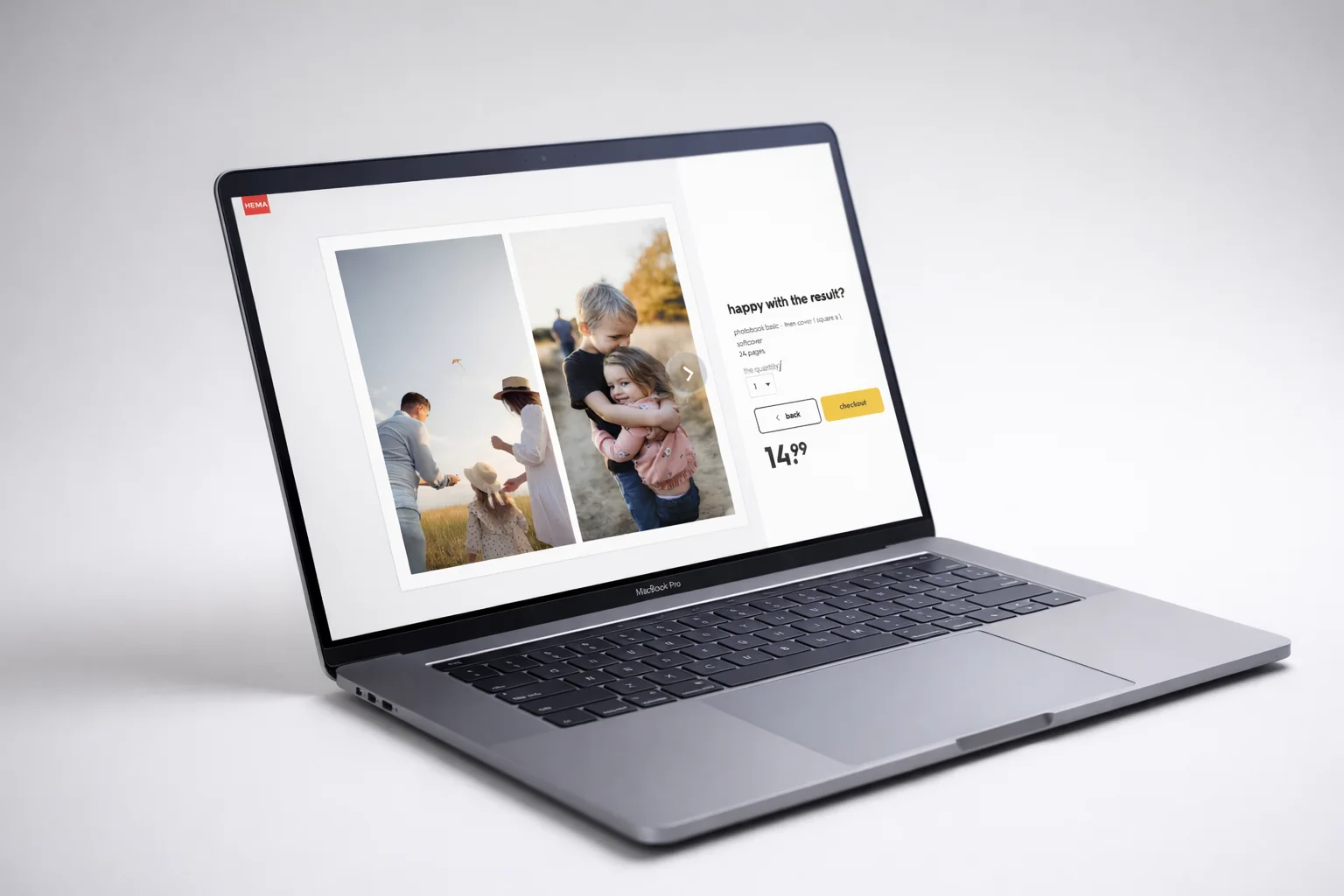
Your brand, your domain, your margin. The editor runs white label inside your own store. No FastEditor branding, no redirect, no revenue share on the product. You set formats, papers, pricing and upsells.

Upload once, sell several times. The photo a customer chooses is the hard part of every photo product sale. Once it is uploaded, the cross-sell module renders it live on canvas, prints and mugs — one image, several products, one basket.

Quality validated per placement, not per file. The same photo can be fine on a 10×15 print and unusable on a full spread. FastEditor checks resolution at the physical size it will actually print, so problems surface before checkout rather than after payment.

Three flows, one upload

All three photo flows share the same uploads and the same integration, so a customer who arrives for prints can move into a canvas or an album without re-uploading anything.

  • Photo albums and books — complete albums generated automatically from uploaded photos, fully editable, print-ready PDF per page. See the album flow.
  • Photo on canvas — photorealistic wall preview, gallery-wrap calculated automatically, contextual upsells. See the canvas flow.
  • Photo prints — automatic size selection, quality checks on every upload, cross-sell into the other two. See the prints flow.
Photo book, canvas and prints created from a single photo upload
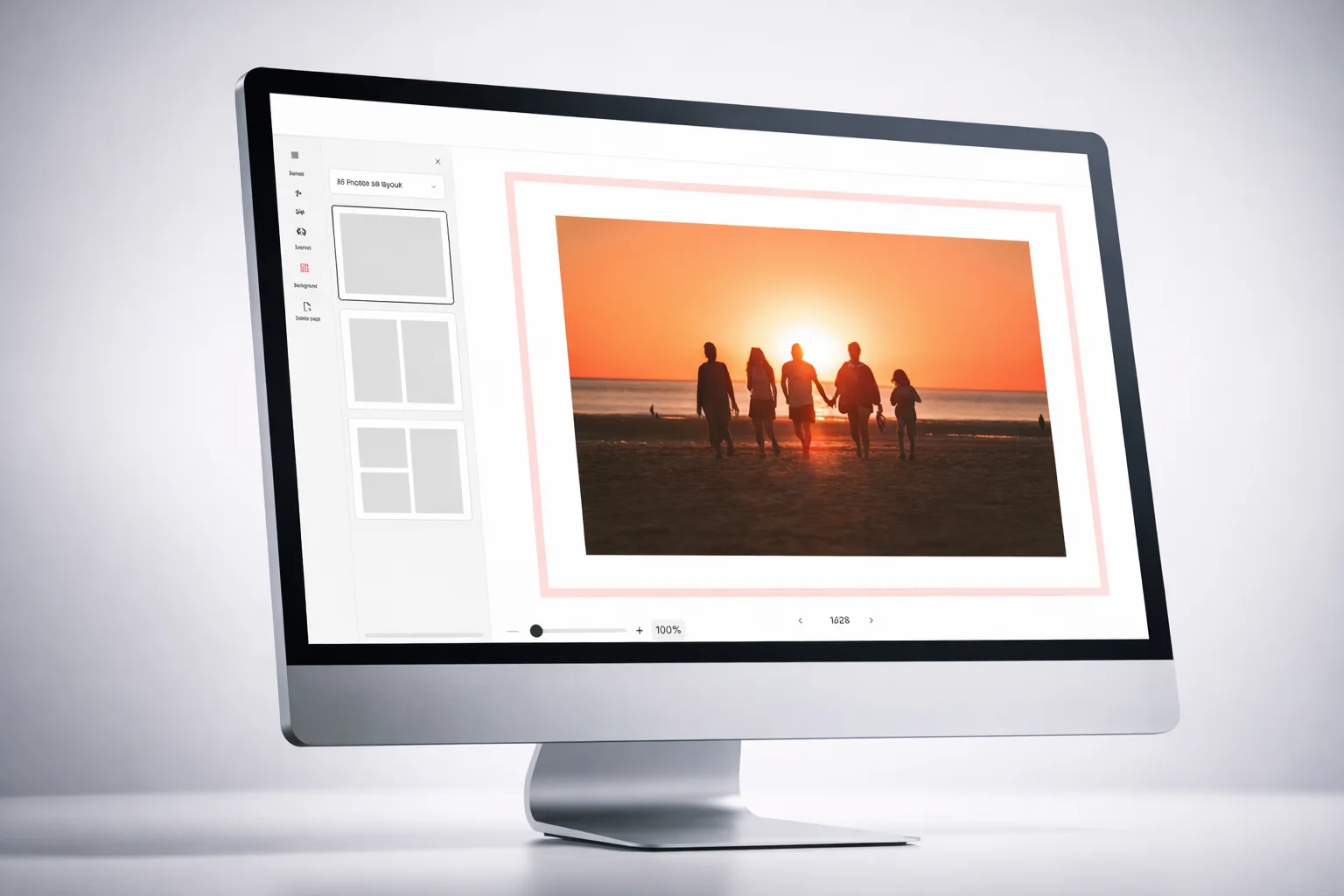
Automatic photo book layout generated from uploaded photos

The work is what kills the basket

A sixty-page photo book laid out by hand takes a customer an evening, and most of them do not finish it. That abandonment is the single biggest conversion leak in the photo category, and it is not a design problem — it is a workload problem.

FastEditor removes the workload. Photos are sequenced by date, time and location, the occasion is recognised, a colour palette is detected from the images themselves, and a complete paginated album is generated in seconds. The customer starts from a finished book and edits from there, or does not edit at all.

  • Automatic sequencing from image date, time and location metadata
  • Theme recognition — holiday, family, wedding, travel
  • Full manual override: templates, layouts, text, filters, decorative elements
  • Web-based and responsive, with a branded mobile app available

Print-ready output, no prepress

Photo products fail in production for predictable reasons — an image placed on a full-bleed spread at 900px, a canvas without wrap allowance, a colour profile left in RGB. Caught after the order, each is a reprint and a refund conversation.

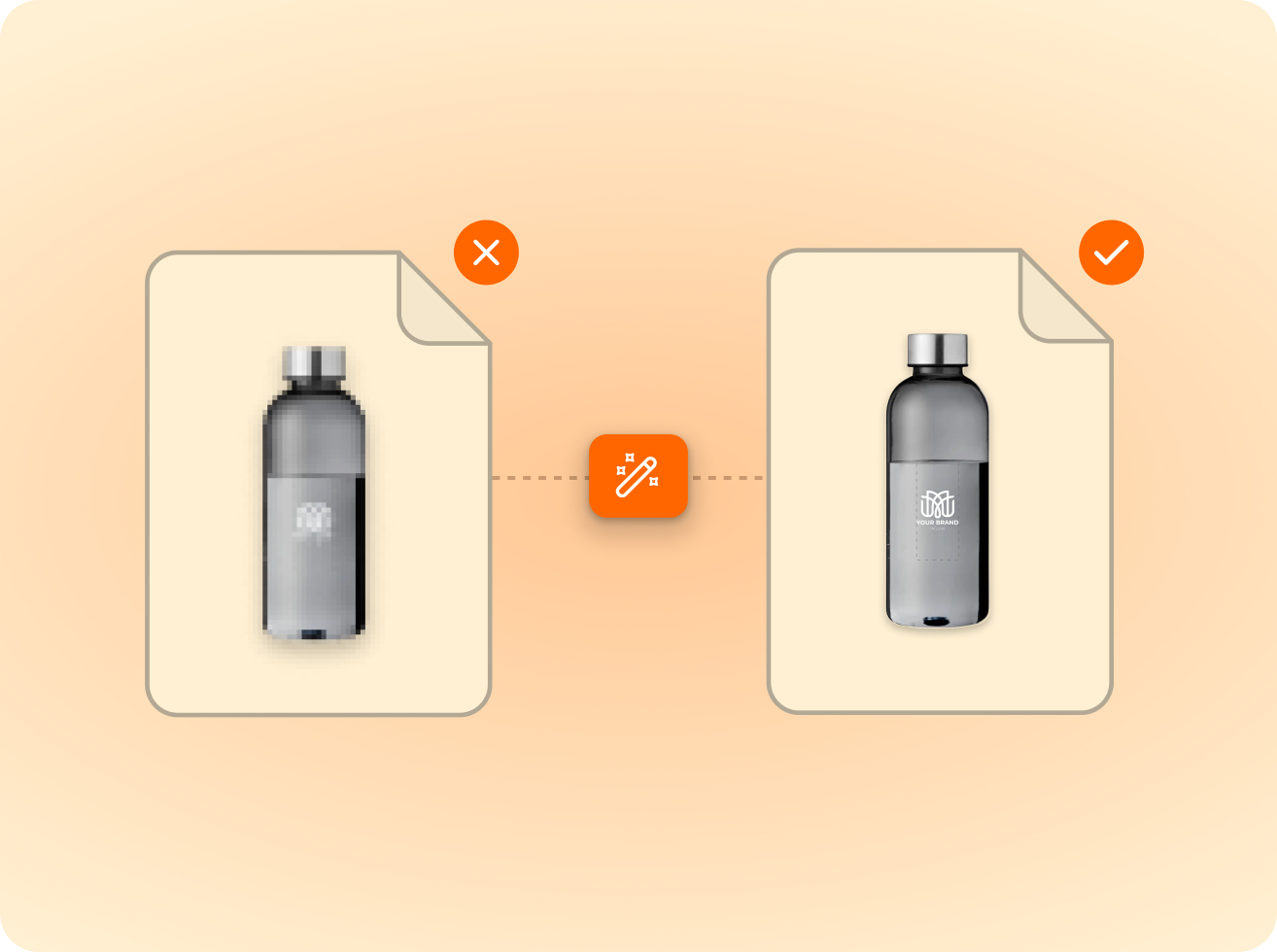
FastEditor applies bleed, gutter and safe-area allowances automatically, converts colour profiles per product, validates resolution per placement and upscales where it can. What reaches your printer is correct and complete.

  • Resolution validated per placement, at true print size
  • Bleed, gutter and gallery-wrap calculated automatically
  • Colour profile conversion per paper and product
  • Production-ready output to your printer's specification
Print-ready photo product output generated automatically
FastEditor white-label photo editor running under a reseller's own brand

Integrate once, run it as your own

FastEditor connects via API to any e-commerce platform or existing photo workflow, with native Shopify and WooCommerce integrations. Standard go-live is three to four weeks with no custom development.

  • White label — your brand, your domain, no FastEditor visible
  • API, Shopify and WooCommerce integrations
  • Photo flows run standalone or alongside promotional and apparel flows
  • Live in three to four weeks
FastEditor

Explore the FastEditor platform

85%

of the logos customers upload are not print-ready as supplied — FastEditor corrects them automatically before they reach production.

Measured across 13,773 uploads, November 2025 to May 2026

FastEditor’s  case studies

Innovative businesses in the industry are using FastEditor

Photo Products

Frequently Asked Questions

What does white label mean here?

Customers create and order photo products on your domain, in your styling, with no third-party branding anywhere in the experience. You own the customer relationship, the pricing and the margin. FastEditor supplies the editor, the validation and the print-ready output behind the scenes.

Can the editor lay out a photo book automatically?

Yes. Uploaded photos are sequenced by date, time and location, the occasion is recognised, a palette is detected and a complete paginated album is generated — usually in seconds. Customers can then change anything, or order as generated.

How does resolution checking work?

Per placement rather than per file, at the physical size the image will print. The same photo can pass on a quarter page and be flagged on a full spread. Where an image is marginal, upscaling is applied; where it cannot meet the threshold, the customer is told before checkout.

What file does the printer receive?

A print-ready file generated to your printer's specification — correct bleed and safe-area allowances, colour profile converted for the selected paper or substrate, and for albums a PDF per page. No manual prepress between order and production.

Can I sell photo products alongside promotional and apparel products?

Yes. All product flows run on the same integration, so a single FastEditor implementation can cover photo books, canvas, branded mugs and printed apparel with one set of credentials and one artwork pipeline.

Does it work on mobile?

Yes. The editor is web-based and responsive across desktop, tablet and mobile, and the automatic layout flow is designed for phones — customers upload from the camera roll and receive a finished album without laying out a page. A branded iOS and Android app is also available.

Can customers add the same photo to other products?

Yes. The editor is web-based and responsive across desktop, tablet and mobile, and the automatic layout flow is designed for phones — customers upload from the camera roll and receive a finished album without laying out a page. A branded iOS and Android app is also available.

How long does the integration take?

Three to four weeks for a standard integration, with no custom development. Product configuration — formats, papers, covers, sizes and pricing — is handled during onboarding.

Related product flows

Same pipeline, different print area.