Customers upload their photo and instantly see it on a real canvas, in 3D and 2D. Upsell options like hanging kits are built into the flow to maximise basket value, while FastEditor handles every quality check automatically.
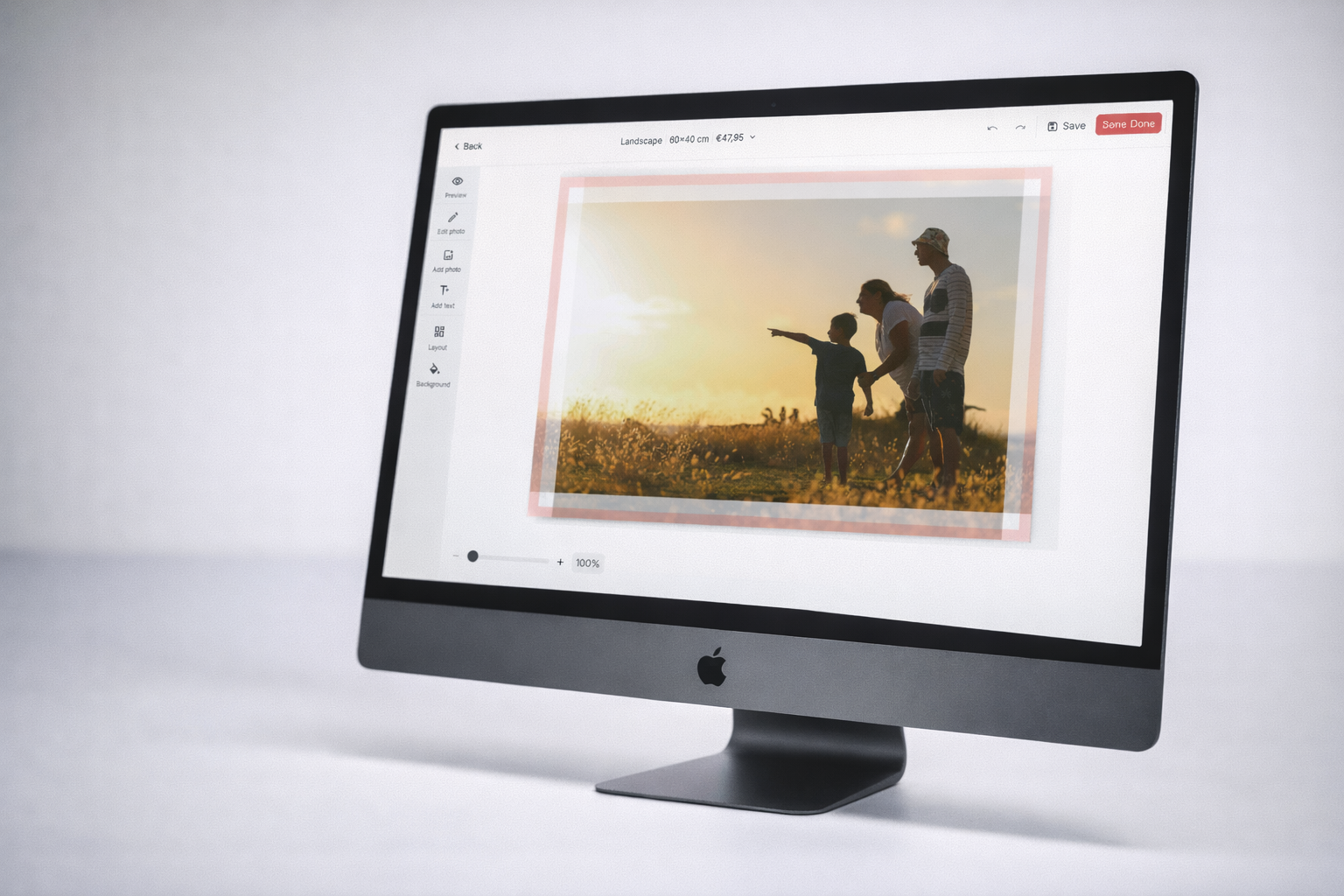
Real-Life 3D & 2D Visualisation. Customers see their photo on a photorealistic canvas model the moment they upload. Both 3D and 2D views are available, showing exactly how the canvas will look on a wall, including gallery-wrapped edges and frame depth. No imagination required.
Built-In Upsell Journey. The canvas flow includes configurable upsell options, hanging kits, protective coatings, premium frames, presented at the right moment in the customer journey. Each upsell is shown in context, making it easy for customers to add value without feeling sold to.
Automatic Quality Assurance. Every uploaded photo is checked against canvas-specific quality requirements. Resolution is verified per canvas size. Edge bleed is calculated and applied automatically. Colour profiles are converted for canvas printing. Production files are generated without any manual intervention.
The photo on canvas flow delivers the most convincing buying experience in the personalised print market. The moment a customer uploads their photo, FastEditor renders it on a realistic canvas model, complete with gallery-wrapped edges, wall shadows, and true-to-life proportions.
3D and 2D views are available simultaneously. Customers can switch between sizes and see exactly how their canvas will look in each format. The result is fewer returns, higher confidence at checkout, and a premium product experience that converts.
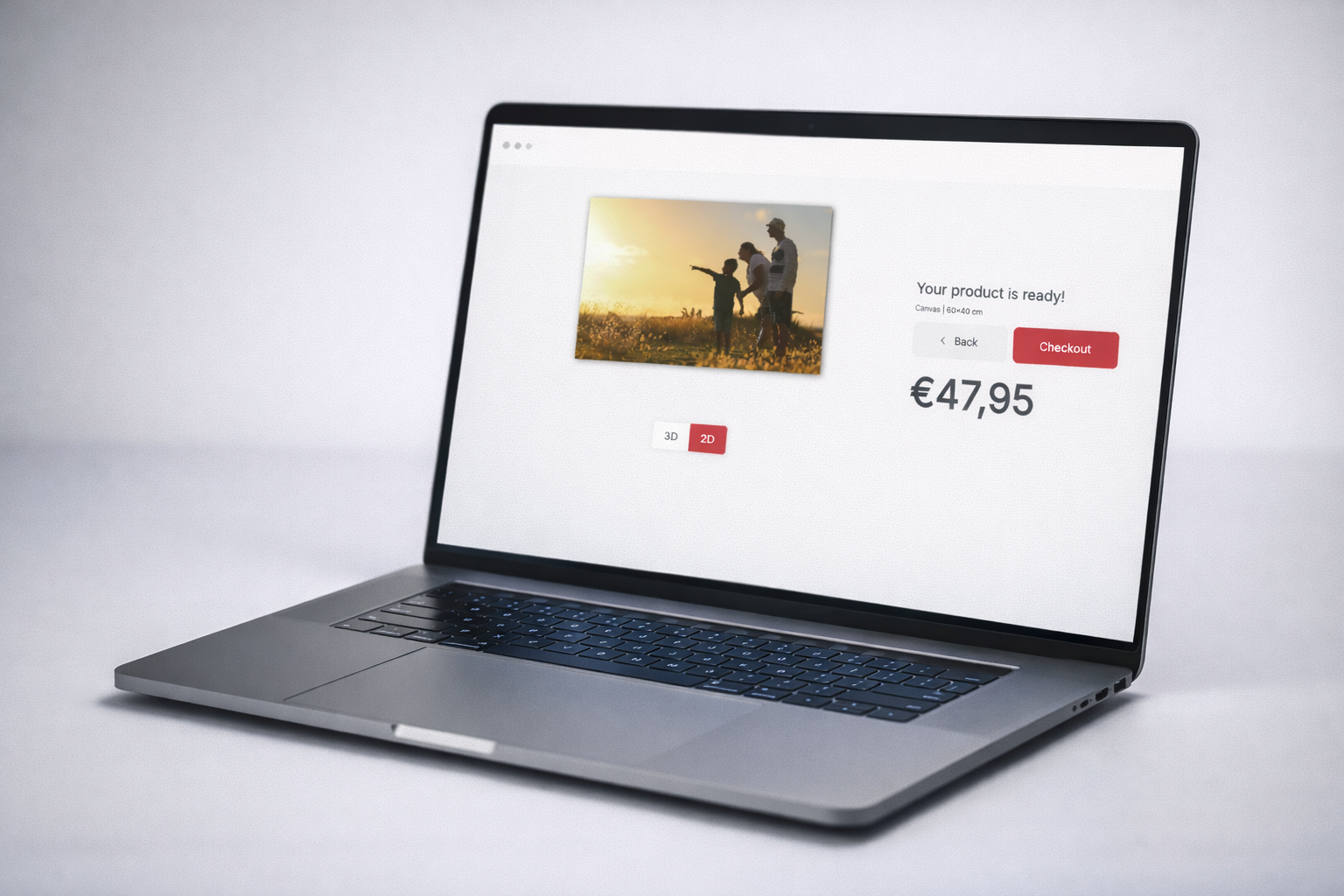

The canvas flow is built with basket value in mind. After selecting their canvas, customers are guided through a configurable upsell journey, hanging kits, protective varnish, premium wooden frames, multiple canvas sets. Each option is shown visually, in context, at the right moment.
Resellers configure which upsell products appear and in what order. FastEditor handles the rendering and the basket logic. No custom development required.
Canvas printing has specific technical requirements, bleed margins, colour profiles, resolution per size, edge wrap calculations. FastEditor applies all of these automatically for every order.
The production file that arrives at your print facility is correct, complete, and ready to print. No manual DTP. No back-and-forth. Just orders going straight to production.

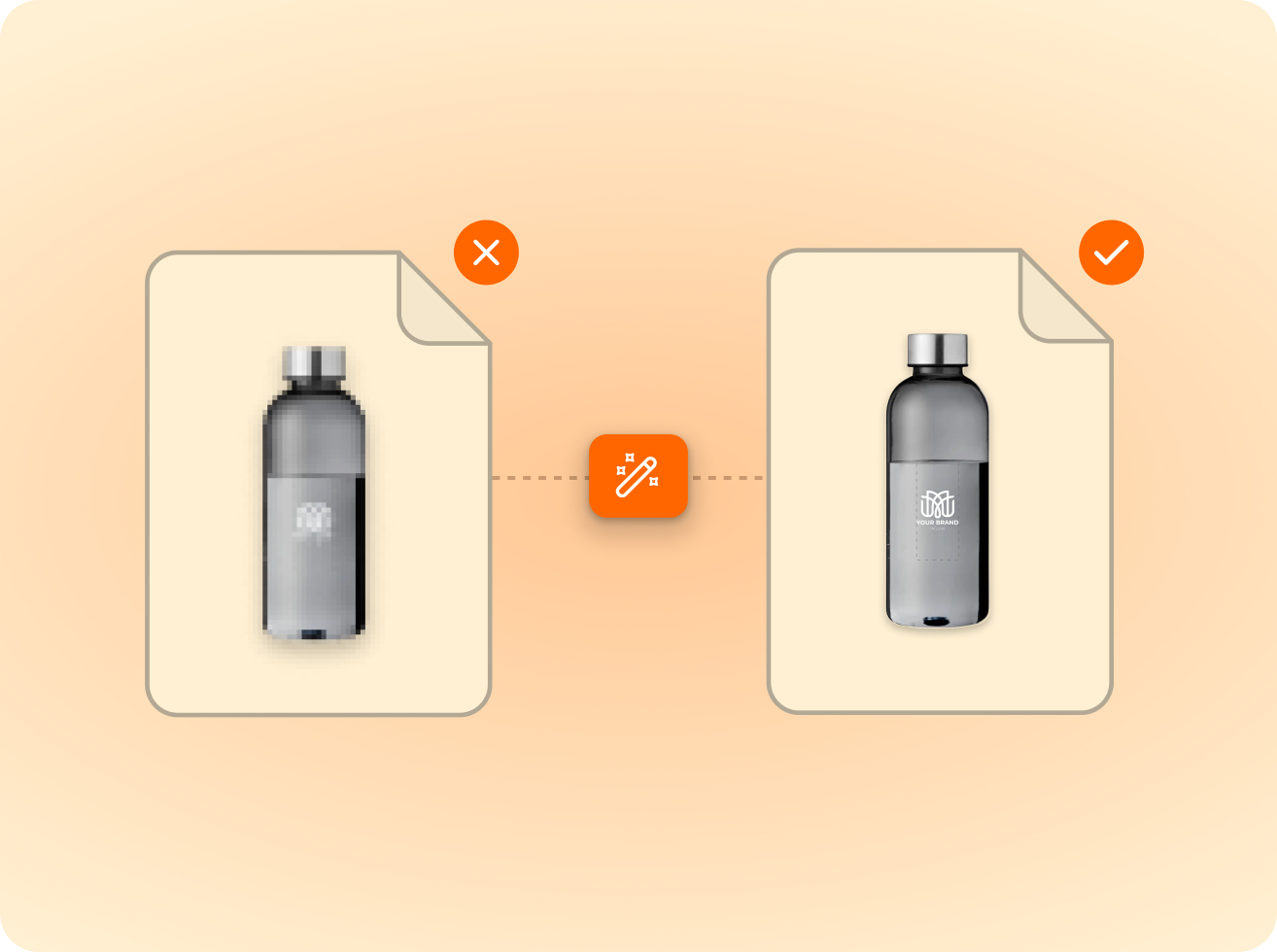
of the logos customers upload are not print-ready as supplied. FastEditor corrects them automatically before they reach production.
Measured across 13,773 uploads, November 2025 to May 2026
FastEditor supports any canvas size configured in the Product Hub. Standard sizes (20×20 cm through 100×150 cm and beyond) are pre-configured. Custom sizes can be added by the reseller. FastEditor automatically validates whether the uploaded photo meets the quality requirements for each size.
FastEditor's rendering engine applies the uploaded photo to a pre-built 3D canvas model in real time. The rendering accounts for canvas depth, gallery-wrap edge treatment, and wall environment. No additional software or plugins are required, it runs entirely within the FastEditor integration.
Yes. The upsell journey is fully configurable per reseller. You choose which products appear, in what order, and at which step in the flow. FastEditor handles the rendering and basket logic for each upsell item.
FastEditor checks image resolution against the minimum requirements for each canvas size. Sizes that cannot be produced at acceptable quality are automatically hidden from the customer's selection. Where possible, AI upscaling is applied to extend the range of viable sizes.
Yes. FastEditor calculates the gallery-wrap edge bleed automatically based on the canvas depth and the uploaded image. The edge treatment (mirror, colour fill, or extended image) can be configured per reseller. The production file includes the correct edge treatment without any manual input.
FastEditor's Product Hub includes canvas configurations from leading European print suppliers, with dimensions, canvas depth, wrap allowance, and colour profile requirements pre-configured per product. New suppliers are continuously added to the catalog.
FastEditor's Product Hub includes canvas configurations from leading European print suppliers, with dimensions, canvas depth, wrap allowance, and colour profile requirements pre-configured per product. New suppliers are continuously added to the catalog.
Yes. FastEditor integrates via API and connects to any e-commerce platform. The canvas flow is available as a standalone module or alongside other photo product flows within the same integration. Go-live takes 3 to 4 weeks.
Same pipeline, different print area.







.png)