Customers upload their photo and FastEditor automatically selects the best print sizes, runs quality checks, and opens the door to cross-sell opportunities, all without manual intervention.
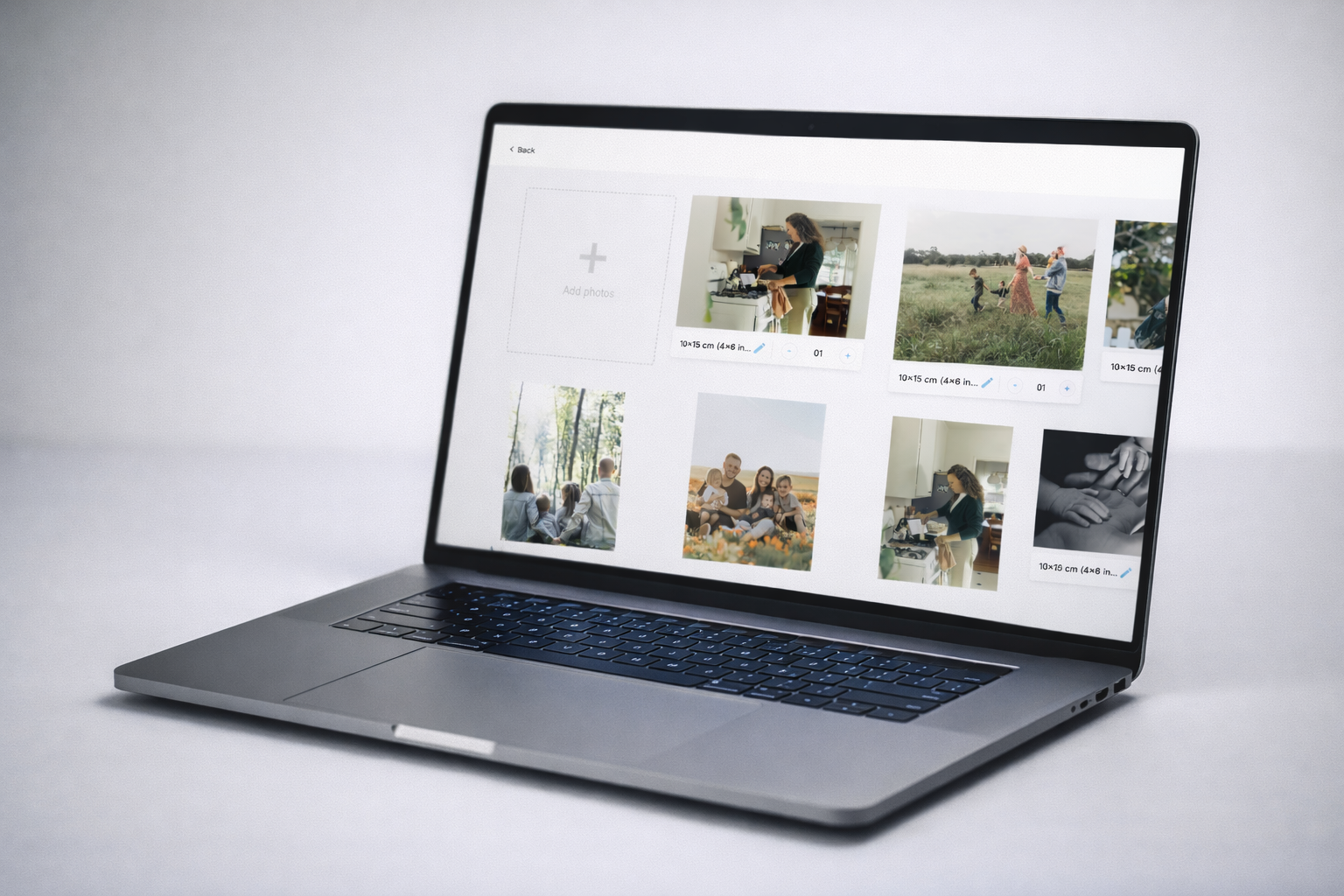
Automatic Size Selection. FastEditor analyses the uploaded photo and automatically determines the optimal print sizes based on resolution, aspect ratio, and product specs. No manual cropping. No guesswork. Customers always get the best possible output.
Cross-Sell Module. Show the uploaded photo directly on related products, mugs, cushions, phone cases, posters, in real time. Customers instantly visualise their photo on other items and add them to their basket in one click.
Automatic Quality Checks & Improvements. Every uploaded photo is automatically checked for resolution, colour profile, and print suitability. Low-resolution images are enhanced. Colour corrections are applied. The customer always gets a production-ready file, without needing to upload again.
When a customer uploads a photo, FastEditor instantly analyses the image dimensions, DPI, and aspect ratio. The system then matches the photo to the best available print sizes, eliminating the most common source of production errors and customer disappointment.
No more "image too small" messages after checkout. No more reprints. The system handles it before the order is placed.

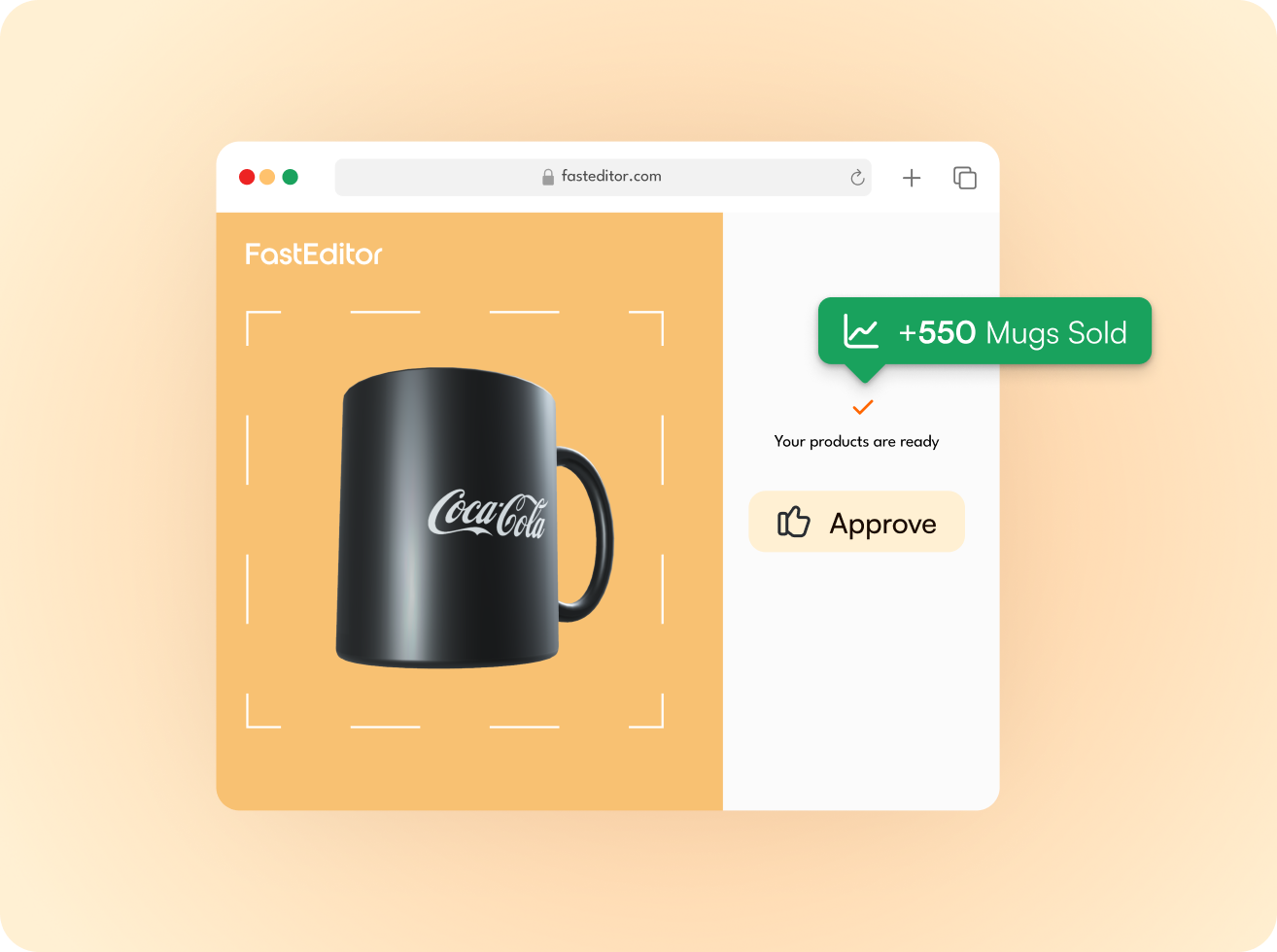
The cross-sell module shows the uploaded photo applied to other products in your catalog in real time. A customer uploading a holiday photo for a print can immediately see how it looks on a canvas, a mug, or a cushion, and add it to their basket without leaving the flow.
This is one of the highest-impact conversion tools in the FastEditor platform. Resellers using the cross-sell module report significant basket value uplift without any additional marketing spend.
FastEditor runs automatic quality checks on every uploaded photo before it reaches the production stage. Images that fall below the minimum DPI threshold are flagged and, where possible, automatically enhanced. Colour profiles are converted to the correct output format for each print technique.
The result: fewer reprints, fewer complaints, and a production file that goes straight to print without manual review.


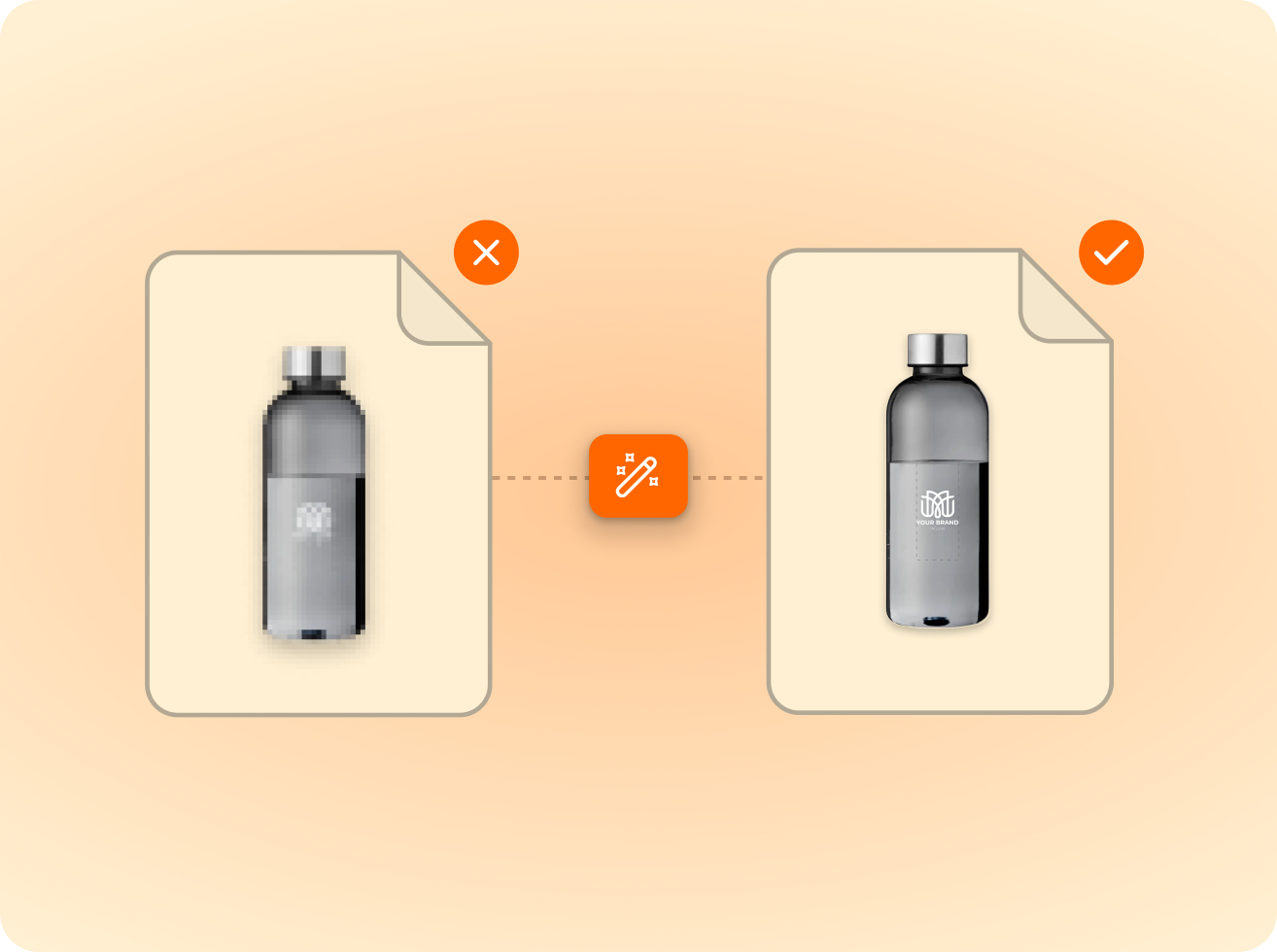
of the logos customers upload are not print-ready as supplied. FastEditor corrects them automatically before they reach production.
Measured across 13,773 uploads, November 2025 to May 2026
FastEditor accepts JPEG, PNG, HEIC, and TIFF formats. The system automatically converts and optimises the file for print production regardless of the source format.
FastEditor detects low-resolution uploads automatically. Where possible, the system applies AI-based upscaling to improve the image. If the photo cannot meet the minimum quality threshold, the customer is notified before checkout, preventing a bad order from being placed.
The cross-sell module uses FastEditor's real-time rendering engine to apply the uploaded photo to a predefined set of cross-sell products. The products and their display order are configured per reseller. No additional integration work is required once the base FastEditor integration is live.
Yes. Resellers can configure which print sizes are available per product. FastEditor's automatic size selection only presents sizes that are viable for the uploaded photo, ensuring customers can only choose options that will produce a quality result.
Yes. The photo print flow works for both consumer-facing webshops and B2B ordering portals. The interface adapts to the context, consumer flows are designed for simplicity, while B2B flows can include additional configuration options.
Colour profiles are converted automatically for each print technique. RGB images are converted to the correct output profile for the selected print product. No manual colour management or file preparation is required from the customer or reseller.
Colour profiles are converted automatically for each print technique. RGB images are converted to the correct output profile for the selected print product. No manual colour management or file preparation is required from the customer or reseller.
The standard FastEditor integration goes live in 3 to 4 weeks. The photo print flow is available within the standard package and does not require custom development. Product configuration is handled during onboarding.
Same pipeline, different print area.







.png)