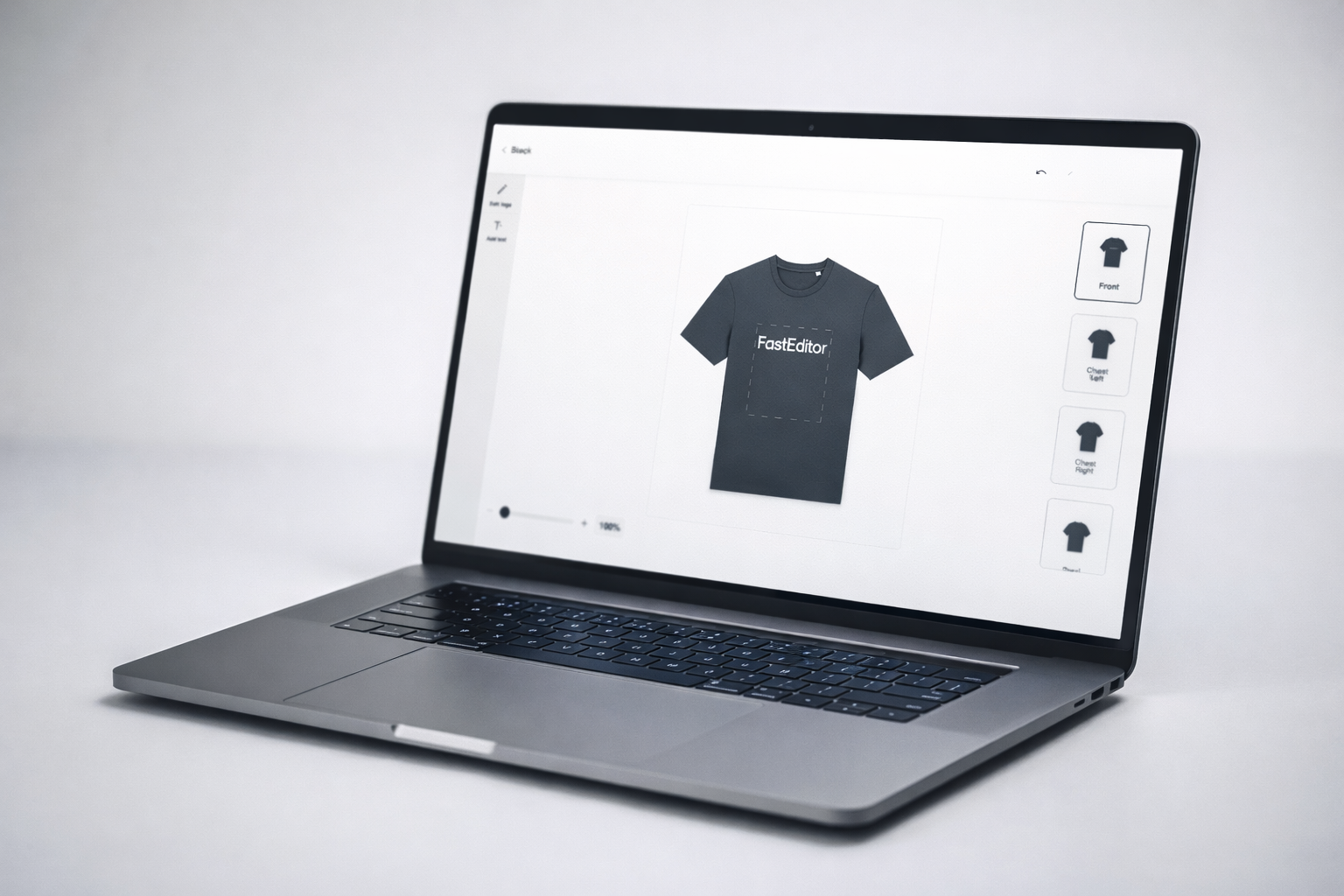
Let customers add their logo to any product. FastEditor handles the rest — vectorization, spec validation, and production-ready file output. Automated for every decoration technique, every supplier, every order.
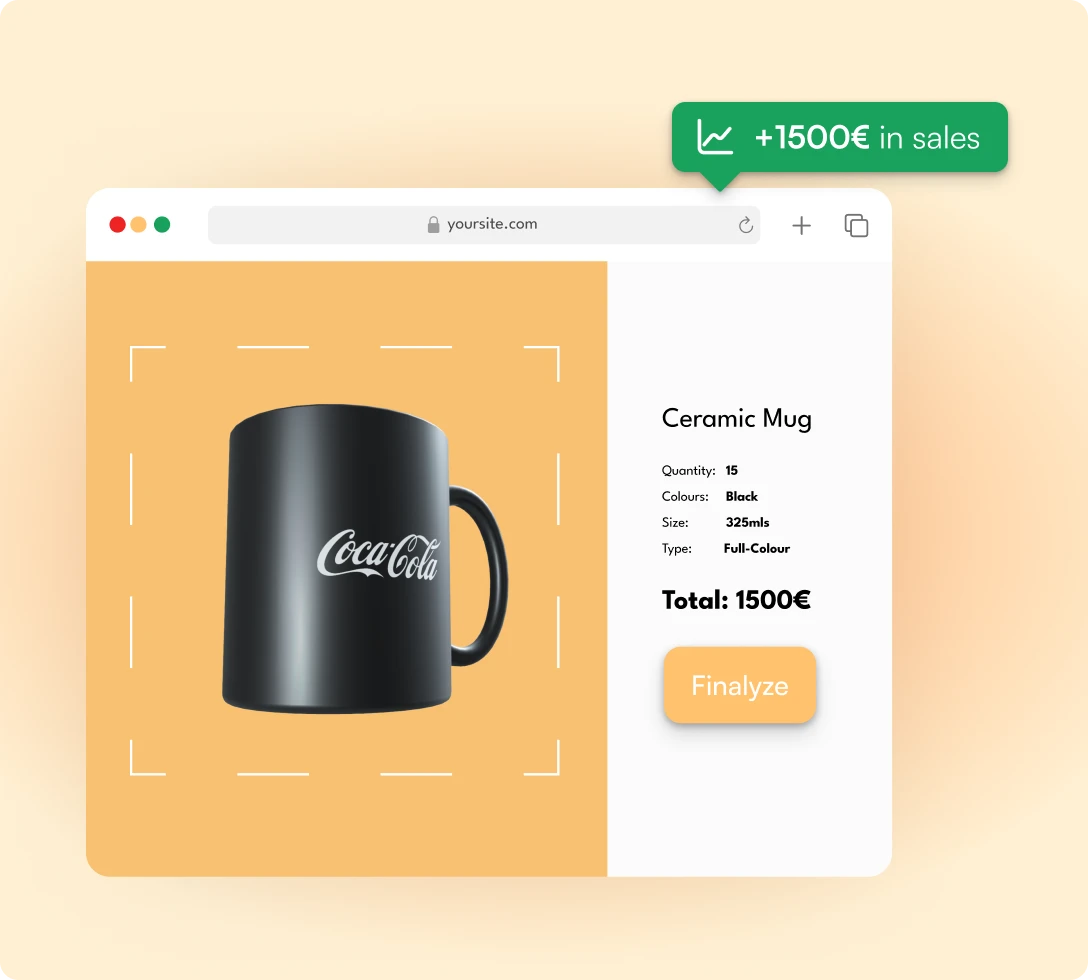





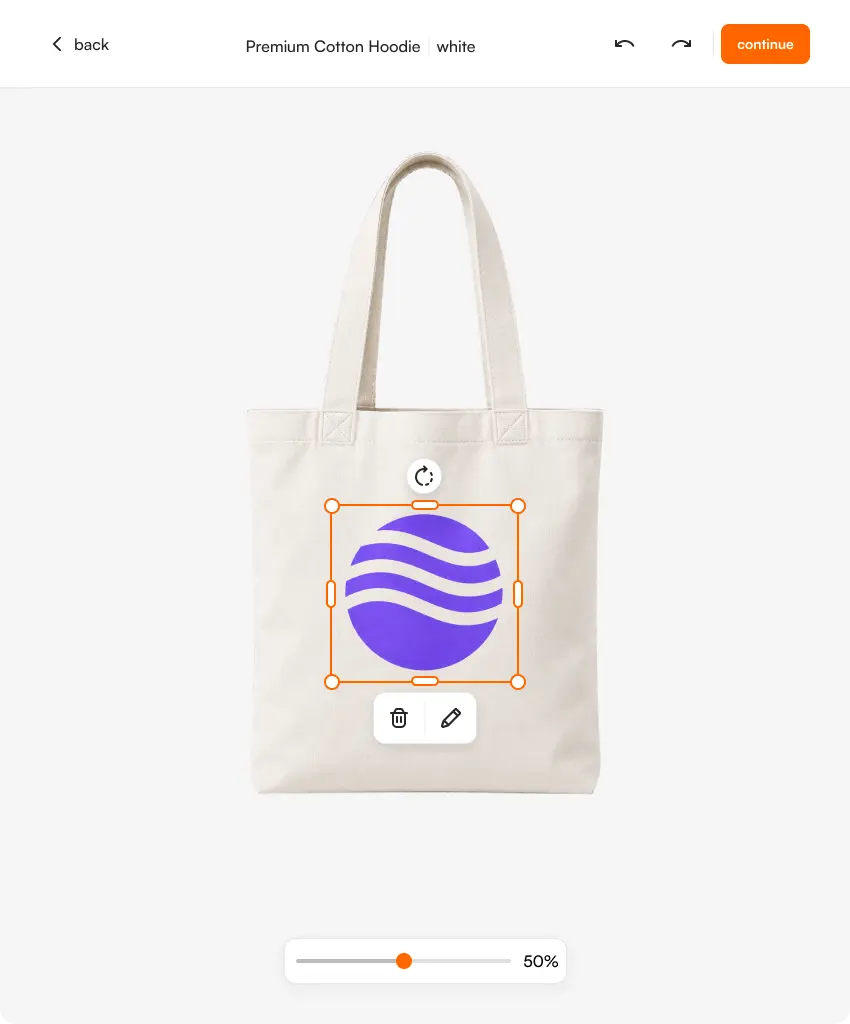
Customers upload their logo once. FastEditor applies it across every product in your range — adjusting placement, scale, and spec per product automatically. Screen print on a tote. Laser engraving on a pen. One upload. Every product.

FastEditor knows what each technique requires. Stitch count limits for embroidery. Colour separation for screen print. Vector paths for laser. Resolution floors for DTF. Validation runs automatically at upload — customers are guided to fix issues before the order places, not after it arrives at production.

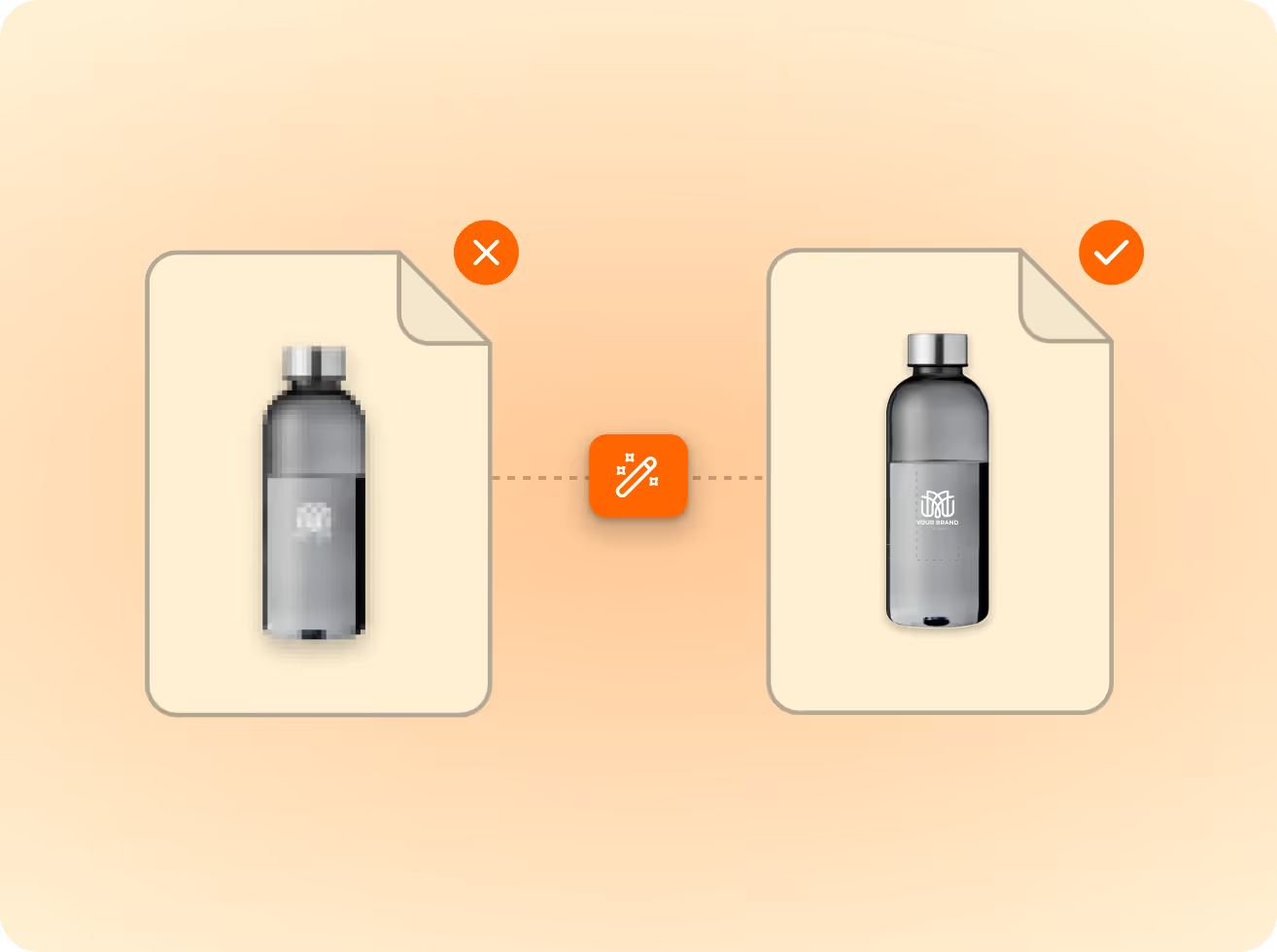
Promidata, Stanley/Stella, PF Concept, Gildan, Malfini, and 75+ more. Every supplier’s production specs are built into FastEditor. When an order places, the correct file — correct format, correct profile, correct dimensions — generates automatically for that supplier.
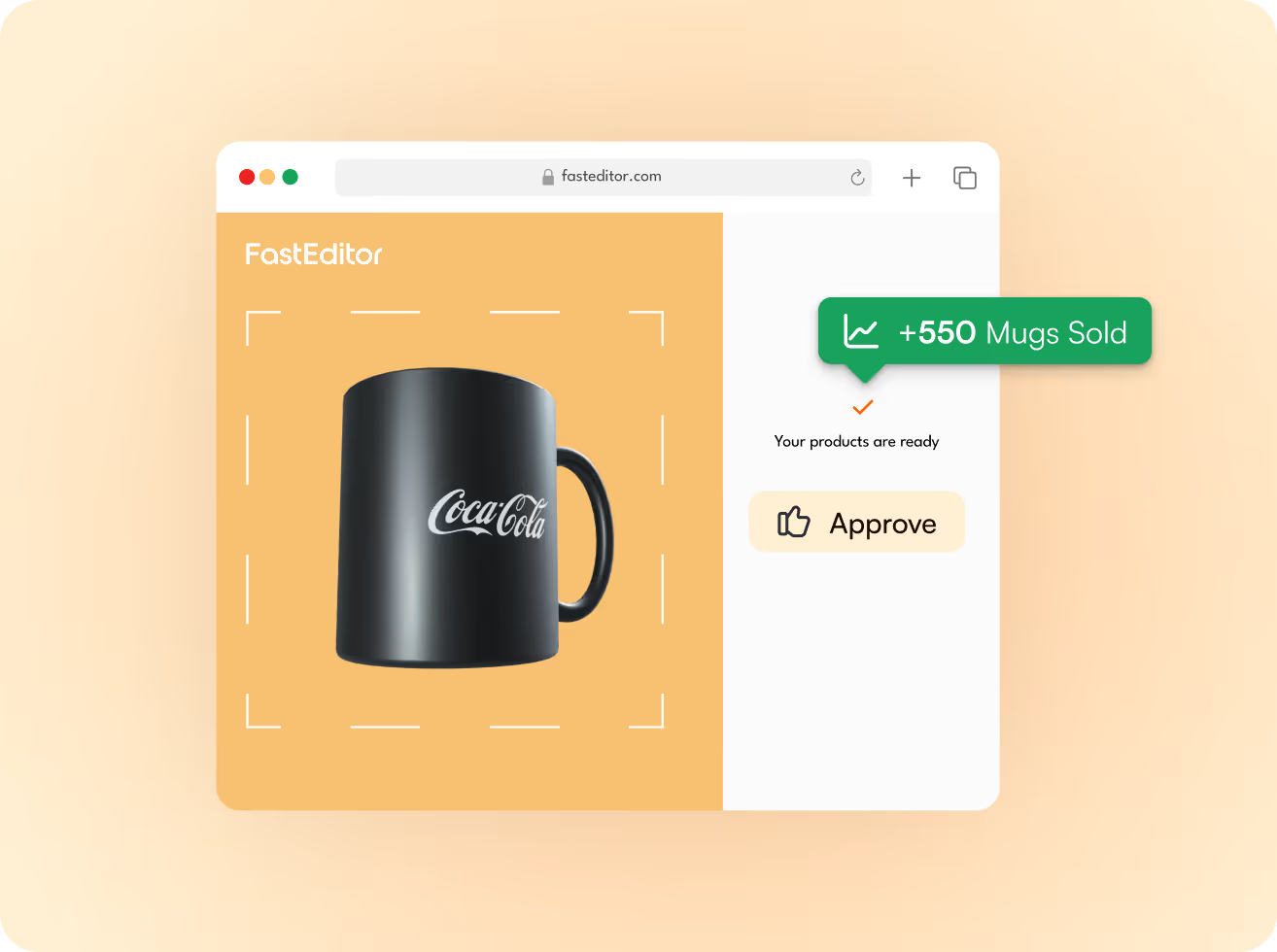
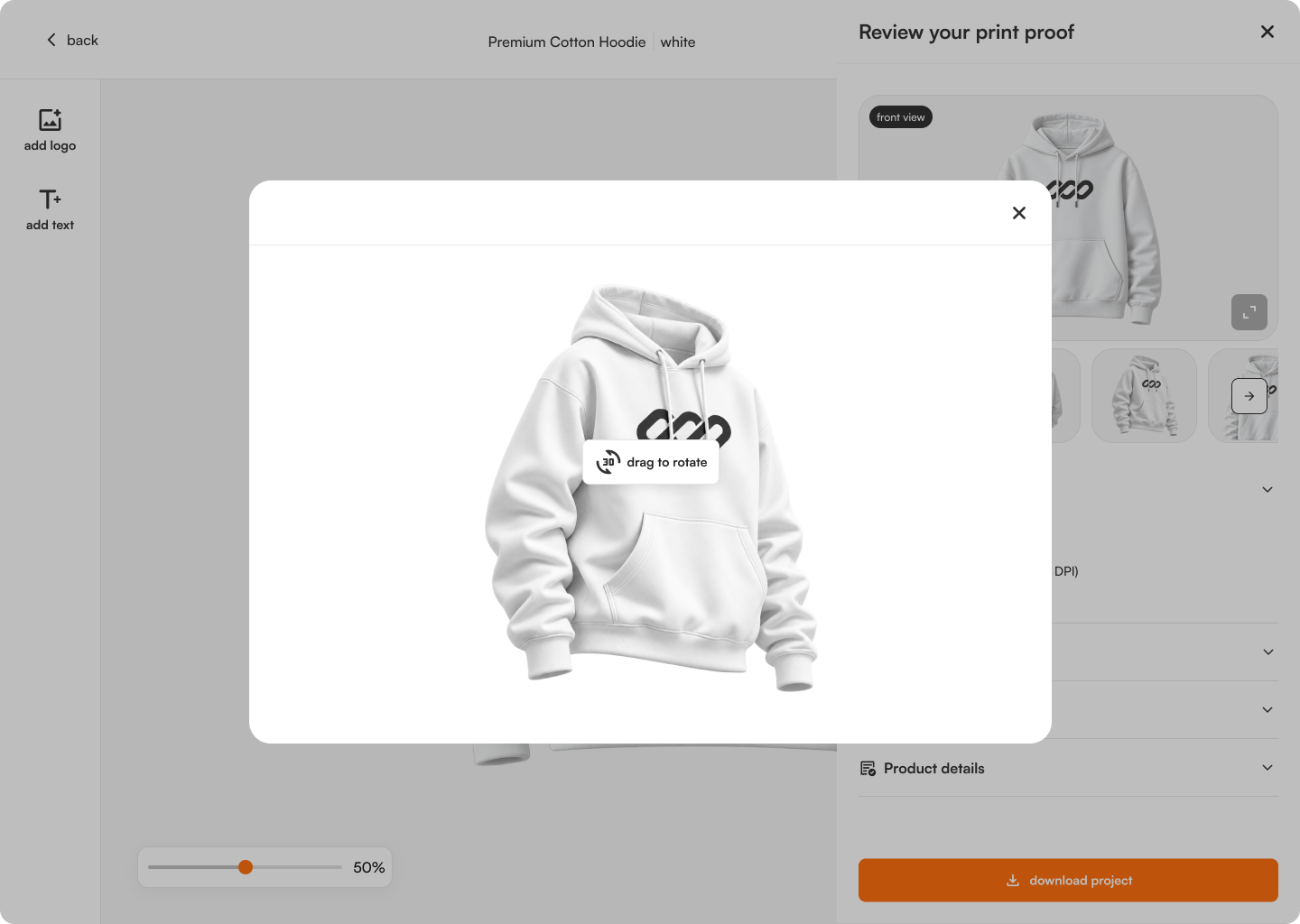
Generate a client-ready proof showing their logo on the product in under 20 seconds. Branded to your business. Sent for digital approval before production begins. No back-and-forth. No PDF attachments. No delays.

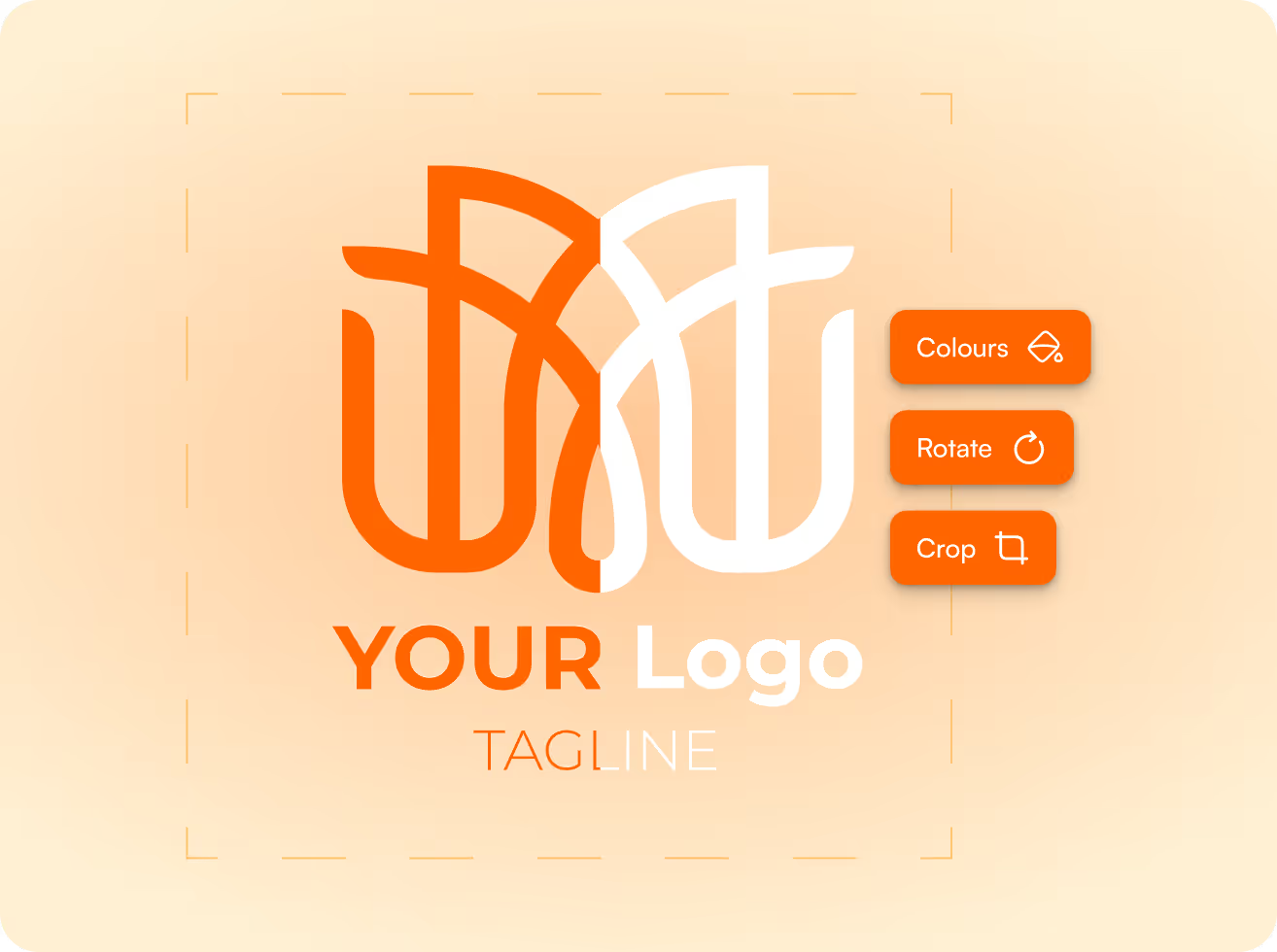
Branded merchandise lives or dies on personalisation. Customers expect to upload their logo and see it on the product — instantly, accurately, on anything in your catalogue. The problem is what happens behind the screen. Every logo that arrives needs checking. Every file needs converting. Every supplier has different specs for embroidery, screen print, laser engraving, or DTF. At small volumes, your team manages it. At the volumes that actually grow a business, it breaks down.
Running a product catalogue for corporate clients? FastEditor adds a self-service personalisation layer to every product in your range. Clients upload their logo, preview the result, and approve the proof — all without involving your team.
Selling branded merchandise through Shopify, WooCommerce, or a custom webshop? FastEditor embeds into your product pages and handles personalisation end-to-end. Logo upload to production file, automated.

Moving from in-person order-taking to online? FastEditor gives you a web-based personalisation tool that captures the brief, converts the file, and delivers it to your production workflow — to your exact spec.






FastEditor integrates with Shopify, WooCommerce, Promidata, and custom APIs. It runs on your own subdomain and connects to your existing supplier relationships — no new accounts, no platform migration, no changes to how you fulfil orders. If your catalogue runs through Promidata, FastEditor connects directly — product data, supplier specs, and personalisation flow in one integration.

Product personalization software covers a wide range of tools, from a simple text-and-image customizer bolted onto a product page to a full artwork pipeline that ends in a print-ready file. When you compare options, the features that photograph well in a demo are rarely the ones that decide whether the software actually saves you time. Five things matter more than the rest.
Three kinds of tool get sold as “product personalization,” and they solve different amounts of the problem. A preview tool shows the customer what their design will look like. It is great for conversion and nothing else — the moment an order is placed, your team still has to produce the file by hand. A configurator adds rules: which products, which options, which decoration methods, and what each costs. It keeps orders valid, but it still does not turn a customer’s logo into a spec-correct production file. A full workflow does the whole job: preview, configuration, and the artwork automation that generates the final file and routes it to the supplier.
The distinction matters because the cost of personalised orders lives after the preview, in manual artwork handling. A tool that stops at preview or configuration leaves that cost exactly where it was. Only a full workflow removes it.
FastEditor is the full-workflow option. Customers get a live preview and configuration, and behind it the platform vectorizes the upload, validates it against the right supplier’s spec, and outputs the production-ready file automatically — live in three to four weeks on an API-first integration. If you only need a preview widget, simpler tools exist. If you want personalisation that measurably reduces cost per order and lets you scale without adding designers, you want the full workflow, which is what this page is about.
A quick way to place any tool: after a customer clicks buy, does a human still have to touch the artwork? If yes, you have a preview or a configurator. If no, you have a full personalisation workflow — and that gap is exactly what shows up in your cost per order, your turnaround time, and how many people you need to hire to keep growing.
Yes. FastEditor validates embroidery specs — stitch count limits, colour counts, minimum detail sizes — at the point of personalisation so customers are guided to fix issues before the order places. Embroidery file output (DST) is coming Q3 2026.
We work with multiple suppliers. Can FastEditor handle different specs for each?
Yes. FastEditor has pre-configured specs for 150+ suppliers. When an order places for a specific product from a specific supplier, the correct file generates automatically for that supplier’s requirements.
Yes. FastEditor supports both logo upload and photo personalisation. Each generates the appropriate production output for the decoration technique applied.
How does the proof approval process work?
FastEditor generates a branded proof showing the customer’s logo or photo on the product. The proof is sent for digital approval — the customer approves online, and production only begins after sign-off.
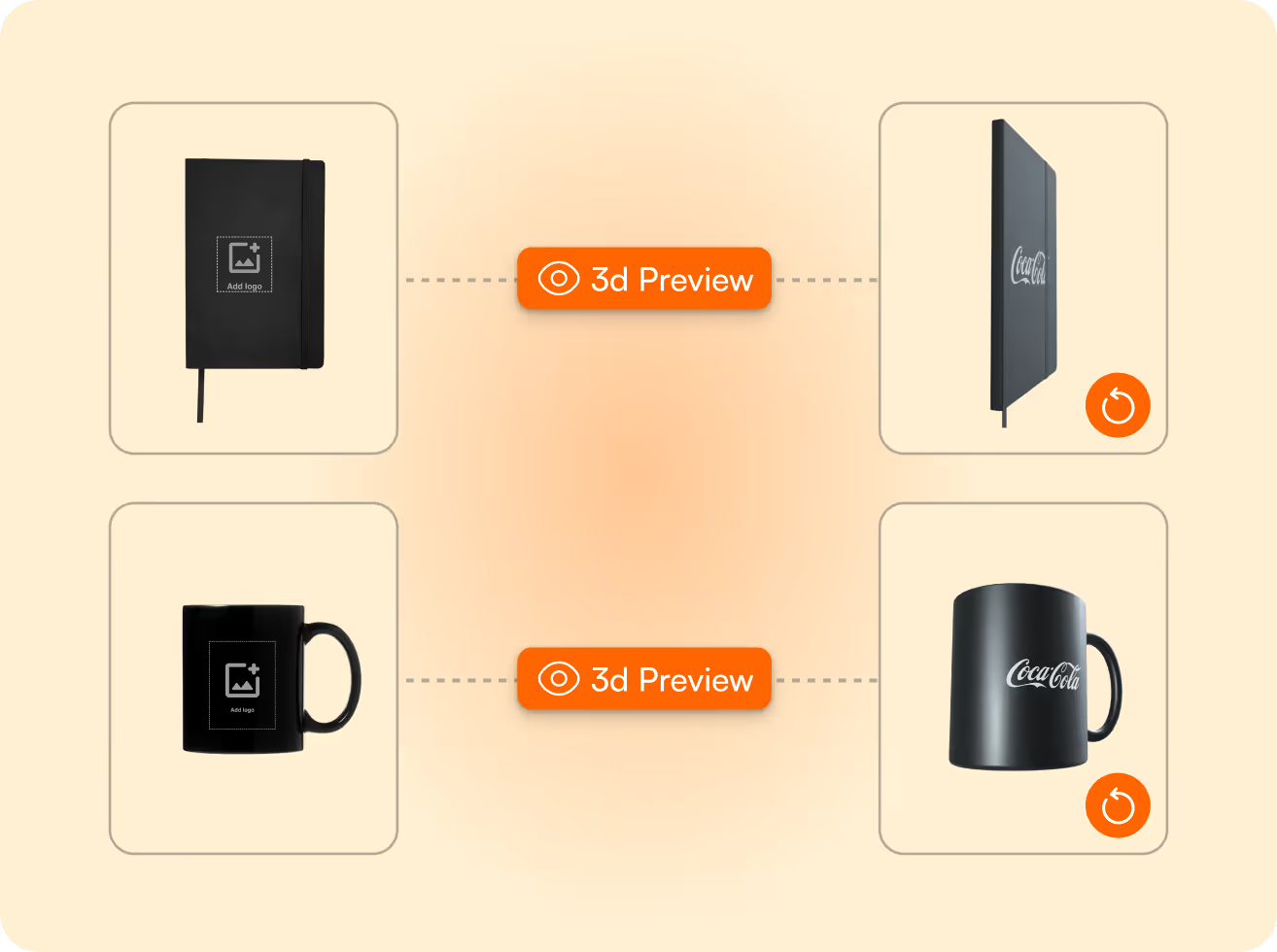
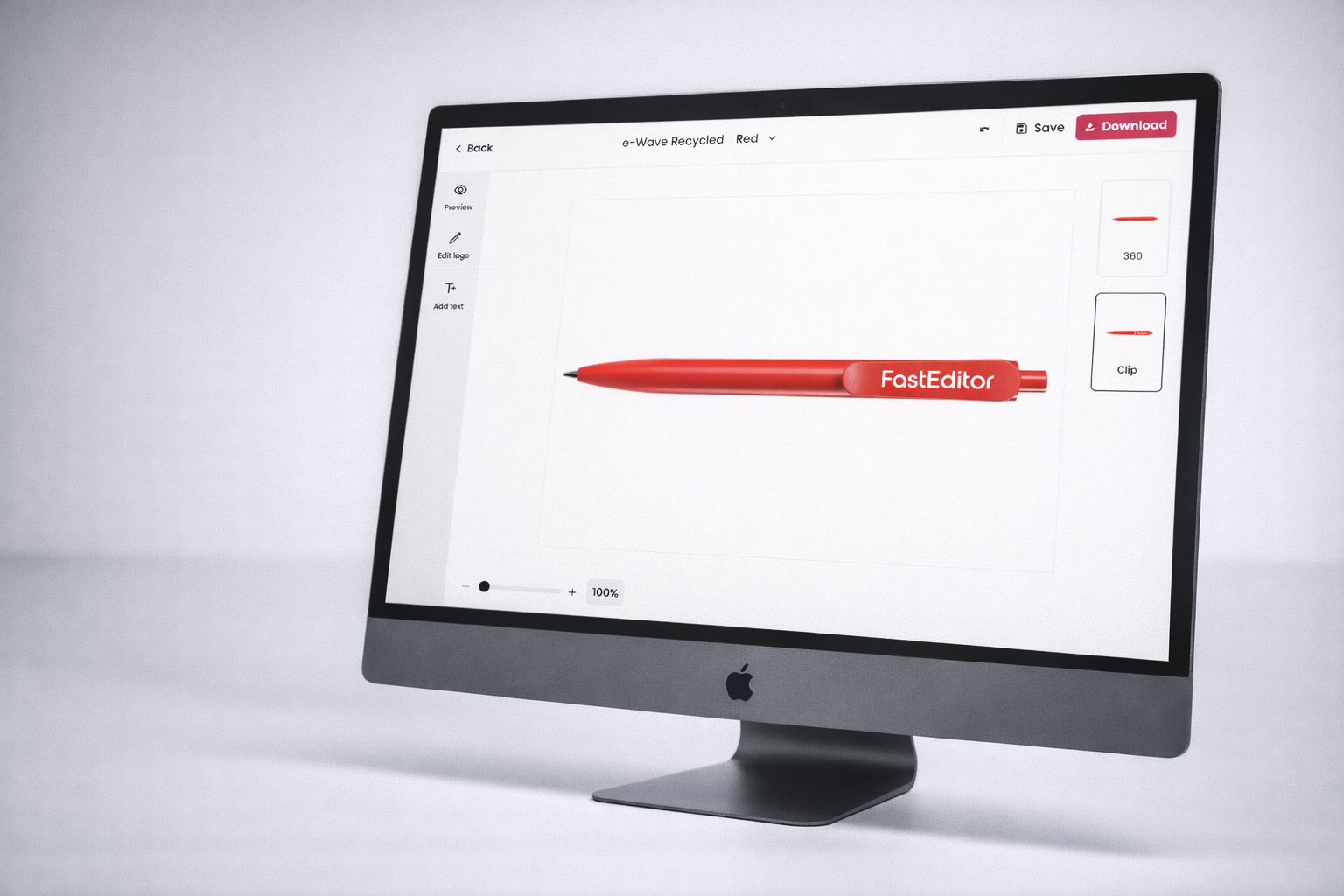
Yes. FastEditor’s product preview shows a placeholder or example logo on the product so customers understand the personalisation before they upload. Once they upload, the preview updates in real time with their actual artwork.
What does onboarding look like for a promo distributor?
FastEditor’s onboarding team configures your product catalogue, supplier specs, and integration during a 3–4 week setup. Your existing supplier relationships and product range are the starting point — nothing needs to be rebuilt from scratch.




.png)


.png)