Design multiple print areas, rotate and preview the shirt from every angle, and approve the print proof in one flow. Works for both photo uploads from consumers and logo uploads from B2B customers. Quality improvements applied automatically.
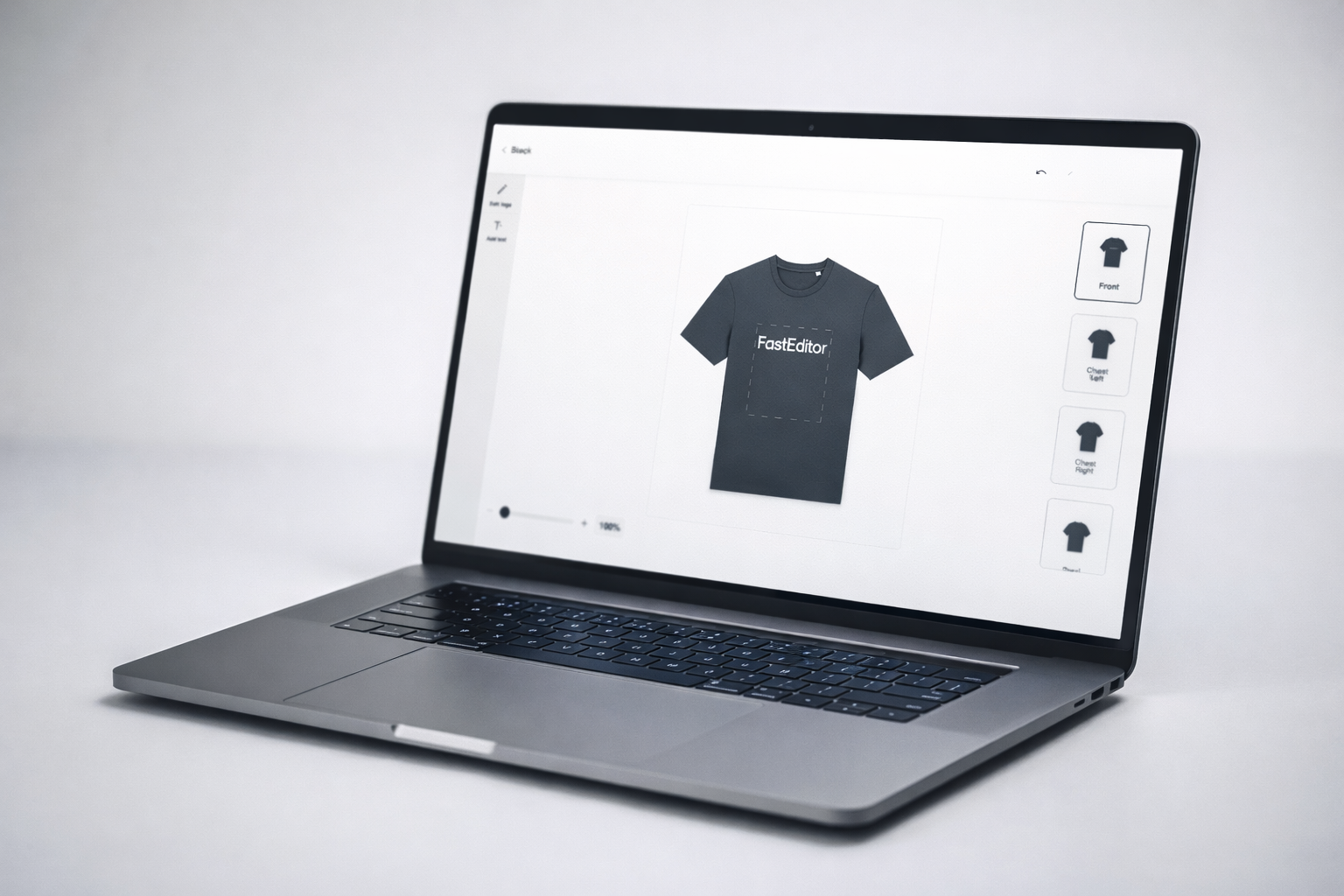
Multi-Area Design. Front, back, sleeve, collar, customers and B2B buyers design every print area in a single flow. Each area has its own print specifications applied automatically. No switching between tools. One flow, all areas, one production-ready output.
360° Product Preview. Customers see the t-shirt from every side before they approve. Front, back, left sleeve, right sleeve, all rendered in real time as artwork is placed. What you see is what gets printed. Confidence at checkout. Fewer returns. Fewer reprints.
Decorator-Ready Output. Every product is onboarded with the production specs of leading European decorators including Texam, Lynka, Drukbaas, Brezo, Araco International and BQS Textiles. Files go straight to production, no reformatting required. Embroidery visualisation and DST file generation are in testing with our first partners.
T-shirt decoration is rarely limited to one print area. FastEditor's t-shirt flow allows customers and B2B buyers to place artwork on multiple areas, front chest, full back, left sleeve, right sleeve, collar label, within a single, guided experience.
Each print area has its own specifications: maximum print size, minimum resolution, colour limitations per print technique. FastEditor applies these constraints automatically. Customers can only place artwork within the valid print zone, and the system ensures what they see is exactly what can be produced.

.gif)
The 360° preview gives customers complete confidence before they place their order. As artwork is placed on each area, the t-shirt model updates in real time, showing the front, back, and sleeves with the actual design applied.
For B2B buyers ordering branded workwear or promotional apparel, this is the moment the sale is made. Seeing the printed logo on the chest and the design on the back, before approving, eliminates doubt and accelerates the decision.
A chest logo that sits correctly on an XS sits too high and too small on a 3XL. Scaled uniformly across a size run it looks wrong on both ends, and corrected by hand it is one artwork job per size.
FastEditor configures the artwork once and resolves the size range automatically, scaling and repositioning per garment so the placement is proportionally right on every shirt in the order. Mixed garment types and colours are handled in the same batch. One proof for the buyer, a complete file set for production. FastEditor's Product Hub covers 60+ garment suppliers across promotional, fashion, workwear and sportswear, see the full apparel decoration range.


Every t-shirt product in FastEditor's Product Hub is onboarded with the production specifications of leading decorators across Europe. When an order is placed, the production file meets the exact requirements of the facility receiving it, no reformatting, no manual adjustment.
Decorator specs currently integrated include Texam, Lynka, Drukbaas, Brezo, Araco International and BQS Textiles, covering screen printing, DTG and heat transfer across the major European decoration markets. Embroidery visualisation and DST file generation are in testing with our first partners.
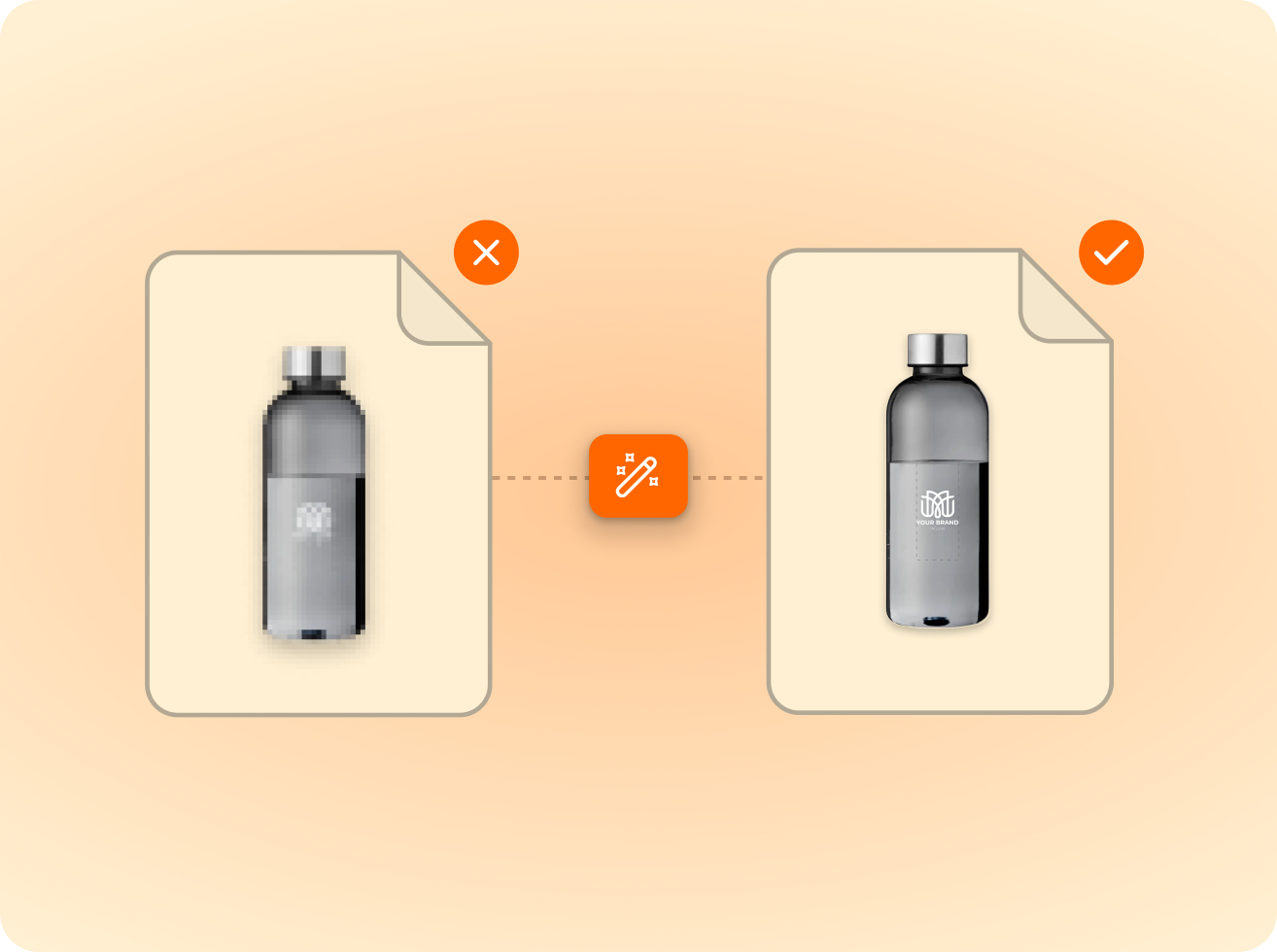
of the logos customers upload are not print-ready as supplied. FastEditor corrects them automatically before they reach production.
Measured across 13,773 uploads, November 2025 to May 2026
FastEditor supports screen printing, direct-to-garment (DTG) and heat transfer for t-shirt decoration, with embroidery visualisation and DST file generation in testing with our first partners. Each technique has its own production file output, colour separations for screen print and high-resolution RGB files for DTG. The correct output is generated automatically based on the technique configured for each product.
Yes. The multi-area flow allows customers to upload and position artwork on all available print areas, front, back, sleeves, within a single ordering flow. Each area is treated as a separate print job and outputs a separate production file. The customer sees all areas combined in the final proof before approval.
For B2B logo uploads, FastEditor automatically vectorises the uploaded file, separates colours for screen printing, and applies the print area constraints for the selected product. For consumer photo uploads, the system runs quality checks, optimises the image, and applies it within the photo-compatible print area. Both flows converge at the same proof approval and production file output stage.
Embroidery visualisation and automatic DST file generation are in testing with our first partners. When generally available, logos will be converted to stitch files within the same ordering experience, no manual digitising required. Screen printing, DTG and heat transfer decoration are all fully available today.
The standard FastEditor integration goes live in 3 to 4 weeks. The t-shirt flow is available within the standard integration package and does not require custom development. Product Hub configuration for your specific t-shirt products and print techniques is handled during the onboarding process.
All standard formats are accepted: PNG, JPG, SVG, AI, EPS, and PDF. Files are automatically vectorised for screen printing and heat transfer. Raster files are resolution-checked for DTG output. No manual file preparation required from the customer.
All standard formats are accepted: PNG, JPG, SVG, AI, EPS, and PDF. Files are automatically vectorised for screen printing and heat transfer. Raster files are resolution-checked for DTG output. No manual file preparation required from the customer.
Yes. Colour variants update the 3D preview in real time. For B2B orders with multiple sizes, artwork is configured once and applied across all sizes automatically, with correct scaling per print area dimension. No manual file duplication required.
Same pipeline, different print area.











.png)