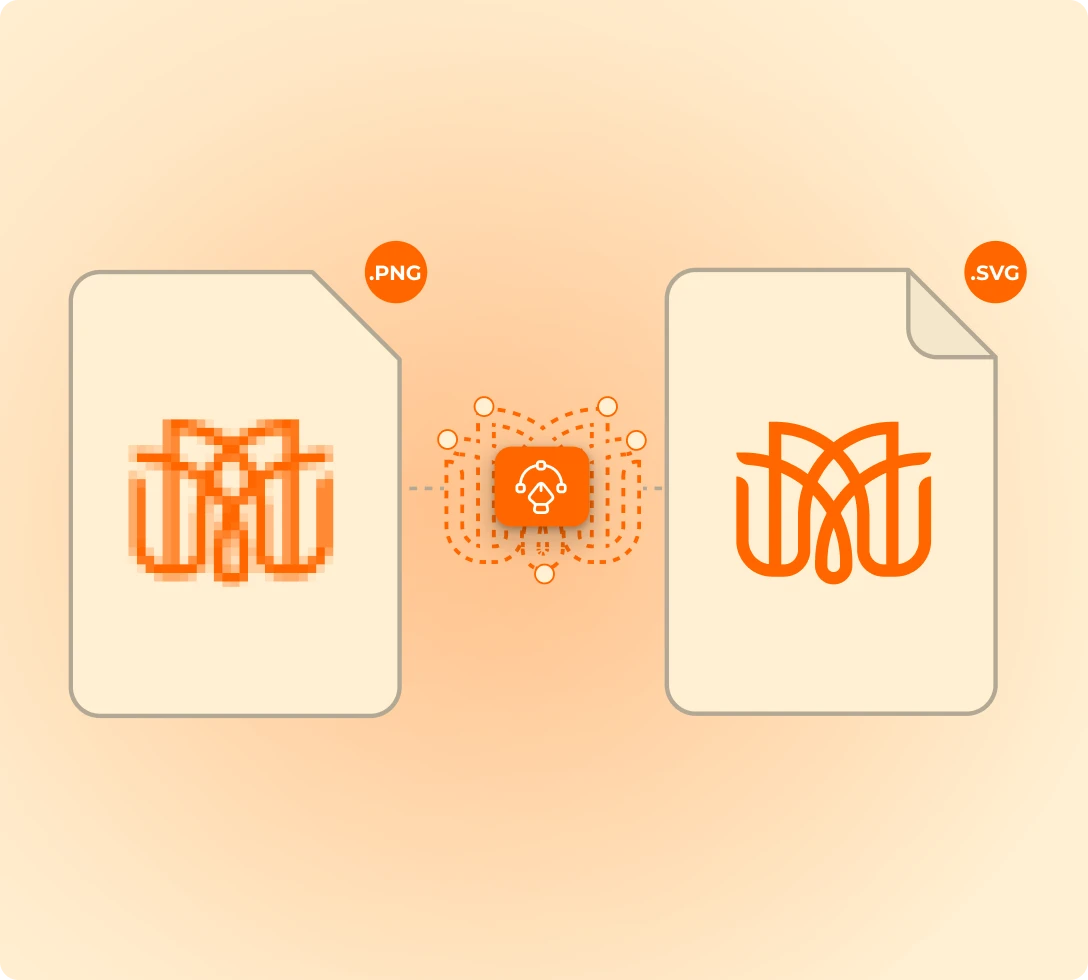
Any JPG or PNG will do. Pixelated, low-res, or saved at 72 DPI back in 2014. FastEditor rebuilds it as a clean vector, matches the colors, and hands production a file it can actually print. No designer touches it.
Vectorization is the least glamorous cost in your business and the one that scales fastest with volume. Every low-res upload becomes a ticket, a delay, and a margin leak on an order you already priced.
Redrawn by hand in Illustrator before anything can go to print. Multiply that by your order count.
Paid per file to an external DTP service, and the invoice grows exactly as fast as your volume does.
Customers see their own bad upload on the product page, doubt the result, and abandon the basket.
The same engine runs behind your webshop, your sales team's tool, and your back office. One setup, three workflows.
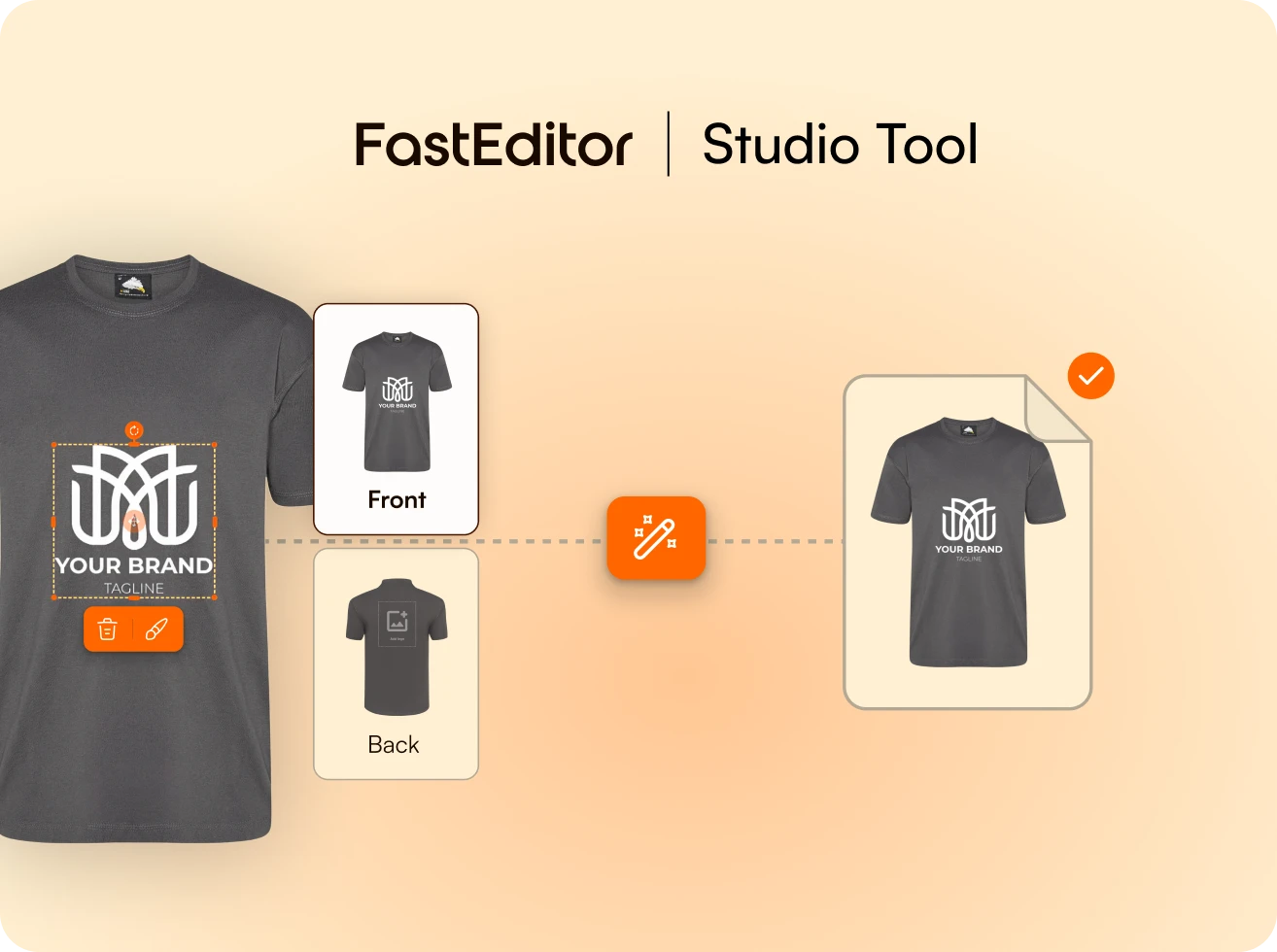
Account managers drop in whatever the customer sent and get a clean vector back before the quote is written.
Explore Studio Tool →
Upload any JPG, PNG, HEIC or PDF, even pixelated or low-res. Shapes are extracted, edges cleaned, paths rebuilt for production.
Explore Logo Editor →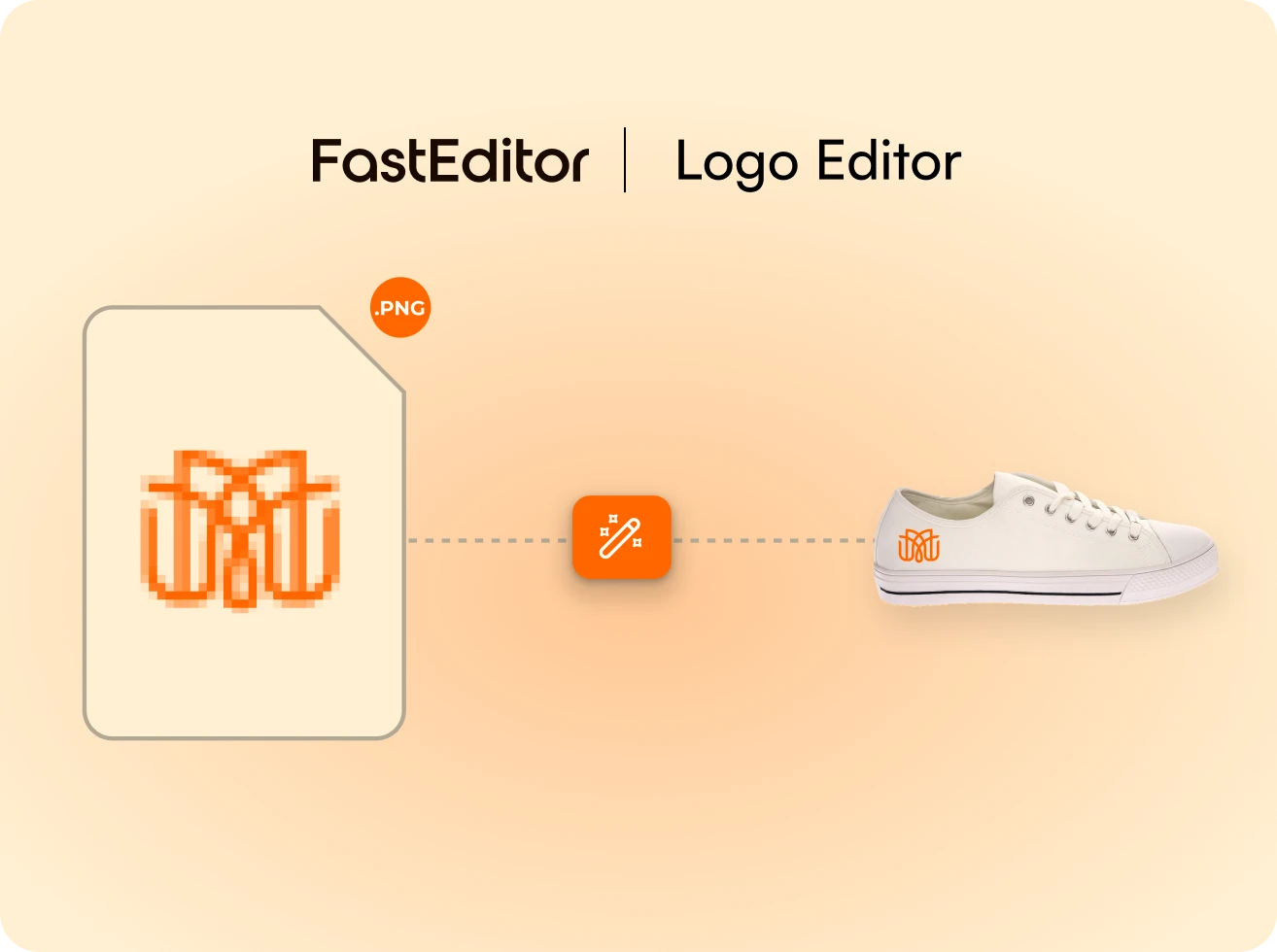
When the decoration technique needs vector, it runs inside the personalization flow. The preview is always the good version.
See the customer flow →One upload in. A clean vector out. In about 2 seconds, with no designer in the loop.
The customer adds a logo or artwork, in any common format.
FastEditor rebuilds it as a true vector, clean paths and solid fills, in about 2 seconds.
Colors and detail are set for the chosen decoration method.
The vector flows straight into preflight and the production file.
Was
Redrawing logos by hand.
Now
Rebuilt automatically.
Was
Chasing customers for a vector file.
Now
Any common upload is accepted and vectorized.
Was
Inconsistent trace quality between designers.
Now
One consistent output, 99%+ accuracy across 17 decoration techniques.
Measured across live integrations in promo, merch, and workwear.
Design corrections leave the order flow instead of queueing behind a person.
Customers see a sharp, brand-accurate preview at the exact moment they hesitate.
No internal DTP fixes, no per-file invoices from an outsourced studio.
Production receives consistent files, so rework and goodwill credits drop.
Clean paths and matched colors mean a better result on the physical product.
Helloprint automated artwork across 30+ product categories and cut production time by 80%, and vectorization was the bottleneck they removed first.

Still unsure whether it fits your catalog? We will walk it through on your own products.
Ask us anythingEverything that needs clean paths: screen printing and transfer, pad printing, UV, laser engraving, embroidery, doming, hotstamp, deboss, emboss, sublimation, digital printing and transfer. It activates automatically per technique.
JPG, PNG, HEIC or PDF, even if the file is pixelated, low-res or low-DPI. FastEditor extracts the shapes, cleans the edges, and rebuilds the paths.
Only where it has to. The original is preserved as closely as possible while noise is removed, contrast optimized, and edges corrected for print accuracy.
Yes, SVG, PDF or EPS from the Studio Tool and the logo improvement tools. Customer-facing downloads can be switched on per workspace.
99%+ accuracy on standard logos. Complex illustrations get automated optimization and can still be fine-tuned by hand afterwards.
Yes. Known brand colors are detected and matched automatically, and PMS matching can be enabled for suppliers who require it.
