A customer uploads a logo or photo. FastEditor outputs a production file that matches your exact print specifications, format, bleed, color profile, separations, placement. No prepress, no correction loop.
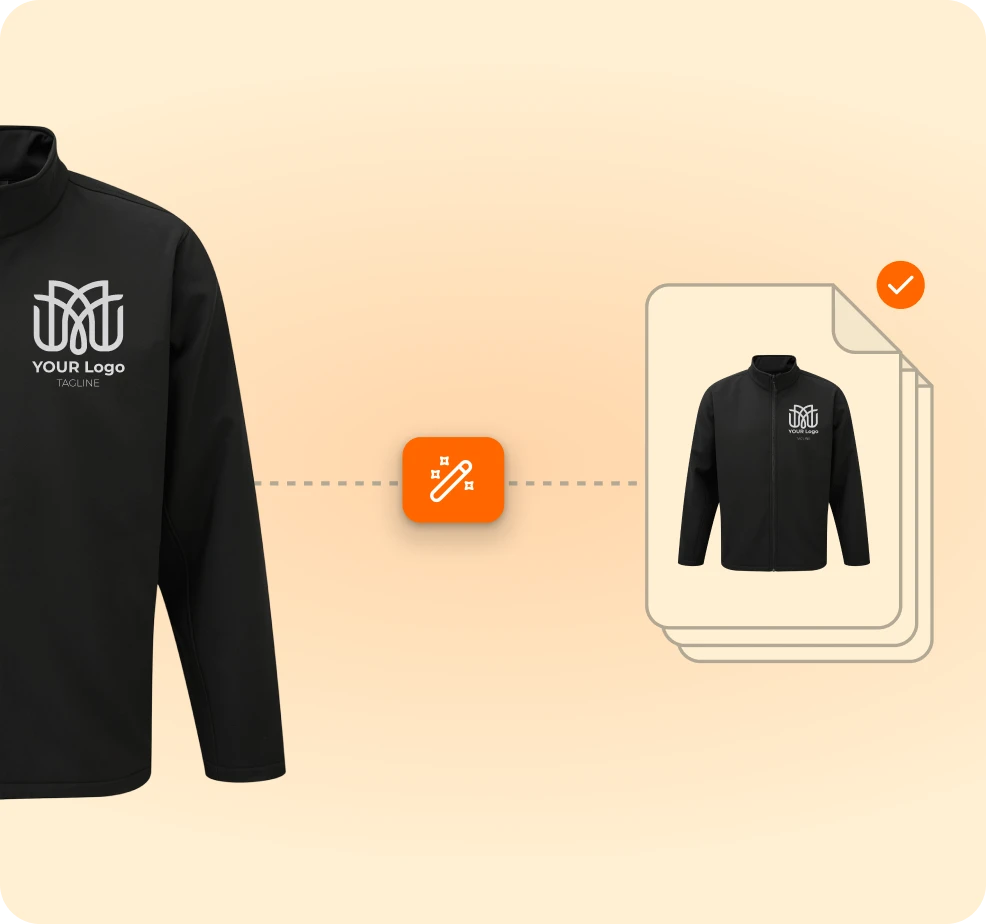
Manual artwork checks are the biggest cost driver per order, and they sit between a paying customer and your factory. Every correction round is time you cannot invoice.
Scale, bleed, DPI, color profile, layer structure, file naming. Verified by hand, order after order.
Production rejects the file, sales chases the customer, the designer redoes it. Days, on a small order.
Every supplier and technique wants something slightly different, and the rules live in someone's head.
Every stage runs against your production specifications from the Product Hub. Supplier settings, print-area coordinates, technique requirements.
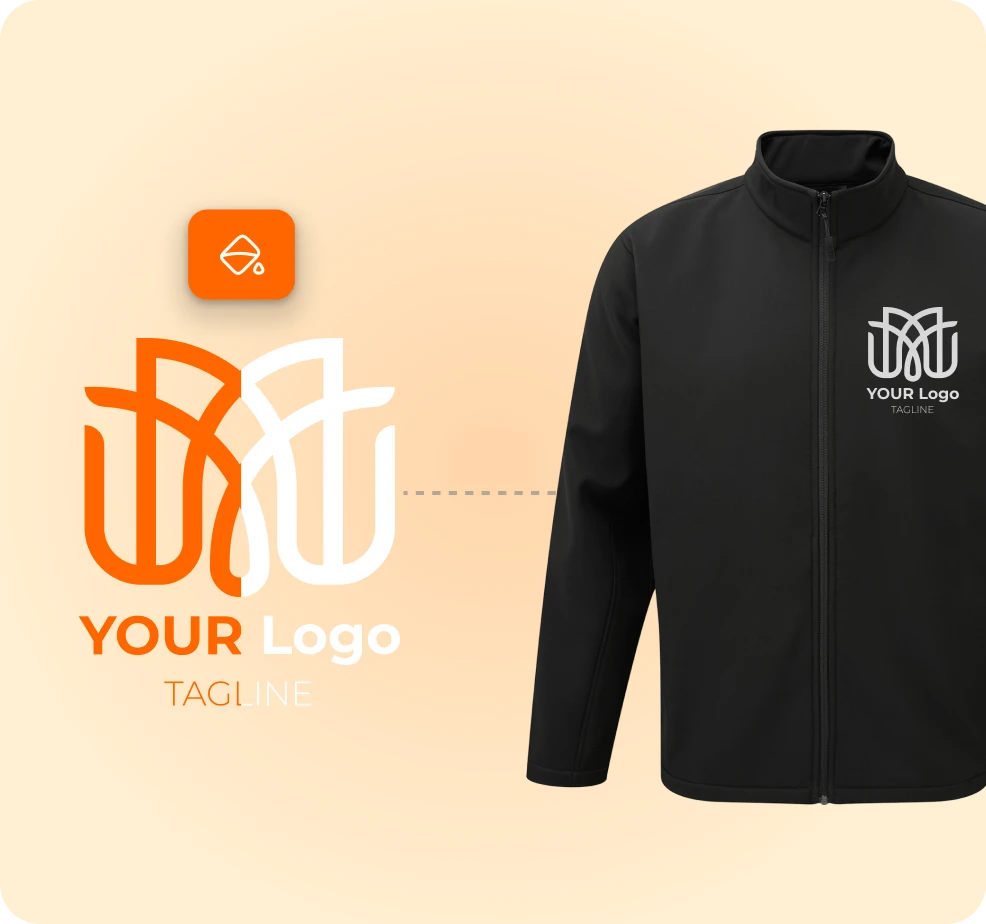
Accepted through your existing storefront or internal tool. Vectorization, background removal and scaling to the print area run automatically.
See the flow →
Vector artwork, layered files, color separations, engraving files, embroidery files. Output matched to how it will be decorated.
See output formats →
Exported, stored, passed into your ERP or MIS, or sent directly to the decorator. No prepress, no delays.
See integrations →A file the press can run, built in about 20 seconds.
Built to the supplier's exact output spec, not a generic export.
Correct dimensions, colors and placement for the chosen method.
Attached to the order and routed to production through the API.
No prepress step, and no correction loop.
The whole flow runs without a single manual step.
No DTP involvement, no back-and-forth, no waiting on a queue.
Manual artwork checks are the biggest per-order cost. They are removed entirely.
From customer approval to a production-ready file, with nobody in between.
The proof the customer approved is the file that gets printed. What they saw is what ships.
Proofs generate at the point of purchase instead of after it, so editor-enabled pages convert better.
MerchMaker generates 10,000+ print-ready designs a month through the FastEditor API, in real time, with no prepress team behind it.
.png)
Still unsure whether it fits your catalog? We will walk it through on your own products.
Ask us anythingScreen printing and transfer, pad printing, UV, laser engraving and engraving, embroidery, sublimation, digital printing and transfer, doming, hotstamp, debossing, embossing, bulb, plant and flower printing.
Yes. File formats, bleed and safe margins, color profiles, DPI, layers, naming conventions and decoration-specific templates. Each supplier and technique can have its own rules.
Vector (SVG, PDF, EPS), high-resolution raster (PNG, JPG, TIFF), laser-optimized files, screen separations, UV and sublimation files, layered templates, mock-ups and proof PDFs. Embroidery stitch files arrive in 2026.
Yes. Through integrations or a custom API workflow files can be exported, stored, passed into your ERP/MIS, or sent directly to decorators.
FastEditor improves, vectorizes, sharpens or adjusts it for the technique. If it genuinely cannot be saved, an optional prompt asks the customer for a better file.
Yes. Multiple print areas are supported, front and back on apparel, for example. Multi-technique products generate separate technique-specific files, arriving in 2026.
