A promotional order is a logo, a deadline and a print area three centimetres wide. FastEditor automates everything between the customer's upload and the file your supplier prints — vectorisation, colour validation, 3D preview, technique-specific output — across mugs, pens, bags, drinkware and the rest of the branded merchandise catalogue.

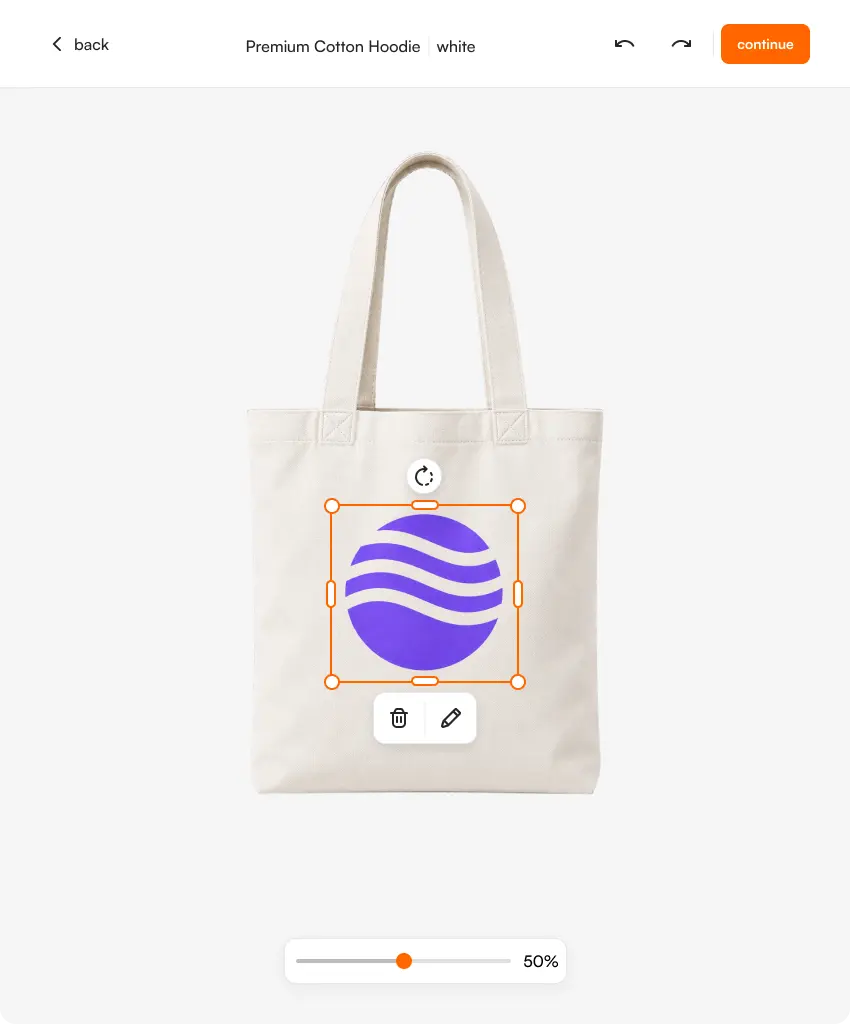
Every promo category, one flow. Mugs, pens, tote bags, drinkware, notebooks, tech accessories and branded gifts all run through the same upload, validation and output pipeline. The product changes; the artwork process does not.
The suppliers you already buy from. Makito, Solo Midocean, PF Concept, Toppoint, XD Connects, Giving Europe, Goldstar, HIT, BIC, Clipper Interall and MAXIM Ceramics are pre-configured with print areas, technique specs and output rules per product.
3D on shapes that are not flat. Promotional products curve, taper and wrap. FastEditor renders logos on accurate 3D models — cylindrical barrels, mug wraps, bottle profiles — so the buyer approves what will actually be produced rather than a flat mockup that flatters it.
The reason promotional orders are slow is not the printing. It is finding out that this pen takes a 38mm imprint, that this mug is full-wrap sublimation, that this notebook debosses at one colour only. Multiply that across a catalogue of half a million configurations and it becomes a full-time job producing nothing.
FastEditor's Product Hub holds the specification for every product. When your customer selects one, the correct print areas, technique constraints and output rules load automatically.


On a €2.40 cotton bag or a €0.60 pen, five minutes of prepress erases the profit on the line. That is why so many distributors quietly price small orders as though they hurt, and why so much of the catalogue never gets sold personalised at all.
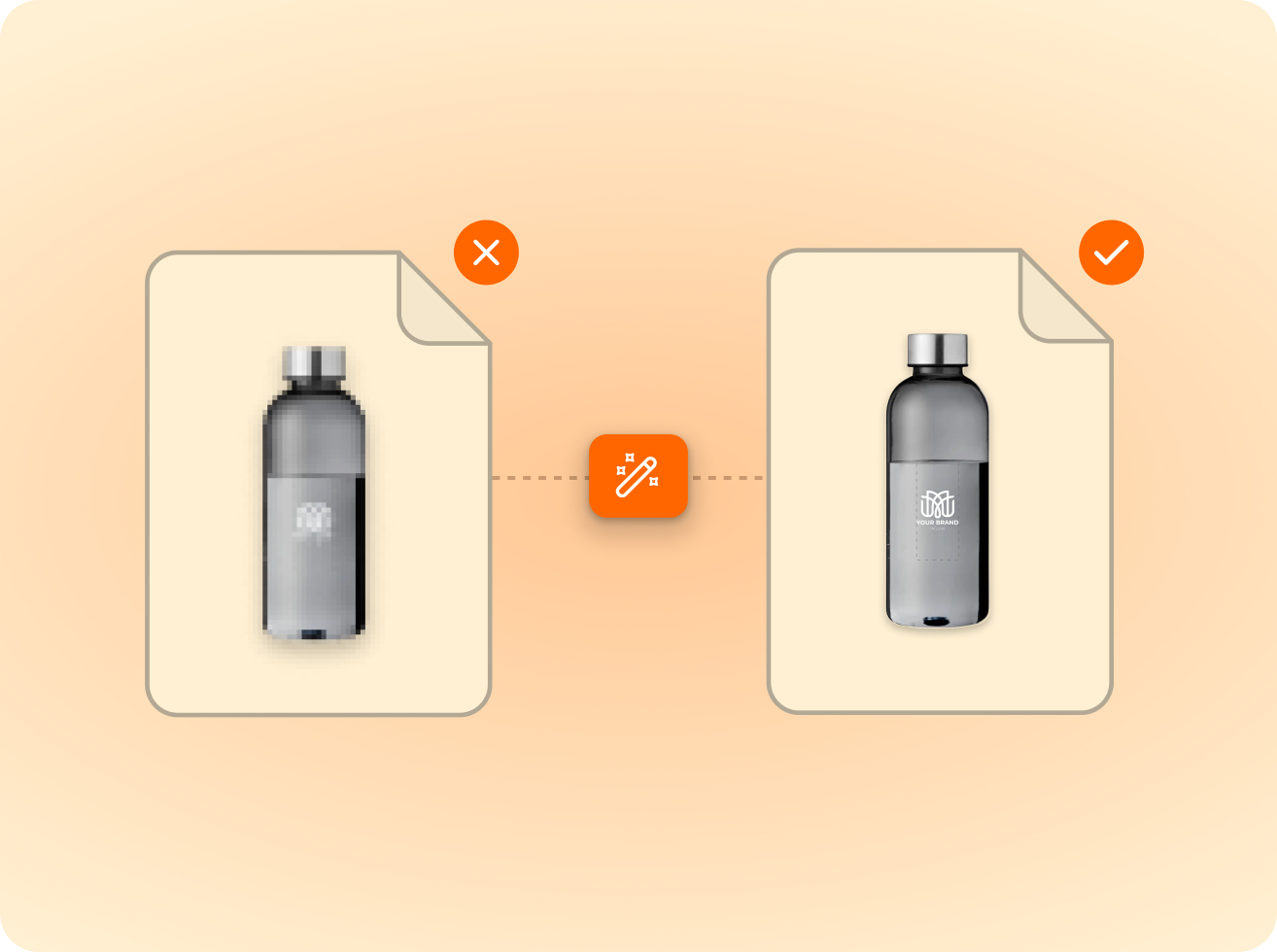
FastEditor removes the prepress entirely. The uploaded logo is vectorised, its transparent padding is trimmed so it is placed at its true printed size, its colour count is checked against the technique's limit, and its line thickness is validated against the engraver's or pad printer's minimum. Across 13,773 uploads we measured, 85% of customer logos were not print-ready — every one of them corrected automatically.
Promotional products are decorated with a wider range of techniques than any other category, and each wants a different file. FastEditor generates the correct production output automatically from the technique configured against each product.


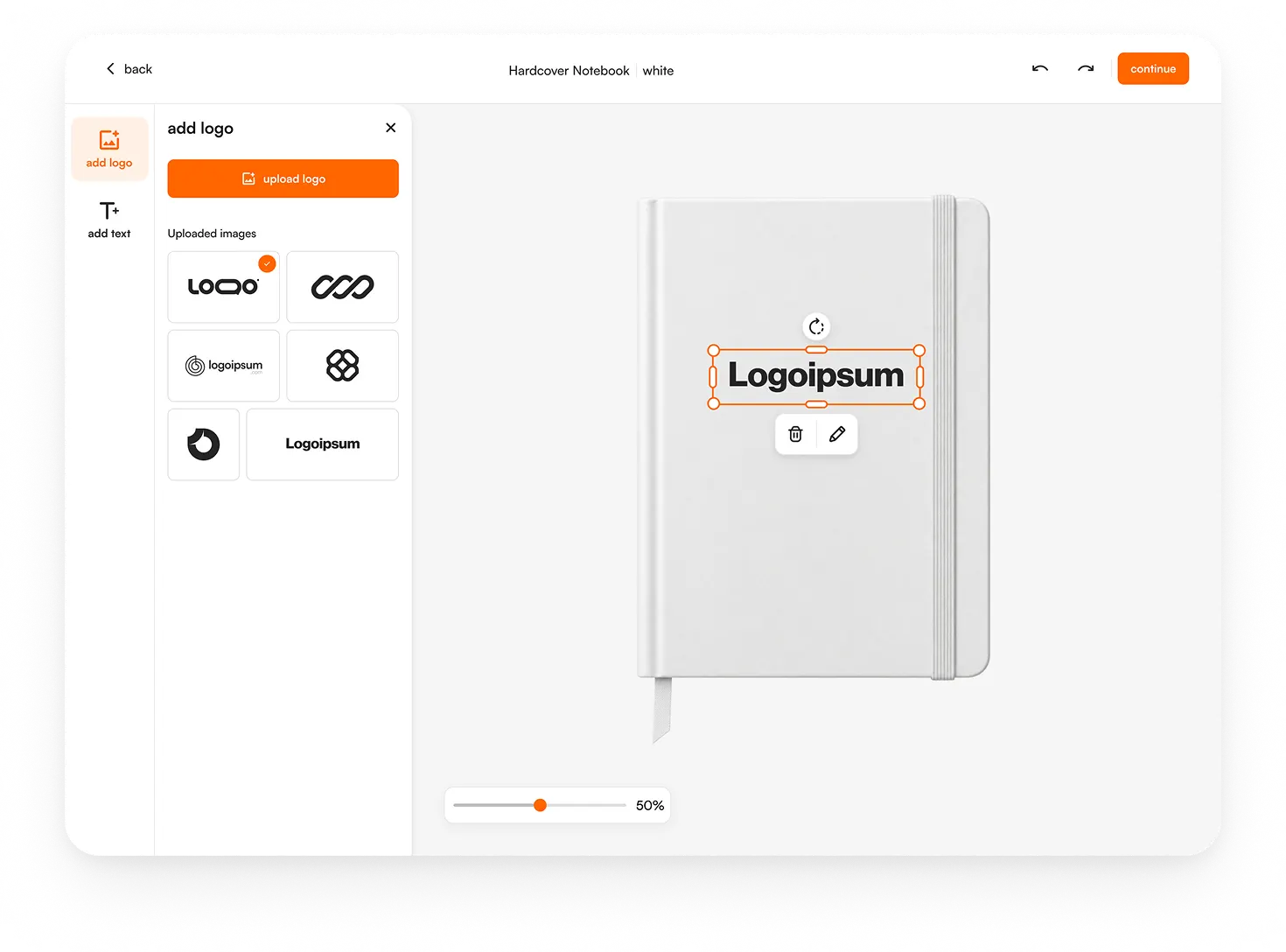
Promotional distributors sell both ways, and FastEditor supports both from the same specification source. The Logo Editor lets B2B buyers configure their own branded merchandise online — upload, position, approve, order. The Studio Tool lets account managers produce a proof and a production file for any product in under 30 seconds, without design software.
Uploaded logos are stored at user level — customer level in the Logo Editor, account-manager level in the Studio Tool — so a repeat order reuses artwork that has already been corrected and approved.

of the logos customers upload are not print-ready as supplied — FastEditor corrects them automatically before they reach production.
Measured across 13,773 uploads, November 2025 to May 2026
Software your customers use to put a logo on a promotional product in your webshop, and that produces the print file at the other end. The distinction that matters is the second half — many tools show a preview, far fewer output a production-ready file to the supplier's specification.
Makito, Solo Midocean, PF Concept, Toppoint, XD Connects, Giving Europe, Goldstar, HIT, BIC, Clipper Interall, MAXIM Ceramics, Reflects, Woodcarve and many more, across more than half a million product configurations. New suppliers are onboarded continuously and can be requested during implementation.
Pad printing, screen printing, laser engraving, digital full-colour, sublimation, doming and debossing on hard goods, plus DTG, DTF, heat transfer and screen printing on textiles. Embroidery visualisation and DST file generation are in testing with our first partners.
The colour count is validated against the limit for the selected technique. If it exceeds it, the customer is notified before ordering and, where possible, offered an automatic colour reduction. The incorrect order never gets placed — which is the point.
Yes. Products with a 3D model — mugs, pens, bottles and other cylindrical or contoured items — render the uploaded logo in place with accurate curvature, and the buyer can rotate to check every angle. The proof is assembled from the view they approved.
Yes. A single logo configuration outputs production files for every variant in the order, each validated against that specific model's print area. Quantity pricing and minimum order quantities are configured per reseller.
Three to four weeks for a standard integration, with no custom development. Your specific product catalogue is configured in the Product Hub during onboarding.
Same pipeline, different print area.