Branded notebooks are a staple of corporate gifting, and the decoration has to sit cleanly on covers, bands and pages. FastEditor automates the flow from logo upload to production-ready file, so every notebook is proofed before it reaches production.

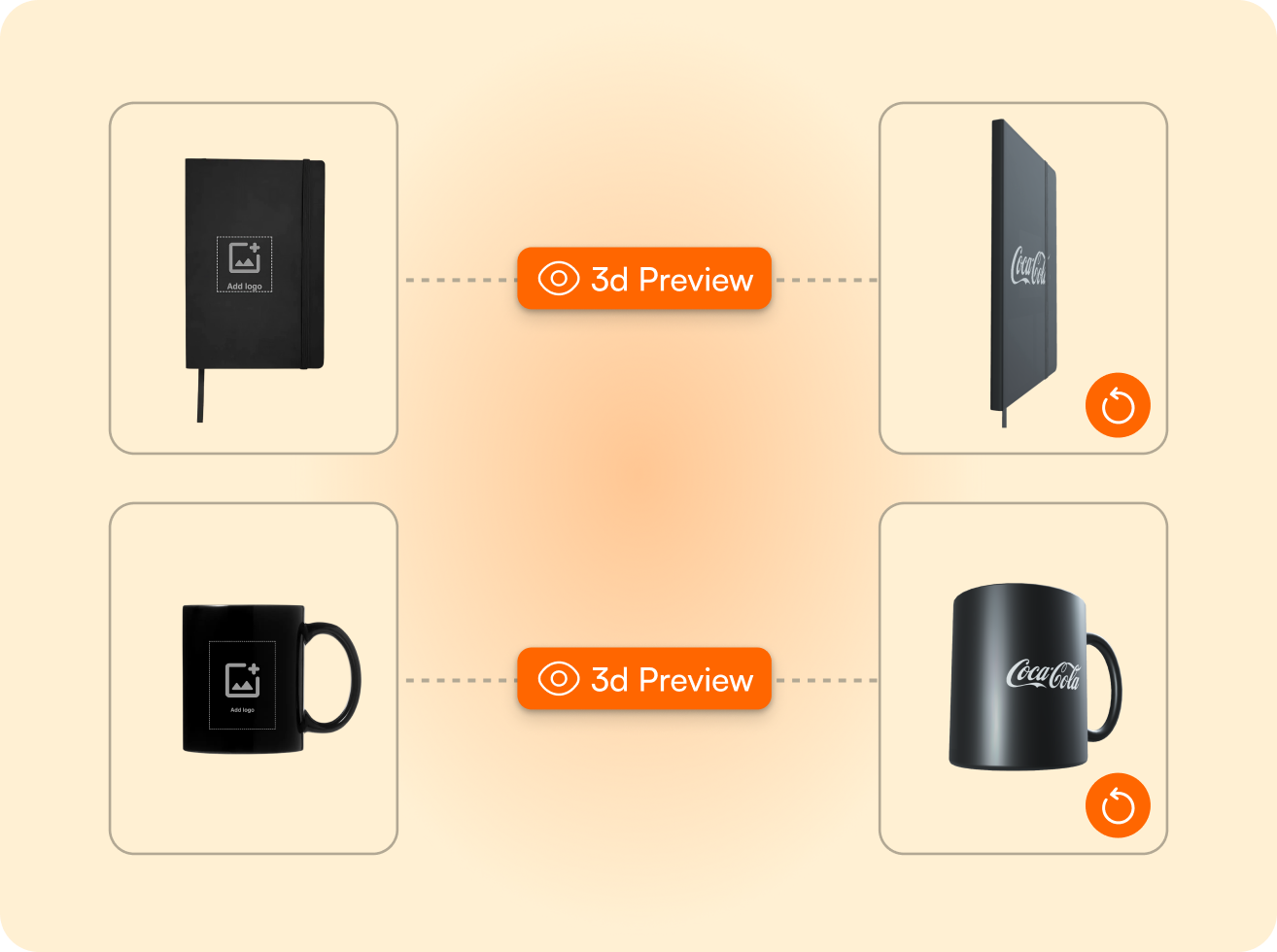
Print area held per product. Each notebook carries its own cover print area, so a customer's logo is scaled and positioned inside the space the product allows.
Technique-aware validation. Digital printing, screen printing, laser engraving and debossing each carry their own limits. FastEditor checks the uploaded logo against the method chosen before any file is generated.
Production-ready output. On approval, FastEditor outputs the print-ready file and a branded proof, vectorised and colour-checked, so the order goes straight to production.
Notebook decoration varies more than it looks. A soft cover takes digital print or screen print, a hard cover suits debossing or laser engraving, and each method has its own colour and detail limits. A logo has to be prepared for the cover it is going on.
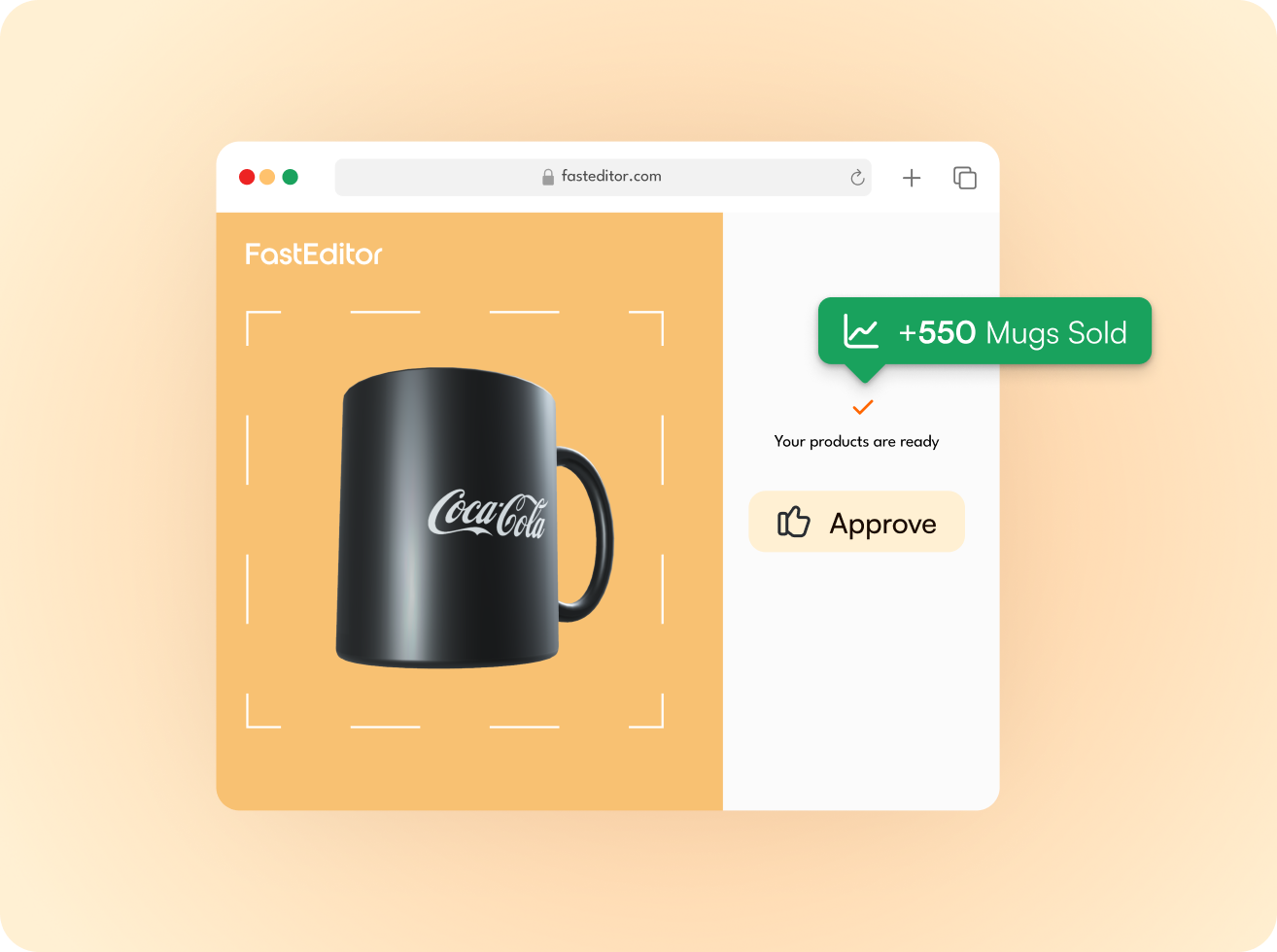
FastEditor handles this on upload. The logo is vectorised, checked against the technique's limits, and positioned inside the correct print area for that notebook. The customer previews it before approving, and the production file is generated to specification.
Connected notebook suppliers arrive in the FastEditor Product Hub with their print areas, decoration methods and constraints already attached to each product, including sustainable and reusable ranges.
New suppliers are added continuously, so any notebook in the catalogue is decoration-ready from the day it is connected.
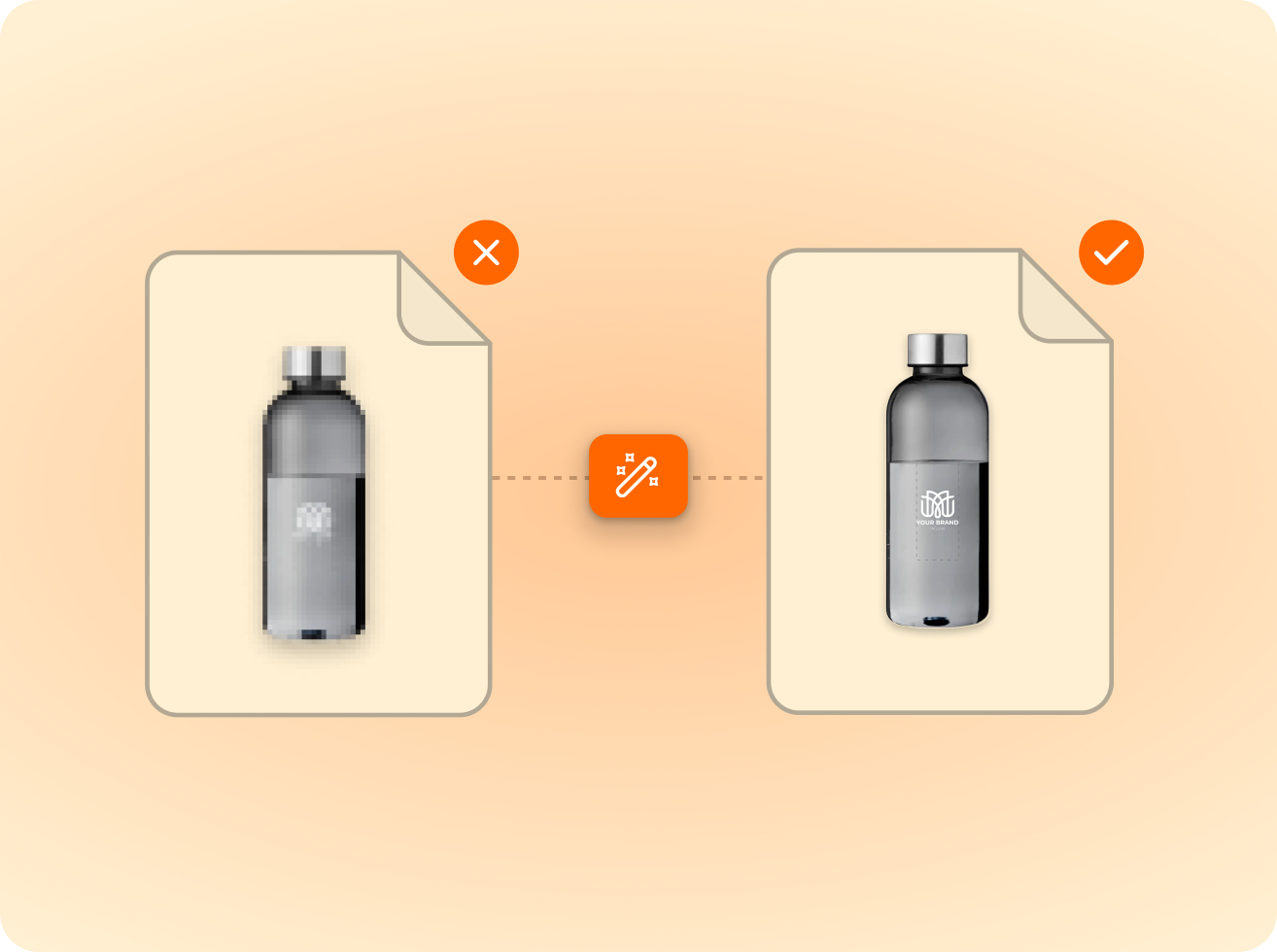
of the logos customers upload are not print-ready as supplied — FastEditor corrects them automatically before they reach production.
Measured across 13,773 uploads, November 2025 to May 2026
Digital printing, screen printing, laser engraving and debossing are supported, with the correct production file generated for the technique configured on each product. Each method carries its own colour and detail limits.
Placement follows the print areas defined for each product. Where a product carries more than one decorable area, each is placed inside its own zone and proofed before the order proceeds.
FastEditor checks the colour count of the uploaded logo against the limit for the selected method. If it exceeds the limit, the customer is guided to adjust the artwork before the order proceeds.
PNG, JPG, SVG, AI, EPS, PDF and TIFF. Vector files are used as supplied and raster files are vectorised automatically.
Yes. Once the customer approves their design, FastEditor generates a production-ready file matched to that product and technique, vectorised and checked for colour count, detail and placement.
Same pipeline, different print area.









.png)