Engraving is unforgiving. A logo with hairlines below the machine minimum simply burns away, and a raster file cannot be engraved at all. FastEditor vectorises the upload, validates every line against the engraver's minimum weight, previews the result in monochrome on the actual product, and outputs a clean vector file — across wood, metal, glass, bamboo and coated drinkware.
Request a demoThree constraints decide whether an engraving job works, and all three are knowable before the order.
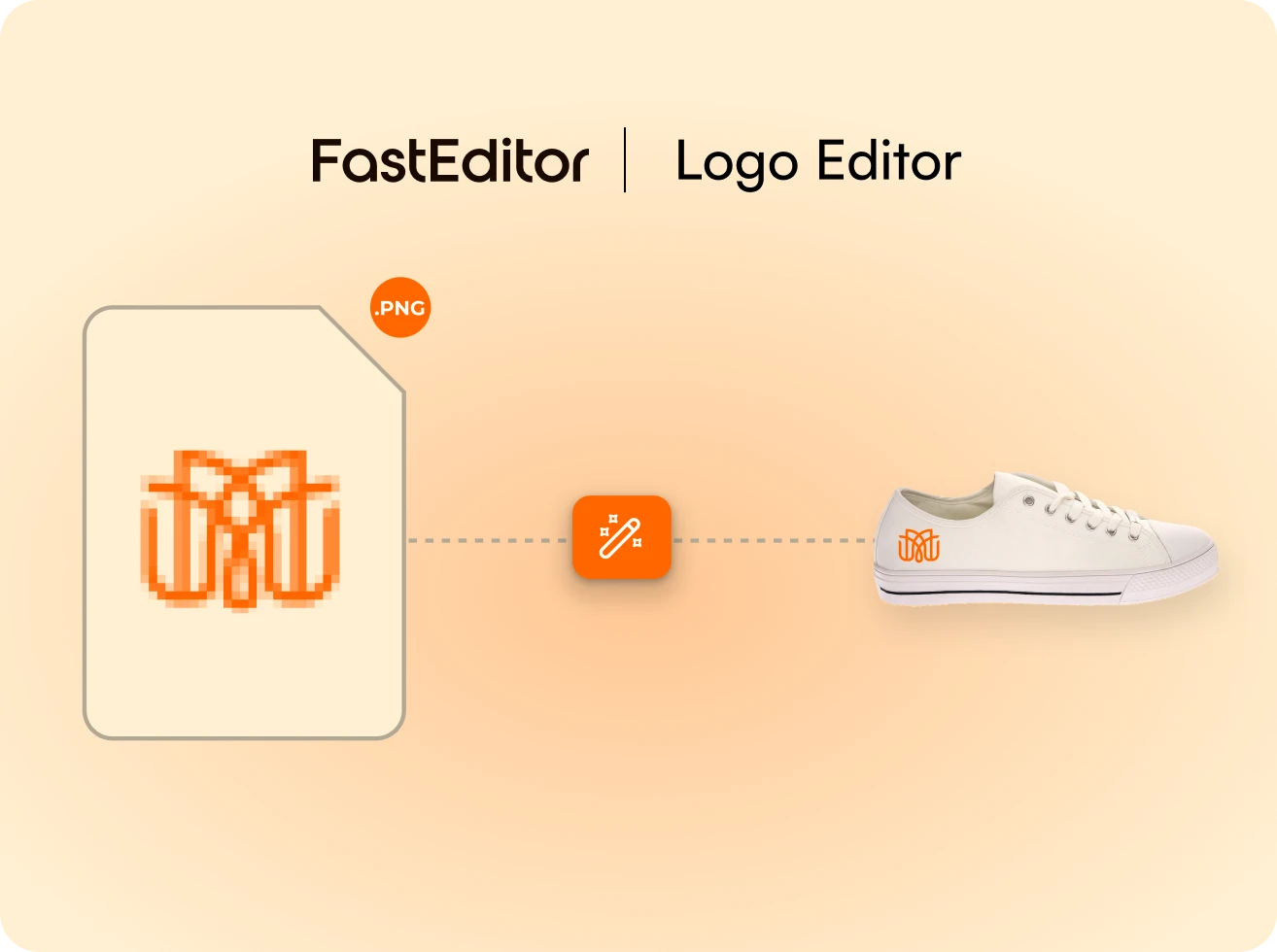
It must be vector. A raster image has no paths for the laser to follow. FastEditor vectorises any upload automatically, including phone photos of business cards.
Lines must clear the minimum weight. Below roughly 0.25mm, depending on substrate and machine, detail disappears into the burn. FastEditor validates every stroke via line thickness checks against the minimum configured for that product.
There is no colour and no greyscale. Engraving is one tone. Gradients, drop shadows and subtle tints must be resolved to a single mark before production, which FastEditor does automatically.
The engraver receives a clean vector file at the exact dimensions of the product's engraving area, with the mark scaled to its true size rather than to the transparent space around it.
The production-ready file goes straight to the machine. No artwork department, no conversion step, no rejected job.
Engraving cuts across the whole promotional catalogue. These flows all support it:
Suppliers with engraving-capable products — Toppoint, PF Concept, Solo Midocean, XD Connects, BIC, Woodcarve and Clipper Interall — are pre-configured in the Product Hub. See the full supplier ecosystem.
A vector file — the laser follows paths, not pixels. FastEditor accepts PNG, JPG, SVG, AI, EPS, PDF and TIFF and vectorises raster uploads automatically, so the customer never has to supply one.
It varies by substrate and machine, typically around 0.25mm. The minimum is configured per product in the Product Hub, and every stroke in the uploaded artwork is validated against it before the customer can approve the proof.
Yes, rendered in monochrome on the actual product rather than as a full-colour logo on a flat mockup. Engraving produces one tone, and showing anything else sets an expectation the finished item cannot meet.
It is resolved to a single engraving tone automatically as part of file preparation. Gradients, shadows and tints are flattened to the mark that will actually be burned, and the customer sees that version before approving.
Any product with an engraving configuration in the Product Hub — metal and premium pens, coated drinkware, bamboo and wooden gifts, awards, keyrings, tools and multi-tools. Engraving areas and substrate constraints are defined per model.
No. The vector file is generated to the engraving area's exact dimensions on proof approval, with paths closed and the mark scaled to its true size. It goes directly to the machine.
Yes. Each decoration position is processed independently, so a single product can be engraved in one position and pad printed in another, each producing its own technique-specific production file.
A configurator records what the customer chose. FastEditor also produces the engraving file — vectorised, line-validated, tone-resolved and correctly scaled. That is the part that otherwise requires an artworker.