Decoration
/
Sublimation
Sublimation

Dye Sublimation Design Software with Full-Bleed Output

Sublimation turns dye to gas so it bonds into polyester and coated hard goods, giving edge-to-edge, full-colour decoration that will not crack or peel. FastEditor checks the upload, applies bleed and wrap allowances, and outputs a calibrated full-colour file.

52 sec
Median upload to production-ready file
99.95%
file accuracy over 20,000+ files
150+
connected suppliers
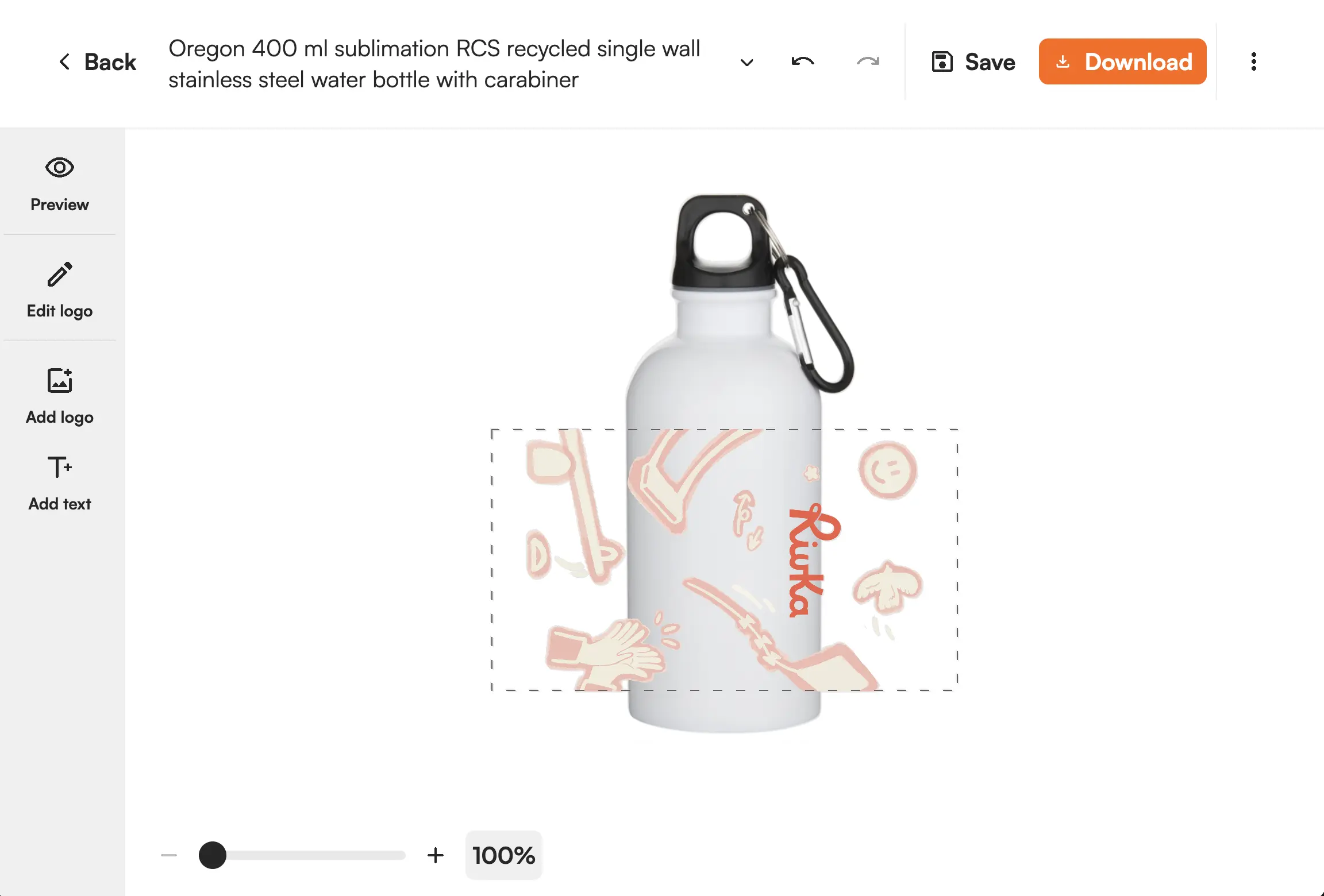
Dye sublimation full-colour preview on a mug
The artwork

What this technique demands of the artwork

Sublimation gives the most vivid, durable full-colour finish, on the right substrate.

The substrate decides. Sublimation only bonds to polyester fabrics and specially coated hard goods such as mugs and metal. The correct substrate is set per product in the Product Hub, so unsupported items never enter the flow.

Full bleed and wrap. Sublimated products are usually decorated edge to edge, and curved items such as mugs wrap the full surface. Bleed, safe area and wrap allowances are applied automatically so nothing important is lost at the edge.

Resolution at print size. Full-colour and often large, so the design is validated at the physical size it will print.

  • Substrate compatibility enforced per product
  • Bleed, safe area and wrap allowances applied automatically
  • Resolution validated at true print size
  • Full colour, edge to edge, no colour limit

Where it runs

One proof engine, every route to the customer.

However the order reaches you, the same production-ready file comes out, checked against the method’s limits and matched to the supplier’s specs.

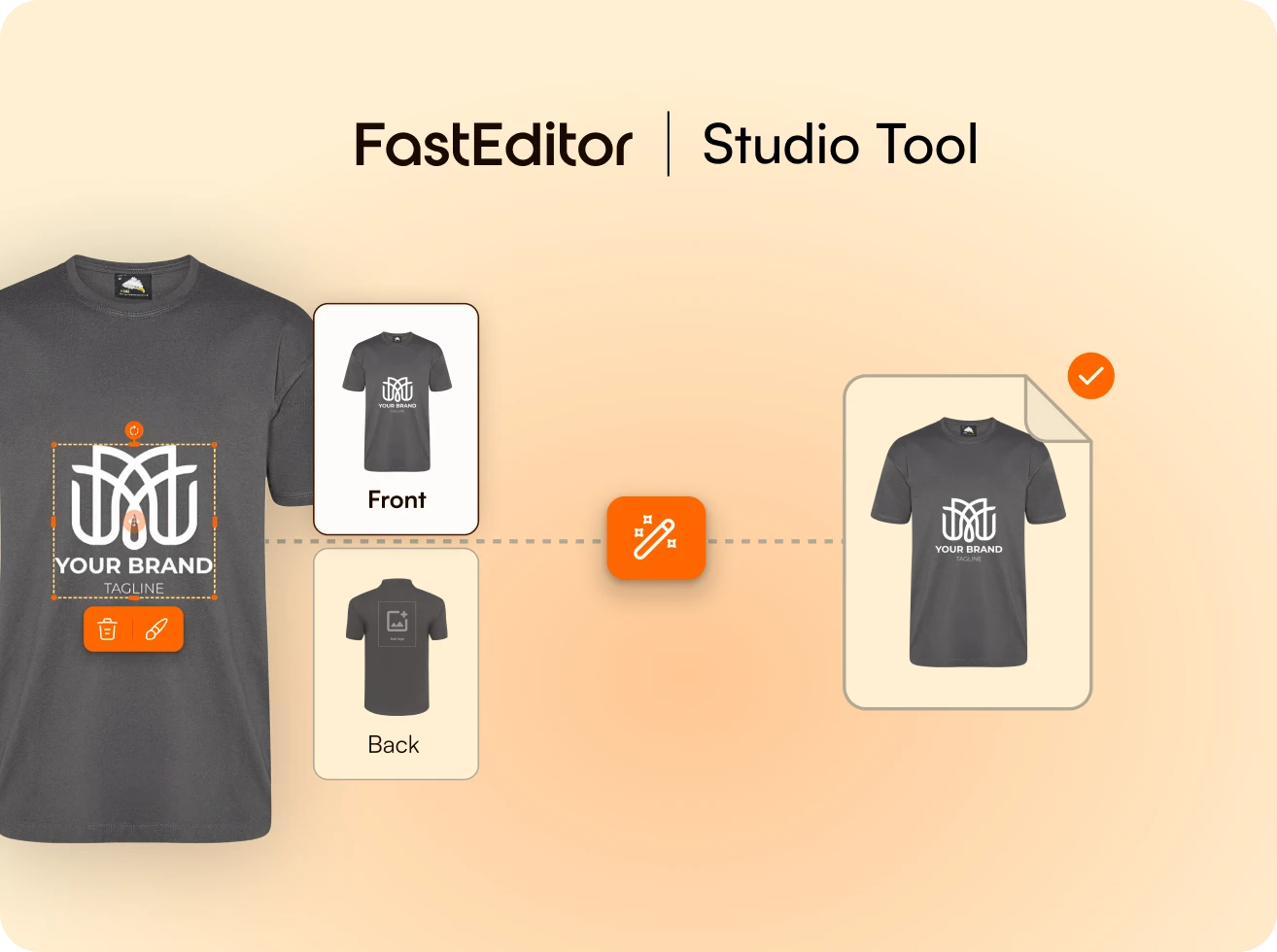
FastEditor Studio Tool interface showing customization of a gray t-shirt design with a white logo and tagline on the front, with options to edit or delete the design.

Studio Tool

Design it, get the file

Place the artwork, pick the product, and download a production-ready file in seconds, branded and ready to send.

Explore Studio Tool →
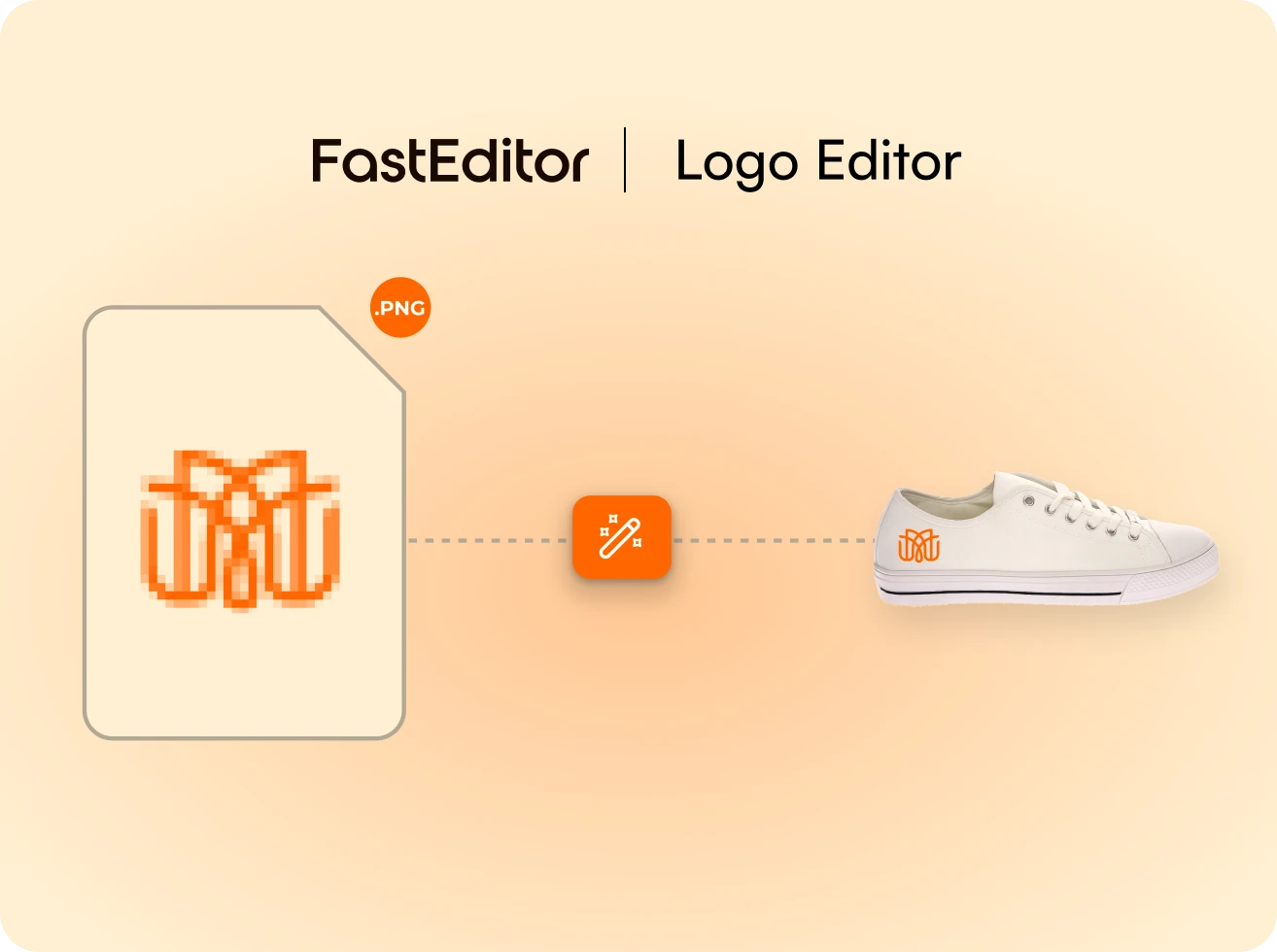
FastEditor Logo Editor showing a pixelated PNG logo file being refined and applied as a sharp orange logo on a white sneaker.

Logo Editor · customer-facing

Personalized before checkout

Customers add their logo and review a product preview before checkout. Final production files are generated when the webshop sends the configured Sales Notification, normally after payment. Proof approval alone does not trigger production-file generation.

See the customer flow →
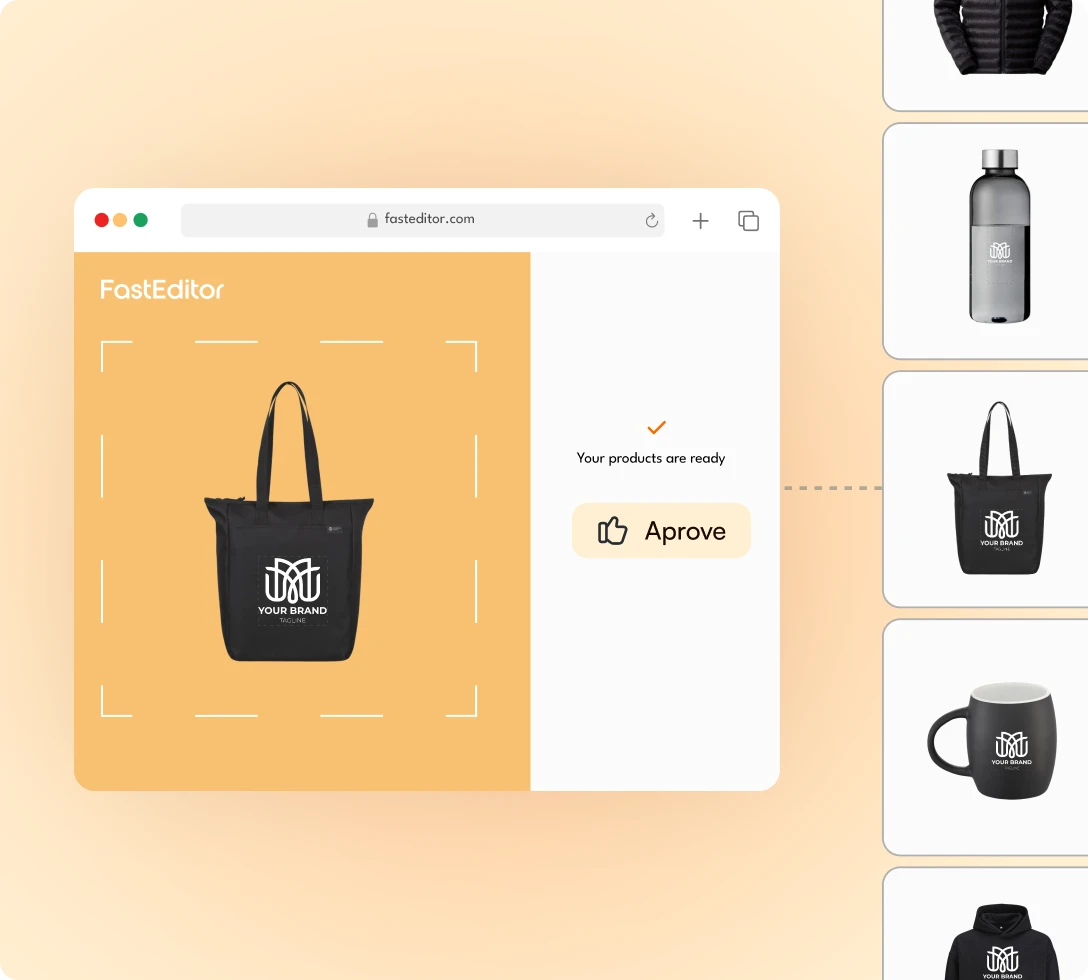
FastEditor Print Proof Creation hero image

Web-to-print API

Automated at scale

Every order returns a file built against the supplier’s specs, with no designer in the loop.

Explore the API →

Where it goes

Products decorated this way

Sublimation covers full-colour, edge-to-edge work on the right substrates:

  • Mugs and drinkware: full-wrap photographic decoration on coated ceramic and metal. See the mug flow.
  • Sportswear: all-over prints on polyester team kit across the apparel range.
  • Coated hard goods, from coasters to phone cases.

Products are pre-configured in the Product Hub. See the full supplier ecosystem.

Mugs

FastEditor's mug designer is the online mug design tool that resellers, suppliers, and personalisation shops embed in their webshop. A customer's photo or logo upload becomes a 3D mug preview and a production-ready print file in one automated flow. Consumer photo personalisation and B2B logo decoration are both supported, with every major decoration technique covered: pad printing, dye sublimation, screen printing, laser engraving, and digital full-colour printing.

See the flow →
Apparel

Polos, hoodies, caps, workwear, sportswear. FastEditor covers the full apparel decoration flow across 60+ supplier catalogues. Multiple print areas, size and colour matrices, B2B logo uploads and consumer photo personalisation, all in one integration. Every area outputs its own production file, built to the specification of the technique decorating it.

See the flow →
Promotional Products

A promotional order is a logo, a deadline and a print area three centimetres wide. FastEditor automates everything between the customer's upload and the file your supplier prints, vectorisation, colour validation, 3D preview, technique-specific output, across mugs, pens, bags, drinkware and the rest of the branded merchandise catalogue.

See the flow →

FAQ

Common questions.

Still not sure it fits your catalog? We’ll walk it through on your own products.

Ask us anything
What is sublimation best for?

Vivid, durable, full-colour decoration on polyester fabrics and coated hard goods such as mugs and metal. Because the dye bonds into the surface, the result will not crack or peel.

Which products can be sublimated?

Only polyester fabrics and specially coated hard goods. The supported substrate is set per product in the Product Hub, so unsupported items never enter the sublimation flow.

How is full-wrap decoration handled?

For curved items such as mugs, FastEditor applies the wrap and bleed allowances automatically so the design covers the full surface without anything important being lost at the seam or edge.

Is there a colour limit?

No. Sublimation is a full-colour process, so photographic and gradient designs are fine. The constraint is the substrate and the resolution at print size, not colour count.

What file does production receive?

A calibrated full-colour file at the full decoration area with bleed and wrap applied, generated on proof approval and ready for the press.

What upload formats are accepted?

PNG, JPG, SVG, AI, EPS, PDF and TIFF. Raster files are resolution-checked and enhanced at the size they will print.

See it on your own product.

Personalized demo within 24 hours, run on your own products and print methods. 15 minutes.

Book a demo