Customers upload their logo, choose how many times it repeats across the lanyard, and instantly see the result on a 3D model. Every configuration visualised before a single unit is printed. Production-ready files generated automatically.

Logo Repeat Configuration. Customers choose exactly how many times their logo appears across the lanyard, single, double, or continuous repeat. The 3D preview updates instantly with every change, showing the full effect before the order is placed.
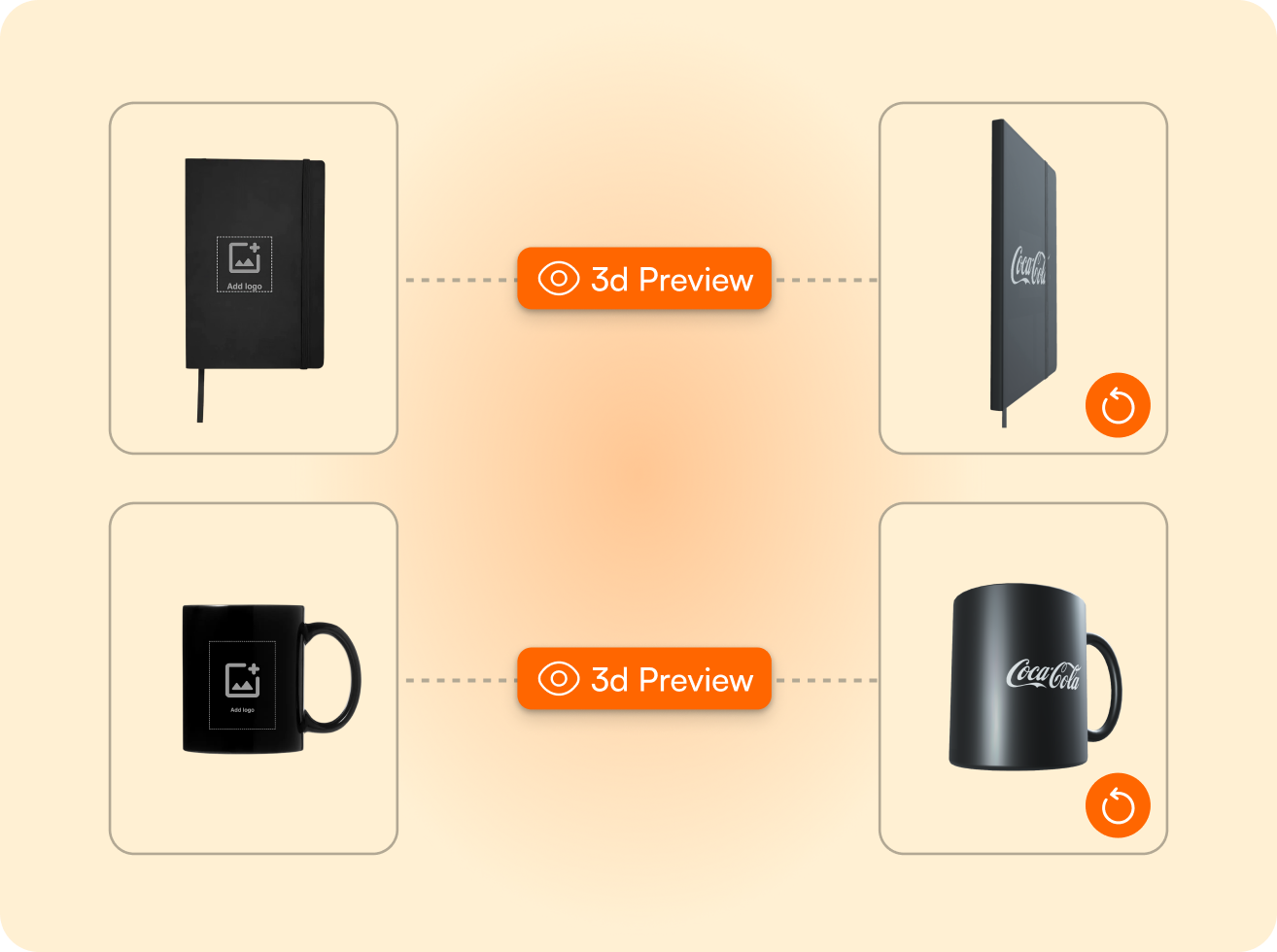
Always-On 3D Visualisation. Every lanyard configuration is shown in full 3D, including clasp, attachment hardware, and print surface. Customers see the finished product from all angles before approving. What they see in the preview is exactly what gets produced.
Automatic File Generation. Once the design is approved, FastEditor generates the production file instantly. Logo positioning, repeat tiling, colour separation, and print area compliance are all handled automatically. No manual artwork preparation required.
Lanyards are one of the few promotional products where logo repeat is a core part of the design decision. A single centred logo reads differently from a continuous repeat pattern running the full length of the strap. Both are valid, and both need to be seen before the buyer commits.
FastEditor's lanyard flow gives buyers direct control over repeat frequency. Single logo, double repeat, or continuous pattern, the selection is made in the flow, and the 3D preview updates instantly to show the full effect. No mockup requests. No email back-and-forth. Just a live configuration the buyer can adjust until it's right.
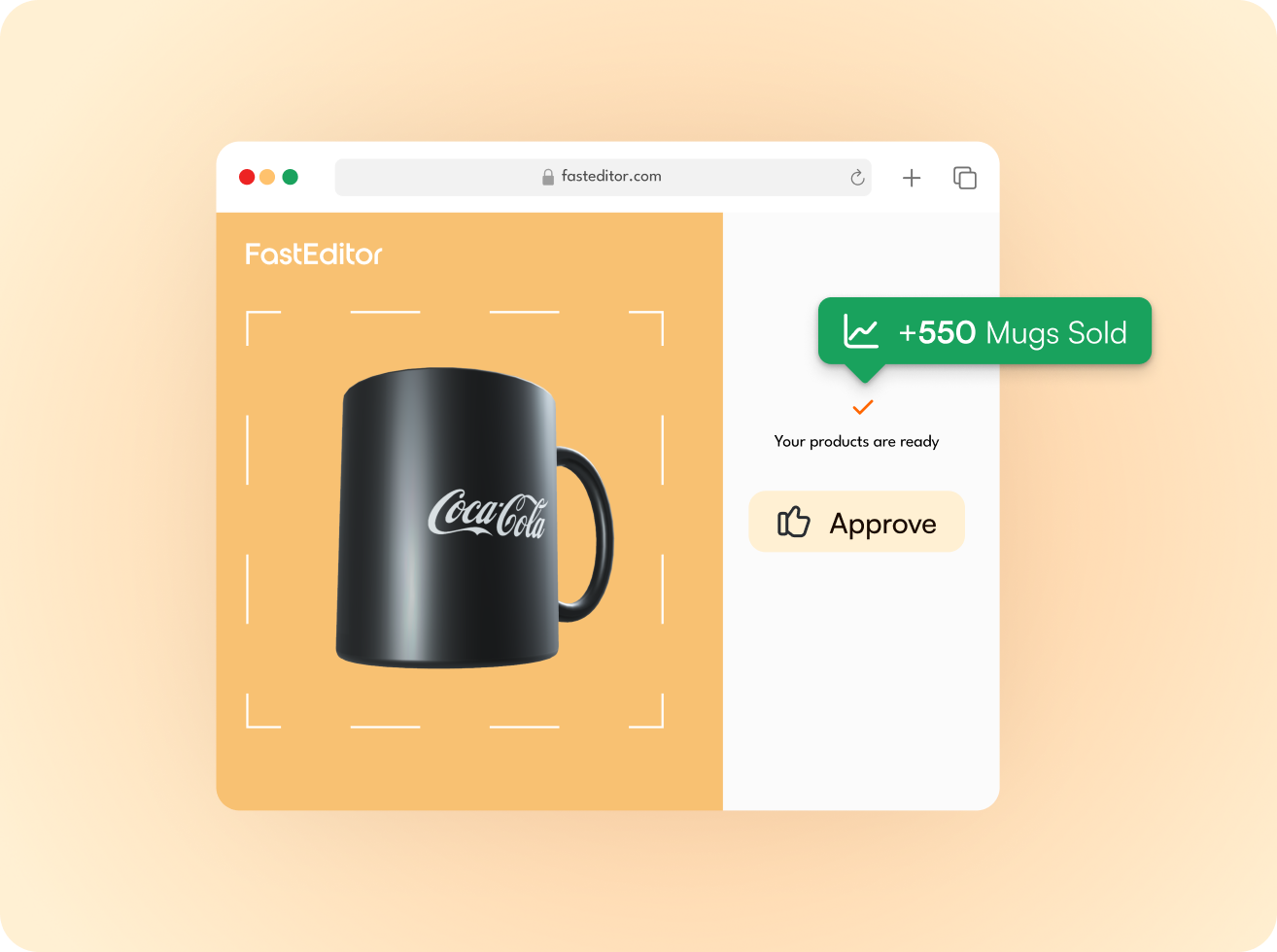
Flat product images don't sell lanyards. A lanyard is a 3D object, it hangs, it folds, it catches light. The logo repeat pattern only makes sense when you see it on the strap in full, with the clasp attached and the card holder in place.
FastEditor renders every lanyard configuration in 3D as standard. The buyer sees the strap from front and back, the logo at the correct scale, the hardware in the correct position, and the repeat pattern running across the full length. It's the closest thing to holding the product before it's produced, and it's the moment doubt becomes confidence.
Once the buyer approves the 3D preview, FastEditor generates the production file automatically. The repeat tiling is calculated precisely, logo spacing, bleed, and edge margins are applied to the print area specification for the selected lanyard model.
Colour separation for screen printing, solid vector output for pad printing, and full-colour files for dye-sublimation are all handled without manual intervention. The file that reaches your print facility is correct, complete, and ready to run.
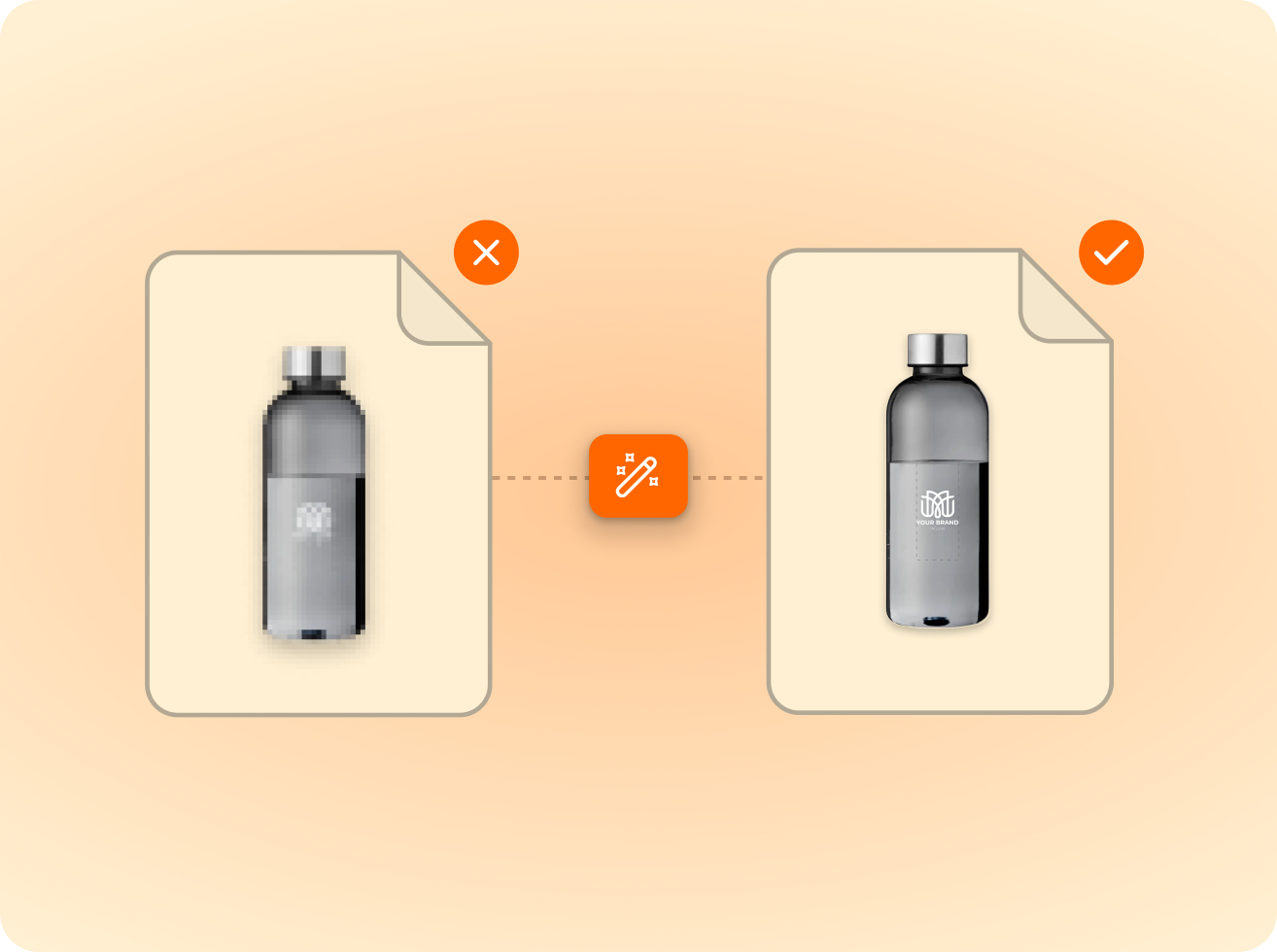
of the logos customers upload are not print-ready as supplied. FastEditor corrects them automatically before they reach production.
Measured across 13,773 uploads, November 2025 to May 2026
FastEditor supports screen printing, dye-sublimation, and pad printing for lanyards. The correct production file format is generated automatically based on the technique configured for each lanyard model in the Product Hub. Dye-sublimation supports full-colour designs and photographic repeat patterns. Screen printing outputs colour-separated files per ink layer.
The repeat options available to customers are configured per product in the Product Hub. Standard configurations include single logo, double repeat, and continuous repeat. Resellers can restrict the available options per product, for example, offering only single and continuous repeat for a specific lanyard width where double repeat doesn't fit the print area correctly.
Yes. FastEditor's 3D lanyard model includes the full product, strap, clasp, attachment ring, and card holder where applicable. The hardware is rendered accurately for each product model configured in the Product Hub. Buyers see the complete finished product, not just the print surface.
Logo spacing for repeat patterns is calculated automatically based on the print area dimensions of the selected lanyard model and the dimensions of the uploaded logo. FastEditor distributes the repeats evenly across the strap length, applying the correct margins and bleed for the selected print technique. The buyer sees the calculated spacing in the 3D preview before approving.
Yes. FastEditor accepts JPEG, PNG, PDF, EPS, and SVG formats. Raster uploads are automatically vectorised for screen printing and pad printing output. For dye-sublimation, raster files are resolution-checked and enhanced where needed. The system applies the correct processing for each technique automatically, no manual file preparation required from the customer.
Instant. As soon as the customer approves the proof, FastEditor generates the production file automatically. Repeat tiling, colour separation, and print area compliance are all applied without manual intervention.
This depends on the lanyard model configured in the Product Hub. Models that support front and back decoration are set up with both print areas active. Both sides can be designed and output as separate production files within the same flow.
The standard FastEditor integration goes live in 3 to 4 weeks. Lanyard products are configured in the Product Hub during onboarding, including repeat options, print area specs, and technique settings. No custom development required.
Same pipeline, different print area.









.png)


.png)