The customer just personalized a t-shirt. FastEditor already has their artwork, so it shows the same logo, correctly placed, on the matching cap, bag and bottle. No re-upload, no re-design, just the next product ready to add to the basket.
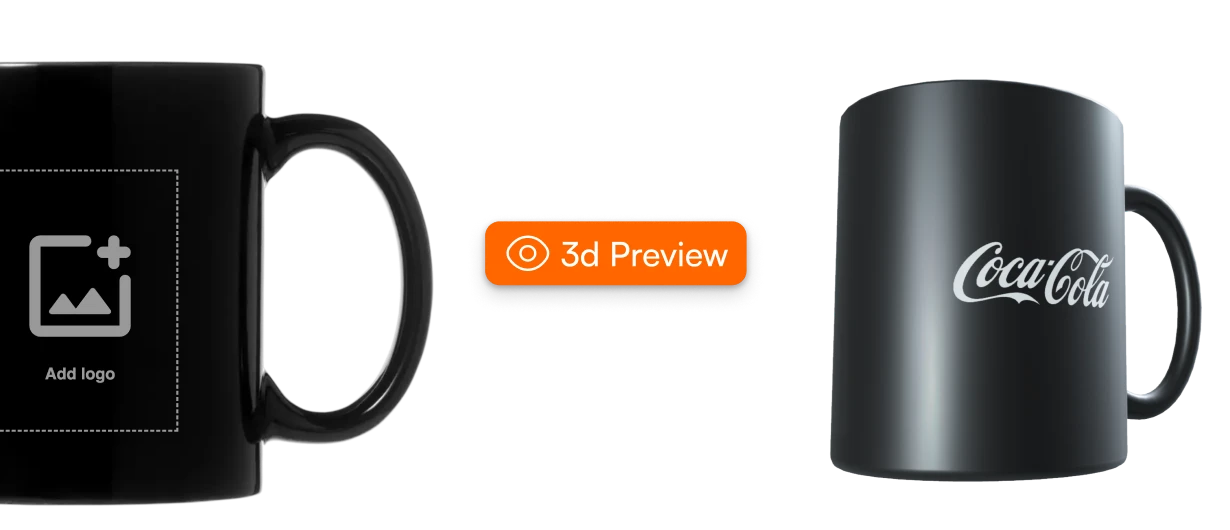
A customer who has just personalized one product is as warm as they will ever be, but showing them a matching item usually means another upload, another mock-up, and another reason to stop.
Related products sit behind a fresh upload and setup, so the customer abandons the idea rather than start over.
“Customers also bought” shows a stock photo, not the customer's own logo on the item, so it doesn't feel like theirs.
Building a matching-set visual by hand is a designer task, so it only happens for big accounts, if at all.
The module reuses the artwork the customer already created and renders it on related items, in the webshop flow, in your team's tool, and across your connected catalog.
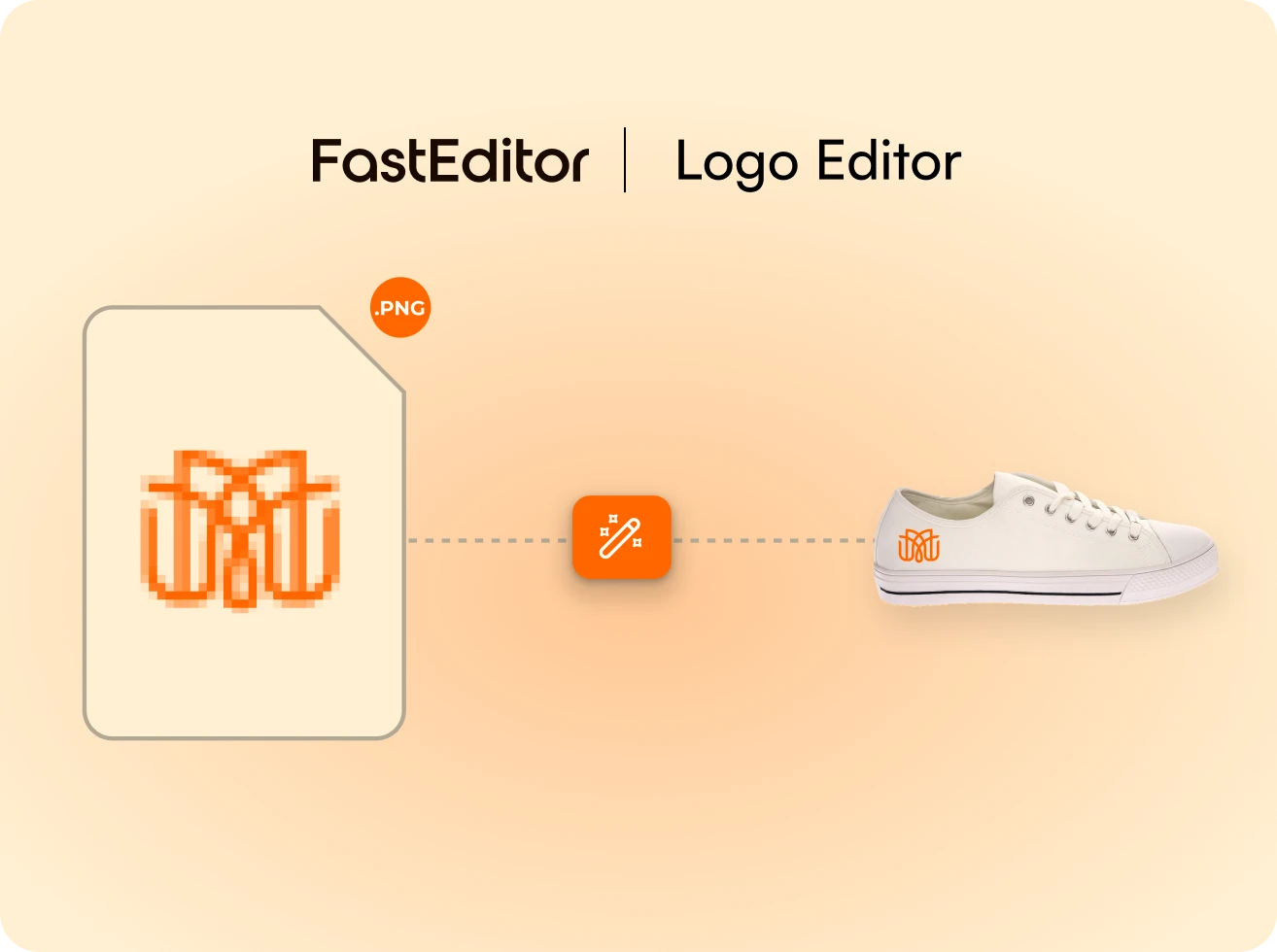
Right after personalizing, the customer sees their own logo on matching products, correctly placed, ready to add to the basket.
See the customer flow →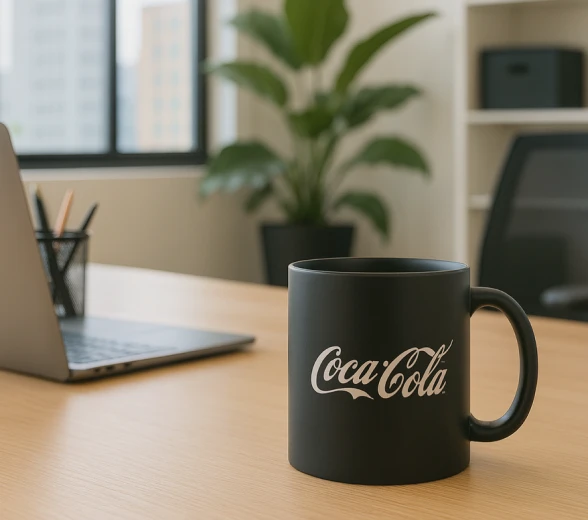
Each suggested product shows the artwork in realistic 3D on the actual item, so the matching set feels real before it is ordered.
See 3D visualization →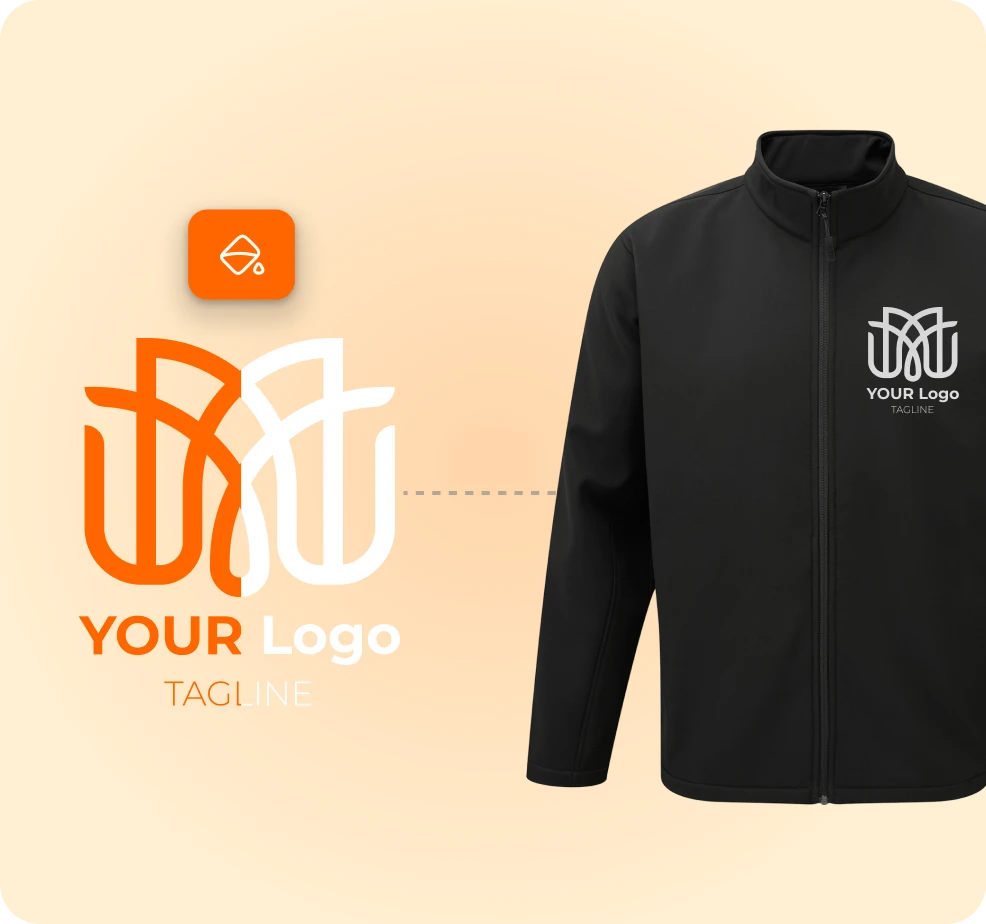
Related items are drawn from your connected suppliers, so cross-sell suggestions stay in stock, on spec, and orderable.
Explore Product Hub →What changes when the second product needs no second setup.
Customers add matching items because the artwork is already on them, ready to buy.
Personalized suggestions convert far better than generic ‘related products’.
No re-upload and no re-design, the existing artwork is reused automatically.
Bundle mock-ups are generated by the engine, not built by a designer per order.
The offer appears the instant the customer is most engaged, not in a follow-up email.
AllGifts turned every personalized order into a matching-set opportunity, the customer's artwork carries straight onto related products, with no second upload.

Still unsure whether it fits your catalog? We will walk it through on your own products.
Ask us anythingThe logo or photo the customer already personalized is carried across to related products and placed correctly in each print area, no second upload or setup required.
Related items you configure, drawn from your connected catalog, so every suggestion is in stock, on spec, and orderable with the same artwork.
Inside the personalization flow, right after the customer finishes the first product, the moment of highest intent, and it can also surface in the basket.
Yes. Each related product renders the artwork in realistic 3D on the real item, using the correct print area for that product and technique.
Yes. Cross-sell relationships are configured per workspace against your connected suppliers, so the module fits your catalog and margins.
No. The whole point is zero extra steps, the existing artwork and its placement are reused, so adding a matching product is a single click.
Personalized demo within 24 hours. We run it on your own products and print methods, 15 minutes.
Book a demo