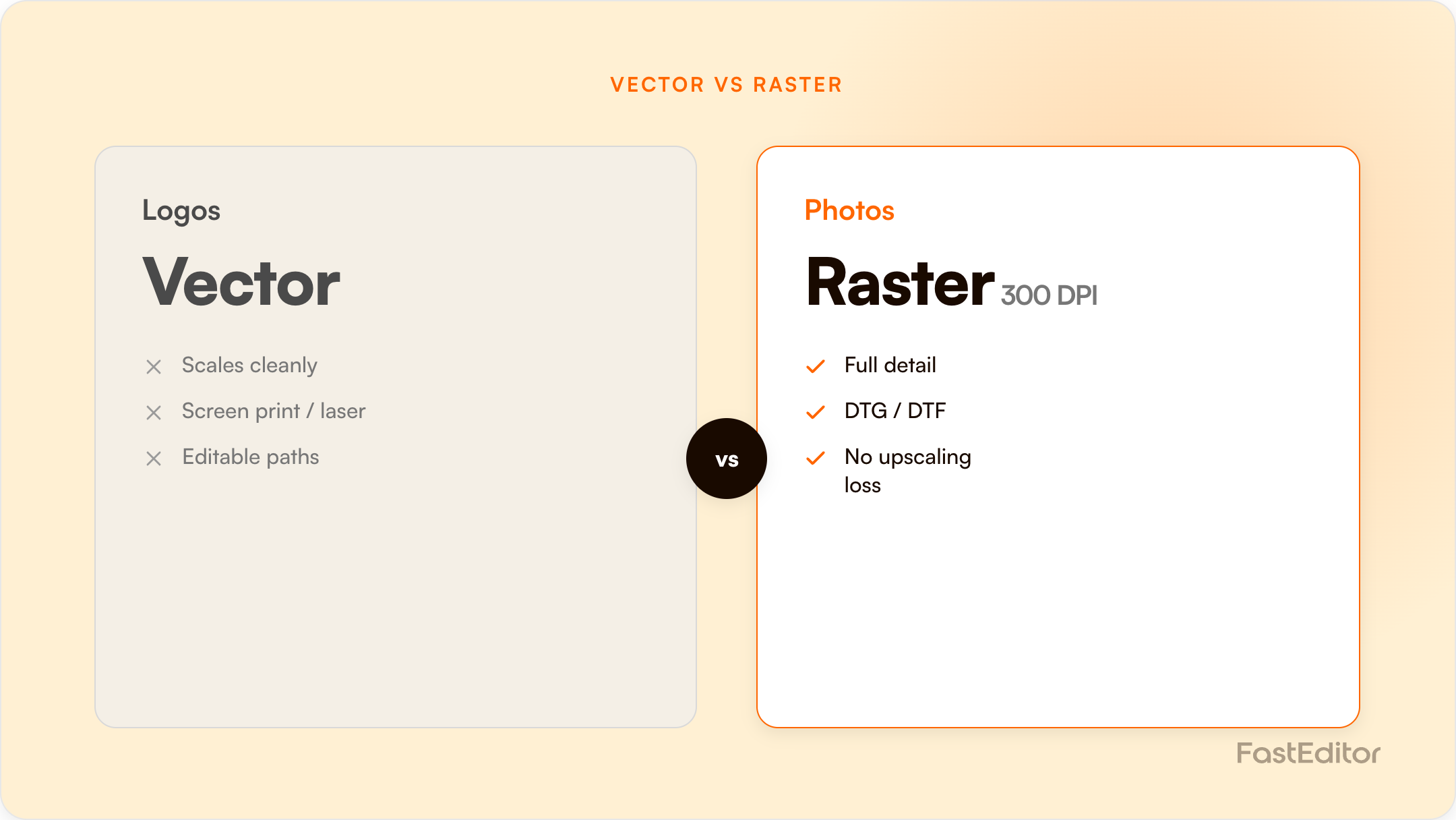
For most decoration methods you want a vector file (AI, EPS or vector PDF), because it scales without quality loss and separates cleanly into colours. Raster files (PNG, JPG) only work at 300 DPI or higher at the final print size. Embroidery is the exception: it needs a digitised stitch file, not just a vector.
The short answer: for almost every decoration method you want a vector file (AI, EPS or vector PDF). Vector art scales to any size with no loss of quality and separates cleanly into colours. Raster files (PNG, JPG) only work when they are high resolution, meaning at least 300 DPI at the final print size. Embroidery is the exception: it needs a digitised stitch file, not just a vector.
On this page
Ask a print supplier what file they need and the answer is almost always "send it as a vector." Ask the customer for one and you often get a PNG pulled from a website, a screenshot, or a logo buried in a PowerPoint. That mismatch is where orders stall. At FastEditor we see it in the data: across 13,773 logo uploads, roughly 85% were not production-ready on arrival. This guide explains which file format each decoration method actually needs, why it matters, and what to do when the customer only has the wrong one.
Every artwork file is either vector or raster, and that single property decides whether it is ready for production.
Vector files describe a design as mathematical paths: points, curves and fills. They scale from a pen clip to a billboard with no loss of quality, and each colour sits on its own path, which is what makes them easy to separate for printing. Common vector formats are AI, EPS, vector PDF and SVG.
Raster files are grids of pixels. Photos and most web images are raster. Scale them beyond their native resolution and they turn soft and blocky. Common raster formats are PNG, JPG, GIF and PSD.
For logos and line art, vector is almost always the right answer. For photographic content, raster is unavoidable, and the rule shifts from format to resolution. Adobe frames the same trade-off in its own vector versus raster comparison. More on resolution below.
| Format | Vector or raster | Best for | Watch out for |
|---|---|---|---|
| AI | Vector | Master logo files, screen print, cutting and engraving | Needs Illustrator to open and edit |
| EPS | Vector | Handing artwork between different print systems | Older format, can be heavy |
| Either | Proofs, approvals and print-ready handoff | Can hide a low-resolution raster inside | |
| SVG | Vector | Web, configurators, on-screen previews | RGB colour, not built for CMYK print |
| PNG | Raster | DTG, DTF, transparency, on-screen use | Resolution-bound, no spot colours |
| JPG | Raster | Photographs and full-colour images | No transparency, edge artefacts |
| PSD | Raster | Layered photo editing | Still pixel-based at its core |
Pro tip: is that PDF actually vector? A PDF can contain real vector paths or just a screenshot saved as a PDF. Open it and zoom to 800%. If the edges stay razor sharp, it is vector. If they turn into soft pixels, it is a raster image in a PDF wrapper and will print exactly as blurry as it looks on screen.
Vector art, or a high-resolution raster as a last resort. Each ink colour becomes a separate screen, so clean colour separation matters, and you should specify spot or Pantone colours in the file. Gradients have to be converted to halftone dots, which adds complexity, so flat solid colours print most reliably.
High-resolution raster is fine here, and often preferred for photographic or many-colour designs. A 300 DPI PNG with a transparent background is the safe choice. DTF transfers onto almost any fabric, while DTG works best on cotton. Our guide to decoration techniques has the full comparison.
This is the one that trips people up. Embroidery does not print artwork, it stitches it, so it needs a digitised stitch file (DST, PES, EXP or EMB), not a PNG or even a plain vector. Digitising maps every stitch, its direction and its density. A clean vector is the ideal input, but the digitising step is separate and specialised, as we explain in embroidery digitizing and automation.
Single-colour vector art is best. Engraving has no colour, only the mark, so contrast and line weight matter more than hue. Very fine detail and hairline strokes can drop out, so simplify where you can.
Screens display at roughly 72 to 96 PPI. Print needs about 300 DPI at the final printed size. A logo that looks crisp at 600 pixels wide on a website can be far too small to print at 10 cm without going soft. This is why so many uploads need upscaling: in our platform data, 79% of assessed raster uploads were too low-resolution for production, and the median upload was only about 0.6 MB. For line art the cleanest fix is to convert it to vector, and automated vectorization removes the resolution problem entirely by rebuilding the artwork as paths.
Screens use RGB; most printing uses CMYK or named spot colours such as Pantone (PMS). A bright RGB blue or orange can look duller once converted to CMYK, which is why a design on screen does not always match the printed result, and why a soft proof can differ from the final print. For brand-critical colours, specify the Pantone reference in the file rather than relying on automatic conversion. We go deeper in PMS colour matching for promo products.
Most of the time, they will. Telling a buyer to "go find the vector" is the fastest way to lose the order. The better path is to fix the file automatically. A good production-ready file pipeline takes whatever the customer uploads, vectorises line art, upscales or cleans raster images, removes backgrounds, checks the colour count against the chosen print method, and returns a file the supplier can actually run. In our data, the median time from upload to a production-ready file is 53 seconds. For how common the problem is, see the 2026 artwork automation benchmark, and for the remediation detail, turning low-quality uploads into print-ready files.
| Decoration method | Best file | Acceptable fallback |
|---|---|---|
| Screen print | Vector (AI / EPS / vector PDF) | 300 DPI PNG, flat solid colours |
| DTG / DTF | 300 DPI PNG, transparent background | Vector |
| Embroidery | Digitised stitch file (DST / PES / EMB) | Clean vector to digitise from |
| Laser / engraving | Single-colour vector | High-contrast grayscale raster |
| Large format / banner | Vector, or 150 DPI and up at final size | High-resolution raster |
Key takeaways
Knowing the right file format is not really the customer's job, and asking them to is exactly where promo orders stall. Vector for line art, high-resolution raster for photos, a digitised file for embroidery, and CMYK or Pantone where colour is critical. Better still, stop sorting files by hand and let the upload step do the conversion, so every order arrives production-ready. You can size that impact with the ROI calculator.
Choosing the right file format is just one piece of the broader artwork automation picture.
More articles in Artwork Automation.
A vector file: AI, EPS or a vector PDF. Vector logos scale to any size without losing quality and separate cleanly into colours, which is what screen print, embroidery and laser need.
Sometimes. A high-resolution PNG (300 DPI or more at the final print size, ideally with a transparent background) works well for digital methods like DTG and DTF. For screen print or embroidery, a PNG usually has to be converted to vector first.
Not usually as a final print file. SVG is a vector format made for the web, so it uses RGB colour and lacks the CMYK and spot-colour control print needs. It is excellent for on-screen previews and configurators, but printers normally want AI, EPS or a vector PDF.
CMYK, or named Pantone spot colours for brand-critical work. RGB is a screen colour space, and bright RGB tones can shift and look duller once converted for print, so set print colours explicitly rather than leaving them to automatic conversion.
A digitised stitch file such as DST, PES, EXP or EMB. Embroidery stitches the design rather than printing it, so artwork has to be digitised into stitch instructions. A clean vector is the best starting point for that step.
Vector files are built from mathematical paths and scale infinitely without quality loss. Raster files are made of pixels and lose sharpness when scaled beyond their resolution. Logos should be vector; photos are always raster.
DPI is dots per inch, a measure of print resolution. Print generally needs about 300 DPI at the final printed size to look sharp. Screen images are far lower (around 72 to 96 PPI), which is why a logo can look fine online but print blurry.
You do not have to chase them for a better file. Automated artwork tools can vectorise line art, upscale and clean raster images, remove backgrounds and check colours against the print method, turning a web-grade upload into a production-ready file in seconds.
Benchmark note: 13,773 logo uploads were analysed in total (19 November 2025 to 31 May 2026). The correction rates quoted here are measured on the stable instrumentation window of 8,664 uploads, March to May 2026. See the full methodology.
