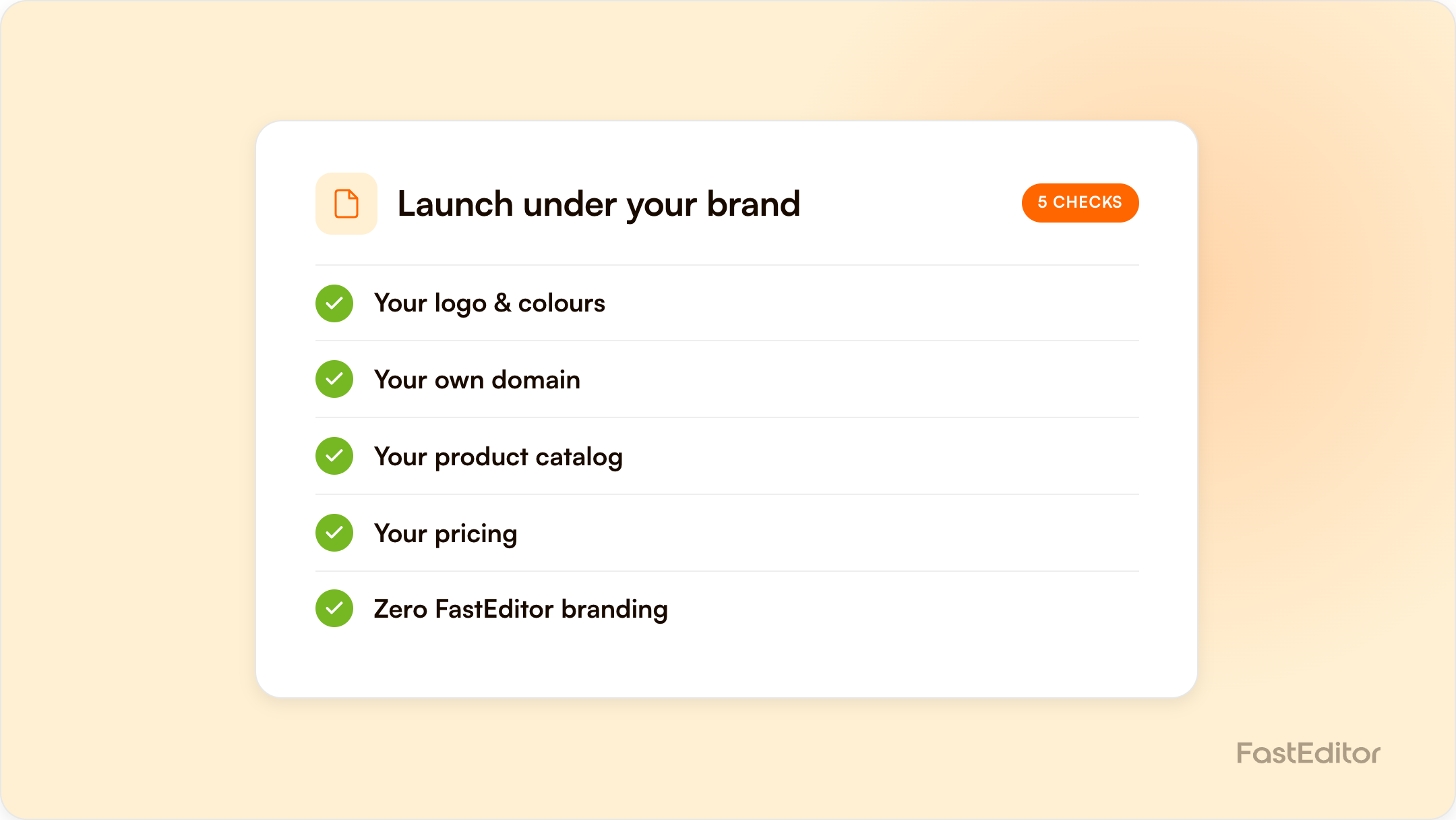
White-labelling a product personalization editor ranges from a cosmetic logo swap to a fully invisible integration with your own domain, API keys, and support ownership. The real checklist covers four things: domain, authentication and API keys, hiding vendor branding in the editor UI, and who owns the customer-facing proof and support relationship.
Every personalization or web-to-print vendor will tell you their platform is white-label ready. What that phrase actually covers varies enormously; sometimes it means you can upload your own logo to a dashboard, sometimes it means a customer can go from your website to checkout without ever seeing another company's name.
The editor should run on your domain or subdomain, not a vendor-hosted URL your customer gets redirected to.
Your systems need to talk to the personalization platform through your own API credentials, so orders, product data, and print files flow through an integration you control. Once a product is configured, it should be usable across every channel you operate.
This is where white-label gets tested: removing every trace of the underlying vendor from tooltips, error messages, proof documents, and email notifications.
A true white-label arrangement means your support team is the front line, with the vendor supporting you behind the scenes.
| Rung | What it covers | Typical effort |
|---|---|---|
| 1. Logo swap | Vendor logo replaced with yours on a dashboard | Days |
| 2. Branded editor UI | Editor colors, fonts, and copy match your brand | 1-2 weeks |
| 3. Own domain | Editor served from your domain/subdomain | 1-2 weeks |
| 4. Branded proofs and emails | Proofs, confirmations, error messages carry your brand | 2-4 weeks |
| 5. Full ownership of support | Your team is the only contact a customer ever reaches | Ongoing |
A live example: MerchMaker runs FastEditor's personalization editor fully white-labelled under its own brand.
Take this to any vendor demo and make them answer it line by line. Anything marked "scoped add-on" in their answer is a number you need before you sign, not after.
| # | Check | What good looks like | Common failure |
|---|---|---|---|
| 1 | Editor domain | Editor served from editor.yourbrand.com with your TLS certificate | A redirect to a vendor-hosted URL the customer can see in the address bar |
| 2 | Page chrome | No vendor logo, favicon, or "powered by" link anywhere in the editor | Branding removed from the header but left in the footer or the loading state |
| 3 | Editor UI tokens | Your colours, type, button shapes and copy tone | Colours themeable, fonts and copy not |
| 4 | Tooltips and helper text | Written in your voice, no vendor product names | Vendor feature names leaking through tooltips |
| 5 | Error and empty states | Your brand, your support contact | The one surface nobody tests; usually still vendor-branded |
| 6 | Print proof PDF | Your logo, your colours, your legal footer | A vendor-branded proof emailed straight to your customer |
| 7 | Transactional emails | Sent from your domain with SPF, DKIM and DMARC aligned | Sent from the vendor domain, landing in spam or breaking trust |
| 8 | Order confirmations | Your order reference format, not the vendor's project ID | Two reference numbers on one document |
| 9 | API credentials | Your own keys, your own rate limits, your own environments | Shared credentials you cannot rotate |
| 10 | Webhooks and callbacks | Delivered to your endpoints, signed and verifiable | Unsigned callbacks you cannot authenticate |
| 11 | Uploaded-asset ownership | Customer artwork stored under your account, exportable on request | Assets locked in the vendor tenant |
| 12 | Data residency | You know which region stores customer artwork | Nobody asked |
| 13 | Analytics and tracking | Your tags fire inside the editor | A blind spot in the middle of your funnel |
| 14 | Support front line | Your team answers first; the vendor supports you behind the scenes | The customer emails the vendor and learns who really runs it |
| 15 | Status and incident comms | You are notified before your customers are | You find out from a customer |
| 16 | Exit terms | Configurations and assets exportable in a documented format | No documented export path |
Score it honestly. Rungs 1 to 4 are cosmetic and usually included. Rungs 5 to 11 are where "white-label ready" is actually tested, and where a scoped add-on tends to appear. Rungs 12 to 16 are the ones that only matter once something goes wrong, which is exactly why they are worth agreeing in advance.
| Phase | Rungs | Typical effort | Owner |
|---|---|---|---|
| 1. Look and feel | 1 to 4 | 1 to 2 weeks | Your design team plus vendor config |
| 2. Documents and mail | 5 to 8 | 2 to 4 weeks | Vendor, with your brand assets and DNS records |
| 3. Integration ownership | 9 to 13 | 2 to 3 weeks, in parallel | Your engineering team |
| 4. Operational ownership | 14 to 16 | Ongoing from go-live | Your support lead plus vendor escalation path |
Three to six weeks end to end is realistic for a full white-label, not the one to two weeks a cosmetic demo suggests. The long pole is almost always email authentication and the proof document, because both touch systems outside the editor.
Cosmetic layers can usually be done in one to two weeks. Fully removing vendor branding from every proof, notification, and error state is more realistic at three to six weeks.
Yes. A common middle ground is a fully branded editor and domain while support tickets still route through the vendor initially.
A logo swap and branded UI are usually included in a standard integration. Full removal of vendor branding from every customer touchpoint is more often a scoped add-on.
You do, by design, in a properly white-labelled integration.
More articles in For Suppliers.
