A mood scene mockup places a customer's design on a product shown in a real-world setting, which reduces the uncertainty that stops people ordering personalized products. It needs two things: a scene image and a placement mapping; without the mapping, the editor silently falls back to a flat preview and the conversion lift disappears. Treat mood scenes as a product-data quality question, not just a picture.
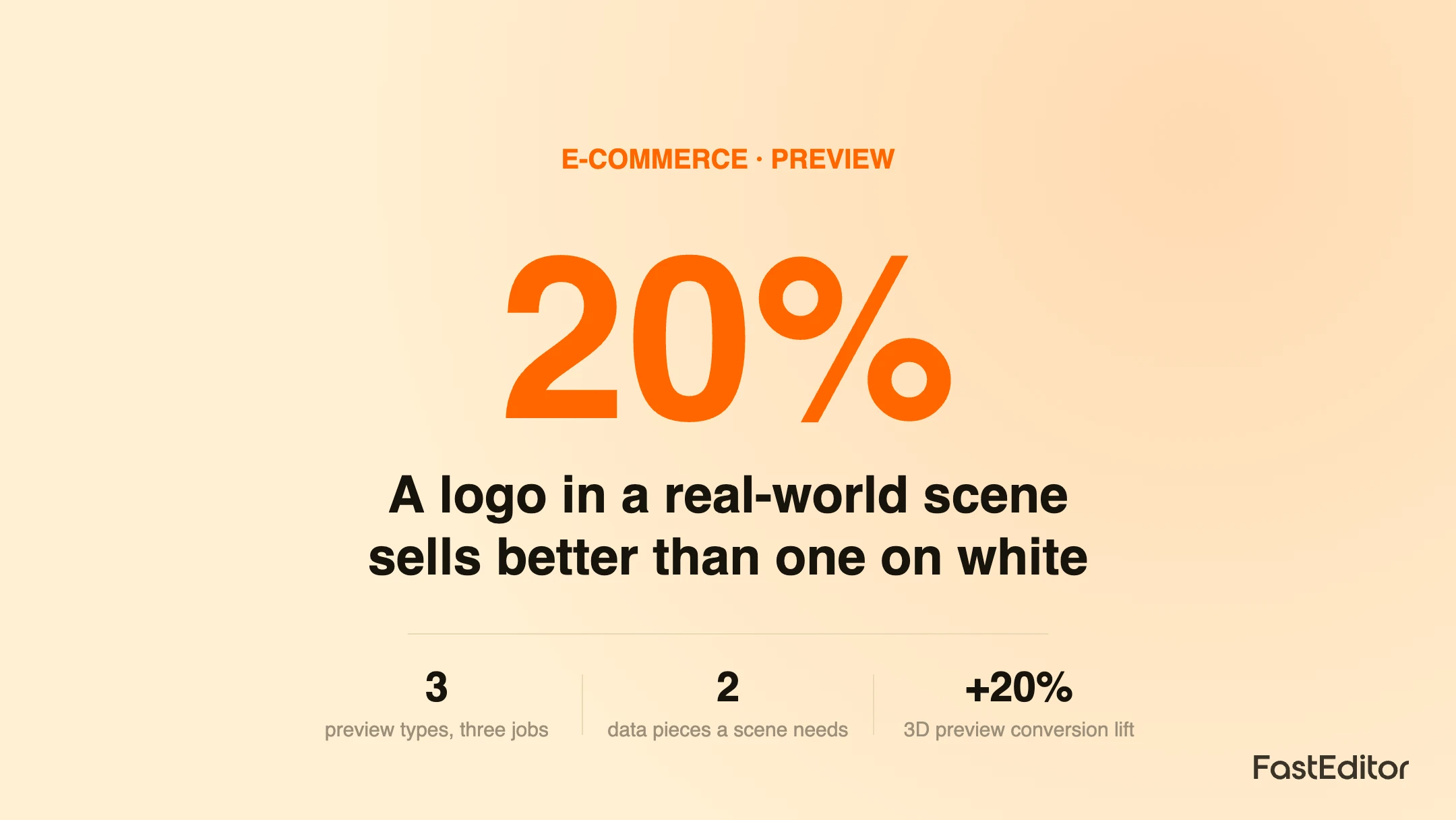
Two product pages sell the same printed water bottle. One shows the bottle on a plain white background with the customer's logo floating on it. The other shows the same bottle, same logo, held in someone's hand on a trail with the sun behind it. The second page converts better, and not by a small margin. The difference is not the product or the logo. It is that the second page let the buyer picture the finished thing in real life.
That is what a mood scene mockup does. This article explains what mood scenes are, how they differ from flat and 3D previews, the product data that makes them work, and what breaks when that data is missing. It is written for anyone running a personalization storefront who wants previews to sell rather than just display. The engine behind it is FastEditor.
On this page
A mood scene, sometimes called a lifestyle mockup, is a photograph of a product in a real setting, into which the customer's design is placed live so it follows the product's position and perspective. Instead of a logo sitting flat on a catalogue cutout, the buyer sees their brand on a bag someone is carrying, a shirt someone is wearing, or a sign standing in a space. It is the difference between a spec sheet and a photograph of the real thing, and it changes how confident a buyer feels at the exact moment they decide whether to order.
This matters because personalized orders carry more uncertainty than standard products. The buyer is committing to something that does not exist yet, made from a file they uploaded. Anything that makes the outcome feel real and predictable reduces the hesitation that kills conversion.
Mood scenes are not a replacement for other previews. They do a specific job that flat and 3D previews do not. The table shows how the three compare.
| Preview type | What it shows | Data it needs | Best for |
|---|---|---|---|
| Flat 2D preview | The design on a plain product image | Product image plus a print area | Fast, universal fallback |
| 3D preview | The product rotatable with the design applied | A 3D model and print-area mapping | Checking fit and wrap on the object |
| Mood scene | The product in a real-world setting | Scene image plus placement mapping | Building confidence and desire |
The flat preview answers can I see my design on the product. The 3D preview answers does my design fit the product, and the data it depends on is covered in is your catalogue 3D-ready. The mood scene answers how will this look in real life. A strong storefront uses the flat preview as a universal fallback and layers 3D and mood scenes on top where the data exists. We have written about the conversion impact of richer previews in 3D visualisation for promotional products.
A mood scene looks like a photo, but it behaves like structured data. Two things have to be present and correctly linked for the editor to render it:
When both are present and linked to the product, the mood scene renders automatically for every customer and every design. When the mapping is missing, points at nothing, or was never attached during onboarding, the editor has a scene image with nowhere to place the artwork, so it does the safe thing and falls back to the flat preview. Nothing errors, but the richer preview quietly disappears, and with it the conversion lift it was there to provide. This is why mood scenes are really a data quality question, the same way standardising decoration data across a catalogue is.
The most common failure is silent: a product that should show a mood scene shows a flat preview instead, because the placement mapping is missing or broken. Because nothing errors, it can go unnoticed for a long time while conversion quietly underperforms. Three practices prevent it:
Get this right and the mood scene becomes one of the highest leverage things on a personalization page: the same traffic, the same product, a more believable result, and a measurable lift at checkout. It also feeds the approval step, because a buyer who has seen a realistic preview is quicker to sign off the branded print proof. You can see mood scenes running on your own products in a Studio demo.
A mood scene mockup places a customer's design onto a product shown in a real-world setting, for example a branded tote carried on a shoulder or a printed mug on a desk, rather than on a plain product photo. It helps the customer picture the finished item in context, which builds confidence before they order.
A 3D preview lets the customer rotate and inspect the product with their design applied, focused on the object itself. A mood scene is a styled lifestyle image that shows the product in use. They answer different questions: the 3D preview asks does my design fit the product, the mood scene asks how will this look in real life. Many stores use both.
Each mood scene needs the scene image and a mapping that tells the editor where and how to place the customer's artwork within it, so the design follows the product's position and perspective. If that mapping is missing or points to nothing, the editor cannot render the scene and falls back to a flat preview.
Richer, more realistic previews reduce the uncertainty that stops people ordering personalized products, which is why visual context tends to lift conversion. We have measured this effect for 3D preview specifically; mood scenes work on the same principle of showing the buyer a believable finished result before checkout.
More articles in E-commerce & Conversion.
