FastEditor and TronDesigner overlap on vectorization, background removal, color mapping, embroidery output and an embeddable API-driven editor. FastEditor goes deeper on line-thickness and font-size preflight, upscaling, per-supplier specs and a published production-ready guarantee, and it lists pricing openly. TronDesigner leads on catalog breadth.
If you sell promotional products and you are weighing up artwork automation, TronDesigner is a name you will run into, and lately a lot more often. It is a capable, fast-moving web-to-print and artwork tool, and this is an honest look at where it is strong, where it is still catching up, and how it compares with FastEditor. Every TronDesigner detail below is drawn from the company's own public pages on trondesigner.com, accessed in October 2026, and the claims attributed to it are the vendor's own.
This is written for distributors, suppliers and platforms choosing where to run artwork, not as a takedown. For most of what both tools do, the capabilities genuinely overlap. The differences that matter are in preflight depth, the production-ready guarantee, the product-data model and pricing transparency, so those are where this comparison spends its time.
On this page
TronDesigner is the artwork and web-to-print product from PromoTron Solutions. Its headline promise is to create a proof and a print-ready file in about 60 seconds, with staff or customers preparing graphics without design skills or Adobe software. It ships with a large product database the vendor describes as 700,000 plus products, automated AI logo vectorization that the vendor states hits a 97 percent success ratio in around five seconds per logo, color mapping to Pantone or CMYK, background removal, and print-ready output as vector with Pantone or 300 dpi CMYK, plus embroidery program automation for formats such as DST and PES. It exposes a REST API, webhooks to ERP or CRM systems, and an embeddable editor that can run as an overlay or popup. In short, it covers a lot of the same ground FastEditor does.
It is worth being clear about this, because a comparison that pretends the overlap does not exist is not useful. Both FastEditor and TronDesigner offer automated logo vectorization, background removal, Pantone and CMYK color mapping, embroidery digitizing output, a REST API with webhooks, an embeddable editor, and 3D or semi-3D product visualization. If your checklist stops at that level, both tools will tick the boxes. The real decision lives one level deeper, in how complete and how production-safe the output is by the time it reaches a press.
Preflight depth. This is the clearest gap. TronDesigner's own site states that its quality checks are currently limited to basic rules such as maximum print size and number of colors, and that checks for details like font size and line thickness are planned rather than available. FastEditor runs minimum line thickness and font size preflight as part of the standard flow, which is exactly the class of error that slips past a basic check and causes a reprint.
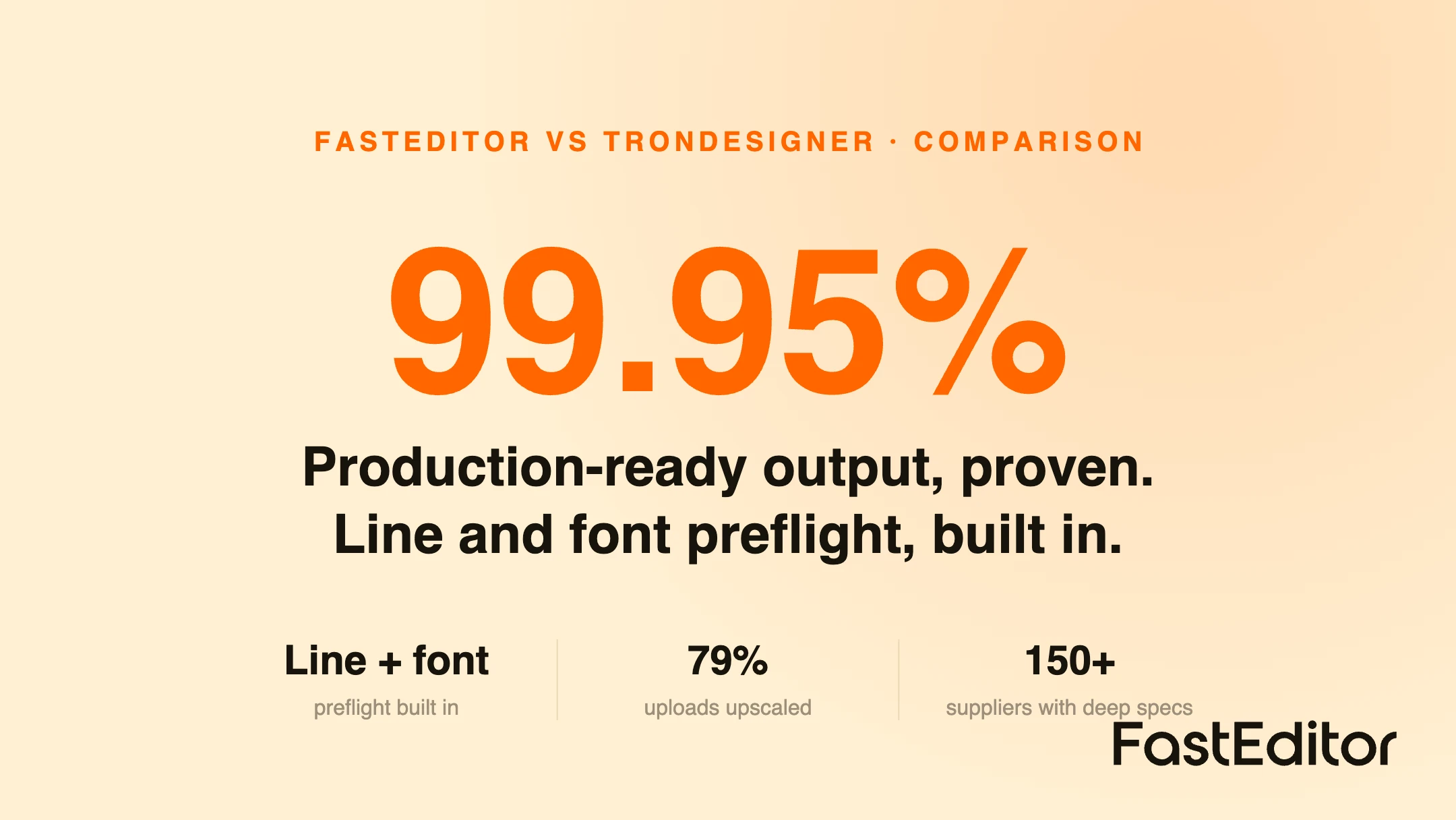
The production-ready guarantee and the data behind it. FastEditor is built to always output a production-ready file, and we publish the numbers behind it. In the Artwork Automation Benchmark of 13,773 uploads, 85 percent needed at least one automated fix, 61 percent needed vectorization and 79 percent needed upscaling, and the platform reached 99.95 percent file accuracy while maintaining production specs for more than 150 suppliers. Low-resolution upscaling in particular is a step we lean on heavily that TronDesigner's public pages do not describe.
Product data model. TronDesigner leads with catalog breadth, a database it describes as 700,000 plus products, though its own pages note that only a smaller subset carries complete print data. FastEditor's emphasis is the opposite: fewer headline products, but deep, maintained production specs per supplier, because the specs are what make automated output trustworthy rather than merely visual.
Pricing transparency. TronDesigner's pricing is set through an interactive calculator and the plan prices are not shown publicly, with a monthly fee split across a base tier, a print-ready output tier and a design-operation tier, plus a 14 day free trial. FastEditor publishes its pricing openly. Neither approach is wrong, but if you want to compare cost without booking a call, that is a practical difference.
The table summarises the points above. TronDesigner entries reflect the vendor's own public pages as of October 2026; treat its performance figures as vendor claims.
| Capability | FastEditor | TronDesigner |
|---|---|---|
| Automated vectorization | Yes; 61% of uploads needed it in the 13,773-upload benchmark | Yes; vendor claims 97% success in about 5 seconds |
| Background removal | Yes | Yes |
| Pantone and CMYK color mapping | Yes | Yes |
| Low-resolution upscaling | Yes; 79% of uploads needed it in the benchmark | Not described on public pages |
| Preflight: line thickness and minimum font size | Yes | Vendor lists as planned, not yet available |
| Preflight: max print size and color count | Yes | Yes |
| Embroidery digitizing output | Yes | Yes (DST, PES and similar) |
| Production-ready file guarantee | Yes; 99.95% file accuracy in the benchmark | Print-ready output; no equivalent published accuracy figure |
| Supplier production specs | Deep specs maintained for 150+ suppliers | 700,000+ catalog; complete print data on a smaller subset |
| REST API and webhooks | Yes | Yes |
| Embeddable editor (overlay or popup) | Yes | Yes |
| Pricing | Published openly | Calculator based; prices not shown publicly |
TronDesigner is a reasonable fit if the biggest draw is the sheer size of the product catalog and you are comfortable with a quote-based price and a preflight layer that is still filling in. It is clearly a serious, actively developed tool.
FastEditor is the stronger fit if your priority is that every file leaving the system is genuinely production-ready, with line-thickness and font-size preflight that stops reprints, heavy-duty upscaling and vectorization, deep per-supplier print specs, and transparent pricing. It is built API-first as artwork-automation infrastructure, so it sits as comfortably behind a platform or an order flow as it does in front of a customer. If you are mapping the wider field, we keep honest write-ups of the other main tools too, including Zakeke, Customily, Printess and Kickflip, or you can browse them all in Comparisons.
If you are trialling both, test them against your own hardest files and check four things:
Yes. TronDesigner is a capable, actively developed web-to-print and artwork product with automated vectorization, a very large catalog and a broad API. The question is not whether it works, but whether its depth in preflight, production-ready output and per-supplier data matches what your workflow needs.
Depth of output. FastEditor runs line-thickness and font-size preflight, heavy upscaling and vectorization, and deep per-supplier specs aimed at a guaranteed production-ready file, and it publishes its pricing. TronDesigner leads on catalog breadth, with some preflight checks still listed as planned and pricing set by calculator.
According to TronDesigner's own public pages as of October 2026, not yet. The site states its quality checks currently cover basic rules such as maximum print size and number of colors, and that checks for font size and line thickness are planned.
TronDesigner does not publish plan prices. Pricing is set through an interactive calculator across a base tier, a print-ready output tier and a design-operation tier, with a 14 day free trial advertised. FastEditor publishes its pricing openly.
Yes. FastEditor is API-first, with a REST API, webhooks and an embeddable editor, so it can slot into the same places TronDesigner occupies in a webshop, an ERP flow or a standalone back office.
TronDesigner is the artwork and web-to-print product made by PromoTron Solutions. PromoTron is the company; TronDesigner is its editor and print-file product, offered alongside related tools such as TronShop and TronManager.
More articles in Comparisons.
