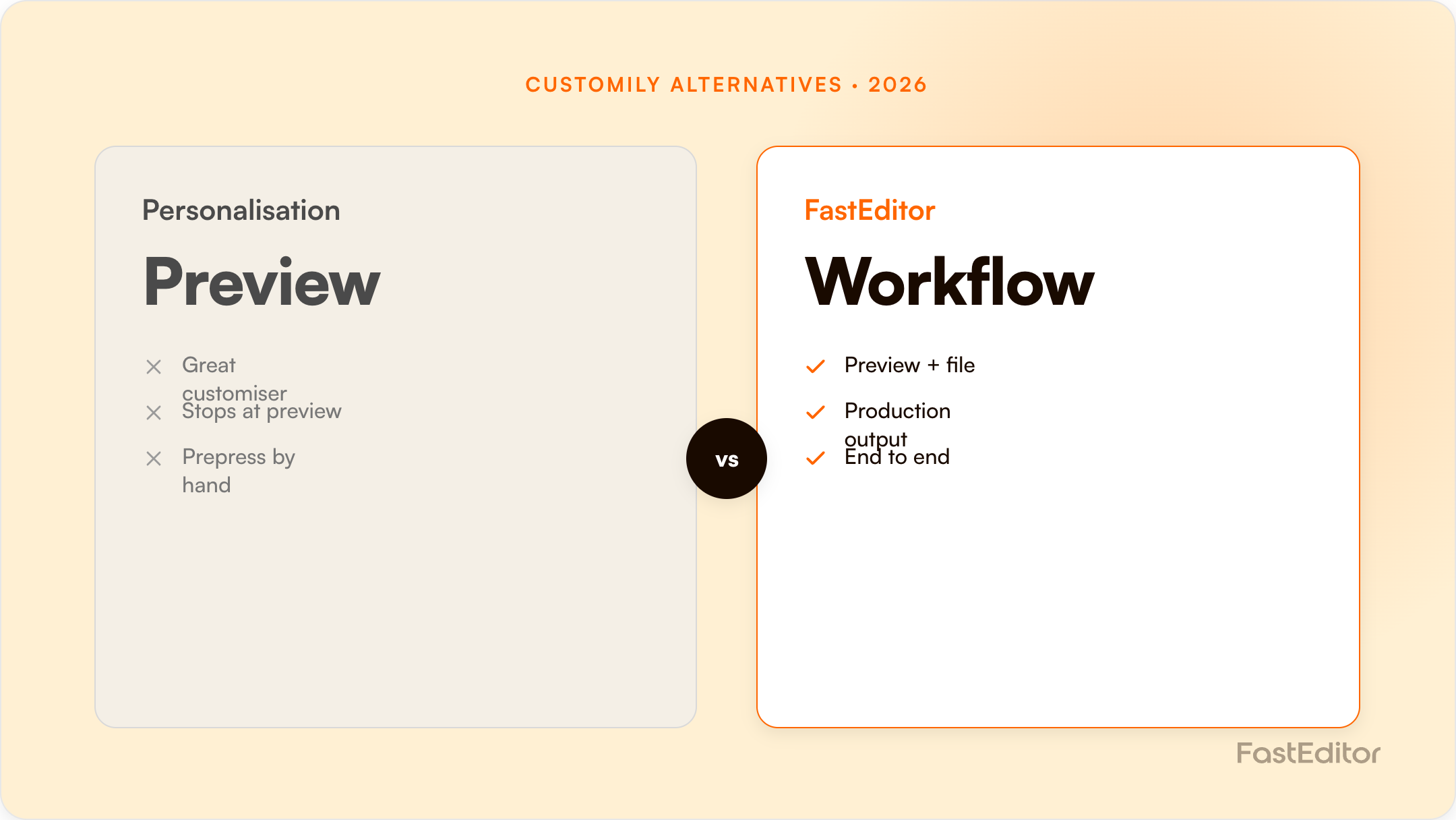
Customily is a strong design-led personalisation layer, especially for print-on-demand. The deciding factor when teams switch is whether the tool outputs a real production file: FastEditor automates vectorization, per-supplier spec checks, and file generation across 150+ suppliers.
If you are weighing up Customily alternatives, you are usually a reseller, decorator, or supplier who needs more than an attractive product preview: you need the print-ready file that actually goes into production. This guide compares Customily with FastEditor and the wider field honestly, including where Customily is genuinely strong, and the single capability that separates a personalisation preview from a true production workflow.
On this page
Customily is a capable design and personalisation platform, so switches are rarely about the editor itself. The triggers we hear most often are:
The gap shows up after checkout. A design-led editor typically hands your team a customer design that still needs to be vectorised, colour-checked, and turned into a production file by hand. FastEditor closes that loop: it vectorizes the upload, validates it against per-supplier specs with automated line-thickness and preflight checks, and outputs a production-ready file automatically. That is the core of artwork automation, and it is why a large share of customer uploads, which would otherwise need manual fixing, flow straight to production.
FastEditor is supplier-spec-aware. It ships with 150+ promotional-product and apparel suppliers pre-integrated, each with its own decoration methods, imprint areas, and file requirements, so the output is a file built to the exact specification of the supplier producing the order, not a generic export. FastEditor reports up to 80% lower cost per order and 99.95% file accuracy, with resellers seeing around +20% conversion. Enforcing the spec at the source is the part that removes manual prepress.
You do not have to replace your storefront. FastEditor is API-first with native connectors for Shopify and WooCommerce, so it slots into your existing stack. A typical migration maps your product catalogue and decoration methods, connects the relevant suppliers, embeds the editor on your product pages, and routes the output into your production or supplier workflow. Most API-first integrations are live in roughly 3 to 4 weeks, and you can run both tools in parallel on different products while you validate the switch.
If your only goal is a strong on-site personalisation designer for a print-on-demand catalogue, Customily will serve you well. If you want to remove manual prepress, enforce supplier specs automatically, and scale across a large multi-supplier catalogue and many decoration methods, prioritise production-file output and API coverage, which is where FastEditor is built to win. Model the cost difference with the ROI calculator, and see real results in our case studies.
Customily runs a single flat plan plus a per-item fee, which makes it unusually easy to model and unusually expensive at volume.
| Component | Price (USD) | Notes |
|---|---|---|
| Base plan | $49 / month per platform | Shopify and Etsy together is 2 × $49; multiple stores on one platform are included |
| 1 to 100 unique personalised items/mo | $1.00 each | Fees reset monthly |
| 101 to 1,000 | $0.50 each | |
| 1,001 to 10,000 | $0.25 each | |
| 10,001+ | $0.10 each |
The fee is charged per unique personalised item, not per order, so ten identical copies of one design bill once. A 9-day free trial is available, and there is a free tier for Shopify development stores only. Worked through, 1,000 unique items in a month costs roughly $599, and 10,000 costs roughly $2,849. That is a clean, predictable model at low volume and a significant line item at scale.
| Capability | Customily | FastEditor |
|---|---|---|
| Live personalisation preview | Yes, strong; post-checkout link flow on Etsy | Yes |
| Personalisation depth | Excellent: curved text, maps, star maps, Spotify codes, conditional logic | Focused on logo and photo personalisation |
| Print-ready file output | Yes: PDF, AI, PNG, JPG, EPS, DXF, OFM | Yes, per supplier spec |
| Automatic vectorization of customer uploads | Not publicly listed; AI raster effects only | Built in and automatic |
| Pre-integrated decoration specs | Not publicly listed; print areas come from POD catalogues and your own uploads | 150+ suppliers, imprint areas and colour limits |
| POD fulfilment routing | Excellent: 20+ POD partners with automatic API routing | Supplier network oriented to promo and apparel |
| Metering model | $49/platform + per unique item | Monthly plan + per production file |
| API | Yes, included | Yes, API-first |
Customily is built for the print-on-demand world: Shopify and Etsy sellers, POD partners, consumer personalisation. FastEditor is built for the promotional-products and corporate-merch world, where the same logo has to be produced correctly across many suppliers and decoration methods. Those are different problems and the tooling reflects it.
If you sell personalised consumer products through Shopify or Etsy and fulfil through Printful, Printify, Gelato or similar, Customily is probably the better fit outright. Its personalisation engine is deeper than ours on consumer-style customisation, its POD routing is genuinely excellent, and the $49 entry point is hard to argue with. Nothing in this comparison changes that.
The picture changes when the buyer is a business, the artwork is a company logo, and the same file has to satisfy a screen printer, an embroiderer and a laser engraver at three different suppliers. That is where per-supplier production-ready file output stops being a nice-to-have.
Pricing checked 14 August 2026 from each vendor's public pages and marketplace listings. Vendors change plans often, so verify before you commit.
Customily focuses on the design and preview experience. FastEditor adds automated artwork handling and outputs a production-ready file, so no one prepares the print file manually after the order.
Yes, via API or native connectors for Shopify, WooCommerce, and custom stacks.
Yes, with the correct output profile per decoration method and supplier, from a single integration.
It can be, but FastEditor is strongest where production-file automation and supplier-spec validation across many suppliers matter, rather than marketplace POD alone.
More articles in Comparisons.
