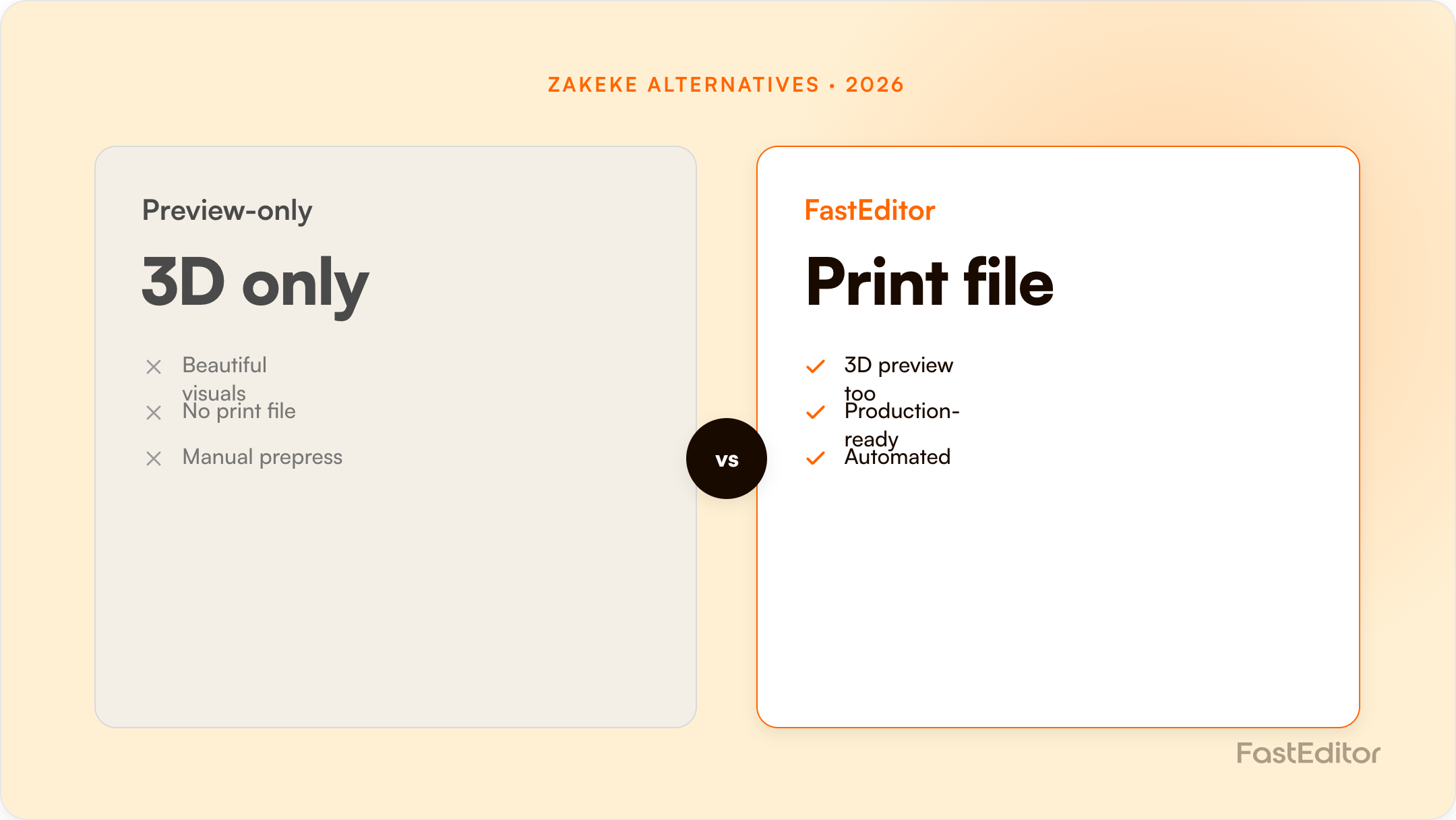
Zakeke leads on 2D/3D and AR visualisation. Most teams switch for what comes after checkout: FastEditor automatically vectorizes uploads, validates them against per-supplier specs, and outputs a production-ready print file across 150+ suppliers.
Looking for a Zakeke alternative? Most teams evaluating one are e-commerce resellers, decorators, or promotional-product suppliers who value live visualisation but need the workflow to finish with a production-ready file, not just a polished 2D/3D preview. This guide compares Zakeke with FastEditor and the wider field honestly: where Zakeke genuinely excels, where the two diverge, and the single capability that decides most switches.
On this page
Zakeke is a well-established product customiser, so people rarely leave because it renders badly. The reasons we hear most often are about what happens after the customer clicks buy:
A visualisation-led tool typically hands your team a customer design that still needs to be vectorised, colour-checked, and turned into a print file by hand. FastEditor closes that loop automatically: it vectorizes the upload, validates it against per-supplier specifications with automated line-thickness and preflight checks, and outputs a production-ready file, which is the core of artwork automation. Because a large share of customer uploads need correction before they can be produced, that automation is where the real time and cost savings live: FastEditor reports up to 80% lower cost per order and 99.95% file accuracy, with resellers seeing around +20% conversion when shoppers can personalise with confidence.
The deeper difference is that FastEditor is supplier-spec-aware. It ships with 150+ promotional-product and apparel suppliers pre-integrated, each carrying its own decoration methods, imprint areas, and file requirements. So the output is not a generic print file, it is a file built to the exact specification of the supplier who will actually produce the order. Most visualisation tools stop at a beautiful preview; enforcing the spec at the source is the part that removes the prepress team from the loop.
Switching does not mean ripping out your storefront. FastEditor is API-first and also offers native connectors for Shopify and WooCommerce, so it slots into your existing stack. A typical migration: map your product catalogue and decoration methods, connect the relevant suppliers, embed the editor on your product pages, and point the output at your production or supplier workflow. Most API-first integrations go live in roughly 3 to 4 weeks, and you can keep Zakeke running on selected products while you validate FastEditor on others, so there is no hard cut-over.
If your priority is the richest possible on-store visual and your fulfilment already prepares files, Zakeke is a strong choice. If your priority is to remove manual prepress, enforce supplier specs automatically, and scale personalisation across a large catalogue and many decoration methods, prioritise production-file output and API coverage, which is where FastEditor is built to win. Size the difference for your own numbers with the ROI calculator, or see it working in our case studies.
Zakeke publishes standard plans through its marketplace listings and meters on published customisable products, not orders, with a percentage fee on every sale made through the customizer.
| Plan | Monthly (USD) | Published products | Transaction fee |
|---|---|---|---|
| Free | $0 | Development stores only | n/a |
| Starter | $69.90 | up to 10 | 1.9% of Zakeke sales, min $0.02 |
| Grow | $129.90 | up to 50 | 1.7% |
| Scale | $299.90 | up to 100 | 1.5% |
| Enterprise | Not publicly listed | Custom | Quoted, fee-free per the vendor |
A 14-day trial runs on all paid tiers. Annual billing is roughly 15% cheaper. Two things are worth understanding before you model this. First, the product cap is the real constraint: a promotional catalogue with hundreds of decorated SKUs runs past the Scale ceiling of 100 published products quickly, which pushes you into an Enterprise conversation regardless of order volume. Second, the transaction fee scales with revenue, not with work done, so a high-value order costs you more to process than a low-value one even though the artwork effort is identical.
One caution on the numbers: Zakeke's own pricing page is a JavaScript application that does not serve its price table to crawlers, and the Wix marketplace listing shows a materially different and lower ladder than the Shopify listing. Confirm your tier directly with Zakeke rather than trusting any third-party table, including this one.
| Capability | Zakeke | FastEditor |
|---|---|---|
| 2D customizer | Yes, on every plan including Free | Yes |
| 3D configurator and AR | Yes, a genuine strength, including virtual try-on | Yes for 3D visualisation; AR is not the focus |
| Print-ready file output | Yes: PDF, PNG, SVG, DXF | Yes, generated against each supplier's own spec |
| Automatic vectorization of customer uploads | Not publicly listed as a feature | Built in and automatic |
| Pre-integrated supplier decoration specs | Not publicly listed | 150+ suppliers with imprint areas, methods and colour limits |
| Metering model | Published products + % of sales | Monthly plan + per production file |
| Public API | Yes, REST; plan availability not published | Yes, API-first by design |
| White label | From Grow up | Yes |
Zakeke is a strong storefront visualisation product. The gap that decides most switches is upstream of the storefront: what happens to the logo a customer actually uploads. Across 13,773 real uploads, about 85% were not print-ready on arrival. If the platform does not vectorize, upscale and validate that file against the supplier's decoration spec, someone on your team still does it by hand, and the €45 of artwork handling cost per order stays where it was.
Be honest about this: if your priority is a beautiful configured product on the page, with 3D, AR and virtual try-on, and your catalogue is a manageable number of hero SKUs, Zakeke does that job very well and has done for years. It is also the easier install on Wix, PrestaShop, BigCommerce and the long tail of platforms where FastEditor works through the API rather than a native app. If nobody in your business is currently touching artwork by hand, the automation argument does not apply to you.
Pricing checked 14 August 2026 from each vendor's public pages and marketplace listings. Vendors change plans often, so verify before you commit.
Zakeke focuses on visualisation and configuration. FastEditor adds automated artwork handling, vectorization, per-supplier spec validation, and production-ready file output, so no one has to prepare the print file by hand after the order.
Yes. FastEditor connects via API or native connectors for Shopify and WooCommerce, so you keep your existing storefront and checkout.
Most API-first integrations are live in about 3 to 4 weeks, depending on catalogue size and the suppliers involved.
Yes, with the correct output profile per decoration method and supplier, across a single integration.
More articles in Comparisons.
