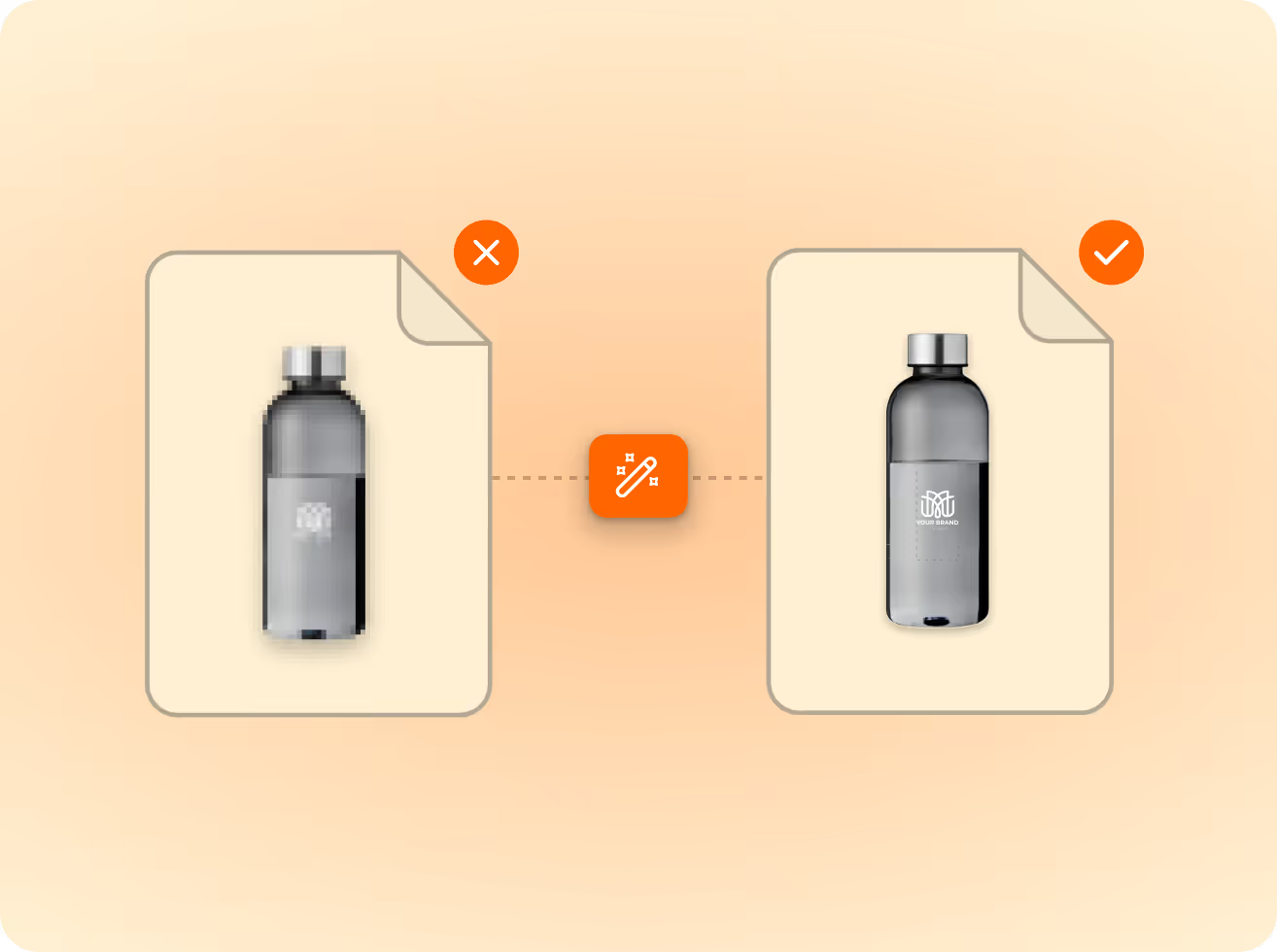
Customers upload a logo. FastEditor turns it into a production-ready file — vectorized, spec-checked, and formatted for every print method and supplier. Automated.





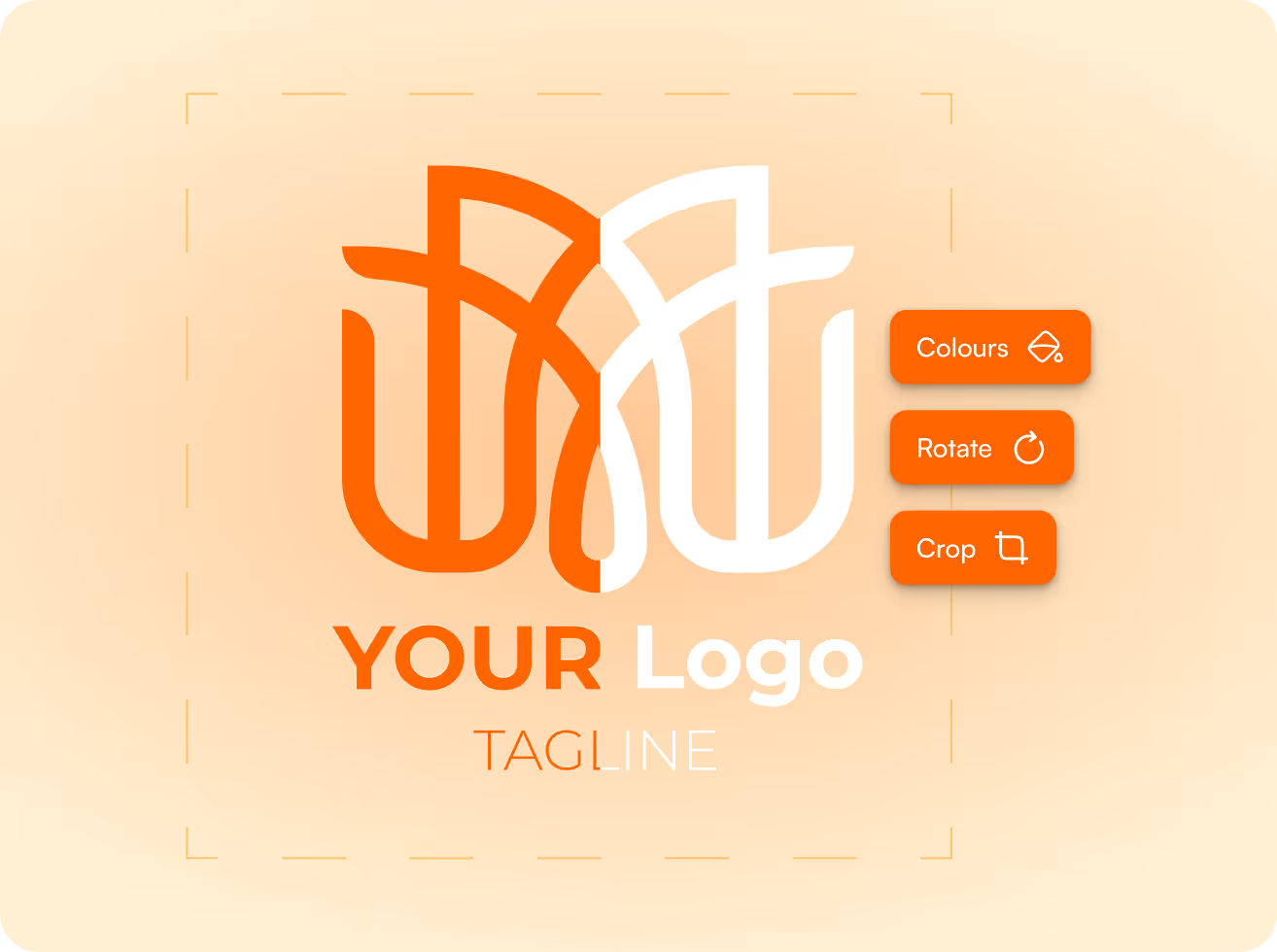
Customers upload any logo — JPEG, PNG, PDF. FastEditor automatically converts it to a clean vector, ready for screen printing, embroidery, engraving, or any other decoration technique. No manual tracing. No rework.

Every supplier has different requirements. FastEditor knows them. Minimum line thickness, colour limits, bleed margins, resolution thresholds — validated automatically against the product and technique the customer selected.

The file that comes out of FastEditor is the file that goes to the press. Correct format. Correct colour profile. Correct dimensions. 99.95% accuracy across 563,981 product configurations. Always production ready.
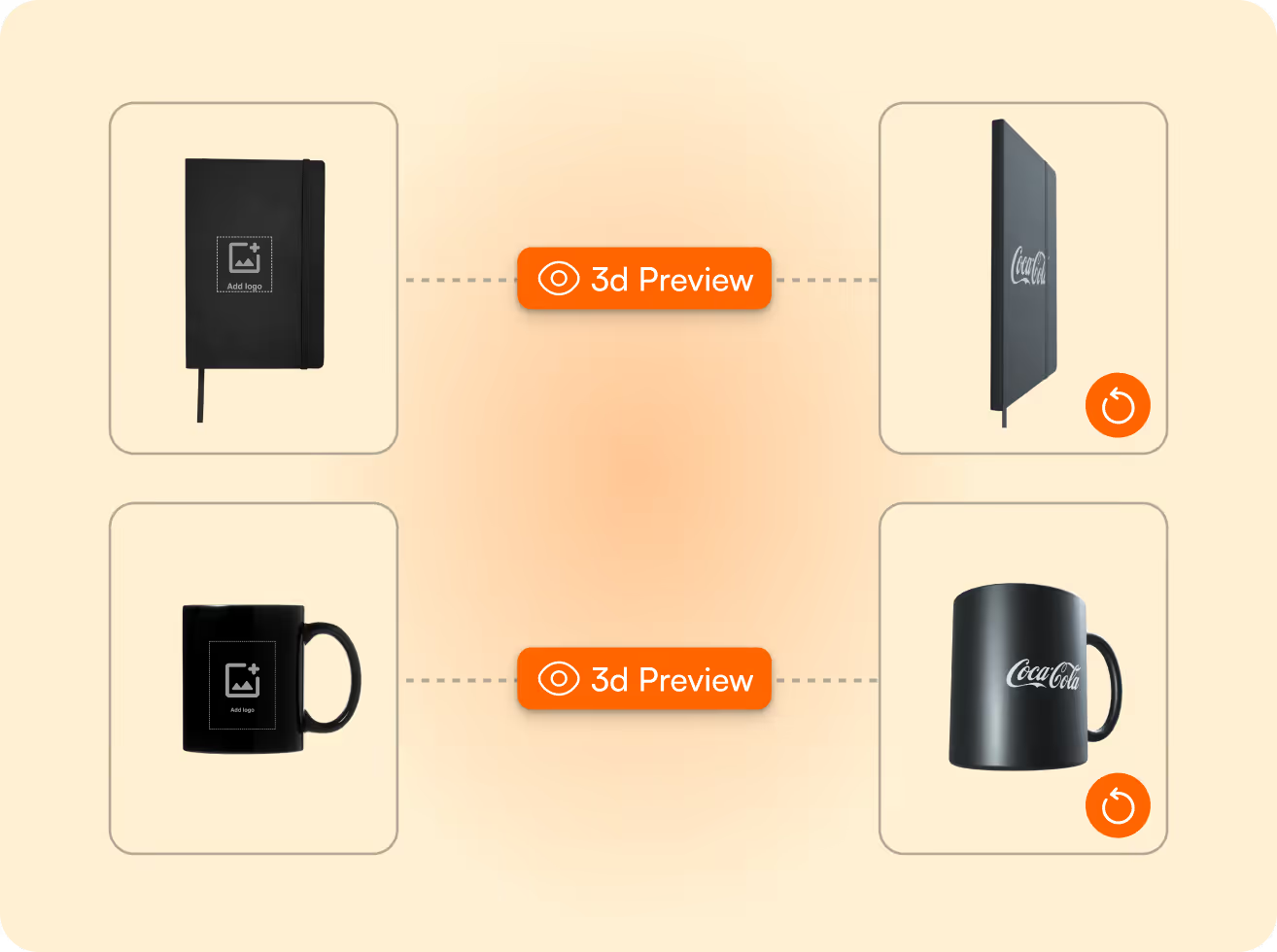
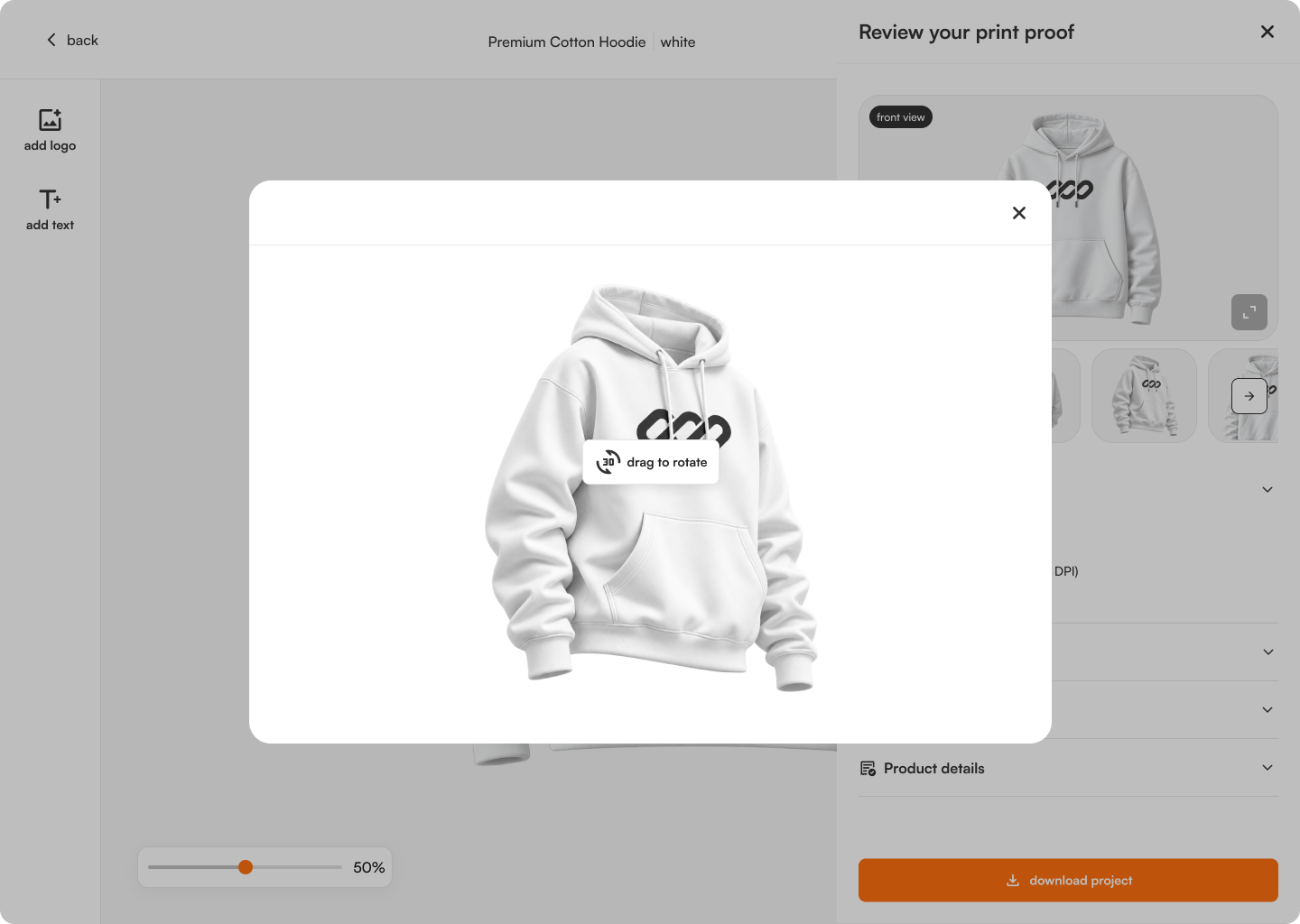
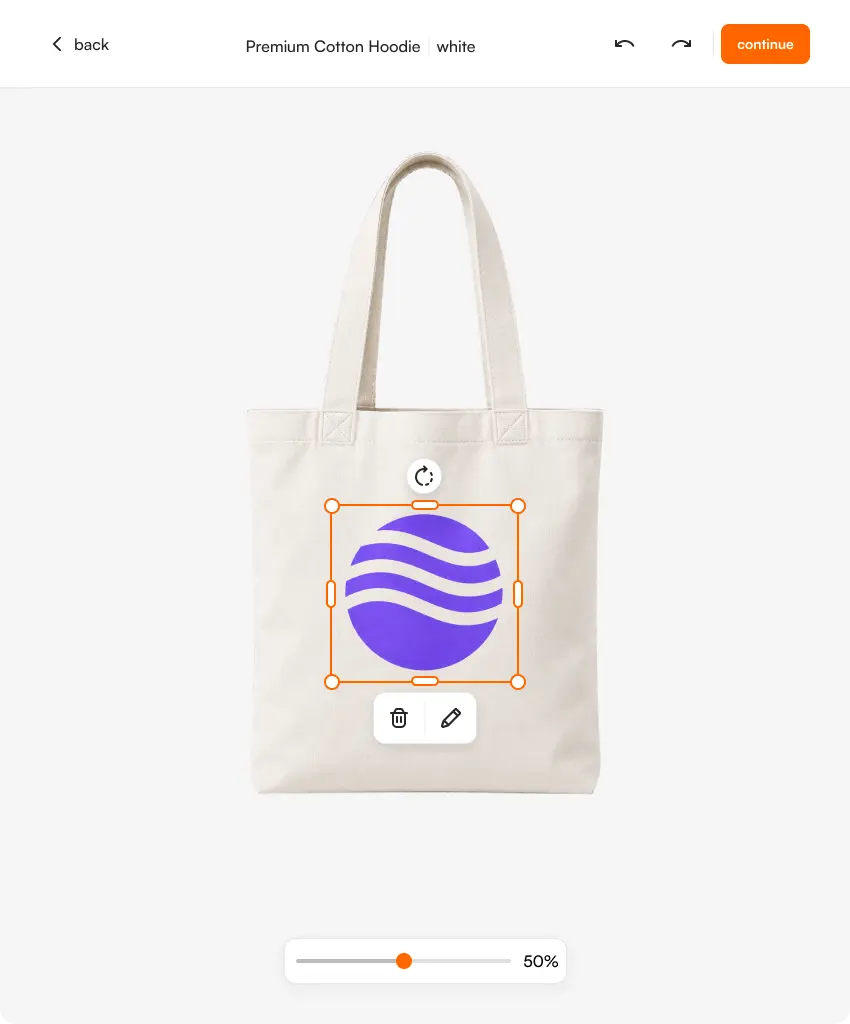
Customers see a photorealistic preview of their design — including 3D visualisation — before they confirm. Higher confidence at checkout. +20% conversion uplift on personalised products.

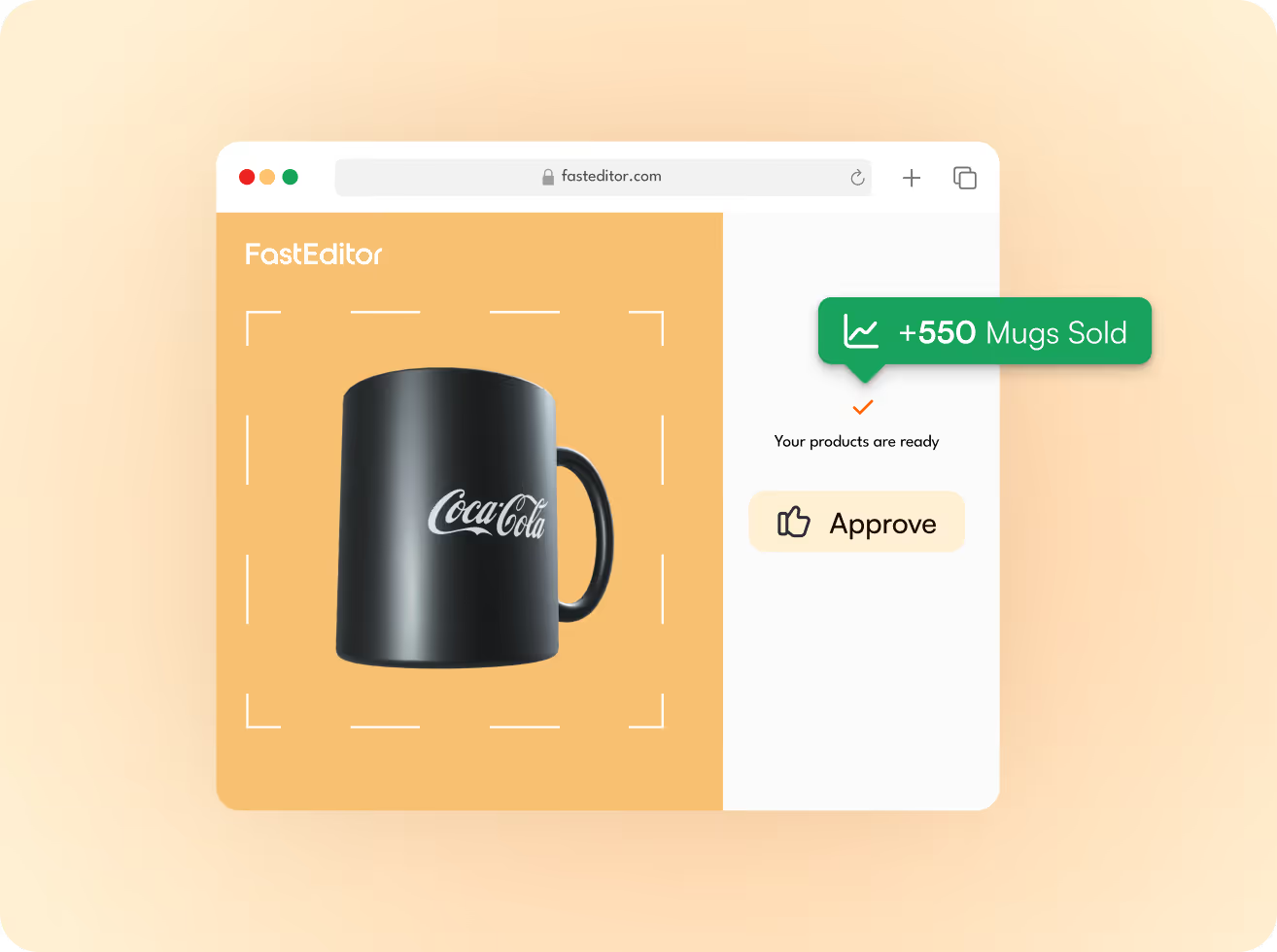
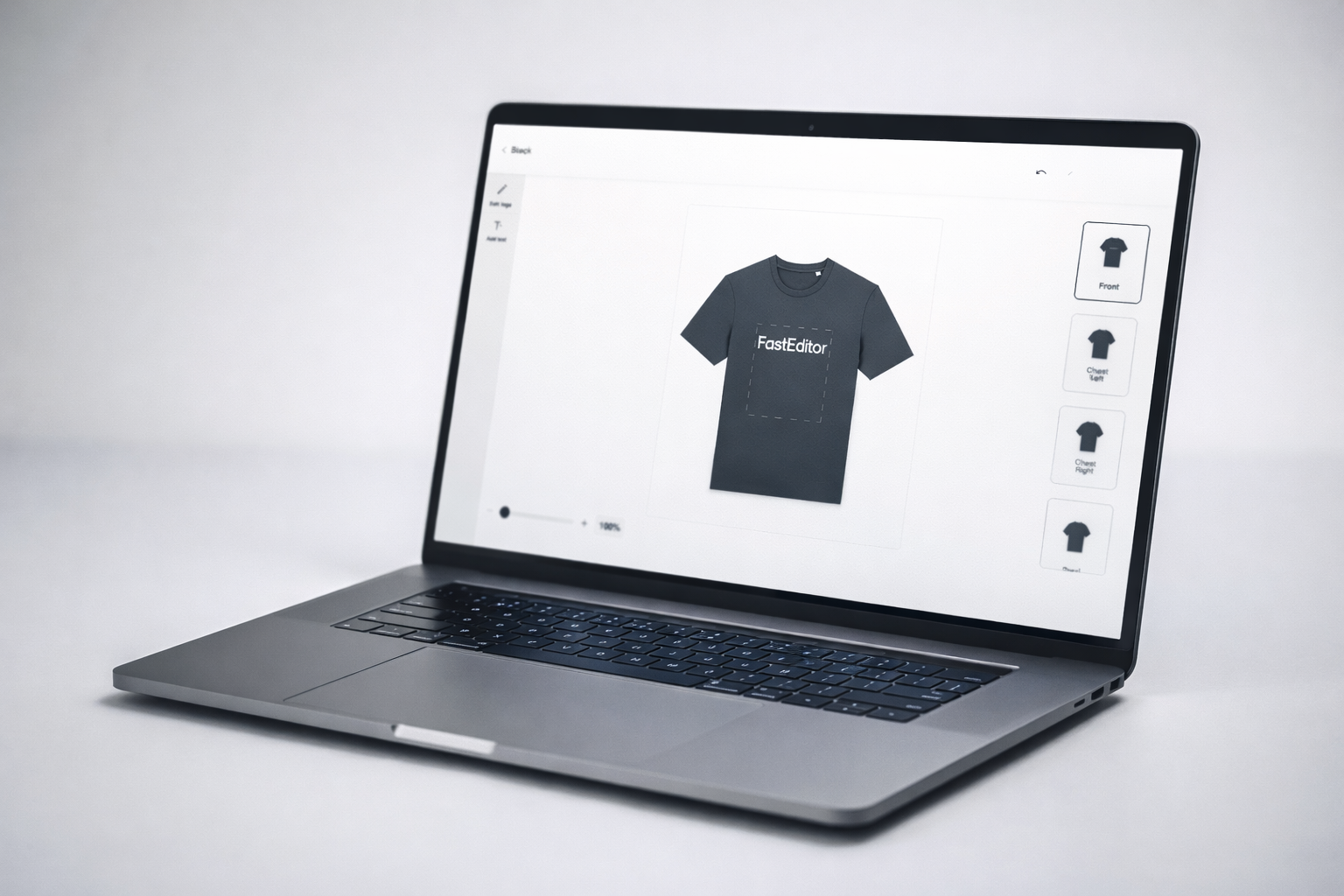
Every web-to-print editor lets customers see what their logo looks like on a product. That’s the easy part. The hard part — turning that upload into a file your supplier can actually print — still lands on your artwork team. Wrong colours. Missing vectors. Incorrect line thickness. Each order that arrives with a bad file costs you time, rework, and margin. At scale, it costs you the business.
Run a Shopify or WooCommerce store selling personalised products? Or any other standard or custom platform? FastEditor integrates directly into your product pages. Customers personalise. Files generate. Orders fulfil. Your artwork team handles exceptions only.
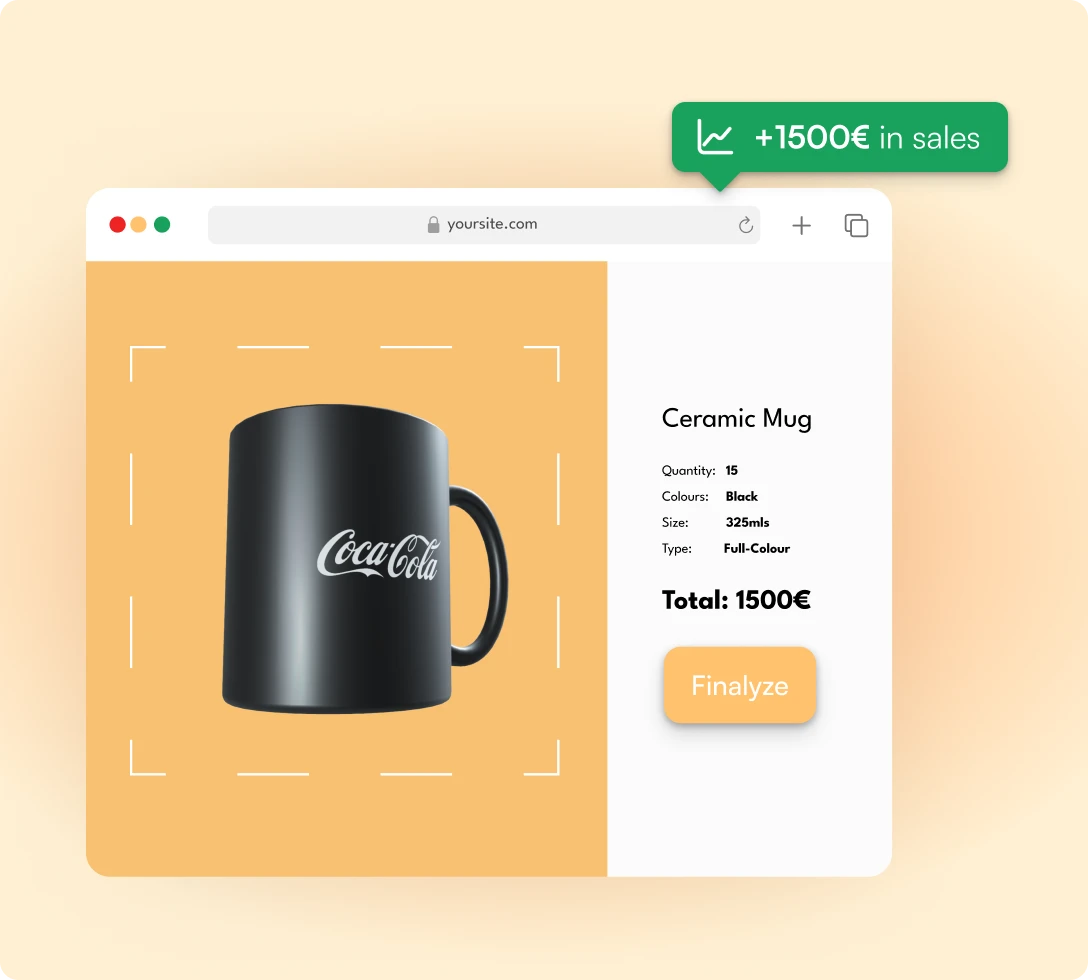
Screen printer, embroidery shop, or sign maker moving online? FastEditor gives you a web-to-print front end that captures orders and delivers print-ready files to your existing production workflow. No new equipment. No new team.

Supplying resellers who all send files in different formats? FastEditor standardises incoming artwork across your entire reseller network. Every file arrives to your spec, from day one.






FastEditor integrates with Shopify, WooCommerce, Promidata, and custom APIs. If you run a headless build or a bespoke platform, the FastEditor API gives you full control over the personalisation flow and file output. Live in 3–4 weeks. No platform migration required.

Most tools that call themselves web-to-print software stop at the preview. A customer uploads a logo, sees it sitting on a mug or a hoodie, and clicks buy — and then someone on your team still has to open the file, redraw it, check it against the supplier’s spec, and build the file that actually goes to the press. The preview was the easy part. The production file is the 90% almost nobody automated.
Real web-to-print software closes that gap. It takes any customer upload — JPEG, PNG, PDF, SVG — and turns it into a production-ready file with no designer in the loop. In practice that means four things working together:
This is where the real cost of personalised orders hides. It is rarely the editor itself — it is the manual artwork handling behind every order: the file check, the redraw, the mockup, the proof, the corrections loop. FastEditor removes that work by doing it automatically on every order, across 150+ pre-configured suppliers, which is how customers reach up to 80% lower cost per order and 99.95% file accuracy at any volume.
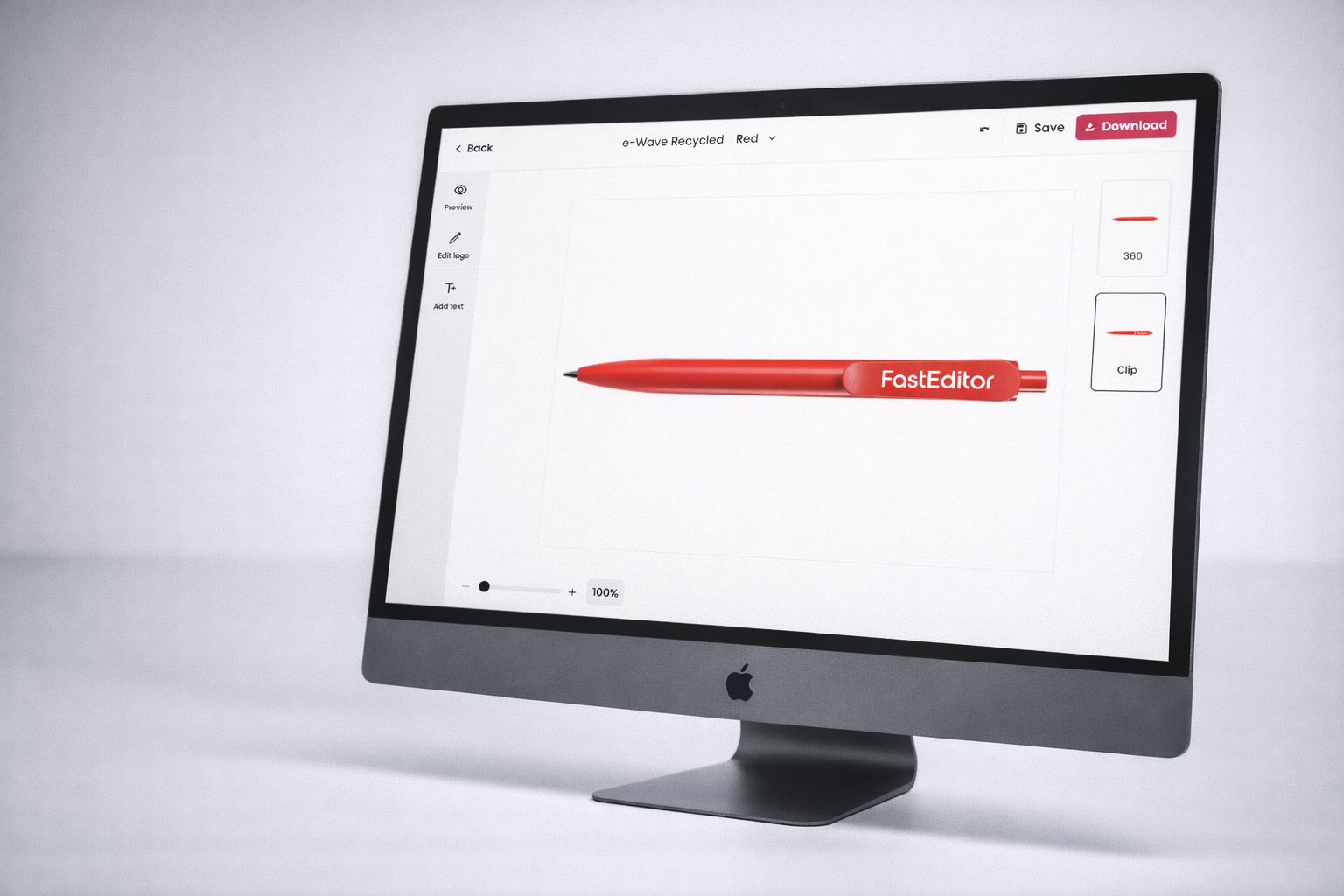
These three terms get used interchangeably, but they describe different layers of the same job. A web-to-print editor is the customer-facing surface — the canvas where someone uploads a logo, positions it, picks a colour, and sees a live preview. A product configurator is the rules layer — which products, which print positions, and which decoration methods are allowed, and what each option costs. Artwork automation is the engine underneath — the part that turns the customer’s choice into a spec-correct, production-ready file.
Most platforms give you one of the three. A web-to-print editor with a beautiful canvas but no automation still hands a raw file to your prepress team. A configurator with tight rules still cannot vectorize a logo or enforce a supplier’s stitch-count limit. A file generator with no editor gives your customers nothing to interact with. The gaps between the three are exactly where manual work creeps back in, one order at a time.
FastEditor spans all three: the editor your customers use, the configurator that keeps every order inside spec, and the automation that generates the final file — connected to your store through one API-first integration and live in three to four weeks. So when you compare a standalone web-to-print editor against a full automation platform, the deciding question is simple: after the customer clicks buy, does a human still have to build the print file? If the answer is yes, you have an editor. If the answer is no, you have web-to-print software that finishes the job.
A demo that works on one tidy vector logo is not the same as software that holds up on a Friday afternoon when four hundred orders land at once, half of them phone-camera photos of a logo screenshotted from a website. Production scale is the real test, and it is where most web-to-print tools quietly fall back on people: a queue of files waiting for someone to clean them, a backlog of proofs, a spec sheet that only one colleague really understands.
FastEditor was built for that moment. The same automated pipeline runs on every order — the first of the day or the ten-thousandth — vectorizing, validating against the right supplier’s spec, and generating the print file in seconds. When a file genuinely cannot be processed automatically, it is flagged for review and your team is notified, rather than silently shipping a file that fails at the press. That is the difference between a web-to-print editor that looks good in a sales demo and web-to-print software you can put in front of real customers, at real volume, and trust to produce the file every time.
JPEG, PNG, PDF, SVG, and AI. Any format a customer is likely to upload. FastEditor handles conversion and quality assessment automatically.
Does FastEditor work with my existing supplier?
FastEditor has pre-configured specs for 150+ suppliers across promotional products, apparel, and print. If your supplier isn’t in the library, their specs can be added during onboarding.
Yes. The editor runs on your own (sub)domain and can be fully branded. The FastEditor interface and branding are not visible to your customers.
How long does integration take?
Most customers go live in 3–4 weeks. The integration is API-first — no heavyweight platform rebuild required.
FastEditor flags it for manual review and notifies your team. The exception rate is under 0.05% of orders.
Does FastEditor handle embroidery as well as print?
FastEditor validates embroidery specs — stitch count limits, colour counts, minimum detail sizes — at the point of personalisation. Embroidery file output (DST) is on the roadmap for Q3 2026.




.png)


.png)