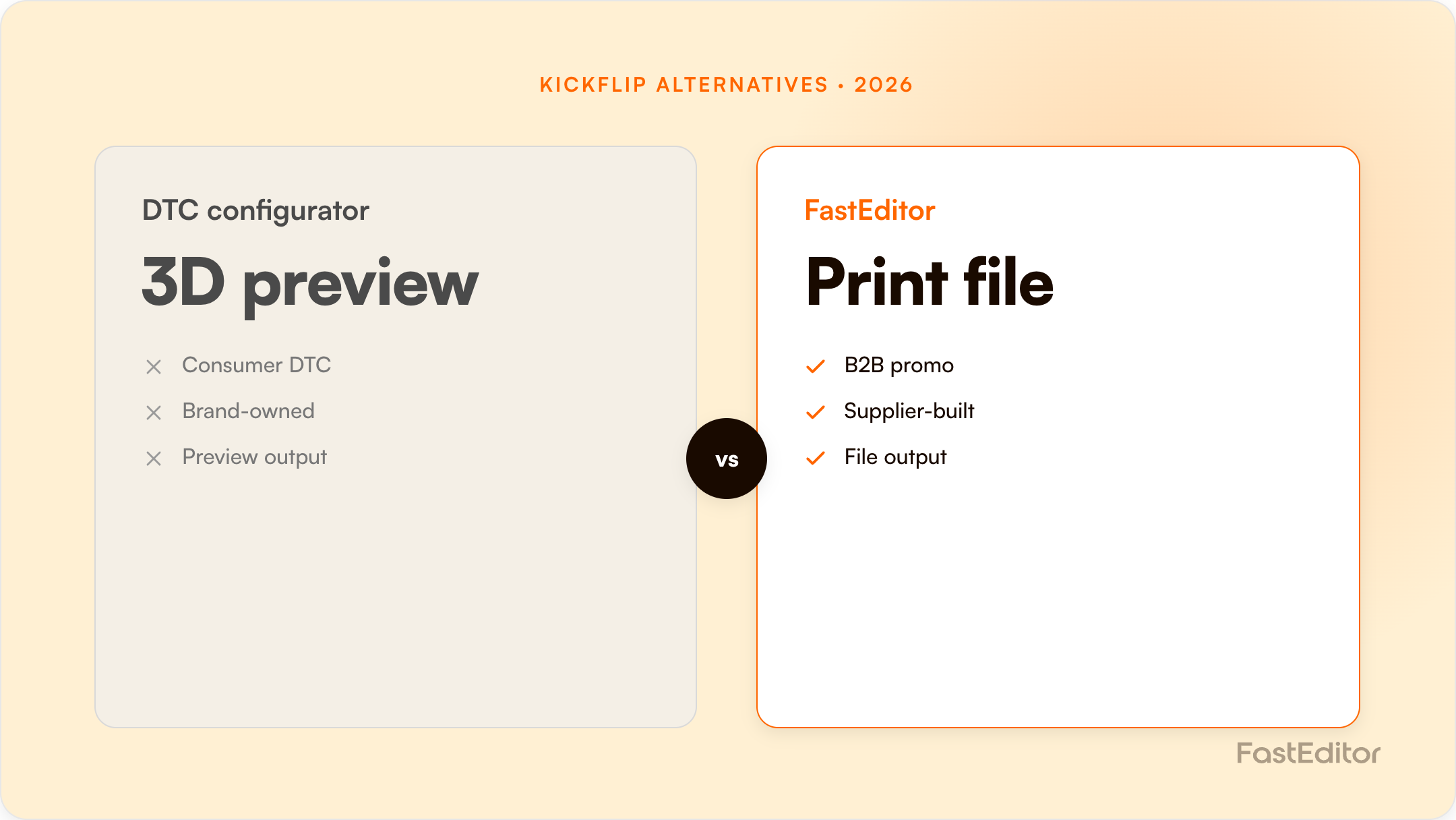
Kickflip is a polished, Shopify-first product customizer. Teams switch when they need platform reach beyond Shopify and production-file automation: FastEditor vectorizes uploads, enforces per-supplier specs, and outputs a print-ready file across 150+ suppliers.
Looking for a Kickflip alternative? Kickflip is a slick, Shopify-first product customizer with an excellent live preview, so teams rarely leave because the editor looks or feels wrong. They look for an alternative when the workflow needs to end in a production-ready file and scale beyond a single Shopify storefront. This guide compares Kickflip with FastEditor honestly, including where Kickflip is genuinely strong, and the capability that decides most switches.
On this page
Kickflip, like most visualisation-led customizers, hands your team a customer design after checkout that still needs to be vectorised, colour-checked, and turned into a print file by hand. FastEditor closes that loop automatically: it vectorizes the upload, validates it against per-supplier specifications with automated line-thickness and preflight checks, and outputs a production-ready file, the core of artwork automation. FastEditor reports up to 80% lower cost per order and 99.95% file accuracy, with resellers seeing around +20% conversion.
Two differences matter. First, FastEditor is platform-agnostic and API-first, so it runs on Shopify, WooCommerce, or any custom stack from one integration rather than being tied to a single storefront. Second, it is supplier-spec-aware, shipping with 150+ promotional-product and apparel suppliers pre-integrated, each with its own decoration methods, imprint areas, and file requirements. The output is a file built to the exact specification of the supplier producing the order.
You can keep Shopify. FastEditor connects via API or a native Shopify connector, so the migration maps your catalogue and decoration methods, connects the relevant suppliers, embeds the editor on your product pages, and routes the output into production. Most API-first integrations go live in roughly 3 to 4 weeks, and you can run Kickflip and FastEditor in parallel on different products during the switch.
If you sell exclusively on Shopify and your priority is the easiest, most polished on-store customizer with fulfilment already handling files, Kickflip is a strong pick. If you need production-file automation, supplier-spec enforcement, and platform reach beyond Shopify across a larger catalogue, FastEditor is built for that. Size it with the ROI calculator or see our case studies.
Kickflip has simplified to a single self-serve plan. Legacy customers on the old usage-only "Pay as You Grow" plan were migrated onto it, which has drawn some comment in recent reviews.
| Component | Price (USD) | Notes |
|---|---|---|
| Scale plan | $59 / month | Unlimited products, variants, page views and storage |
| Transaction fee | From 1.95%, decreasing to 0% at higher volume | Per custom product sold; the tier thresholds are not published |
| White label add-on | +$49 / month | Removes the "Powered by Kickflip" link |
| Configure Price Quote add-on | +$99 / month | Customer quote requests |
| Enterprise | Not publicly listed | For large custom-product volume |
A 14-day trial runs without a credit card and there is no free plan. Worth knowing: the fee tier table is rendered by a JavaScript calculator and the thresholds are not published anywhere static, so do not assume a rate between 1.95% and 0% without asking. A fully white-labelled Kickflip with quoting is $59 + $49 + $99 = $207/month before any transaction fees.
| Capability | Kickflip | FastEditor |
|---|---|---|
| 2D configurator | Excellent; layer compositing with image masking is the core product | Yes |
| 3D configurator | Not shipped; the vendor says work is underway | Yes |
| Live multi-view preview | Yes, with dynamic pricing and colouring | Yes |
| Print-ready file output | Yes: high-resolution SVG or PDF exports | Yes, per supplier spec |
| Automatic vectorization of customer uploads | Not publicly listed; rules can block low-resolution uploads | Built in and automatic |
| Supplier decoration spec libraries | Not publicly listed | 150+ suppliers with imprint areas and colour limits |
| Platforms | Shopify, WooCommerce, Wix, plus custom API | API-first, plus Shopify and WooCommerce connectors |
| Metering model | $59/mo + % of custom product sales | Monthly plan + per production file |
Note the distinction on uploads. Kickflip can reject a low-resolution file through conditional rules. FastEditor fixes it: vectorizes, upscales, removes the background, checks it against minimum line thickness for the chosen method, and outputs the corrected file. Rejecting the upload protects production but loses the order; correcting it keeps both.
Kickflip is a polished, well-supported 2D configurator with a genuinely good reputation for service, and its 135-review 4.6 rating on the Shopify App Store is earned. If you sell a small range of visually configurable products, want them looking excellent on a Shopify, WooCommerce or Wix storefront, and your artwork comes from your own design library rather than customer uploads, Kickflip is a strong and comparatively cheap choice.
Pricing checked 14 August 2026 from each vendor's public pages and marketplace listings. Vendors change plans often, so verify before you commit.
No. FastEditor is API-first and platform-agnostic, with connectors for Shopify and WooCommerce and support for custom stacks.
Automated vectorization, per-supplier spec validation, and production-ready file output, so orders go straight to production without manual prepress.
Typically 3 to 4 weeks for an API-first integration.
More articles in Comparisons.
