Design'N'Buy's PrintXpand is a comprehensive all-in-one web-to-print suite. FastEditor takes the opposite approach: an API-first automation layer that adds to your existing stack, vectorizes uploads, enforces per-supplier specs, and outputs a production-ready file across 150+ suppliers.
Looking for a Design'N'Buy or PrintXpand alternative? PrintXpand is Design'N'Buy's all-in-one web-to-print platform: storefront, product designer, and order management in one suite. Teams look for an alternative when they do not want to replace their stack with a full platform and instead want to add automated artwork handling and a production-ready file workflow to what they already run. This guide compares the two honestly, including where Design'N'Buy is strong.
On this page
Design'N'Buy and PrintXpand are routinely described as the same product. They are not. Design'N'Buy (founded 2009, Ahmedabad) sells the DesignO editor and a web-to-print suite. PrintXpand is a separate company, a web-to-print division that began inside Biztech Consulting & Solutions in 2008. Neither vendor's site references the other. If you are running an evaluation, run two, not one.
The core question is whether you want to replace your stack with a full suite or add an automation layer to what you already run. FastEditor is the latter: it vectorizes the upload, validates it against per-supplier specs with automated line-thickness and preflight checks, and outputs a production-ready file per supplier, the core of artwork automation. FastEditor reports up to 80% lower cost per order and 99.95% file accuracy, with resellers seeing around +20% conversion.
Where a full suite spreads across storefront, designer, and back office, FastEditor concentrates on the artwork layer and does it deeply, then plugs into whatever storefront you already use. It also ships with 150+ promotional-product and apparel suppliers pre-integrated, each with its own decoration methods, imprint areas, and file requirements, so specs are enforced automatically rather than configured per project. For teams that already have commerce sorted, that focus means a faster launch and less to maintain.
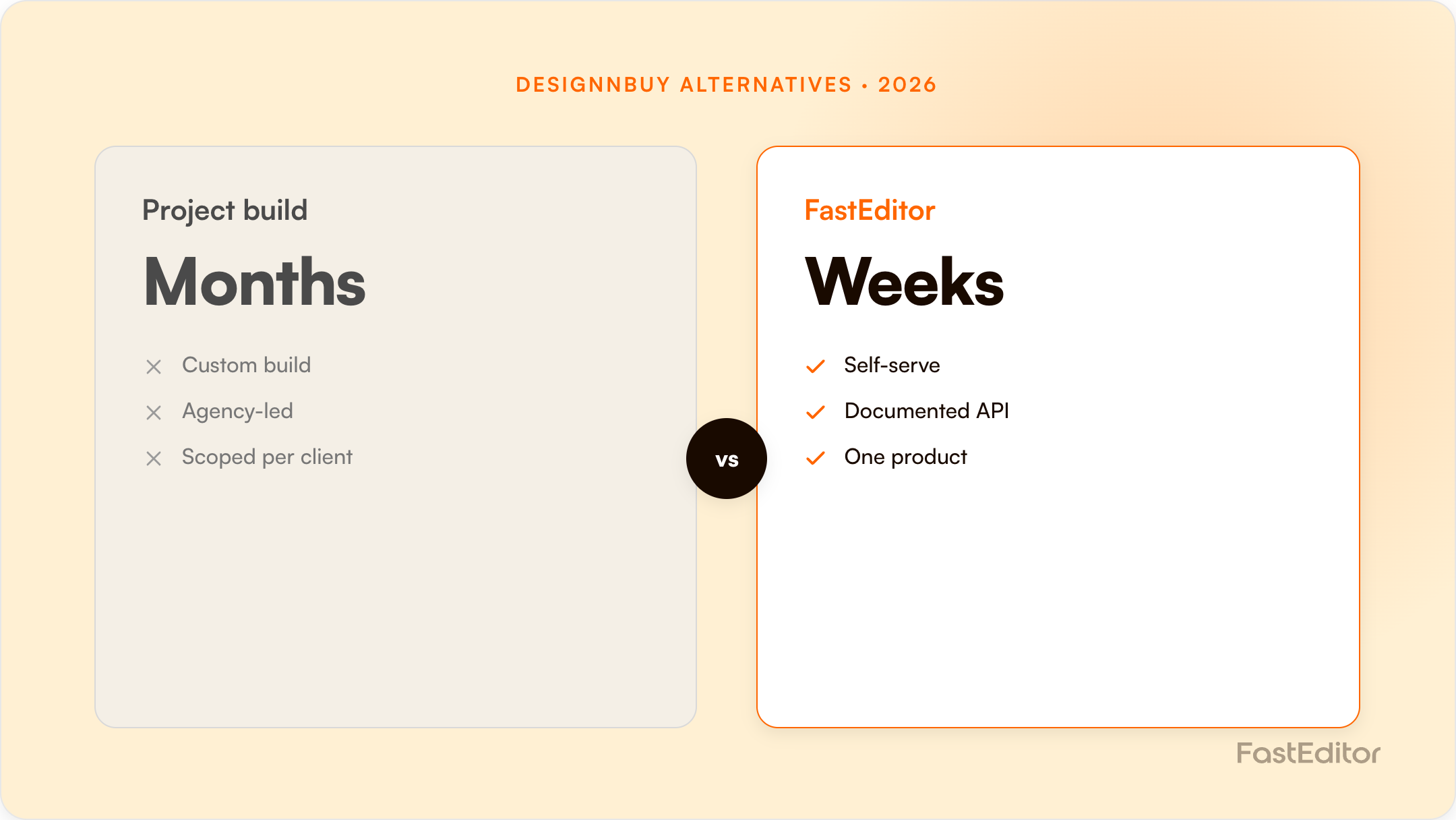
You keep your existing storefront and systems. FastEditor connects via API or native connectors for Shopify and WooCommerce, so the migration maps your catalogue and decoration methods, connects the relevant suppliers, embeds the editor, and routes output into production, usually live in about 3 to 4 weeks rather than a full-platform rollout.
If you want to build or replace a complete, owned web-to-print platform from the ground up, Design'N'Buy's PrintXpand is a comprehensive option. If you already run a storefront and want to add automated artwork handling, supplier-spec enforcement, and production-file output quickly, FastEditor is built for that. Model the difference with the ROI calculator or see our case studies.
DesignO is the only product in either vendor's range with published pricing.
| Plan | Monthly (USD) | Yearly rate (USD/mo) | What you get |
|---|---|---|---|
| Starter | $140 | $90 | 1 B2C storefront, 100 GB, 4 hrs training, 8 hrs setup support |
| Growth | $250 | $190 | B2B add-on, 200 GB, 8 hrs training, 16 hrs setup, dedicated CSM, form-based editor, 3D preview, quote management |
| Enterprise | Custom | Custom | Custom workflows and development |
A perpetual one-time licence is offered as an alternative to subscription, but the price is quote-only. So is the one-time setup fee, which appears in the pricing table as a literal placeholder. Add-ons for Web-to-Pack, photobook, sticker, extra storefronts, extra languages and extra storage are all chargeable and unpriced. A 14-day DesignO trial is advertised on the product page.
Nothing is published. PrintXpand quotes per configuration across three deployment models: PX Cloud (managed SaaS), PX Cloud+ (dedicated enterprise infrastructure) and PX On-Premise (self-hosted, source code included, one-time licence, ISO 27001 certified). The vendor commits to no per-order, per-user or per-transaction fees and to a quote within 24 hours. In place of a trial there is a free proof of concept, delivered in about five days with 5 to 10 of your own products configured.
| Capability | Design'N'Buy / DesignO | PrintXpand | FastEditor |
|---|---|---|---|
| Online designer | Yes, with AI text and image personalisation | Yes, with live pricing engine | Yes |
| Web-to-print storefront | Yes, B2C and B2B | Yes, plus POD and artist marketplaces | No, we sit behind your storefront |
| Print MIS / order management | Yes | Yes, built in | No |
| Print-ready output | Yes, print-ready PDFs, preflight, imposition | Yes: PDF, PNG, SVG, AI, with resolution and bleed validation | Yes, per supplier spec |
| Automatic vectorization of uploads | Not advertised | Not advertised | Built in and automatic |
| Supplier decoration specs | Not claimed | Connect API reaches 500+ blank suppliers for product and inventory data; decoration specs are not described | 150+ suppliers with imprint areas, methods and colour limits |
| API | Yes; no public developer docs found | Headless REST, OAuth 2.0, webhooks, sandbox, 1,000 req/min | API-first |
| Deployment | Hosted SaaS | SaaS or on-premise with source code | SaaS |
Both of these vendors sell you a system. FastEditor sells you a layer. That is the whole decision in one sentence: are you replacing your commerce and production stack, or adding artwork automation to the stack you already run? If you have no storefront and no MIS, a suite is a reasonable answer. If you already have both and they work, a suite is a migration you did not need.
If you are a print shop without an e-commerce platform, without order management, and without a production workflow, buying all of it from one vendor is genuinely simpler than assembling it. PrintXpand's on-premise option with source code is also the right answer for anyone with hard data-sovereignty requirements, and its API surface is the more serious of the two. Design'N'Buy's published price ladder makes budgeting easier than a quote-only process.
Pricing checked 14 August 2026 from each vendor's public pages and marketplace listings. Vendors change plans often, so verify before you commit.
Yes. PrintXpand is Design'N'Buy's web-to-print platform, so a comparison with one applies to the other.
No. FastEditor is API-first and adds to your existing storefront rather than replacing it.
Most API-first integrations are live in about 3 to 4 weeks.
More articles in Comparisons.
