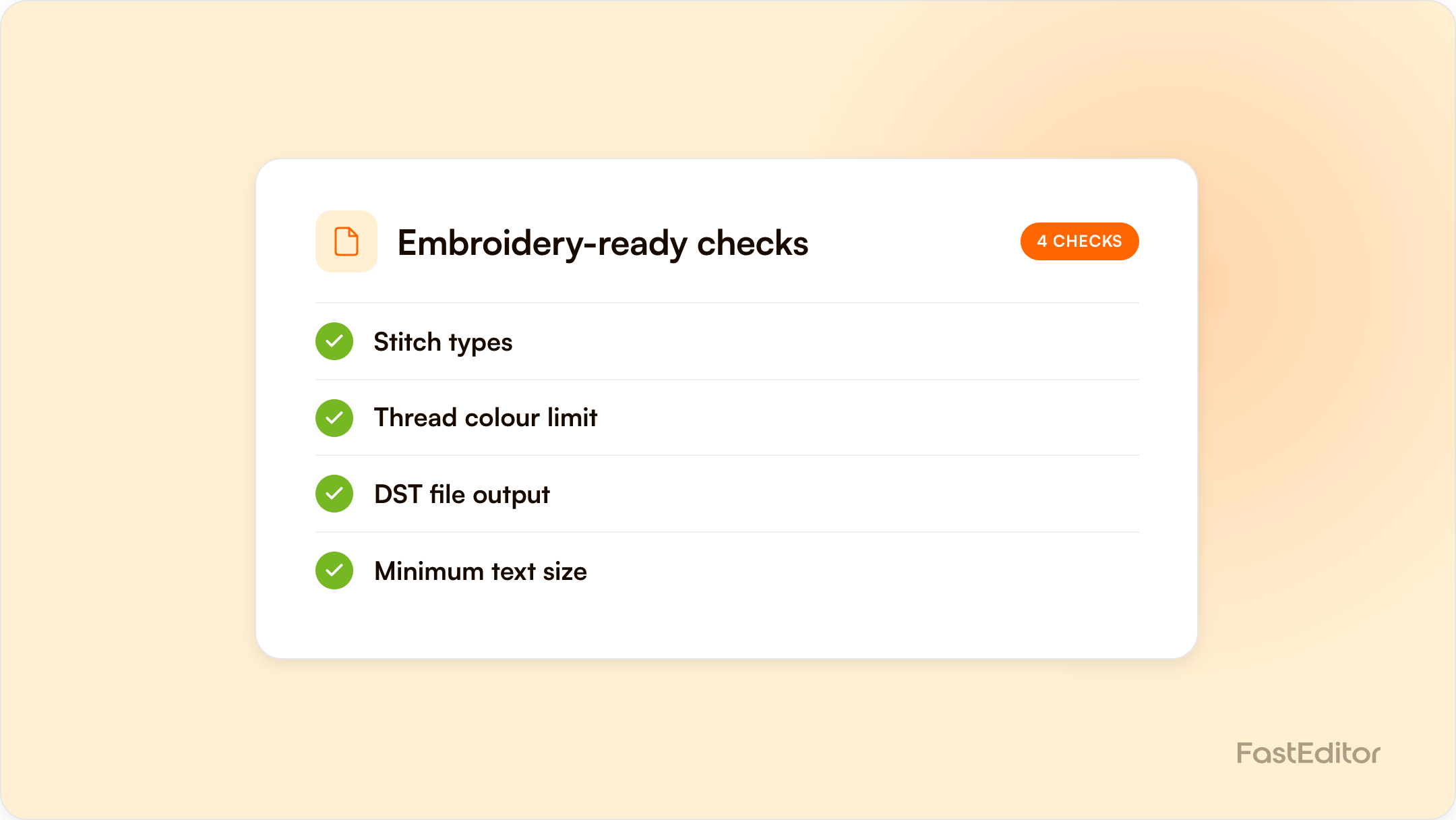
Embroidery converts logos into stitch files, not prints, which brings hard constraints: text at least 4 to 5 mm tall, limited thread palettes, stitch counts that drive cost, and no gradients. This guide covers stitch types, file formats, traditional digitizing costs, a pre-production checklist, and how automated digitizing with thread simulation prevents reprints.
Current availability: FastEditor’s Embroidery Engine is currently in testing. Automatic DST generation is not yet available. Once the engine is live, it is planned to generate embroidery stitch files. Current artwork preparation and proof output should not be presented as a machine-ready DST file.
FastEditor platform data: across 13,773 logo uploads analysed, roughly 85% needed at least one fix and 61% needed vectorization: the upstream issues that turn into embroidery reprints when they reach the machine. See the Artwork Automation Benchmark 2026.
On this page
Benchmark note: 13,773 logo uploads were analysed in total (19 November 2025 to 31 May 2026). The correction rates quoted here are measured on the stable instrumentation window of 8,664 uploads, March to May 2026. See the full methodology.
A customer approves a crisp on-screen mockup of their logo on 50 polos. Three weeks later the box arrives and the tagline under the logo is an unreadable smudge of thread. Nobody lied to anyone: the mockup showed ink, and the machine sewed thread. Embroidery is the decoration method most likely to generate a reprint precisely because logos that work perfectly for screen print or DTG often cannot be stitched, and neither the customer nor the reseller finds out until production.
Every other mainstream technique in our guide to decoration methods deposits ink onto a surface. Embroidery builds the design physically, stitch by stitch, from thread with a fixed width. That brings hard constraints: a limited palette (machines typically run 12 to 15 thread colours per design), minimum sizes below which detail collapses, stitch-count limits that drive cost, and no gradients. A design is not a picture to an embroidery machine; it is a sequence of needle movements.
Digitizing converts artwork into a stitch file that tells the machine exactly where to place every stitch, in what order, with which stitch type and density. It is not a format conversion. A digitizer (human or automated) makes hundreds of decisions about pathing, underlay, and compensation for how fabric stretches and pulls.
Stitch count is the embroidery cost driver because machine time scales with it. The main inputs are the area covered, stitch density, the fill type chosen, underlay stitching that stabilises the fabric, and push-pull compensation. A chest logo might run 5,000 to 10,000 stitches; a large jacket back can run ten times that.
Minimum text height: the most common failure. Industry guidance from Wilcom's Hatch Embroidery puts the floor for small lettering at roughly 4 to 5 mm depending on the font, and machine manufacturer Melco recommends about 6 mm for stock lettering. Below that, letter openings close up and serifs vanish.
Minimum line width: strokes thinner than a satin column can hold simply drop out or break into ragged run stitches.
Why gradients fail: thread is a solid-colour medium. A gradient asks the machine to blend colours it physically cannot mix; the usual fix is converting the gradient to a single solid fill, which should be agreed with the customer before stitching, not after. The same applies to photographic detail and subtle shadows.
Choosing the right file format matters as much for embroidery as it does for print. A stitch file tells the machine what to sew, while a print job needs something else entirely.
| Format | Origin | Machine compatibility |
|---|---|---|
| DST | Tajima | The de facto industry standard, read by virtually all commercial machines |
| PES | Brother | Brother and Babylock machines |
| EXP | Melco | Melco and Bernina machines |
| JEF | Janome | Janome machines |
A stitch file is machine instructions, not editable artwork. You cannot meaningfully resize a DST: scaling changes stitch density, so a different size means re-digitizing. That is why a production-ready file for embroidery looks nothing like one for print.
Manual digitizing is a specialist craft, usually outsourced at a fixed fee per design, often in the range of 10 to 50 euros depending on complexity, with a turnaround of one to three working days. The fee is the small part. The real cost is the wait: every embroidery quote stalls behind the digitizing queue, and every revision restarts it. For a reseller quoting dozens of embroidered orders a week, that delay compounds into lost deals.
Automated artwork platforms aim to remove both the wait and the surprise. FastEditor’s Embroidery Engine, which prepares artwork for stitching and maps each colour to the nearest available thread shade (the same logic as PMS colour matching, applied to thread charts), is currently in testing; automatic DST generation is not yet available. Once the engine is live, the goal is that the customer approves a thread-accurate simulation of what the machine will sew, not an ink mockup, and the supplier receives a ready stitch file with no separate digitizing step. Want to see how a logo is prepared before you quote? Run one through the Logo Editor.
Because thread has physical constraints that ink does not, such as minimum text height, limited colours, and no gradients, and these failures are invisible in a standard ink-style mockup.
Roughly 4 to 5 mm tall for small lettering, depending on the font, with some machine manufacturers recommending about 6 mm. Below that, letters close up and become unreadable.
DST is the Tajima stitch file format, the de facto industry standard read by virtually all commercial embroidery machines. It contains needle movements, not editable artwork, so resizing requires re-digitizing.
Embroidery digitizing can be automated by converting artwork into machine stitch instructions. FastEditor’s Embroidery Engine is currently in testing, and automatic DST output is not yet available.
Embroidery is central to garment decoration; for the vertical view, see our workwear and PPE decoration playbook.
More articles in Artwork Automation.
