TL;DR
After an integration goes live, the most repeated question is how to retrieve the finished production file. Use an order webhook, a direct download endpoint, or a callback URL, and for quotes and visualisations retrieve by design reference so you can pull the vectorised file even when no order was placed.
Opening the editor is not the finish line. The question that fills support inboxes after an integration goes live is simpler and more urgent: how do we actually get the finished production file out, especially when the customer never placed an order through the configurator?
Most integration guides stop at the moment the customer finishes a design. In practice that is the halfway point. The artwork only creates value once the finished, production-ready file reaches whoever prints it. FastEditor generates that file automatically, but how you retrieve it depends on how your business actually works, and the most common mistake is assuming it only ever arrives attached to a paid order. This guide covers the ways to pull the file, including the case where no order is placed at all.
Why file retrieval is the real finish line
A personalised design that nobody can download is just a picture on a screen. Production needs the real file: vectorised artwork, locked colours, placed in the correct print area, validated for the decoration method. The retrieval step is where an integration either saves work or quietly recreates it. If your team ends up screenshotting previews or rebuilding artwork because they could not get the generated file out, the automation never paid for itself. So treat file retrieval as a first-class part of the integration, not an afterthought.
Three ways to get the file
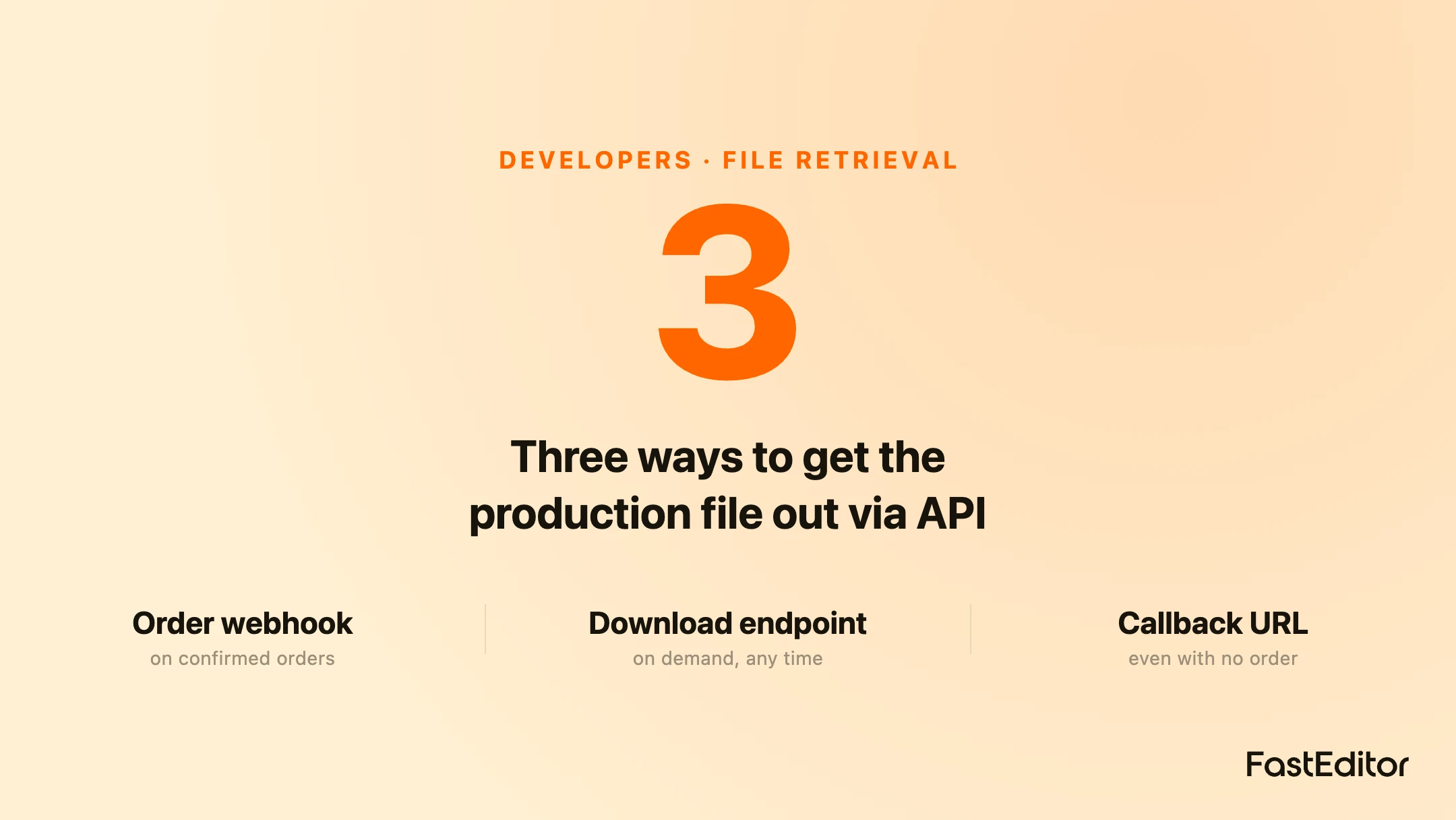
There are three common patterns, and most integrations use a combination. The first is the order webhook: when an order is confirmed, your system is notified and you fetch the finished files for that order. The second is a direct download endpoint: given a project or design reference, you request the production file on demand through the API. The third is a callback URL: you register where the finished files should be sent, and the platform pushes them to you when they are ready, so you can store your own copy immediately. The webhook suits order-driven fulfilment, the download endpoint suits on-demand access, and the callback suits teams who want to keep files in their own storage. The full order-to-file sequence is laid out in the cart-to-print-file lifecycle.
The no-order case: quotes and visualisations
This is the requirement that catches teams by surprise. Plenty of configurator use is not a direct purchase. A customer builds a design, you turn it into a visualisation or a quotation, and the actual order is created later in your own system, sometimes manually. You still need the vectorised artwork even though no order ever flowed through the editor. The answer is to retrieve by project or design reference rather than by order. As long as you keep the reference to the design the customer created, you can pull the production file on demand, whether or not it ever became an order. That is what makes the editor usable for quotes and visualisations, not only checkout, and it underpins the quote-first workflow many B2B sellers run.
Route files per product
Not every product should go to the same place. A photo print might need to come back to you for in-house finishing, while a branded bottle goes straight to a supplier. A clean integration lets you route retrieval per product or product type: one product calls back to your endpoint, another is fetched and forwarded to a print partner. Decide the routing rules once, map them to your product types, and keep them alongside the catalogue matching you already maintain. The goal is that every finished file lands where it is actually processed, without a human deciding each time.
What the file should contain
When you retrieve a file, confirm it is genuinely production-ready and not just a high-resolution preview. That means vector paths where the artwork should be vector, the correct colour system with colours locked, the design placed inside the real decoration zone, and a proof that matches. If any of that is missing, retrieval succeeded but the output still needs rework, which defeats the purpose. The underlying generation, vectorisation, colour handling, placement and preflight, is what makes the retrieved file safe to send straight to production. For a refresher on the standard itself, see what a production-ready file is, and for sending the same file to any supplier, prep once, send anywhere.
Test retrieval before you go live
The single most useful pre-launch test is an end-to-end one that ends in a downloaded file, not a finished design. Create a project with a messy real logo, run it through, then retrieve the production file by every route you plan to use: the order webhook, the direct download, and any callback. Open the file and check it against the production checklist above. Teams that test only up to the design step discover the retrieval gap on their first live order, which is the worst time to find it.
Frequently asked questions
How do I download the final print file?
Use one of three routes: an order webhook that notifies you when an order is confirmed so you fetch its files, a direct download endpoint that returns the file for a project or design reference on demand, or a callback URL the platform pushes finished files to. Most integrations combine them.
Can I get the file if no order was placed?
Yes. Retrieve by project or design reference rather than by order. If the configurator is used for visualisations or quotations and the order is created later in your own system, you can still pull the vectorised production file on demand using the design reference.
What is a callback URL for?
A callback URL is an address you register so the platform sends finished files to you automatically when they are ready. It suits teams who want to keep their own copy of every file in their own storage rather than fetching on demand.
Can I send different products to different places?
Yes. You can route retrieval per product or product type, for example sending photo prints back to your own endpoint while other products are forwarded to a supplier. Define the routing rules once and map them to your product types.
Is the retrieved file ready to print?
It should be, if generation is set up correctly: vector paths where needed, locked colours, placement in the real decoration zone, and a matching proof. Always confirm by opening a retrieved file during testing rather than assuming retrieval alone means the file is production-ready.
More articles in Developers & API.
Key takeaways
- Retrieving the finished file, not finishing the design, is the real end of the integration.
- Three retrieval routes cover most cases: an order webhook, a direct download endpoint, and a callback URL.
- You can get the file without an order by retrieving on a project or design reference, which is essential for quotes and visualisations.
- Route retrieval per product so each finished file lands where it is actually processed.
- Confirm the retrieved file is production-ready, with vector paths, locked colours, real placement and a proof, not just a preview.
- Test retrieval end to end before launch, by every route, finishing with a downloaded file.