TL;DR
Artwork automation does not have to be bundled with a product catalogue. You can use just the file-prep step: upload a logo, get it vectorized, colour-converted and preflighted, then download a clean, neutral production file and send it to any supplier, connected or not. Prep once, stay supplier-independent, and keep the margin you would spend on manual prepress.
You just won a customer who wants 500 branded jackets from a supplier you have never worked with, one that is not in anyone's connected catalogue. The order is good. The problem is the artwork: the customer's logo is a low-resolution PNG, the supplier wants a clean vector file to their spec, and the only thing standing between the two is your design team's afternoon. This is the case for using FastEditor as a file-prep engine on its own, decoupled from any product catalogue. Upload the logo, get back a clean, production-ready file, and send it wherever you need. Prep once, send anywhere.
File prep is a step, not a bundle
It is easy to assume artwork automation is an all-or-nothing platform: connect a catalogue, embed an editor, route orders to connected suppliers. It can work that way, but the core of it, taking a messy upload and producing a correct file, is a discrete step you can use on its own. Automated vectorization, cleanup, colour conversion and preflight do not require the rest of the stack to be in place. You can call just that step, get the cleaned file, and do whatever you like with it. For a business that already has webshops, suppliers and order systems it likes, that modularity is the whole point.
What prep once actually produces
The output is a neutral, production-ready file, not a preview and not a proprietary package. Whatever the customer uploaded, the prep step returns artwork that has been vectorized, upscaled where needed, colour-converted to CMYK or the correct Pantone, and preflighted for line thickness and small detail. It carries no watermark and no lock-in; it is simply a clean file you own and can forward to any decorator. Here is what the step does to a typical upload.
| Stage | What happens | Why it matters downstream |
|---|
| Detect | Identifies vector or raster and inspects the contents | Catches embedded rasters and unoutlined fonts before they reach the printer |
| Vectorize | Rebuilds raster art as scalable paths | Prints crisply at any size and any method |
| Upscale and clean | Removes artefacts, backgrounds and noise | No manual redraw in your studio |
| Colour convert | Maps to CMYK or Pantone | Predictable colour, fewer reprints |
| Preflight | Checks line thickness and minimum detail | The supplier accepts the file first time |
Send anywhere, connected or not
Because the output is a standalone file, it is not tied to the Product Hub or to any connected supplier. That matters for two situations that come up constantly. The first is the supplier you are not connected to: the new decorator, the one-off partner, the regional printer a client insists on. The second is supplier independence as a policy: you do not want your artwork pipeline to dictate who you can buy from. Prep once, and the same clean file goes to whichever supplier wins the order. You trade one thing for it, covered below, but you keep your freedom to source anywhere.
The margin case for standalone prep
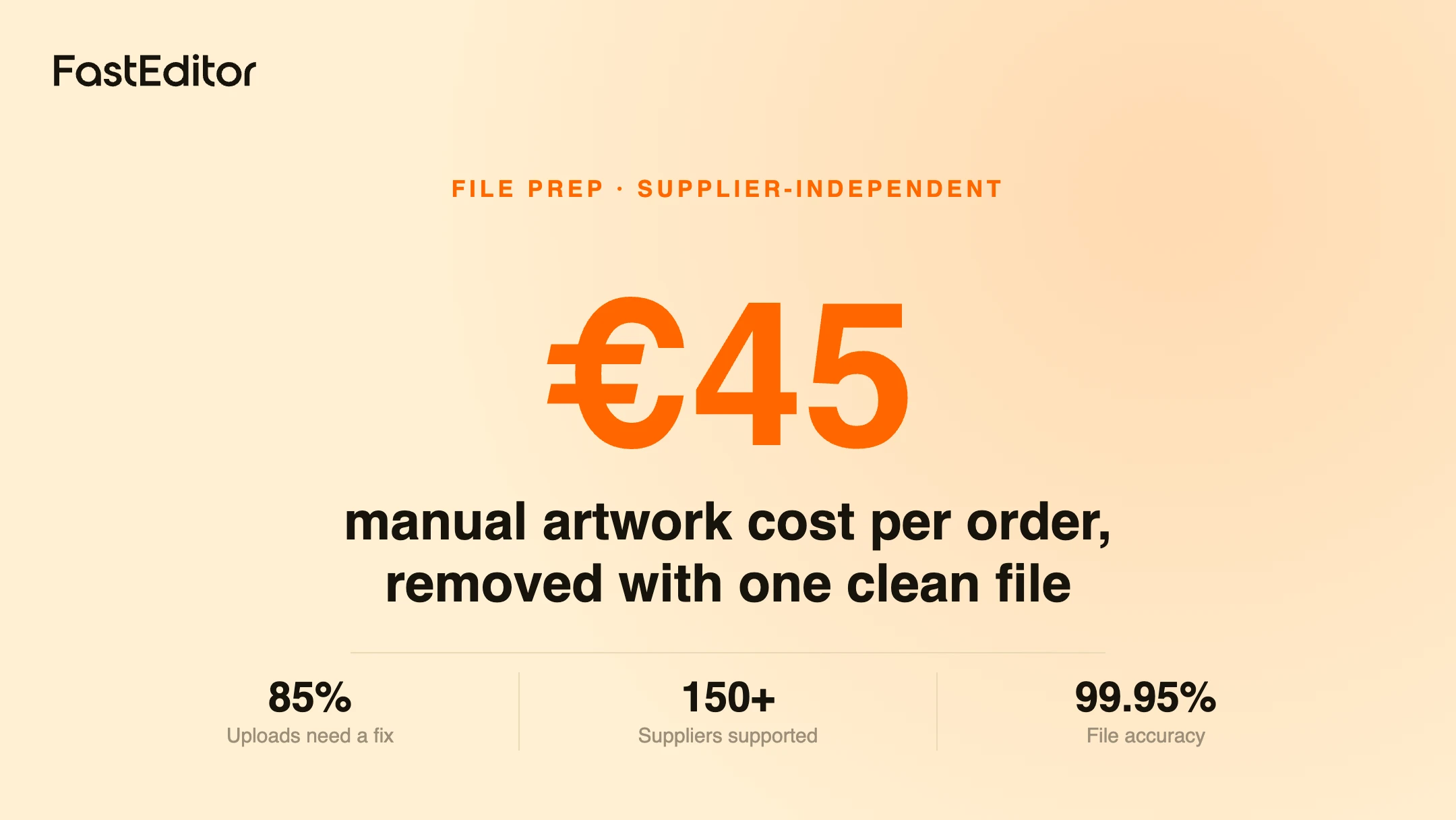
Manual artwork handling is not free, it just hides in salaries. Our own figure for the fully loaded cost of preparing artwork by hand is around 45 euros per order, and in a benchmark of 13,773 uploads, 85% needed at least one fix before they were usable, 61% needed vectorization and 79% needed upscaling. Every one of those fixes is design time you are paying for. Using automation for file prep alone turns that recurring, per-order cost into a predictable one and lets a small team handle volume that would otherwise mean hiring. It is the same argument as scaling without hiring more designers, applied to just the file step.
When you do want the full connected workflow
Standalone prep has one honest limitation: on its own it cannot validate against a specific supplier's decoration spec, because it does not know which supplier and method the order is for. When you prep a file outside a connected workflow, you get clean, correct artwork, but the per-supplier imprint areas, colour limits and method rules are your responsibility to apply. Connect the supplier and that check becomes automatic, which is the difference between a preview and a production file. The pragmatic pattern most businesses land on: connected workflows for the suppliers they run the most volume through, standalone prep for everyone else. See pricing to model which mix fits your order flow.
Frequently asked questions
Can I use file prep without connecting a supplier?
Yes. The vectorization, cleanup, colour conversion and preflight steps run independently of any connected catalogue, and the cleaned file is yours to send anywhere.
Does the cleaned file carry any FastEditor branding?
No. The output is a neutral production file with no watermark, so a receiving supplier cannot tell which tool prepared it.
What do I lose by not connecting the supplier?
Automatic validation against that supplier's specific decoration spec. You still get clean, vectorized, colour-correct artwork; you just apply the per-supplier imprint and method rules yourself.
Is standalone prep cheaper than the full workflow?
It depends on volume and how the plan is structured, so model it against your order flow. The saving that matters most is removing manual prepress, roughly 45 euros per order in our figures.
Key takeaways
- Artwork automation does not have to be bundled with a catalogue; file prep is a step you can use on its own.
- The output is a neutral, production-ready file you own, with no watermark and no lock-in, so it goes to any supplier.
- Standalone prep protects supplier independence and turns a per-order artwork cost of around 45 euros into a predictable one.
- The trade-off is losing automatic per-supplier spec validation, which returns as soon as you connect that supplier.
- Most businesses mix both: connected workflows for high-volume suppliers, standalone prep for everyone else.