TL;DR
Vectorizing the text inside a logo is the hardest case in artwork automation, because tracing follows the pixels of a letter instead of the letter itself, so small or low-resolution type comes out lumpy and uneven. AI text recovery works differently: it detects the text, identifies a close font match, and redraws the letters as clean vector type. The result is logo text that is actually usable at print size.
Why text is the hardest thing to vectorize
A customer uploads their company logo for a printed pen. The shape vectorizes fine. The tagline underneath, set in 9 point type and saved as a small JPEG years ago, comes out looking like wet ink: edges that wobble, counters that fill in, an 'e' that reads as an 'o'. That tagline is the part the customer will inspect first, and it is the part automated tracing handles worst.
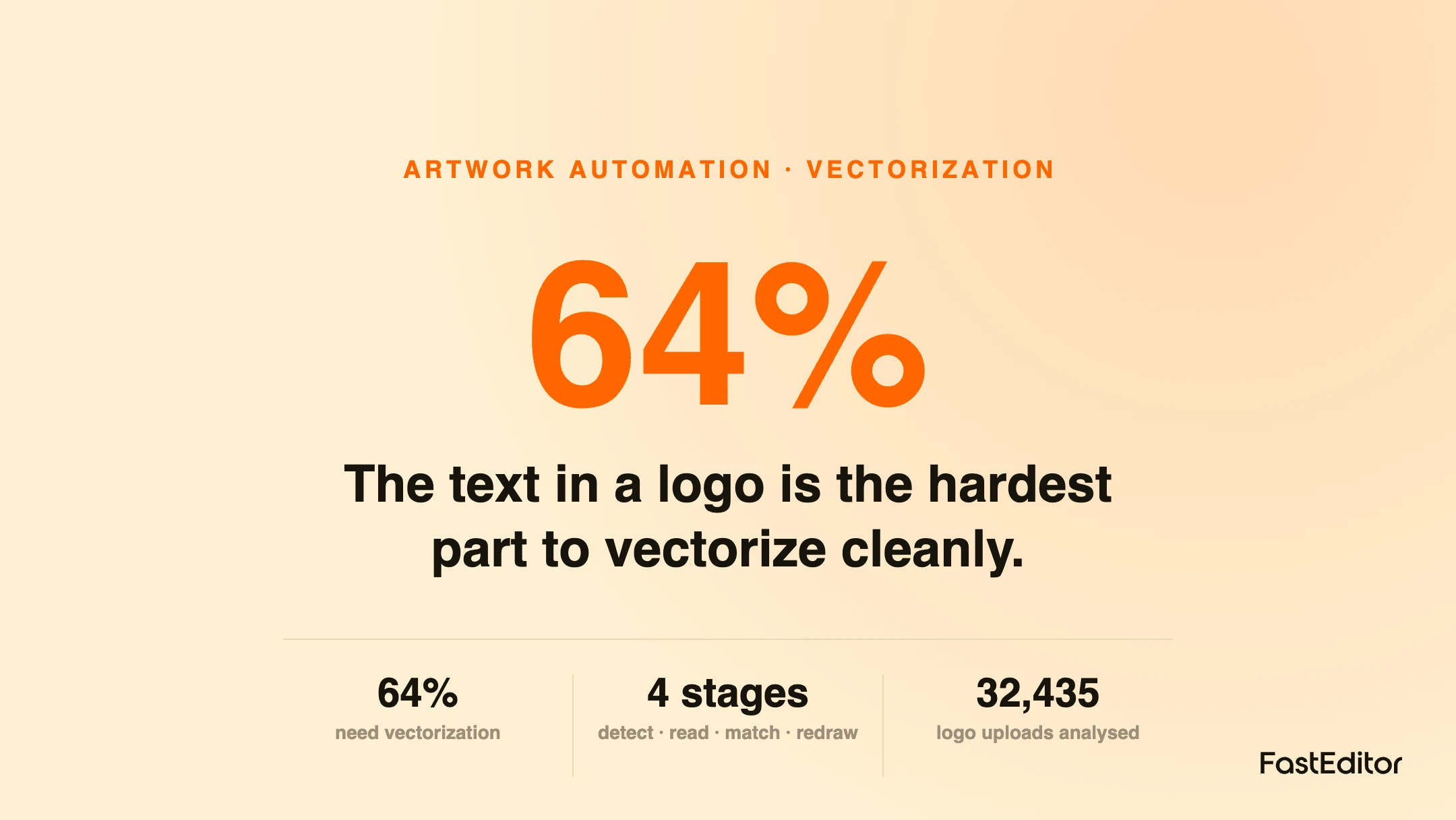
At FastEditor, text is the single most common reason a logo looks almost right but not print ready. In the FastEditor Artwork Automation Benchmark, 64% of uploaded logos needed vectorization at all, and within that group it is the lettering, not the icon, that most often fails a clean conversion. The reason is structural. Automated vectorization looks for flat regions of colour with clean edges and fits paths around them. A letter at a large size has those edges. The same letter at a small size, after JPEG compression and a few resaves, does not: its edges are a soft gradient of grey pixels, and tracing faithfully reproduces every one of those grey steps as a bump in the outline.
This is why our older guidance on why some logos cannot be auto-vectorized lists small text as a hard case. Tracing was never the wrong tool for shapes. It was the wrong tool for reading.
Tracing vs reading: two ways to handle logo text
There are two fundamentally different ways to turn pixel text into vector text, and the difference decides the quality of the output.
Tracing treats the letters as any other shape. It finds the boundary between dark and light pixels and wraps a vector path around it. When the source is large and sharp this is fine. When the source is small or compressed, the path inherits every artefact in the image, so the final letters are heavier, rounder and noisier than the original type. No amount of node reduction fully removes that, because the information was lost before tracing started.
Reading treats the letters as text. It recognises the characters, finds a font that matches their shapes, and sets the words again as real type, then converts that clean type to outlines. The output is as crisp as a font can be, because it is a font, not a trace of a blurry picture of a font. This is the approach that separates modern AI text recovery from the tracing engines that came before it.
How AI text recovery works, step by step
The pipeline has four stages, and each one is a place where a naive system quietly gets it wrong.
1. Detect the text. The system first has to separate lettering from the icon and the background. A promo logo often mixes a symbol, a wordmark and a strapline at different sizes, so the detector has to find each text region without swallowing the graphic next to it.
2. Recognise the characters. This is optical character recognition, but tuned for logos rather than documents: short strings, unusual spacing, stylised letterforms and, frequently, colour on colour. Getting the characters right is what prevents the classic failure where a traced 'rn' becomes an 'm'.
3. Match the font. The system compares the recognised letterforms against a font library and picks the closest available match, or a near substitute. This is the same substitution problem we cover in fonts and text in web-to-print: an exact licensed match is ideal, but a close open match is usually enough to make the text read correctly at print size.
4. Redraw and outline. The matched font is set with the original wording, positioned to sit where the old text sat, and converted to vector outlines so it prints as artwork rather than depending on a font being installed downstream.
Done well, the output is a logo whose icon was traced and whose text was rebuilt, combined into one clean vector file. A recent partner testing round put it plainly after comparing before and after samples: the reworked text on their logos was, for the first time, usable for them to print with. That is the bar, text that a decorator will accept without a manual redraw.
Where it still needs a human
AI text recovery is not magic, and pretending otherwise just moves the reprint downstream. Three cases still warrant a human check. First, highly custom lettering: a hand-drawn or heavily modified wordmark has no font match, and forcing one changes the brand. Second, ambiguous characters: stylised type where even a person has to guess whether a mark is a letter or part of the icon. Third, cost sensitivity: character recognition and font matching are heavier operations than a simple trace, so a well-built system reserves them for the cases that need them rather than running them on every upload. The right design detects when text recovery is warranted, applies it there, and routes genuine edge cases to review instead of shipping a confident wrong answer.
For a promo reseller or platform, the practical change is that a whole class of previously unusable uploads becomes printable without a designer touching them. The customer who only has a small JPEG of their logo, which is most customers, can still reach a clean, production-ready file in the same automated flow. For full-color and gradient marks the decision is different, and our guide on when to vectorize, upscale or keep a raster covers that split. But for the common case, a flat logo with a line or two of text, reading the text instead of tracing it is what turns almost right into ready to print.
Frequently asked questions
Why does small logo text look lumpy after vectorizing?
Because tracing follows the pixels of the letter, not the letter itself. When text is small or saved as a compressed JPEG, its edges are soft grey pixels rather than sharp boundaries, and the trace turns each of those into a bump in the outline. The information needed for a clean edge was already lost before tracing began.
Does the font have to match exactly?
Not usually. An exact licensed match is best, but a close substitute is normally enough for the text to read correctly and print cleanly at the sizes used on promotional products. The goal is legible, on-brand lettering, not forensic font identification.
Can every logo text be recovered automatically?
No. Hand-drawn or heavily customised wordmarks have no font match, and extremely stylised letters can be ambiguous even to a person. A good system recovers the clear cases automatically and routes the genuinely ambiguous ones to a human, rather than guessing.
More articles in Artwork Automation.
Key takeaways
- Text is the hardest part of a logo to vectorize, because tracing reproduces the pixels of a letter rather than the letter itself.
- Tracing wraps paths around edges; AI text recovery recognises the characters, matches a font, and redraws the type as clean vectors.
- The pipeline is detect, recognise, match the font, redraw and outline, and each stage is a place a naive system fails.
- Custom lettering, ambiguous characters and cost all mean the best systems apply text recovery selectively and route edge cases to a human.
- For the common flat logo with a line of text, reading the text instead of tracing it is what makes it print ready.
Want to see how your customers' logo text comes out? Get in touch.
Benchmark note: figures are drawn from the FastEditor Artwork Automation Benchmark 2026, across 32,435 logo uploads analysed on the platform. See the full methodology.