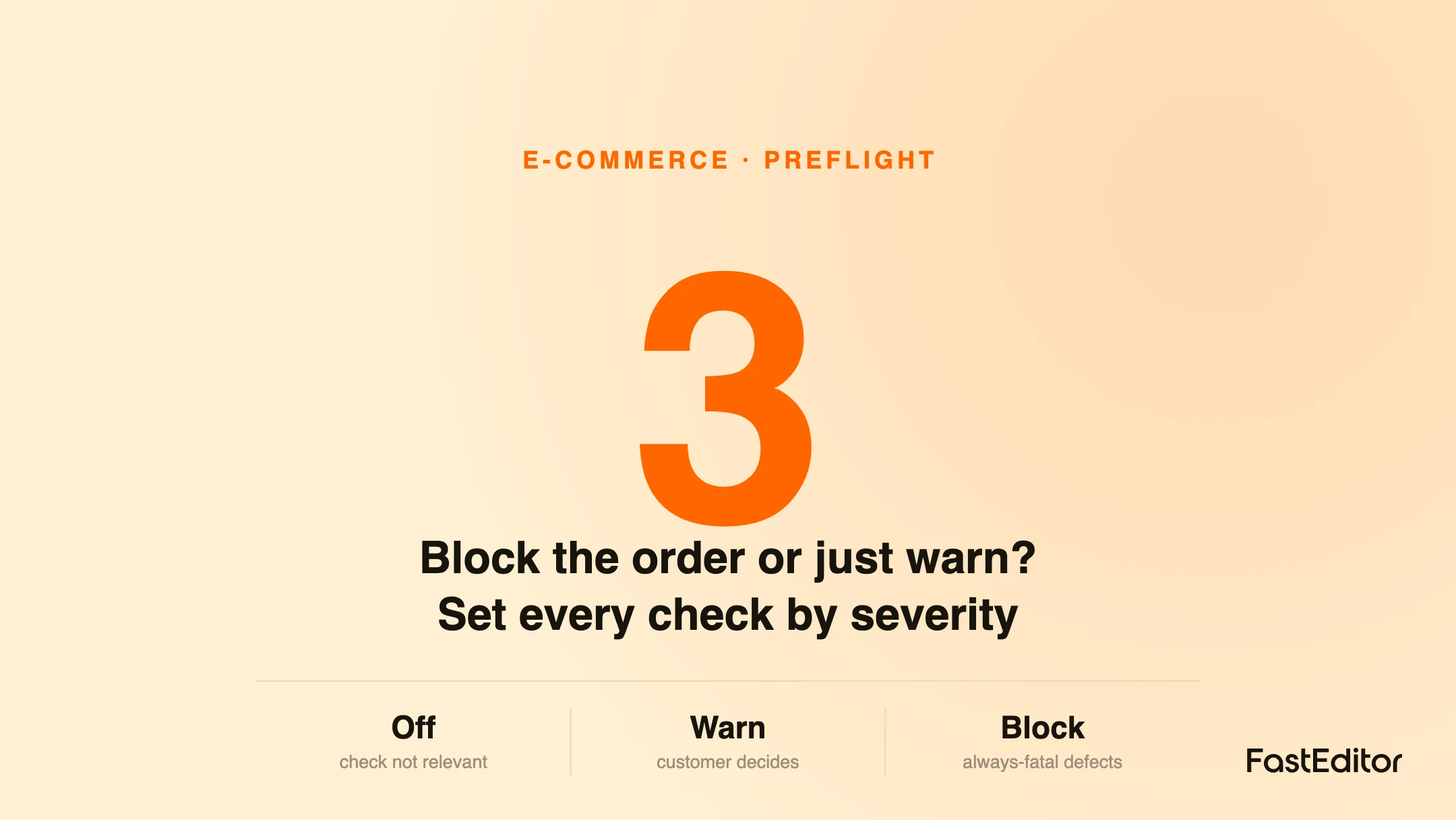
Whether a failed artwork check blocks the order or just warns is a conversion-versus-quality decision that differs by check and partner. Give every check three levels: off, warn and block. Block always-fatal defects like artwork outside the print area, warn on borderline cases with a clear fix, run checks before payment, and make the policy configurable per partner.
A shopper has designed their product, they are at the approval step, and the artwork fails one check: a line is a touch too thin. Now you have a decision that quietly shapes both your reprint rate and your conversion rate. Do you block the order until they fix it, or do you warn them and let them proceed? Block too eagerly and you lose sales at the finish line. Warn too softly and you ship problems to production. This article is about getting that call right, check by check, because the correct answer is not the same for every check or every customer. FastEditor treats it as a configurable policy rather than a fixed rule, and this is how to think about setting it.
On this page
This is not a hypothetical trade-off. Partners running the same editor ask for opposite behavior: some want a thin-line issue to hard-stop the order, others want it to show as a note that never blocks checkout, because they weigh conversion and production-readiness differently. A preflight system that forces one global rule on all of them is wrong for most of them. The checks themselves, quality, vectorization, line thickness, color count and artwork position, are described in automated artwork checks for print-ready files; this article is about what to do when one of them fails.
Every preflight check sits on a spectrum between two costs. Block too much, and you add friction exactly where it hurts most, at the approval step, where an interested buyer can still walk away. Warn too little, and a flawed file slips into production, producing a reprint, a refund, or a disappointed customer, the real cost of which is laid out in why artwork handling costs so much per order.
The mistake is treating this as a single setting. A hard block is correct for a defect that guarantees a bad print. It is wrong for a cosmetic preference or a borderline case the customer may legitimately accept. The job is to match the severity of the response to the severity of the defect, and to let the business owner tune where that line sits.
Rather than a binary block-or-allow, the useful model gives every check three possible levels.
| Level | What the customer sees | Effect on checkout | Use when |
|---|---|---|---|
| Off | Nothing | None | The check is irrelevant to this product or method |
| Warn | A clear, non-blocking note on the proof | They can proceed anyway | The issue may be acceptable, or the customer should decide |
| Block | A message explaining what must change | Cannot order until fixed | The defect guarantees an unusable print |
With three levels per check, a business can express a real policy: block the things that always ruin a print, warn on the things that sometimes matter, and switch off the things that do not apply. That is far closer to how an experienced prepress operator actually works than a single on-or-off gate.
A sensible default, which partners then tune, looks like this:
The through-line: block defects that are always fatal, warn on defects that are sometimes acceptable, and always pair a warning with a clear fix and an honest preview so the warning is actionable rather than just worrying.
Where the check runs matters as much as how strict it is. Preflight belongs at the design and approval step, inside the editor, while the customer can still fix the file themselves. A check that only runs after the order lands turns every issue into a support ticket and a back-and-forth email, which is slow for you and worse for the customer. Running it live, in the print proof the customer approves, means most issues are resolved by the customer in the moment, before any money or production time is committed. It also makes the approval meaningful: when the customer clicks approve on a proof that has passed its checks, that approval can stand as sign-off for production.
Because partners genuinely disagree, and because the right answer changes by decoration method, the preflight policy should be set per partner and ideally per product or method, not hard-coded. A high-volume webshop optimizing for conversion may warn on almost everything and block only clipping. A premium supplier protecting its reputation may block more aggressively. Both are correct for their business. The platform's job is to make that a setting, with an optional approval disclaimer and checkbox for partners who want the customer to formally accept responsibility on borderline cases. This flexibility is part of what separates a configurable web-to-print platform from a rigid one, and it is why the same checks can serve a conversion-first shop and a quality-first supplier at the same time. You can see the levels in action on your own products in a Studio demo.
Only when the defect guarantees a bad print, such as artwork running outside the print area. For issues that are sometimes acceptable, like a borderline line thickness or an over-limit color count, a clear warning with a fix converts better and still protects quality.
Over-blocking does, because it adds friction at the approval step where buyers can still leave. The aim is to block only unavoidable defects and warn on the rest, so you protect production without losing customers who would have proceeded on an informed basis.
Inside the editor, at the design and proof step, before payment, so the customer can fix the file themselves in the moment. Checks that run only after the order turn every issue into a support ticket.
Yes, and they should. Partners weigh conversion and production-readiness differently, and decoration methods differ, so each check should be configurable to off, warn or block per partner and per method rather than fixed globally.
More articles in E-commerce & Conversion.
