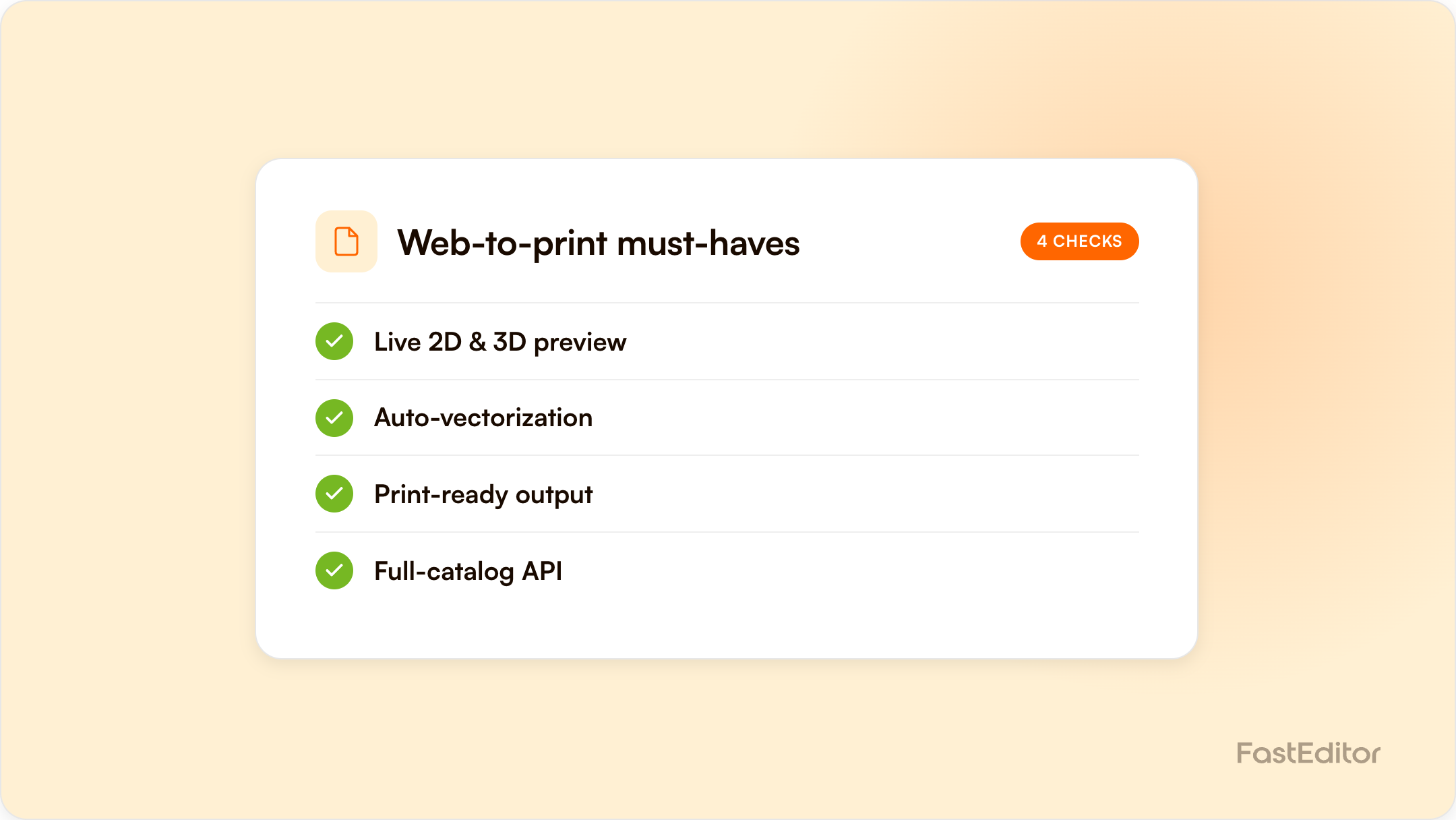
Web-to-print software falls into three categories: DIY storefront plugins from about $15 to $130 per month, full-suite platforms with published plans from about $449 per month, and API-first artwork automation infrastructure from €95 per month. Choose on production-ready output, decoration coverage and full-catalogue API, not demo polish.
FastEditor platform data (March to May 2026): across 13,773 logo uploads, 85% needed at least one automated fix, 61% needed vectorisation, 79% needed upscaling, and the median upload-to-production-file time was 53 seconds. Any web-to-print tool you buy has to survive uploads like these. See the Artwork Automation Benchmark 2026.
Benchmark note: 13,773 logo uploads were analysed in total (19 November 2025 to 31 May 2026). The correction rates quoted here are measured on the stable instrumentation window of 8,664 uploads, March to May 2026. See the full methodology.
Every web-to-print demo looks the same: a logo drops onto a mug, a preview spins, everyone nods. The differences that decide whether you save money or buy a second manual process only show up in production. This guide names the three categories of web-to-print software, the price logic behind each, the features that actually matter, and the seven questions that separate a real platform from a nice demo. FastEditor sits in one of these categories, and we will be explicit about which.
If you are searching for the best web-to-print software, here are the platforms that come up most often, and where each one fits. The right pick depends on whether you are replatforming your whole storefront, controlling brand templates, or automating artwork behind a store you keep.
| Platform | Best for |
|---|---|
| OnPrintShop | All-in-one storefront and order management for commercial printers, with a broad integration list |
| Aleyant Pressero | Established print workflows needing unlimited B2B and B2C storefronts with estimating and approvals |
| Infigo | Enterprise corporate-portal printing, variable data and MIS-connected production |
| Marq (formerly Lucidpress) | Brand-template control for distributed marketing teams |
| Design'N'Buy / PrintXpand | Custom 2D and 3D product-designer builds across many product types |
| Printful / Printify | Print-on-demand ecommerce with built-in customisation and fulfilment |
| PODStoreFront | All-in-one no-code platform for businesses that want ecommerce, web-to-print and print-on-demand together: storefront, modern online customiser and fulfilment automation in one dashboard |
| FastEditor | Artwork automation behind your own store: API-first, automatic vectorization and per-supplier production files across 150+ suppliers, from €95 per month |
These map onto the three categories below: some replace your storefront, some control templates, and some (including FastEditor) automate the artwork and file output behind the store you already run.
Most confusion in this market comes from comparing tools that solve different problems. There are three distinct categories:
| DIY storefront plugins | Full-suite web-to-print platforms | API-first automation infrastructure | |
|---|---|---|---|
| What it is | Customiser apps inside Shopify or WooCommerce | All-in-one storefront, editor and order management for printers | An artwork and file-generation engine that plugs into your existing store via API |
| Output | Usually a preview plus the raw upload; prepress stays manual | Print-ready files for the products you configure | Production-ready files per decoration method, across the catalogue |
| Indicative pricing | Public plans from about $15 to $130 per month (for example Zakeke's Shopify listing) | Published entry plans from about $449 per month for some vendors (for example OnPrintShop); enterprise tiers are quote based | Subscription; FastEditor plans start at €95 per month |
| Best for | Small catalogues and simple personalisation | Commercial printers replacing their whole storefront | Resellers and suppliers keeping their own storefront who need automation at catalogue scale |
| Watch out for | Per-product setup and preview-only output | Replatforming cost and lock-in | You still own the storefront experience, which is the point |
A note on pricing: many vendors in this market publish no pricing at all. The numbers above come from public price lists at the time of writing; treat anything you cannot verify on a vendor's own site as quote based.
A vendor who answers all seven without reaching for the word "roadmap" belongs on your shortlist.
An API-first integration typically goes live in 3 to 4 weeks: catalogue and spec mapping in week one, editor embed in week two, file output testing against supplier specs in week three, and user acceptance plus go-live in week four. The supplier go-live playbook walks the sequence step by step, and native integrations exist for the major platforms, including a Shopify product personaliser and a WooCommerce product customiser.
FastEditor is the third category: API-first artwork automation infrastructure. It is not a storefront suite and will not replace your shop. It plugs in behind it, with 563,981 ready product configurations from 150+ connected suppliers via the Product Hub, automated artwork correction, and production-ready output per decoration method. Customers typically see about a 20% conversion uplift, and Helloprint cut artwork processing time by 80% across more than 30 categories. If those numbers would matter to your P&L, model them in the ROI calculator before you shortlist anyone, including us.
A configurator visualises options; a web-to-print platform also produces the print-ready production file. If a tool stops at a preview image, it is a configurator and your prepress work remains manual.
Public pricing spans plugin apps from about $15 to $130 per month, full-suite platforms with published entry plans from about $449 per month, and API-first infrastructure subscriptions such as FastEditor from €95 per month. Many vendors only quote on request.
Yes. Plugin customisers install directly, and API-first platforms connect through native integrations for Shopify, WooCommerce and custom storefronts.
Plugin apps can be live in days for small catalogues. A production-grade, API-first integration across a full catalogue typically takes 3 to 4 weeks.
If you are actively comparing vendors, we keep honest side-by-side write-ups of the main alternatives: Zakeke, Customily, Printess, Kickflip, ImprintNext and Design'N'Buy / PrintXpand, or browse them all in Comparisons.
More articles in E-commerce & Conversion.
