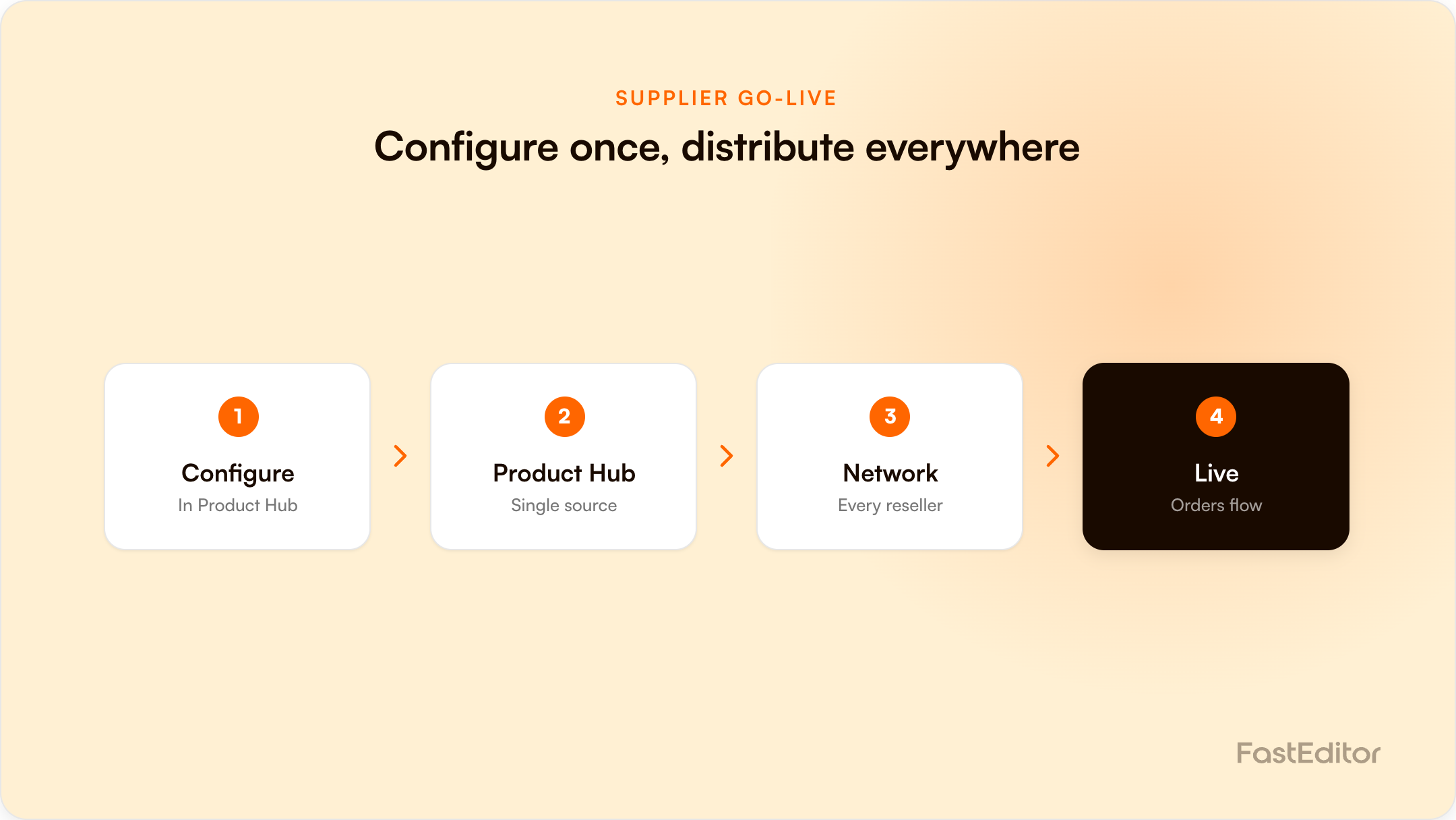
Going live as a promo supplier is not relisting your catalogue on every channel. Configure a product once as an editor configuration in FastEditor's Product Hub and it becomes available across the whole network: the Studio Tool, all connected resellers and distributors, and the Promidata and European Sourcing networks. Clean print data and SKU matching come first.
Most suppliers think of going live as a per-channel chore: add the product to one webshop, then repeat it on the next, and the next. FastEditor inverts that. You configure a product once as an editor configuration in the Product Hub, and it becomes available everywhere FastEditor reaches at the same time. This is a go-live playbook built around one idea: configure once, live across the network.
On this page
This guide is for suppliers and distributors who want their range visualisable, proofable, and order-ready across as many channels as possible, with the least repeated work. It covers what going live actually means, what you need in place first, the spec each product needs, the steps to get there, and what changes once you are live.
A product is live when a customer can personalise it, see an accurate preview, and place an order that produces a correct production-ready file, without anyone touching the artwork by hand. That requires the product to exist as a proper editor configuration: print areas, decoration methods, colour rules, and the right images per variant. A listing in a catalogue is not the same as a live, orderable, personalisable product.
The traditional path is to rebuild your product data inside each reseller's webshop, each distributor's system, and each marketplace, one integration at a time. Every channel is a separate project, every update has to be pushed everywhere, and a small spec change means touching many systems. It does not scale, and it is why most supplier catalogues are live in far fewer places than they could be.
When you set a product up as an editor configuration in the Product Hub, you do that work one time. From there the same configuration is automatically available across the FastEditor network:
The effect is a network one. One configuration is not one listing; it is distribution to every channel FastEditor already connects, so you list once, live everywhere. See the connected suppliers for how this fits together, and for suppliers for the supplier view.
The network distribution only works if the underlying product is clean, because the same configuration flows to every channel. Three things have to be right first:
Get these right and the network works for you. Get them wrong and the same error is distributed everywhere, which is the one real risk of a list-once model. The supplier artwork workflow goes deeper on automating the intake side.
Configuring a product means giving FastEditor a defined set of characteristics. You can provide these as JSON schemas (Logo Products, Photo Gifts, Photo Wall Decoration, Photo Book) or, if JSON is not your thing, through a spreadsheet template that captures the minimum required properties. The full field reference lives in the supplier developer docs.
The core required fields fall into a few groups:
Deeper configuration is documented in the developer guides: SKU concepts (baseSku, sku, virtualSku), print methods, masks for non-rectangular print areas, fill lines for drinkware, adding data to the print proof, and 3D models. Getting these fields right per product is what turns a catalogue entry into a true editor configuration, the thing the whole network reads from.
Going live across the network changes the supplier's position. Your range is visualisable wherever FastEditor reaches, so resellers can show and sell it without asking you for mockups. Sales reps can proof it live in front of a client. New resellers who join the network inherit your products without a new project. And because every channel reads the same configuration, an update you make once propagates everywhere, instead of being re-keyed per system. The work moves from repeated per-channel listing to a single, maintained source of truth. For resellers who want that experience running fully under their own brand rather than yours, see what launching under your own brand actually requires.
| Channel | What it gives you | What it needs from your data |
|---|---|---|
| Studio Tool | Reps and offline resellers generate an accurate proof in the meeting | Print areas and decoration methods per product |
| Connected resellers | Any FastEditor reseller can switch your range on in their own shop | Stable SKUs that match the reseller feed |
| Promidata network | Personalisation appears on product pages of Promidata resellers | Consistent decoration naming |
| European Sourcing network | Your range enters the supplier-matching batches | Correct variant images and colour data |
It means the product exists as an editor configuration with print areas, decoration methods, colour rules, and variant images, so a customer can personalise it, see an accurate proof, and order a production-ready file automatically.
As JSON schemas (Logo Products, Photo Gifts, Photo Wall Decoration, Photo Book) or through a spreadsheet template for the minimum required fields. The full reference is in the supplier developer documentation at developers.fasteditor.com/supplier.
No. Once a product is configured in the Product Hub it is available across the FastEditor network, including connected resellers and distributors, the Studio Tool, and the Promidata and European Sourcing networks, without a per-reseller build.
A listing is a catalogue entry. A live product is a configured, personalisable, orderable item that generates a correct production file. Only the second one can be sold across the network.
Missing print data and SKU mismatches. Because the same configuration is distributed to every channel, those issues have to be resolved before go-live, not after.
More articles in For Suppliers.
Benchmark note: 13,773 logo uploads were analysed in total (19 November 2025 to 31 May 2026). The correction rates quoted here are measured on the stable instrumentation window of 8,664 uploads, March to May 2026. See the full methodology.
