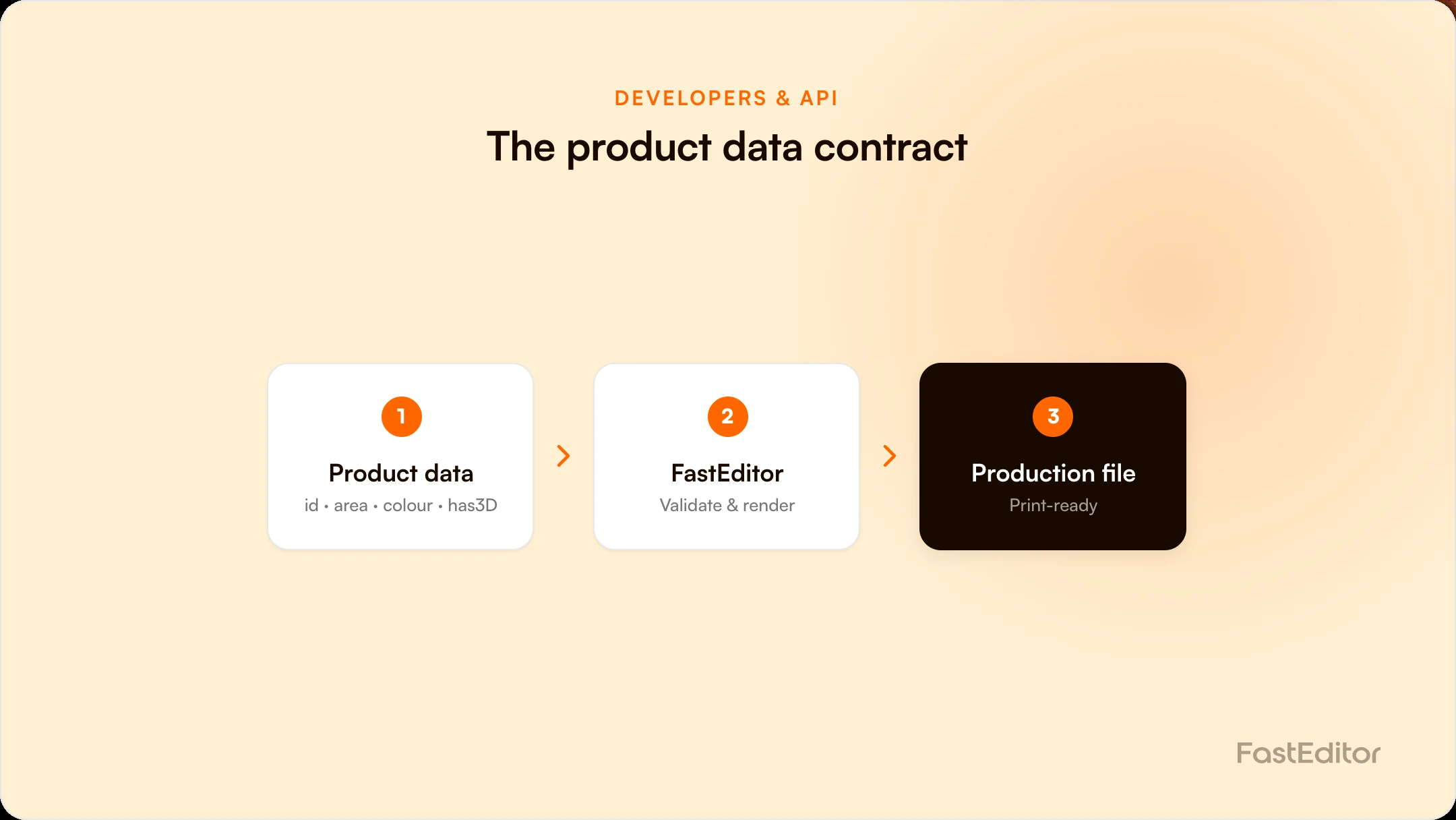
An artwork-automation integration succeeds or fails on product data, not the API. Each product needs stable IDs, decoration areas with positions and maximum sizes, colour data, and capability flags such as has3D. Just as important is feed hygiene: removing discontinued items and keeping colour variants intact so the automation always has clean data to act on.
Most artwork-automation integrations do not stall on the API. They stall on the data. The endpoints authenticate, the calls return, and then a product will not render, a colour swap breaks the image, or a discontinued item keeps appearing in the storefront. In almost every case the root cause is the same: the product data does not describe the products cleanly enough for automation to act on. Before you integrate a web-to-print editor, it pays to treat the product data as a contract, not an afterthought.
On this page
This guide, from the engineering side of FastEditor, sets out the product data an artwork-automation integration actually needs, the fields that matter, and the feed hygiene that keeps it working after go-live.
An API defines how systems talk. The data contract defines whether what they say makes sense. Artwork automation has to place a logo in the right area, at the right size, in the right colour, on the right variant, and then generate a file a decorator can use. Every one of those steps reads product data. If the imprint area is missing, placement fails. If variant IDs are unstable, the colour the customer picked does not map to the file that gets made. A clean, predictable feed is what lets automation run without a human filling the gaps.
What a product data contract has to guarantee
A contract is not a document. It is the set of guarantees every downstream system is allowed to assume.
Identity
A stable, unique product and variant identifier that both sides agree on and neither side silently changes.
Geometry
Print areas with position and dimensions in millimetres, per variant where they differ.
Method
A controlled list of decoration methods valid for each area, using names the automation can map.
Constraints
Colour limits, minimum line thickness and file requirements per method, so validation has something to validate against.
Presentation
Correct product images and colour values mapped to the right variant, so the preview matches the physical item.
Change semantics
How updates are versioned and communicated, because an API-first architecture distributes a bad change as efficiently as a good one.
Exact field names differ by platform, but the same categories of data have to be present and reliable.
| Data | What it must contain | Why automation needs it |
|---|---|---|
| Product and variant identity | Stable, unique IDs at product and variant level | Keeps models, areas, colours and orders linked as the catalogue changes |
| Decoration areas | Position, maximum print size, and the decoration method per area | Places artwork correctly and enforces print limits |
| Colour data | Variant colours and available print colours, with spot references where relevant | Maps the chosen colour to the right variant and the right ink |
| Capability flags | Signals such as personalisable, available decoration methods, and has3D | Tells the storefront what to offer and what to hide |
| Assets | Base images or 3D templates per variant | Drives the preview and, together with areas, the production file |
Stable IDs are the foundation. If a product's identifier changes when the catalogue is re-exported, every link to its decoration areas, colourways and prior orders breaks. IDs should be unique, persistent, and consistent between your product feed and the order data you send later, so a placed design can always be traced back to the exact variant.
Each area needs a position, a maximum imprint size, and the decoration method it supports. These are the same imprint specifications your production team already uses, expressed as data. Get them right and automation can place a logo, scale it to the limit, and reject anything that will not print. This is the heart of standardising decoration data across a catalogue.
Colour is where feeds most often quietly break. Variant colours must map to the correct assets, and print colours should carry spot references where the decoration method needs them. A common failure is a colour swap that points at a missing or mismatched image, so the preview breaks the moment a customer changes variant. Consistent colour data prevents it, and it connects directly to getting PMS colour matching right downstream.
Flags let a storefront behave intelligently without hard-coding exceptions. A personalisable flag, the list of available decoration methods, and a has3D flag each tell the front-end what to show. Reliable flags are what let an integrator support thousands of products with one set of rules instead of a manual list per product.
A feed is not a one-time export. It changes constantly, and the automation only stays reliable if the data stays clean.
Some groundwork belongs with the reseller or supplier, not the automation vendor.
With those in place, connecting the editor itself is straightforward, and follows the pattern described in integrating a web-to-print editor via API. From there the data flows through the full cart-to-print-file lifecycle, ending in a production-ready file. The specific fields and endpoints are set out in the FastEditor developer documentation.
Stable product and variant IDs, decoration areas with positions and maximum sizes, colour data for variants and print colours, capability flags such as personalisable and has3D, and base assets or 3D templates. These let automation place artwork, enforce limits, and generate the production file.
Usually the data changed, not the code. A feed update alters IDs, removes an image a colour variant points to, or introduces a product without decoration areas. Predictable deltas, stable IDs and colour-integrity checks prevent most production regressions.
You need the products reachable in a structured way, whether a public API or an agreed feed. If products live only in an ERP or webshop database, exposing them through an API is often the first and most important step, and it can determine the whole timeline.
Retire discontinued SKUs instead of leaving dead links, deliver changes in a consistent structure, test that colour swaps still resolve to valid images, and document new fields so integrators can adopt them safely.
If you want to see what a clean product data contract enables in practice, look at how the Product Hub stores decoration specs per supplier, or talk it through on a demo.
More articles in Developers & API.
