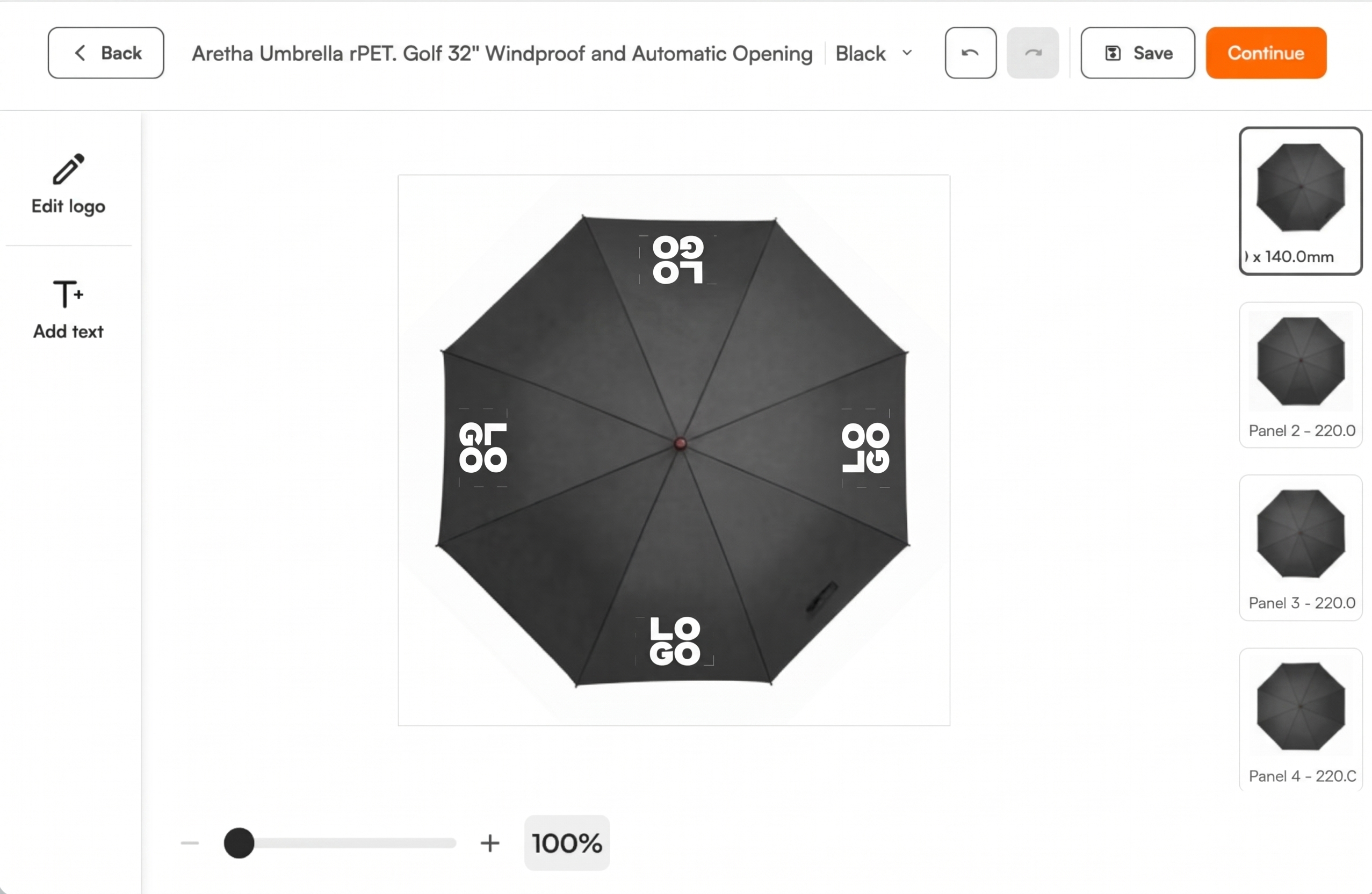
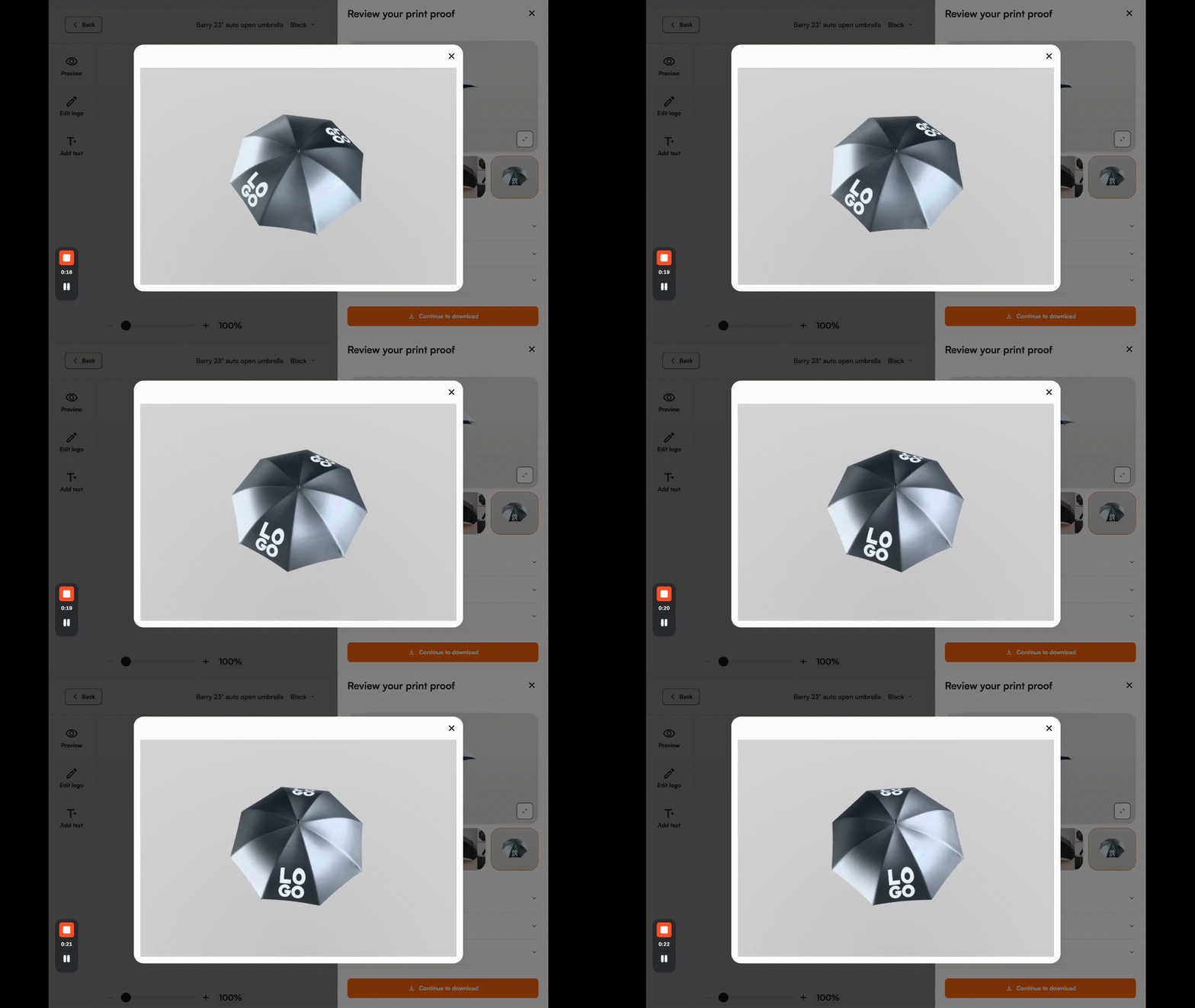
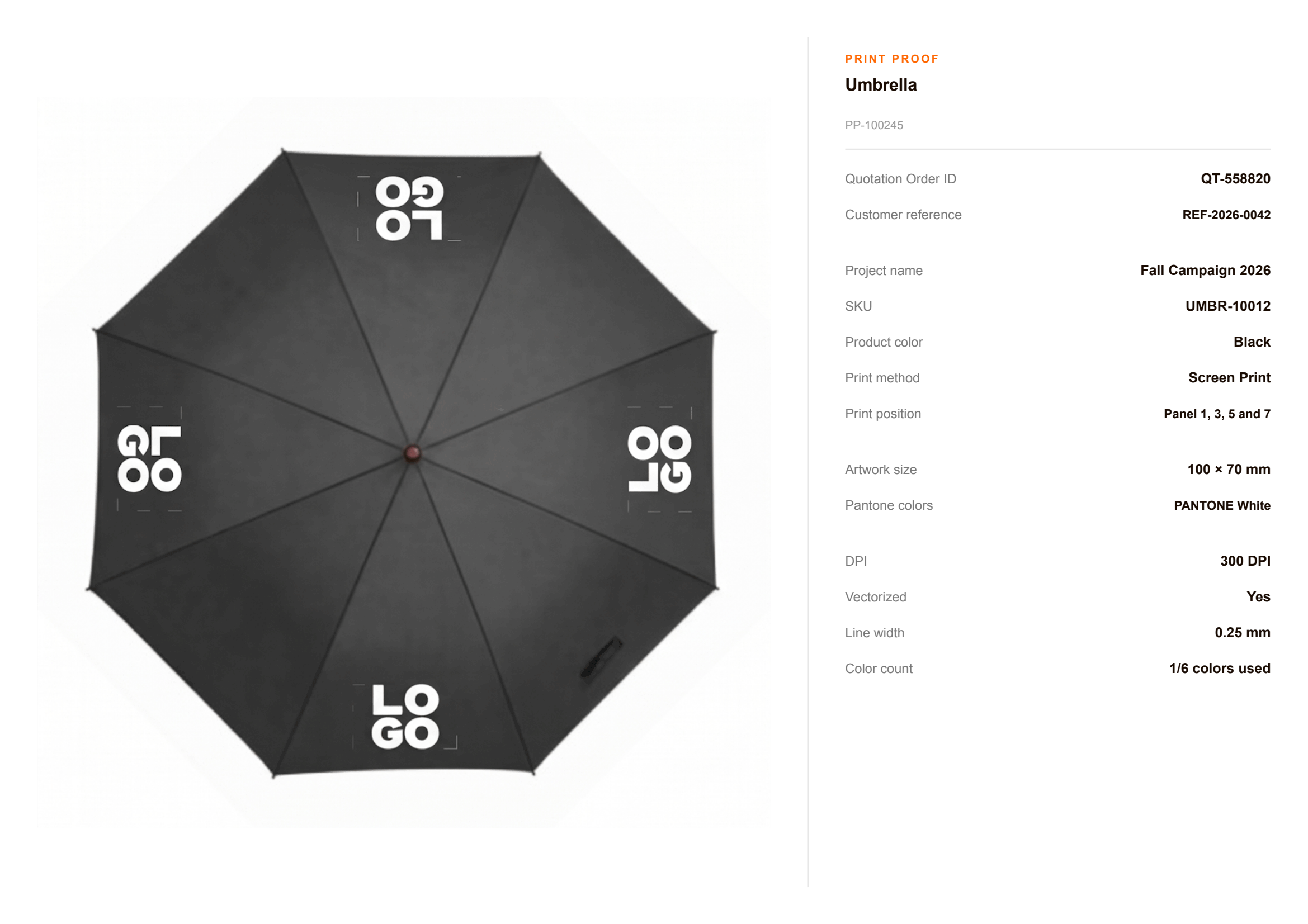
An umbrella is printed panel by panel. FastEditor lets you place the logo on one panel, on alternating panels or on all of them, shows the result and returns a proof and a production file that matches the panel print area.

Logo placement per panel. Place the logo on one panel, on alternating panels or on all of them. Each placement stays inside the printable part of the panel.
Colour limits checked first. The colour count of the logo is checked against the technique chosen, screen printing, digital printing or pad printing, before the proof goes out. The quote matches what can be printed.
A proof with every printed panel. The customer sees which panels carry the logo and approves the proof online.
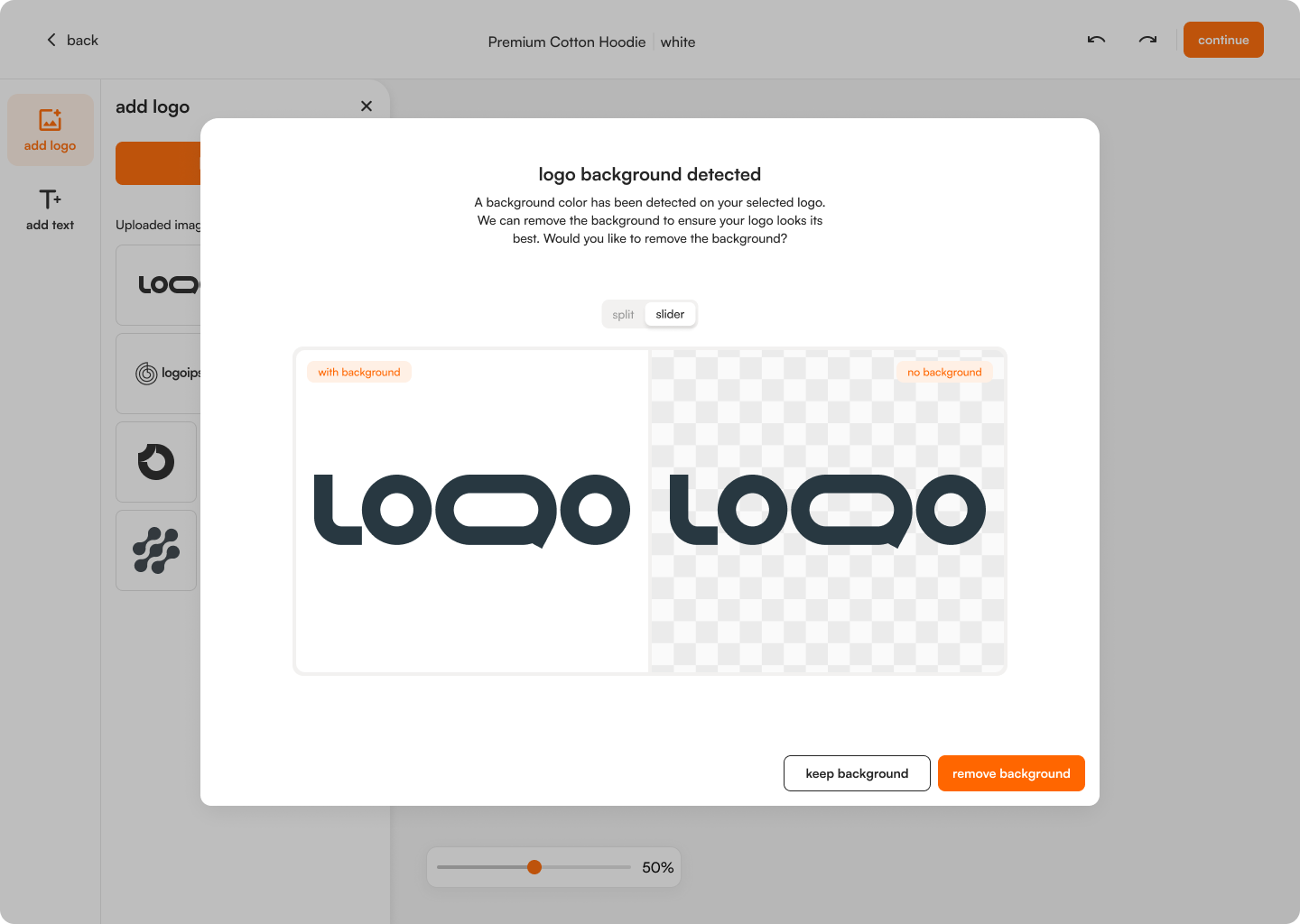
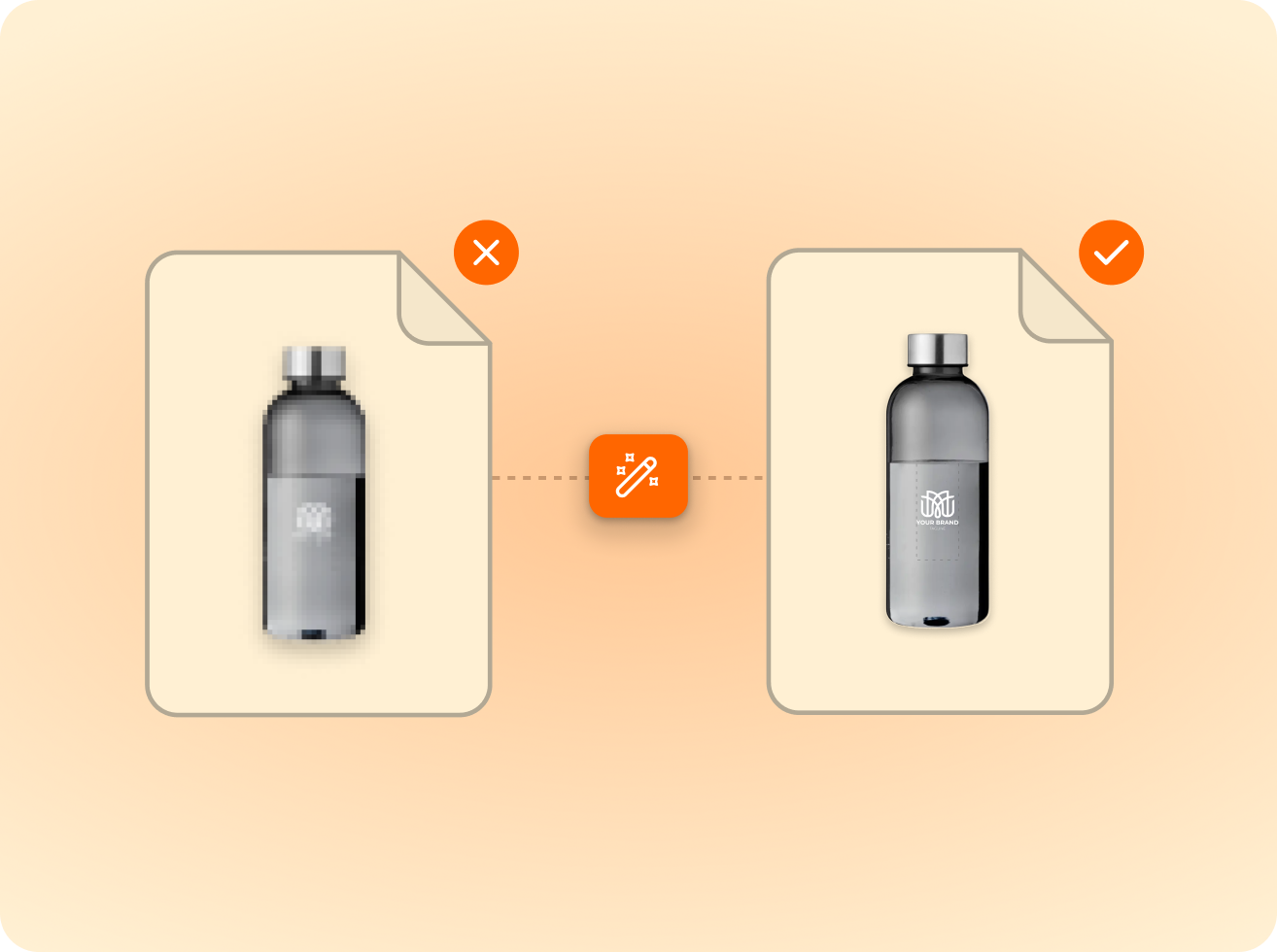
Logos are vectorised automatically; photos are quality-checked.
Size, colour and detail limits validated per product and method.
The customer previews the proof and approves what gets produced.
Output in the supplier’s format, resolution and colour profile.
The first question on every umbrella order is how many panels are printed. One logo above the handle, a logo on every second panel, or all panels. Each choice changes the price and the production file.
In FastEditor the choice is part of the flow. The logo is placed per panel and the proof shows the result, so the customer approves the same configuration the printer receives.


A panel is not a rectangle. It narrows towards the top, the print area sits in the wider lower part, and the technique limits the number of colours. A logo that was sized for a bag does not fit without rework.
FastEditor handles the rework. The upload goes through automated vectorization, the colours are counted against the limit of the technique, screen printing, digital printing or pad printing, and the line thickness check shows detail that is too fine to print.
After the customer approves the print proof, FastEditor generates the production-ready file to the print area in the supplier's product data. Umbrellas from PF Concept, XD Connects, HIT Promo, AODACi and Makito are configured in the Product Hub.
The logo is stored per customer, so the same artwork can go on other promotional products in the same quote.


of uploaded logos need at least one fix before they can go to production. FastEditor applies those fixes automatically.
FastEditor benchmark 2026: 32,435 uploads analysed. Rate measured on 13,340 uploads, July to September 2026.
Yes. The logo can be placed on one panel, on alternating panels or on all panels. The proof shows which panels are printed and the production file follows that configuration.
It is configured per umbrella in the Product Hub, based on the supplier's product data. The editor only accepts artwork inside that area.
Screen printing, digital printing and pad printing, depending on what the supplier offers for that umbrella. The colour count of the logo is checked against the limit of the technique before the proof goes out.
Umbrellas from PF Concept, XD Connects, HIT Promo, AODACi and Makito are configured in the Product Hub. If a range you sell is missing, it can be added. See the connected suppliers.
Yes. Logos are stored at user, customer or account manager level, so the artwork that was cleaned up for the umbrella can be placed on other products without a new upload.
The Studio Tool trial runs for 30 days. A payment card is required to start and you can cancel any time. During the trial your team makes proofs and production files on products from the Product Hub. Your own branded proof template is part of the Core, Team and Enterprise plans. See the plans.
Yes. The Logo Editor puts the same flow on your product pages, so customers place their own logo, see it checked and approve the proof themselves. Standard integrations go live in 1 to 2 days. Custom API integrations take 3 to 4 weeks. Book a demo to see it on your own range.
Same pipeline, different print area.