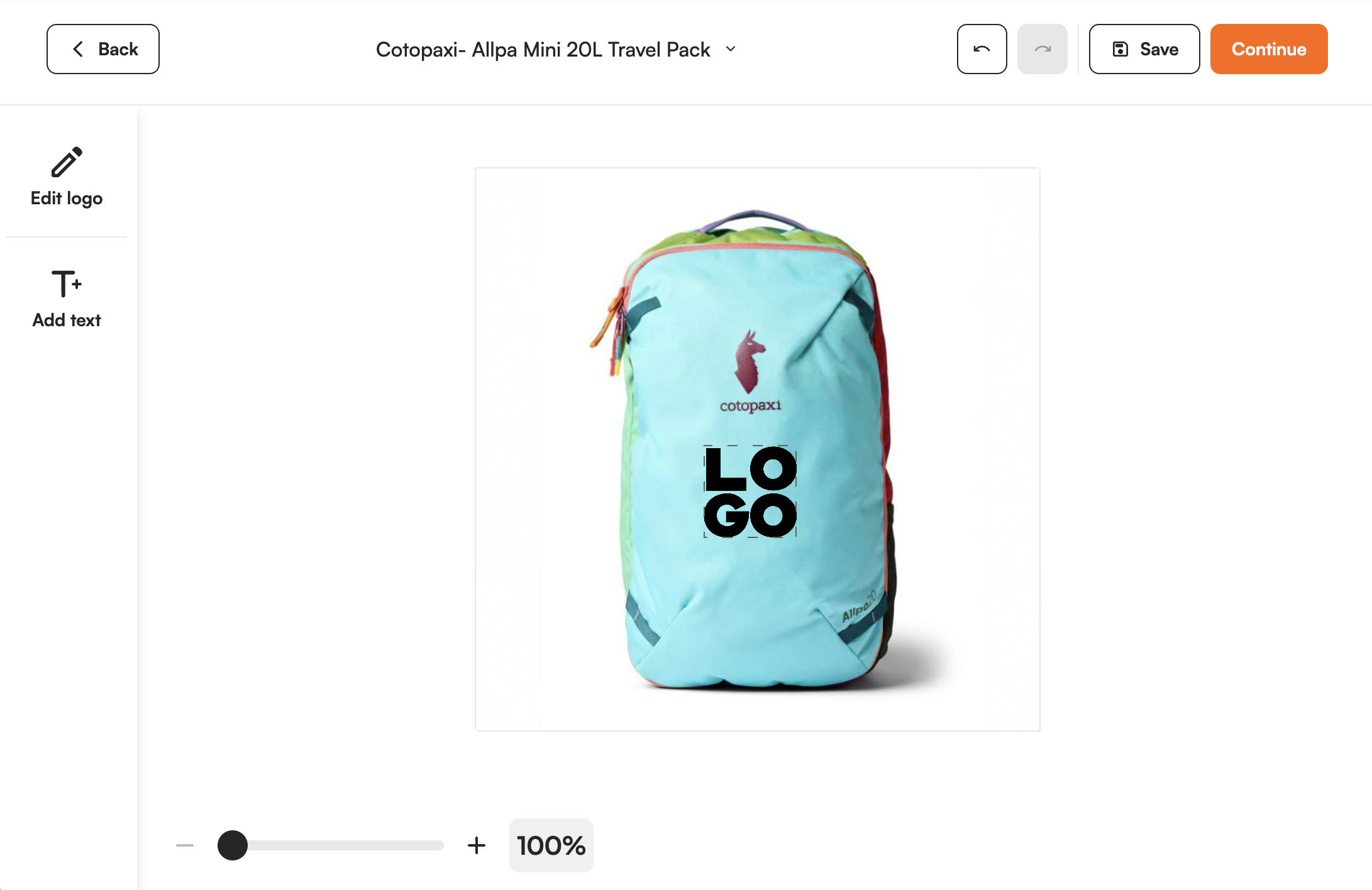
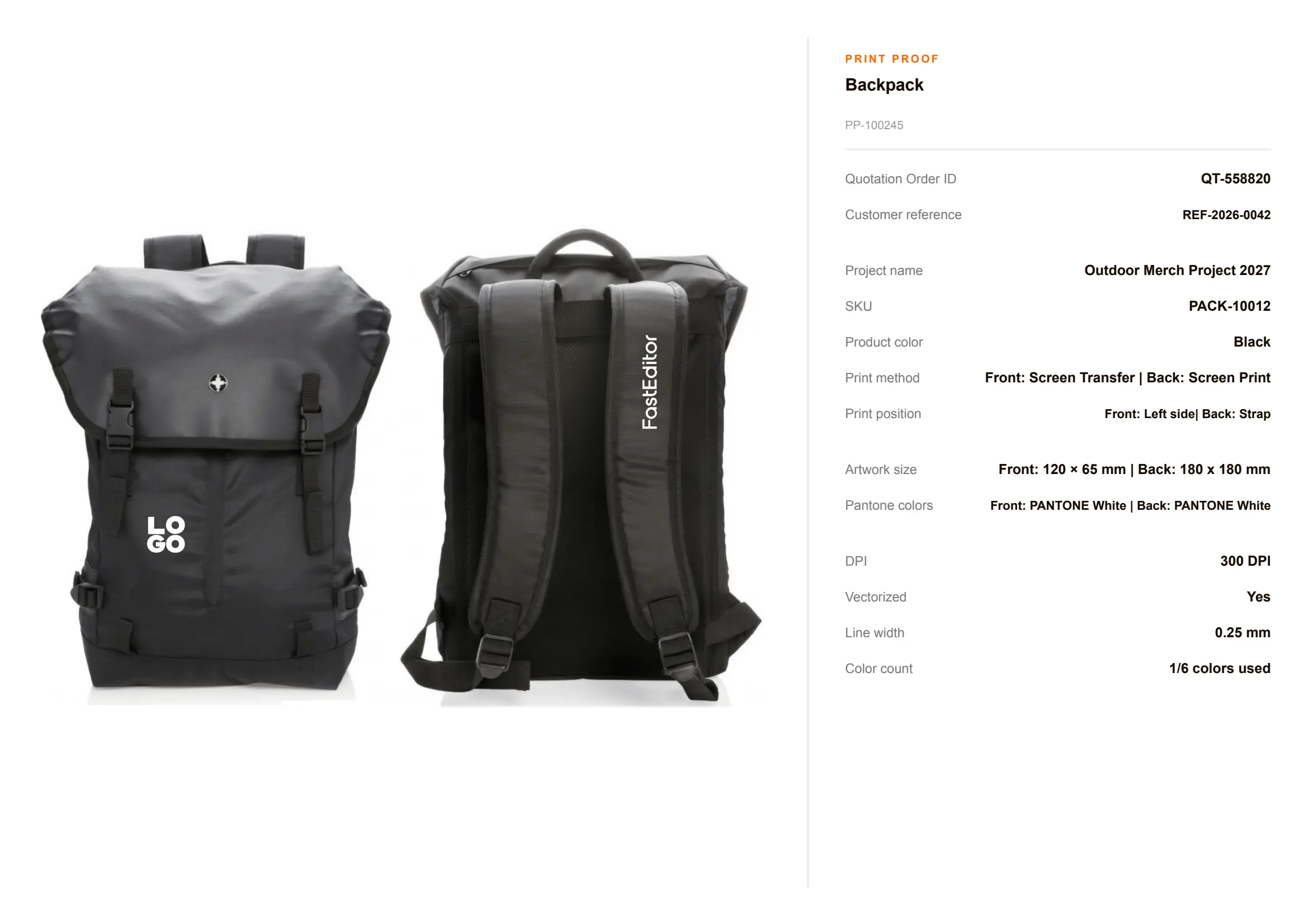
A backpack has a front panel, a pocket and a flap, and each takes decoration differently. FastEditor uses the print areas from the supplier's own data, checks the logo per position and returns a proof and a production file.

A print area per panel. Front panel, pocket and flap each have their own print area, taken from the supplier's product data. Artwork cannot be placed outside it.
Technique limits per position. The colour count is checked against the technique of the position, so a four colour logo is not sold on a one colour position.
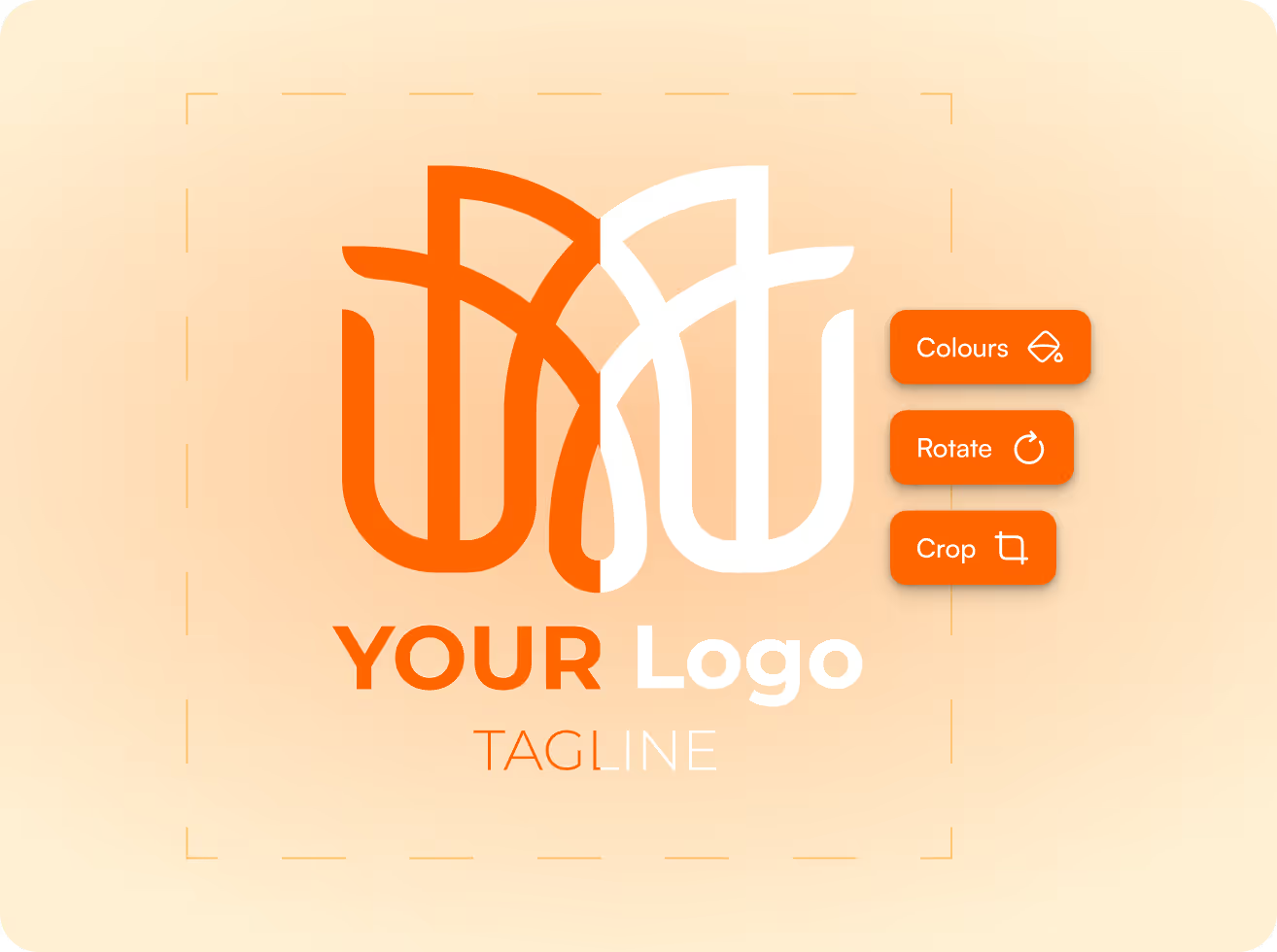
Proof and file without a designer. The logo is vectorized and cleaned up automatically. Your team sends a proof and gets the production file in under 30 seconds.
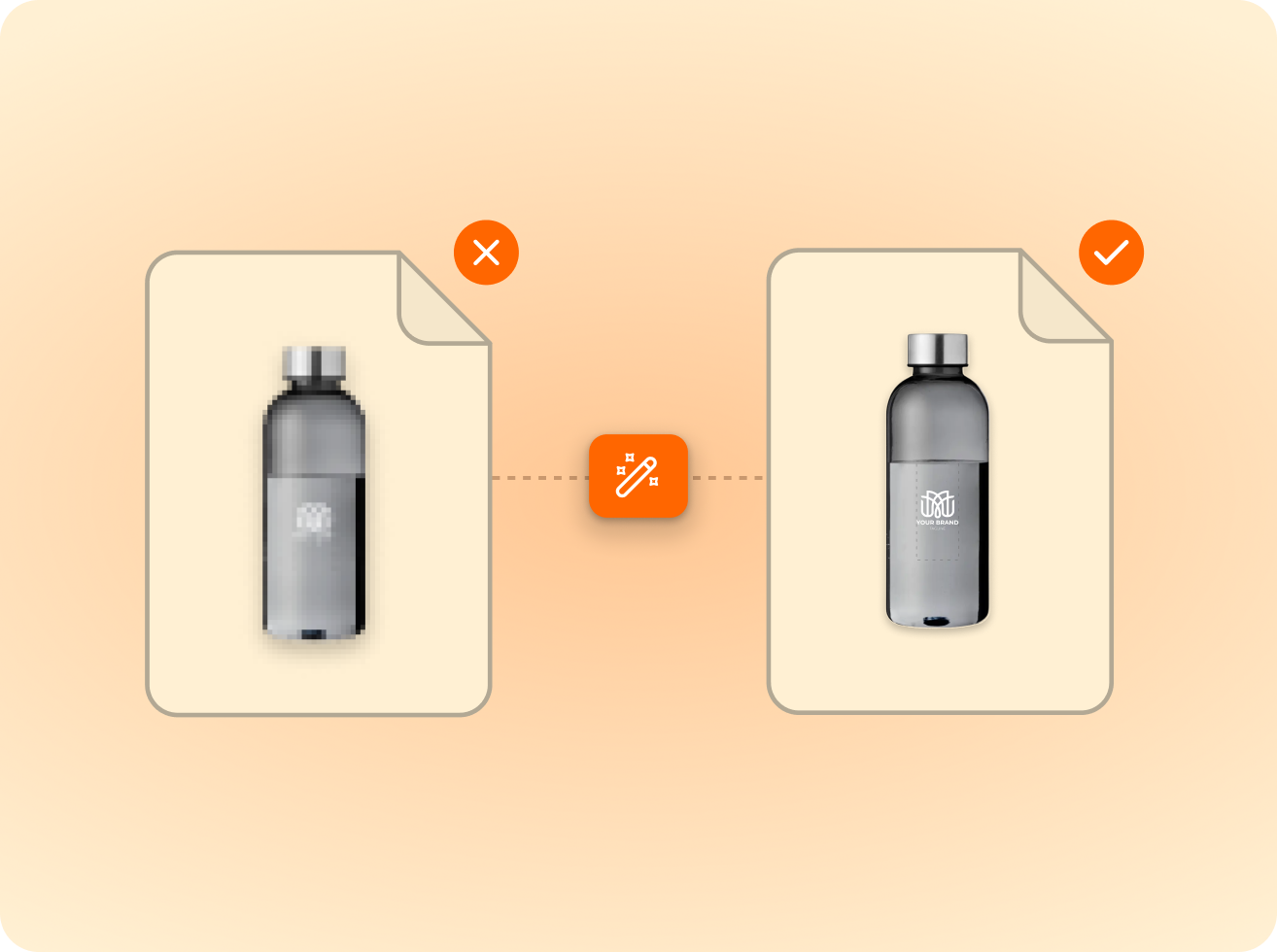
Logos are vectorised automatically; photos are quality-checked.
Size, colour and detail limits validated per product and method.
The customer previews the proof and approves what gets produced.
Output in the supplier’s format, resolution and colour profile.
Bags are a wide category with very different shapes. What they share is that the decorator needs to know exactly which panel is decorated, at what size and with which technique.
FastEditor takes that from the supplier's data. Bags from Halfar and Mister Bags are in the Product Hub with their print areas, so the proof shows the logo where it will be produced.


Where a bag has more than one print area, the logo can be placed on each of them. Every position is checked on its own, against its own size and technique limits.
The customer gets one print proof that shows what will be decorated and approves it online. After approval each position gets its own production-ready file.
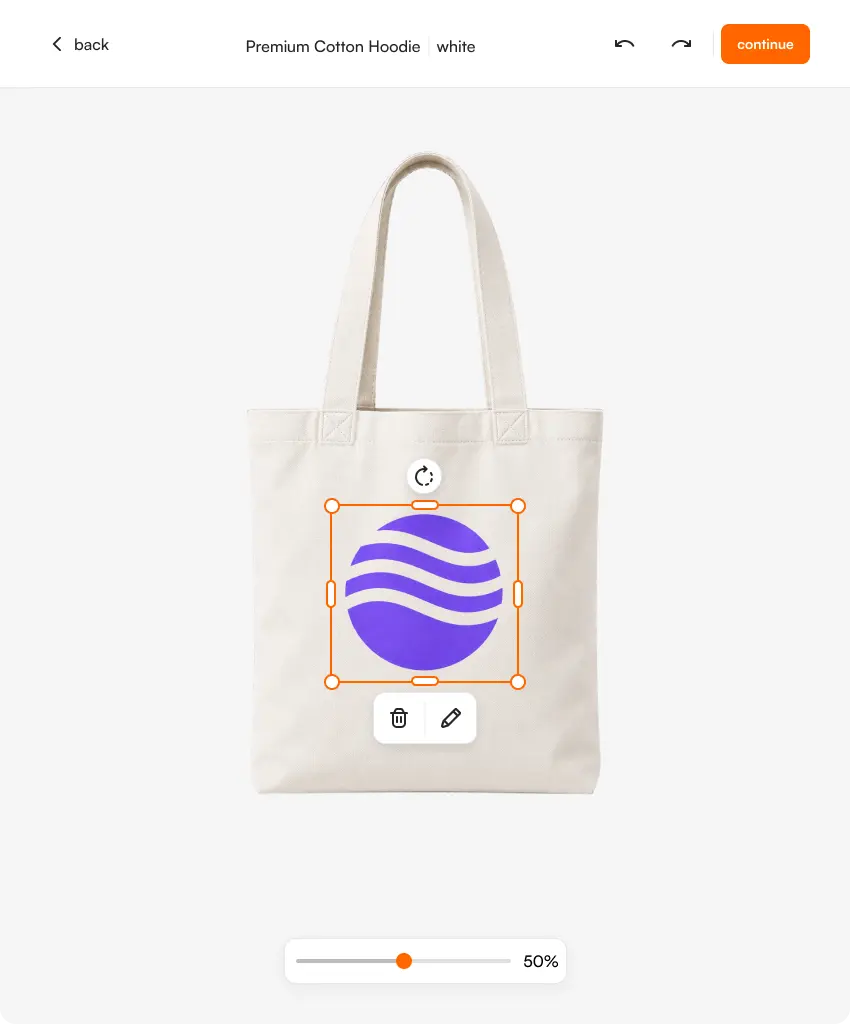
Cotton and shopping bags are printed differently from backpacks: larger flat print areas, front and back, mostly screen printing and transfer. They have their own page, the tote bag flow.
Both flows run on the same pipeline, so a quote can combine a backpack, a tote bag and other promotional products with one logo setup.


of uploaded logos need at least one fix before they can go to production. FastEditor applies those fixes automatically.
FastEditor benchmark 2026: 32,435 uploads analysed. Rate measured on 13,340 uploads, July to September 2026.
Backpacks, sports bags, cooler bags and other bags from connected suppliers such as Halfar and Mister Bags. What matters is that the bag is in the Product Hub with its print areas. If a range you sell is missing, it can be added.
Yes, where the bag has more than one print area. Each position is checked on its own and gets its own production file, and the proof shows the decorated positions together.
The techniques follow what the supplier offers per bag and position, with screen printing and transfer the most common. Colour limits are checked per technique. Embroidery visualisation and DST file generation are in testing.
Halfar and Mister Bags are configured in the Product Hub, and bags are also part of the ranges of other connected promo suppliers. See the connected suppliers.
The pipeline is the same. Tote bags covers cotton and shopping bags with large flat print areas on front and back. This page covers backpacks, sports bags and cooler bags, where each panel has its own print area.
The Studio Tool trial runs for 30 days. A payment card is required to start and you can cancel any time. During the trial your team makes proofs and production files on products from the Product Hub. Your own branded proof template is part of the Core, Team and Enterprise plans. See the plans.
Yes. The Logo Editor puts the same flow on your product pages, so customers place their own logo, see it checked and approve the proof themselves. Standard integrations go live in 1 to 2 days. Custom API integrations take 3 to 4 weeks. Book a demo to see it on your own range.
Same pipeline, different print area.