Drinkware and bottles

Water Bottle and Drinkware Design Software with 3D Preview

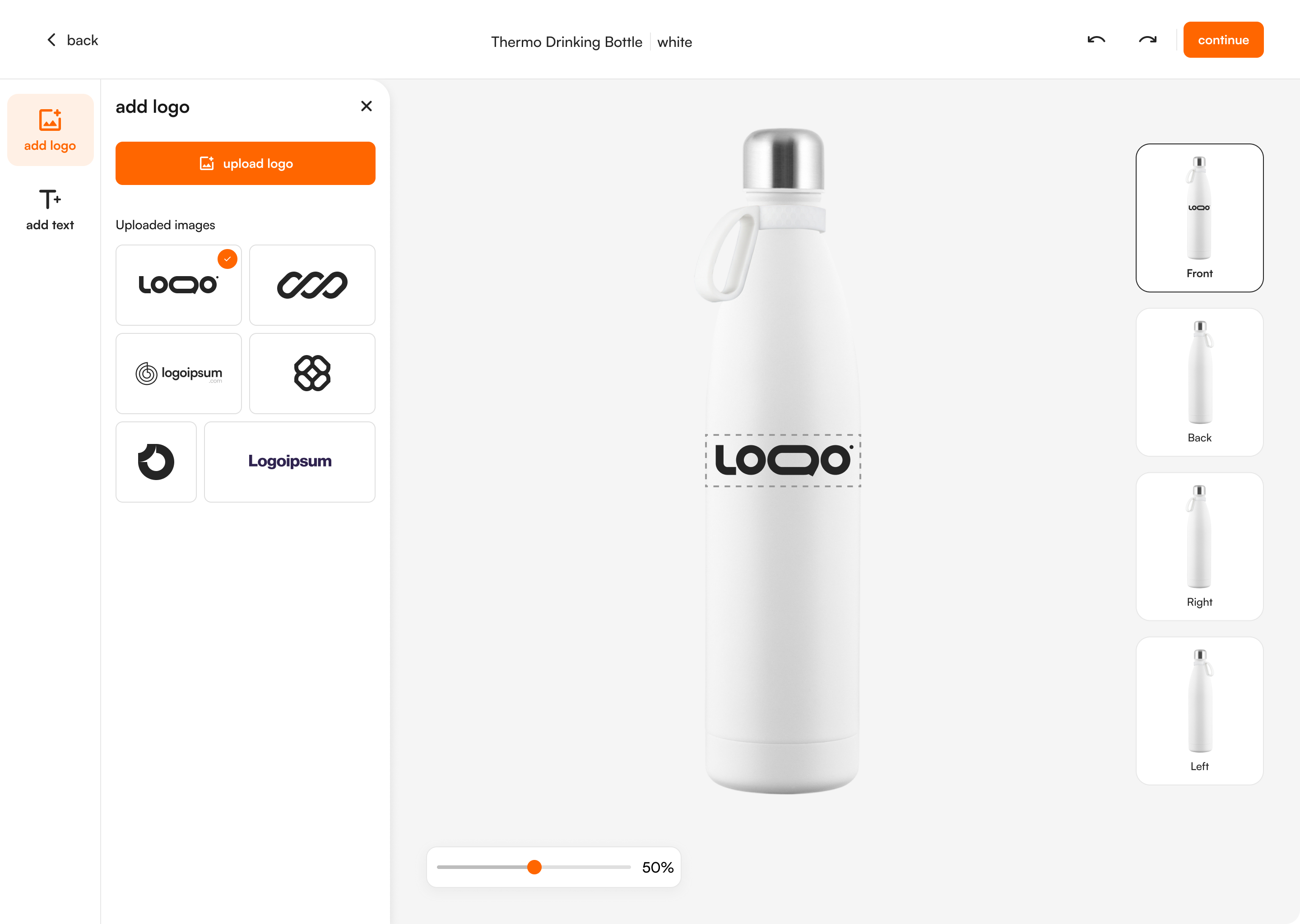
Bottles, tumblers and thermos flasks are curved, and the print area is small. FastEditor shows the logo on the 3D product, checks colours and line weight against the technique and outputs the production file to the supplier's print area.

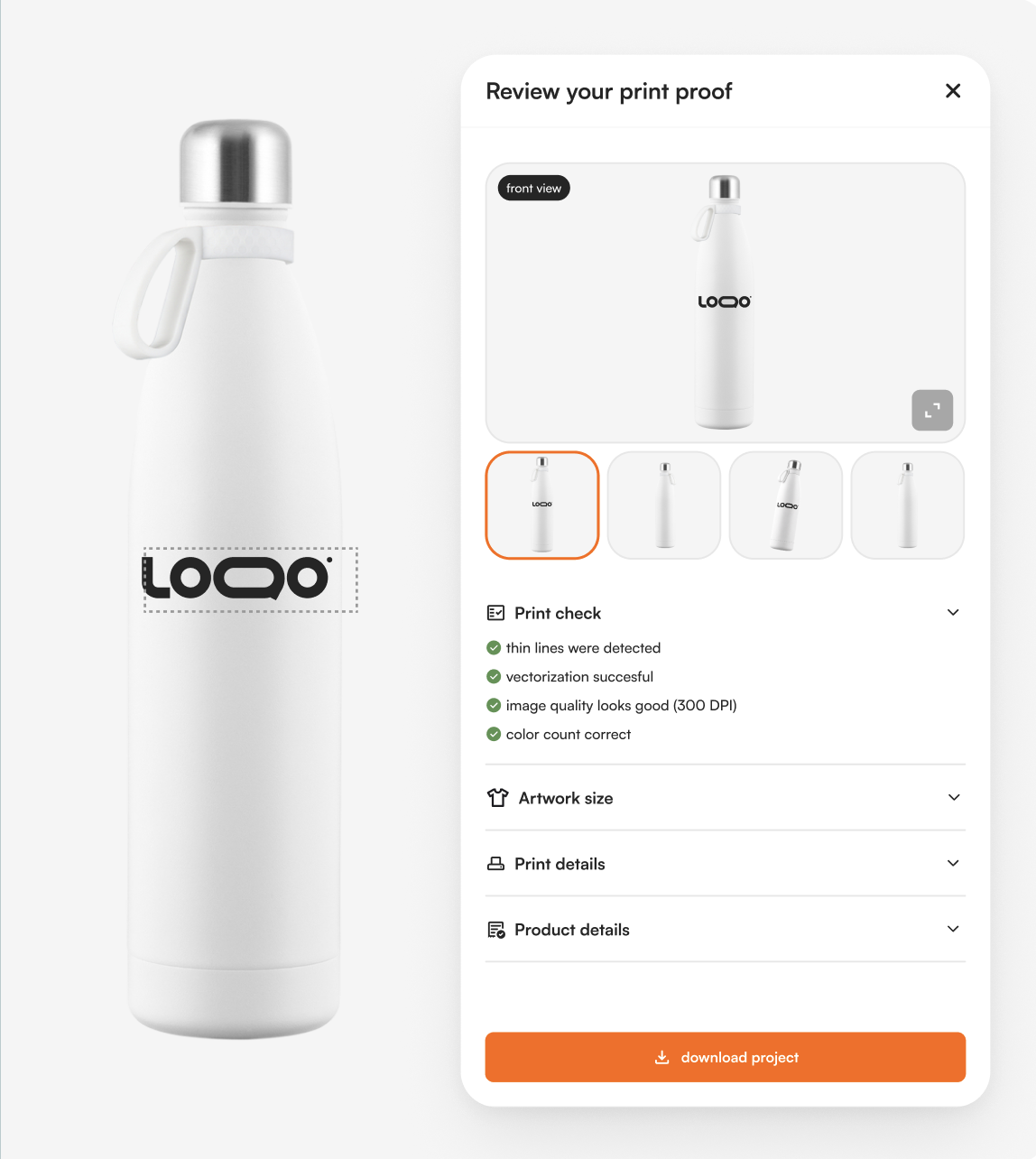
FastEditor Studio Tool showing a logo on a 3D water bottle with the print proof beside it
Automated
configuration-specific artwork processing
99.95%
file accuracy over 20,000+ files
150+
connected suppliers
300 DPI
production resolution, auto-checked
Auto
low-res & quality warnings
5+
photo product types

Buyers approve what will be produced. The logo is shown on the 3D bottle. The buyer rotates it, checks the position and approves the proof online.

Limits checked per technique. Colour count is checked for pad and screen printing, line weight for laser engraving. A logo that does not fit the technique is flagged before the order.

Suppliers already configured. Drinkware from PF Concept, Toppoint, Solo Midocean and Makito is in the Product Hub with print areas and output rules per product.

How it works

From upload to production-ready file

  1. 1Upload

    Logo or photo upload

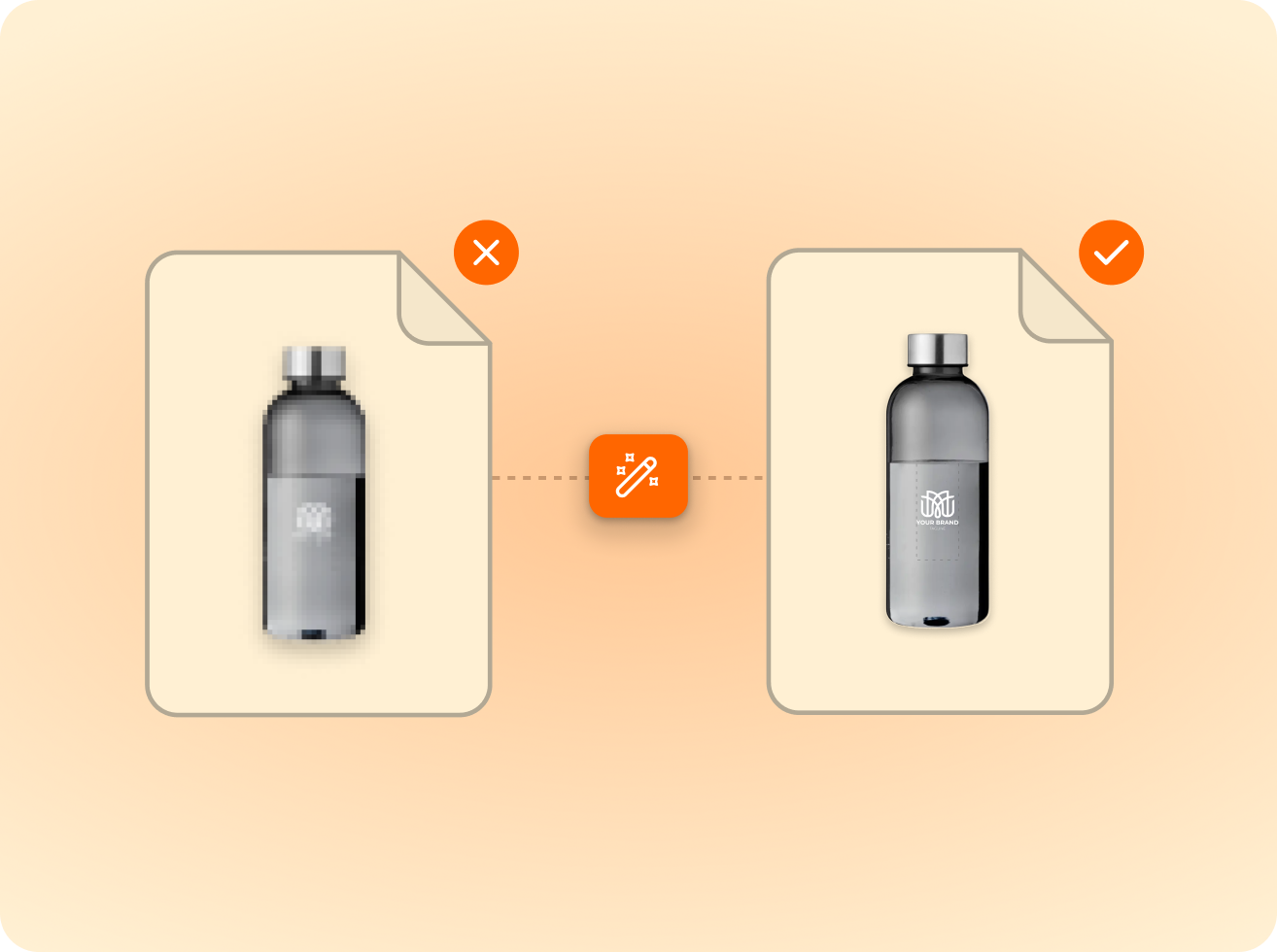
    Logos are vectorised automatically; photos are quality-checked.

  2. 2Validate

    Checked against the technique

    Size, colour and detail limits validated per product and method.

  3. 3Approve

    Proof approval

    The customer previews the proof and approves what gets produced.

  4. 4Produce

    Production-ready file

    Output in the supplier’s format, resolution and colour profile.

See the logo on the bottle before anyone orders.

A flat mockup hides the problem with drinkware: the surface is curved and the print area wraps around it. On a flat image a logo looks centred. On the bottle it may disappear around the side.

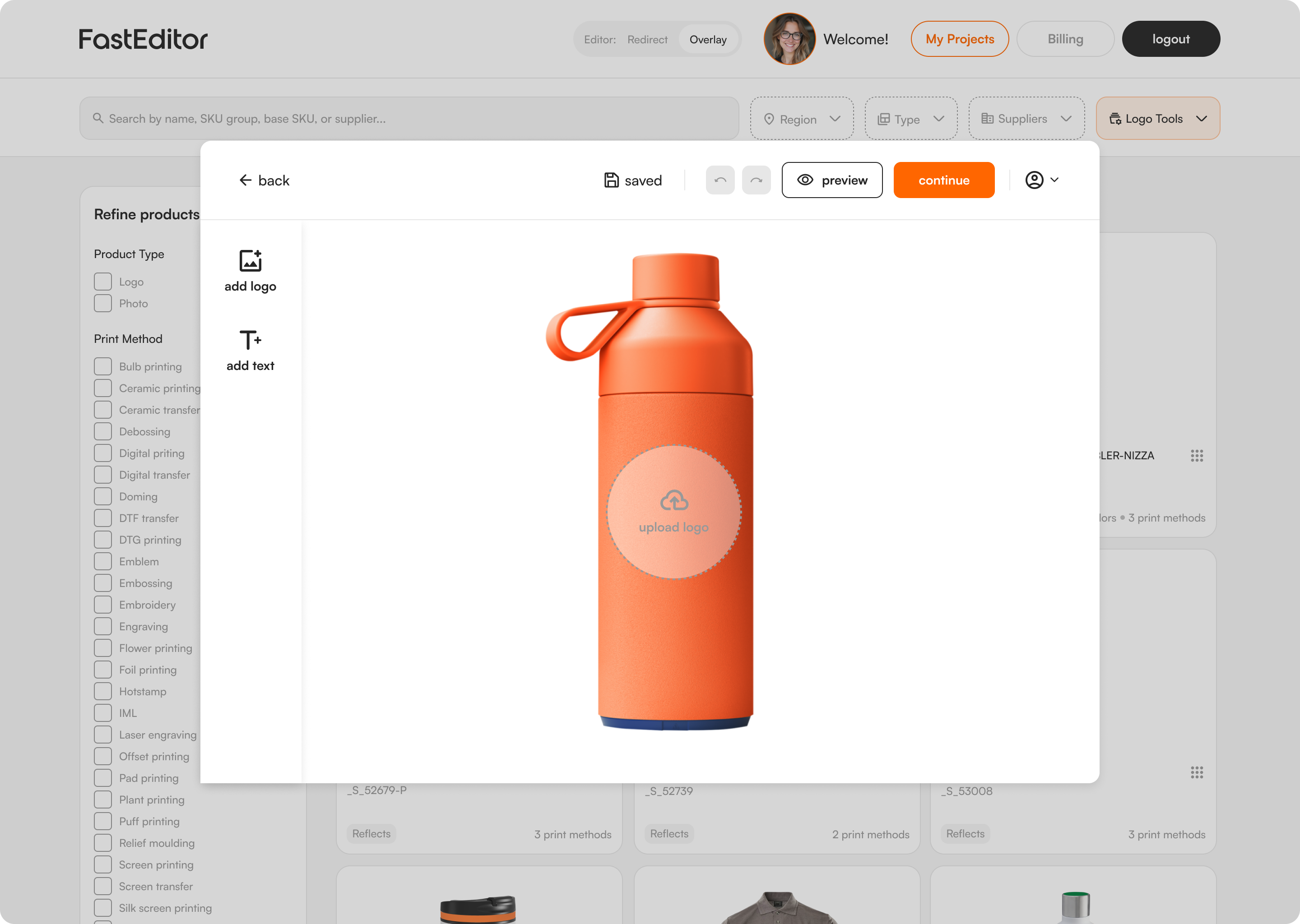
FastEditor renders the logo on a 3D model of the product, so the buyer sees the real position from every angle before approving. Artwork can only be placed inside the print area configured for that bottle.

  • 3D preview on bottles and other shaped products
  • Rotate to check every angle
  • Print area taken from the supplier's product data
  • Proof approved online
A customer logo placed and checked across a product's print areas in the FastEditor editor
A personalized product previewed from multiple angles in 3D

Each technique sets its own limits.

The same logo behaves differently per technique. Laser engraving needs clean vector lines with enough weight. Pad printing and screen printing are limited in colours. Sublimation takes full colour and needs bleed. Digital printing and transfer are available as well.

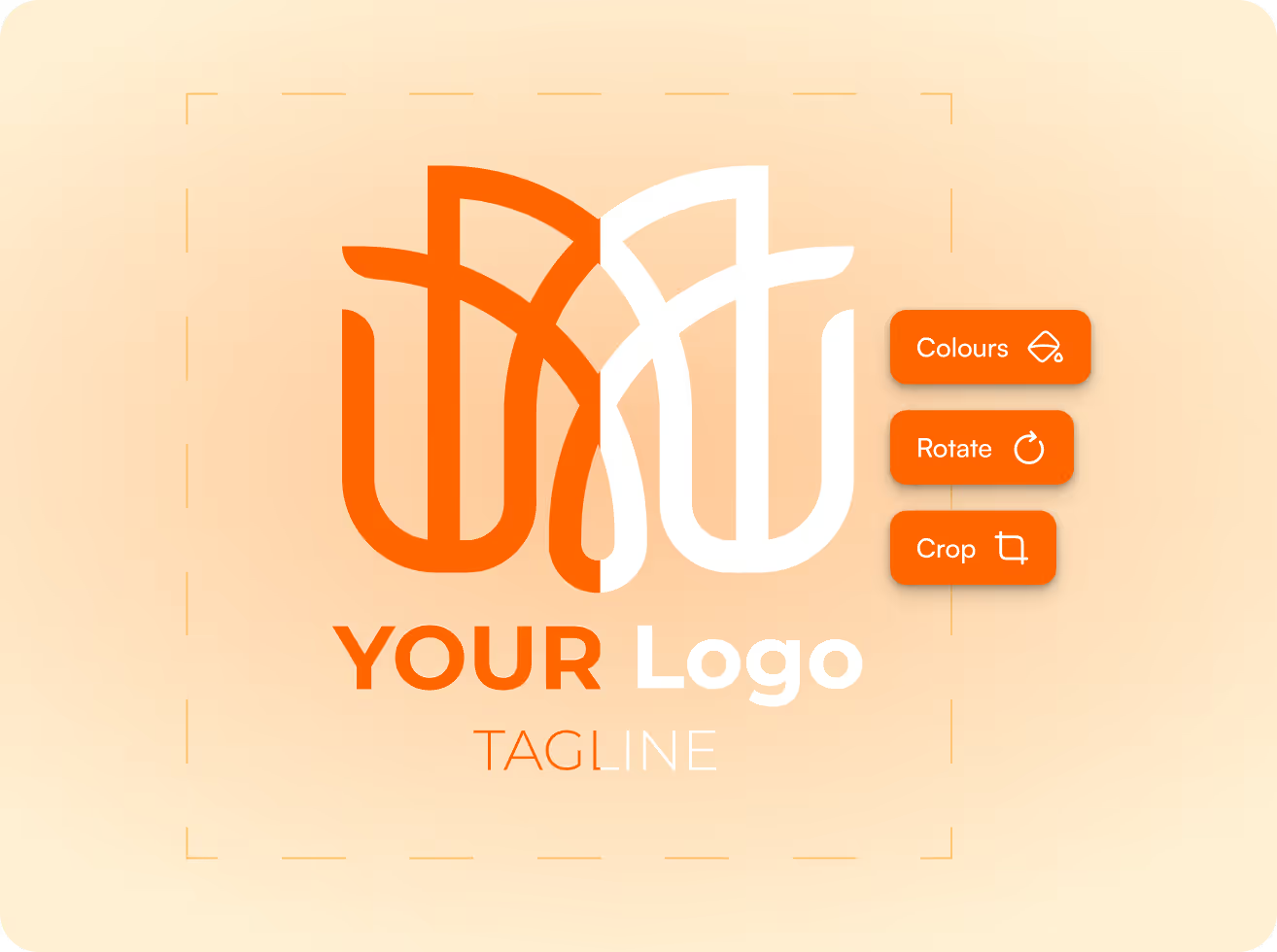
FastEditor checks the upload against the technique chosen for the product. When a logo has too many colours the buyer is told before ordering and can be offered an automatic reduction. Lines that are too thin are shown by the line thickness check.

  • Laser engraving: vector output with validated line weight
  • Pad printing: a separated file per ink colour
  • Screen printing: separated artwork per colour
  • Sublimation: high resolution output with bleed

Drinkware next to mugs and glassware.

This flow covers bottles, tumblers and thermos flasks. Two neighbours have their own pages because they raise their own questions: the mug flow for full wrap prints and handles, and the glassware flow for print on glass.

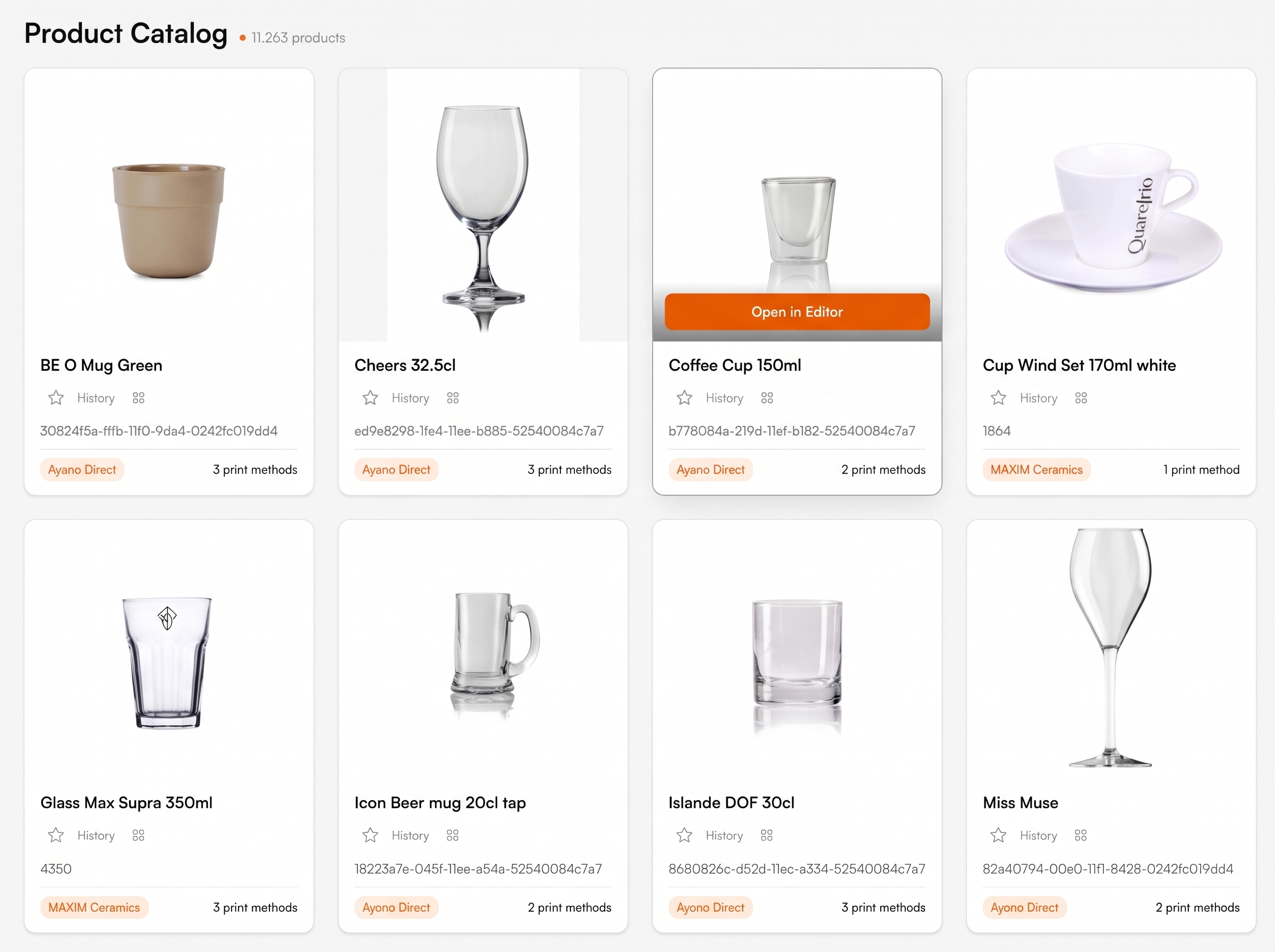
All three run on the same pipeline and the same supplier data. Drinkware from PF Concept, Toppoint, Solo Midocean and Makito is configured in the Product Hub.

  • One logo setup reused across products in the same quote
  • Production-ready file per product and technique
  • Same flow in the Studio Tool and in the webshop
One artwork setup applied automatically across every size in an order
Artwork prepared to match connected decorator and supplier production specs

A production-ready print file generated automatically by FastEditor
FastEditor

Explore the FastEditor platform

85%

of uploaded logos need at least one fix before they can go to production. FastEditor applies those fixes automatically.

FastEditor benchmark 2026: 32,435 uploads analysed. Rate measured on 13,340 uploads, July to September 2026.

Ready to automate your artwork?
See how FastEditor turns a logo upload into a production-ready file.
FastEditor’s  case studies

Innovative businesses in the industry are using FastEditor

Drinkware and Bottles

Frequently Asked Questions

Can buyers see the logo on the bottle in 3D?

Yes, for products that have a 3D model in the Product Hub. The logo is rendered on the model and the buyer can rotate it to check every angle before approving.

What happens when a logo has too many colours for pad printing?

The colour count is checked against the limit of the technique. The buyer is alerted before ordering and can be offered an automatic colour reduction. An order that cannot be produced does not go through.

Is laser engraving supported?

Yes. For laser engraving FastEditor outputs clean vector artwork and checks the line weight against the minimum the technique needs.

Which drinkware suppliers are configured?

Drinkware from PF Concept, Toppoint, Solo Midocean and Makito is configured in the Product Hub, alongside other connected promo suppliers. See the connected suppliers.

What is the difference with the Mugs and Glassware flows?

The pipeline is the same. The pages differ because the products do: Mugs covers full wrap prints on ceramic mugs, Glassware covers print on glass, and this page covers bottles, tumblers and thermos flasks.

How does the Studio Tool trial work?

The Studio Tool trial runs for 30 days. A payment card is required to start and you can cancel any time. During the trial your team makes proofs and production files on products from the Product Hub. Your own branded proof template is part of the Core, Team and Enterprise plans. See the plans.

Can my customers do this themselves in my webshop?

Yes. The Logo Editor puts the same flow on your product pages, so customers place their own logo, see it on the product and approve the proof themselves. Standard integrations go live in 1 to 2 days. Custom API integrations take 3 to 4 weeks. Book a demo to see it on your own range.

Related product flows

Same pipeline, different print area.

Suppliers in this cluster

Decoration techniques

Laser Engraving
Live
Pad Printing
Live
Screen Printing
Live
Sublimation
Live
Digital Printing
Live
What is water bottle design software? || Water bottle design software places a customer's logo on a specific bottle, tumbler or flask, shows the result on the product and outputs a production file for the decoration technique. FastEditor does this in 3D for drinkware from pre-configured suppliers, with colour and line weight checks per technique.
Products: Bottles, tumblers, thermos flasks | Techniques: Laser engraving, pad printing, screen printing, sublimation, digital printing, transfer | Preview: 3D on products with a 3D model | Checks: Print area, colour count per technique, line weight | Suppliers configured: PF Concept, Toppoint, Solo Midocean, Makito | Accepted files: JPG, JPEG, PNG, GIF, WEBP, AVIF, HEIC, HEIF, SVG, PDF, EPS, AI, CDR | Output: Print proof and production file per print area, often a high quality vector