Hoodies and sweatshirts

Hoodie Design Software That Respects Pockets, Zips and Hoods

Hoodies bring larger prints and more obstacles: zips, kangaroo pockets, seams and hoods. FastEditor keeps the artwork inside the print areas each style allows, checks back prints at real size and returns a proof and a production file in under 30 seconds.

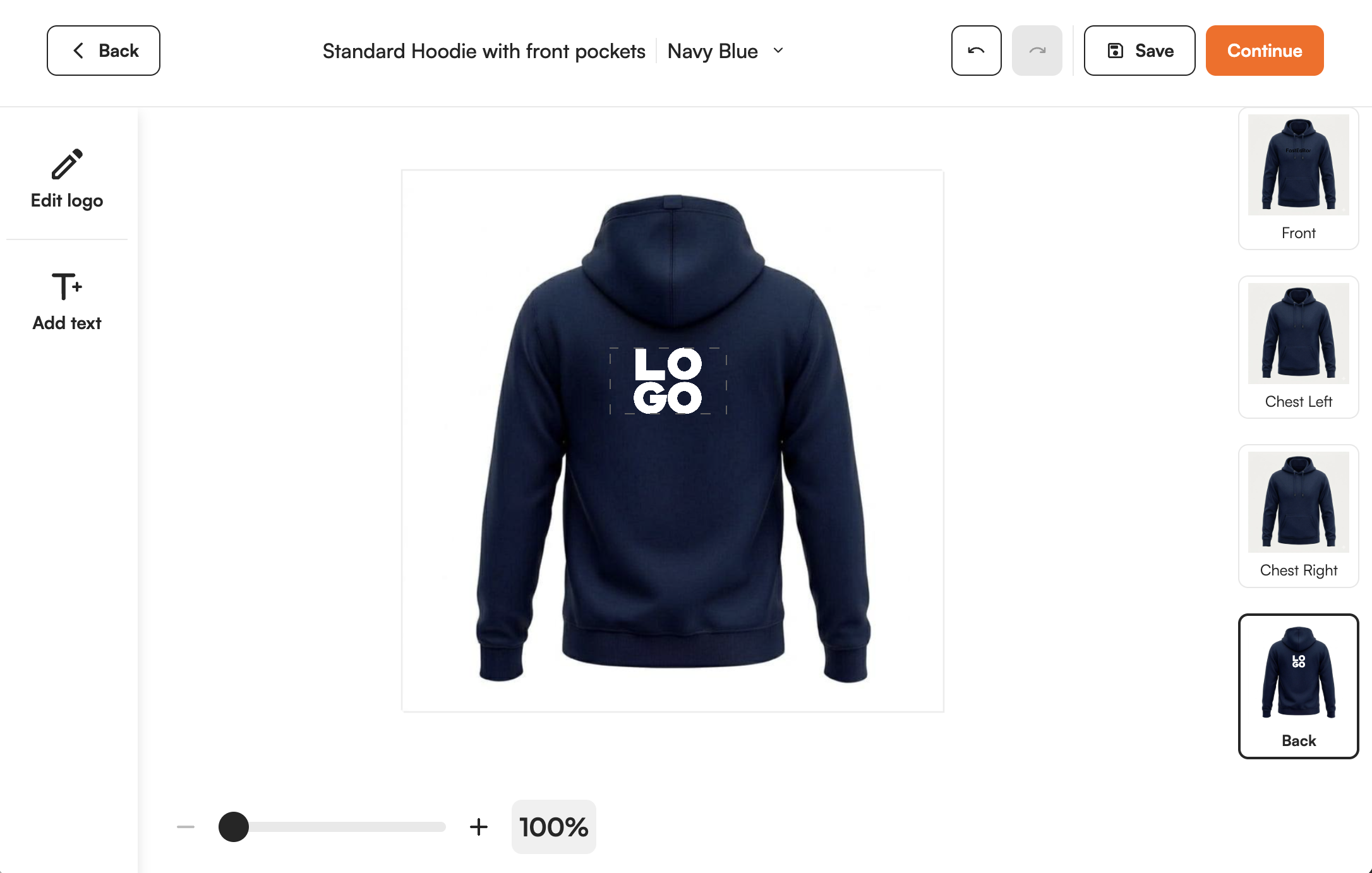
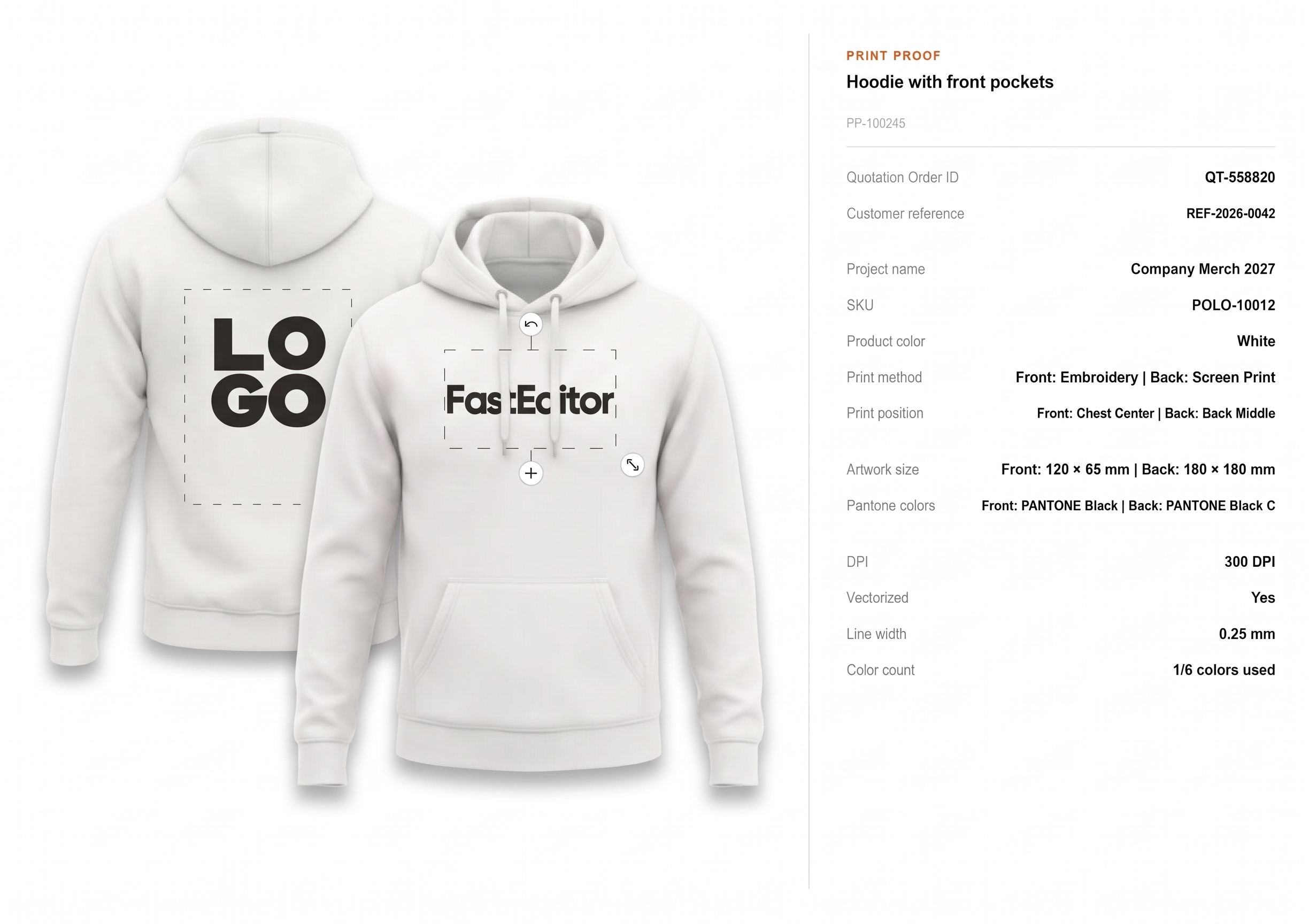
FastEditor Studio Tool showing a back print placed on a hoodie with the print proof beside it
Automated
configuration-specific artwork processing
99.95%
file accuracy over 20,000+ files
150+
connected suppliers
300 DPI
production resolution, auto-checked
Auto
low-res & quality warnings
5+
photo product types

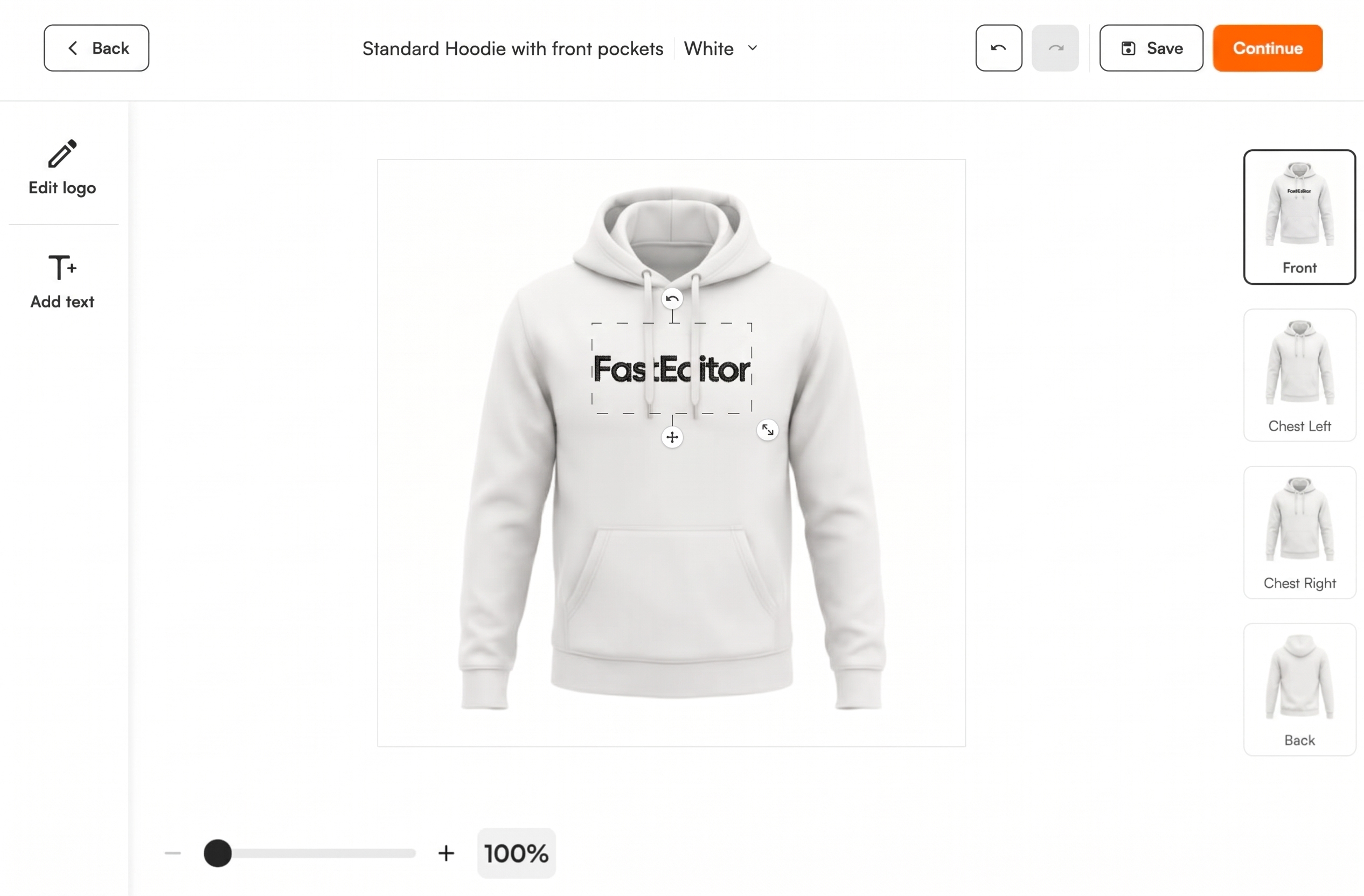
Print areas follow the garment. Artwork can only be placed inside the print areas configured for that hoodie, so a design does not end up across a zip, a pocket or a seam.

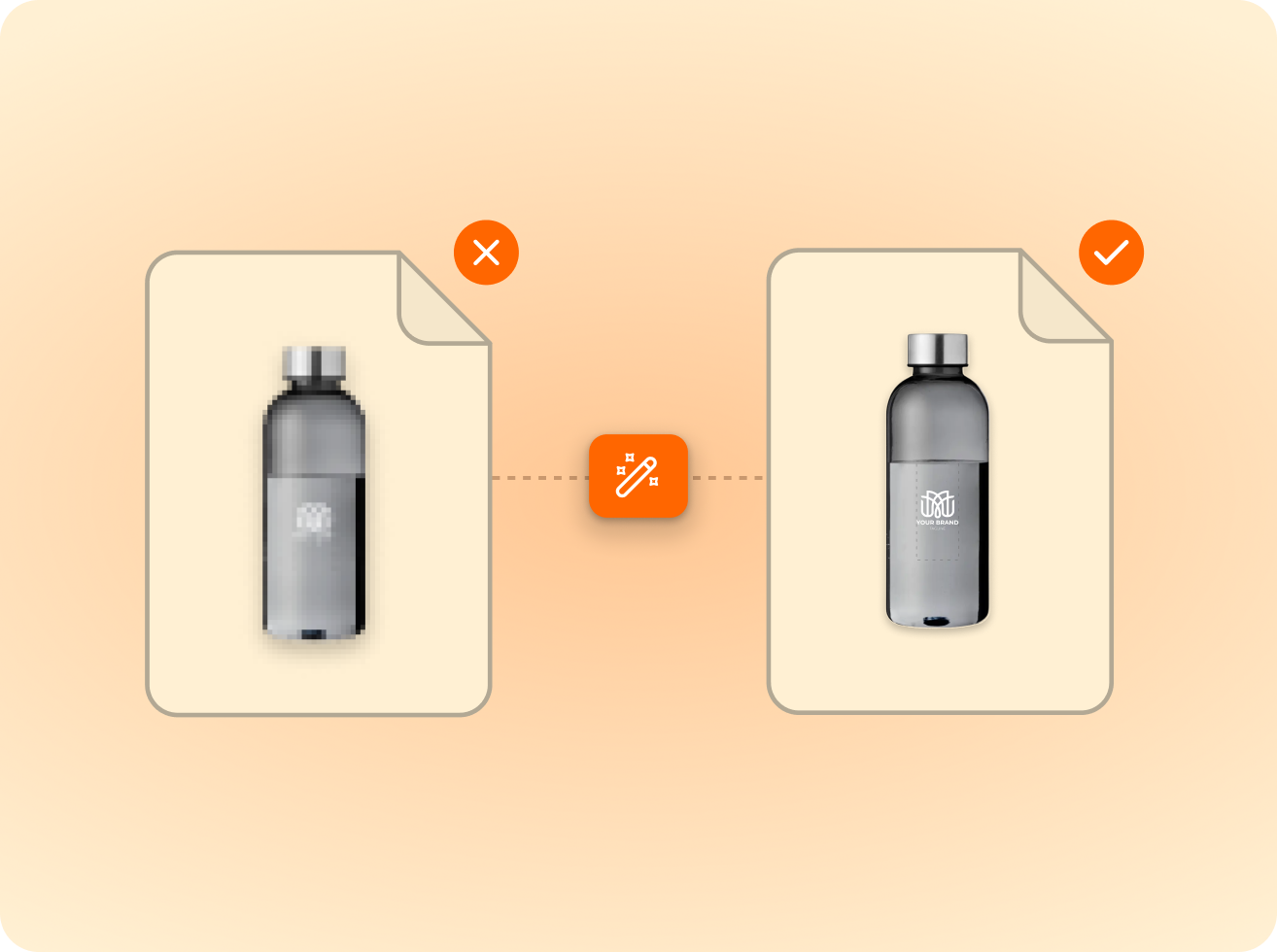
Back prints checked at real size. A large back print is checked at 300 DPI at print size. A file that is too small is flagged, and upscaled where possible, before anyone approves.

One setup for the whole order. Hoodies, sweatshirts and T-shirts in one order share one logo setup, with a production file per garment and per position.

How it works

From upload to production-ready file

  1. 1Upload

    Logo or photo upload

    Logos are vectorised automatically; photos are quality-checked.

  2. 2Validate

    Checked against the technique

    Size, colour and detail limits validated per product and method.

  3. 3Approve

    Proof approval

    The customer previews the proof and approves what gets produced.

  4. 4Produce

    Production-ready file

    Output in the supplier’s format, resolution and colour profile.

Front, back, sleeve and hood, each checked on its own.

A hoodie order often combines a small front logo with a large back print and a sleeve mark. Those are three different jobs for the decorator, and FastEditor treats them that way: each position has its own print area, its own technique limits and its own file.

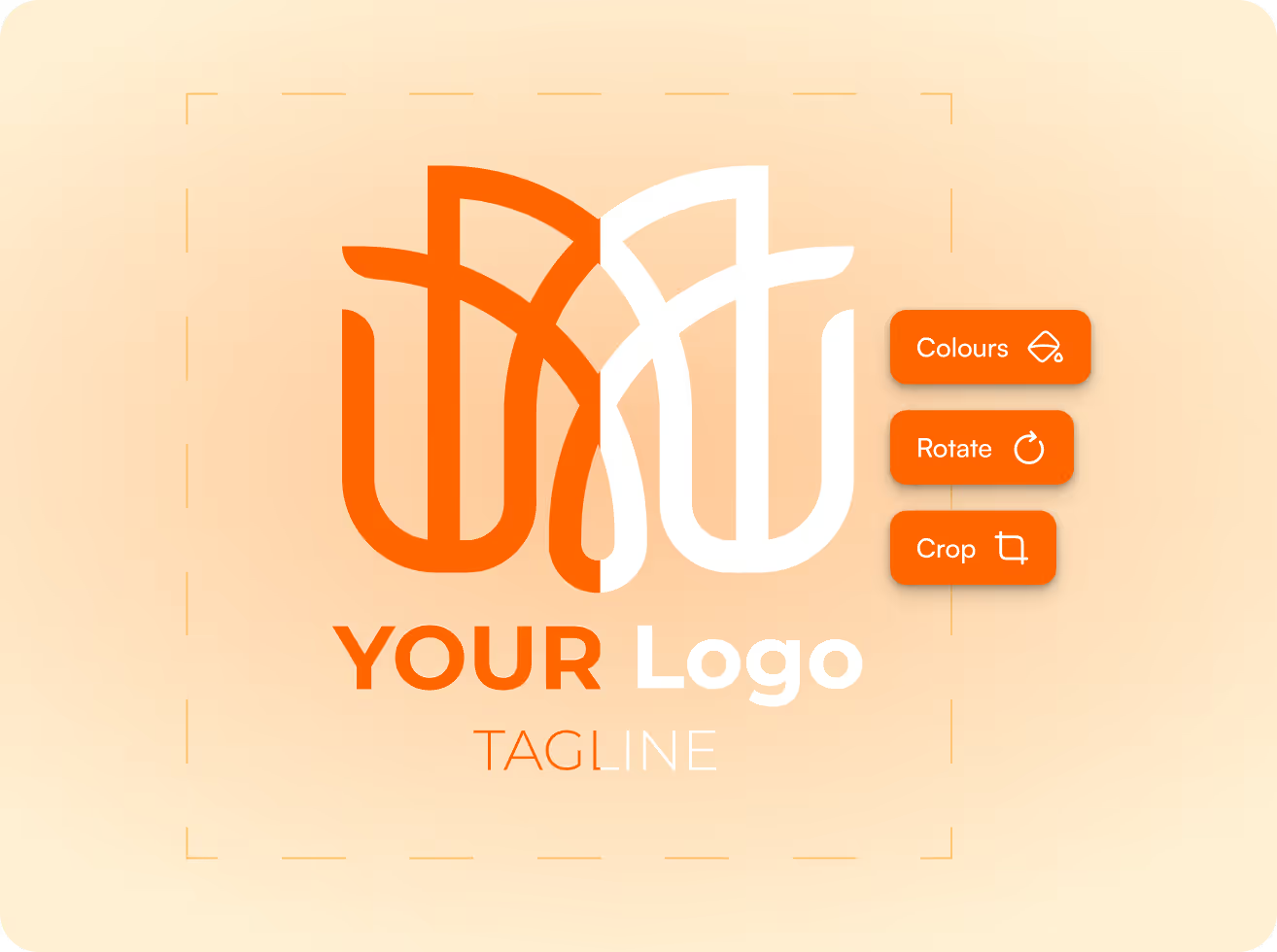
Uploads are cleaned up before they are placed. Logos go through automated vectorization and background removal, and photos or full colour designs are checked for resolution at the size they will be printed.

  • Separate artwork per position
  • Print area boundaries enforced per position
  • Resolution checked at print size for large prints
  • Colour and size variants in the same order
A customer logo placed and checked across a product's print areas in the FastEditor editor
A personalized product previewed from multiple angles in 3D

Zips and kangaroo pockets change the print area.

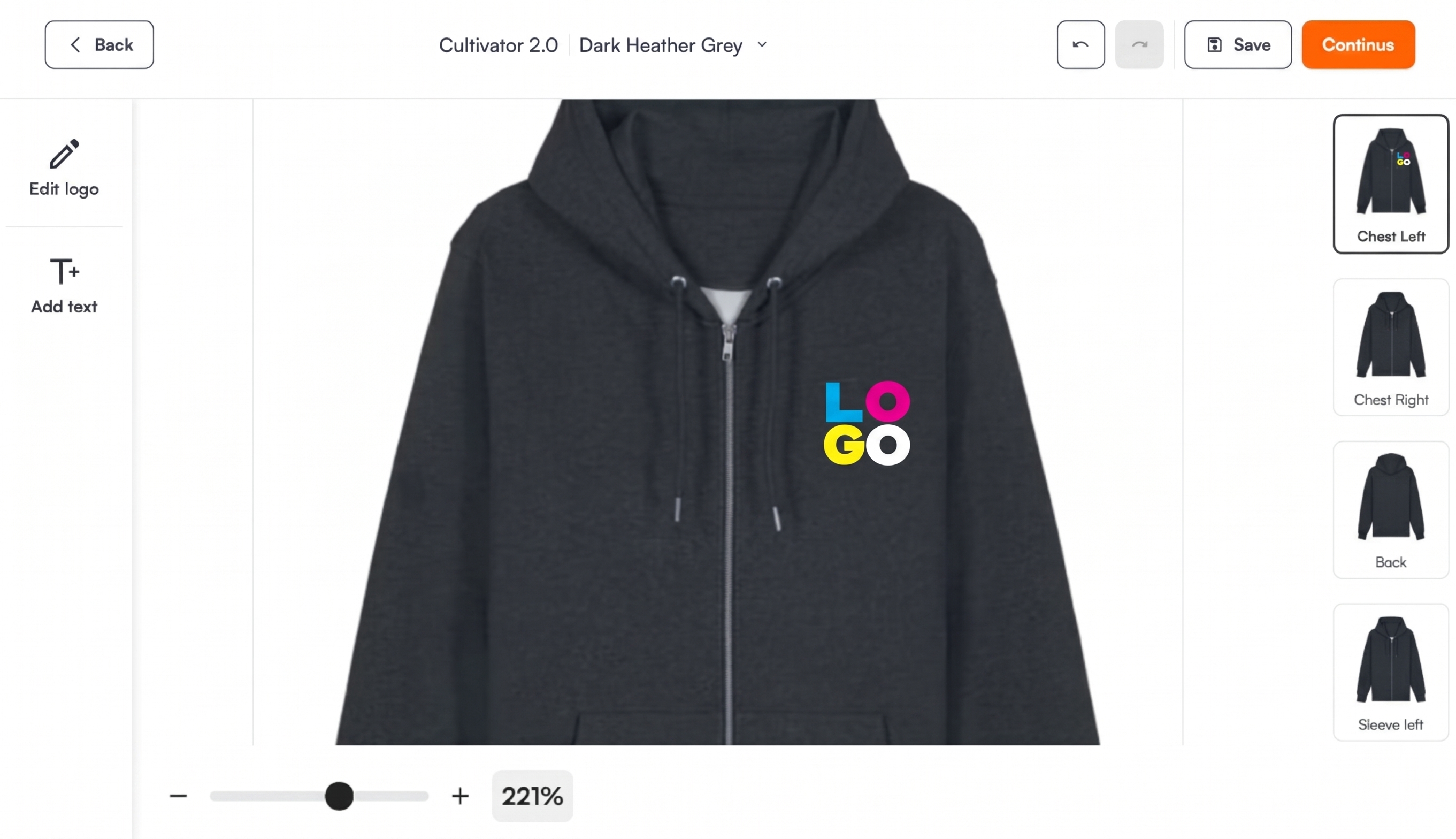
A zip splits the front of a hoodie. A kangaroo pocket takes the lower part of it. A design that works on a crew neck sweatshirt does not automatically fit the zip version of the same style.

The print areas in the Product Hub are stored per style, so the editor shows where artwork can go on the hoodie in front of you and refuses a placement outside those areas. The buyer sees what can be produced, and the decorator does not have to send the job back.

  • Print areas stored per style, not per garment type
  • Placements outside the producible zone are refused
  • The proof shows every position that will be decorated

A file per position, in the format the technique needs.

After the customer approves the print proof, each position becomes its own print job with its own production-ready file. The format follows the technique: separated colours for screen printing, high resolution output for DTF and DTG.

Hoodies and sweatshirts from AS Colour, Gildan, Fruit of the Loom, B&C Collection, Bella+Canvas and SOL's are in the Product Hub. Embroidery preview and DST output are in testing.

  • One production file per position
  • Format chosen per technique
  • No manual splitting of the order
One artwork setup applied automatically across every size in an order
Artwork prepared to match connected decorator and supplier production specs

A production-ready print file generated automatically by FastEditor
FastEditor

Explore the FastEditor platform

85%

of uploaded logos need at least one fix before they can go to production. FastEditor applies those fixes automatically.

FastEditor benchmark 2026: 32,435 uploads analysed. Rate measured on 13,340 uploads, July to September 2026.

Ready to automate your artwork?
See how FastEditor turns a logo upload into a production-ready file.
FastEditor’s  case studies

Innovative businesses in the industry are using FastEditor

Hoodies and Sweatshirts

Frequently Asked Questions

How does a zip hoodie change the front print area?

The print areas in the Product Hub are stored per style. For a zip hoodie the front print areas are the ones the supplier or decorator defines for that style, and the editor only accepts artwork inside them. A zip or a front pocket makes the front print area smaller on that style. A design made for a closed front is flagged when it does not fit.

Can I proof a full back print?

Yes. The back is its own position with its own print area. The artwork is checked at 300 DPI at print size, flagged when it is too small and upscaled where possible, and the proof shows the back together with the other positions.

Which techniques are live for hoodies?

Screen printing, DTF, DTG, heat transfer and digital printing are live, each with its own production file. Embroidery visualisation and DST file generation are in testing with our first partners.

Which hoodie brands are in the Product Hub?

Hoodies and sweatshirts from AS Colour, Gildan, Fruit of the Loom, B&C Collection, Bella+Canvas, SOL's and AWDis Just Hoods, among others. The Product Hub covers 60+ apparel supplier catalogues. See the connected suppliers.

Can I reuse a customer's logo on a reorder?

Yes. Logos are stored at user, customer or account manager level, so a reorder starts from the artwork that was already cleaned up and approved.

How does the Studio Tool trial work?

The Studio Tool trial runs for 30 days. A payment card is required to start and you can cancel any time. During the trial your team makes proofs and production files on products from the Product Hub. Your own branded proof template is part of the Core, Team and Enterprise plans. See the plans.

Can my customers do this themselves in my webshop?

Yes. The Logo Editor puts the same flow on your product pages, so customers place their own artwork, see it checked and approve the proof themselves. Standard integrations go live in 1 to 2 days. Custom API integrations take 3 to 4 weeks. Book a demo to see it on your own range.

Related product flows

Same pipeline, different print area.

Suppliers in this cluster

Decoration techniques

Screen Printing
Live
Direct-to-Film (DTF)
Live
Direct-to-Garment (DTG)
Live
Digital Printing
Live
Embroidery
In testing
What is hoodie design software? || Hoodie design software places a logo or artwork on a specific hoodie, checks it against the print areas and decoration technique of that garment, and outputs a proof for the customer and a production file for the decorator. FastEditor does this for hoodies and sweatshirts from the connected apparel suppliers, without a designer in the loop.
Print areas: Front, back, left and right chest, sleeves, hood, as configured per style | Techniques live: Screen printing, DTF, DTG, heat transfer, digital printing | Embroidery: In testing | Brands: AS Colour, Gildan, Fruit of the Loom, Bella+Canvas, AWDis Just Hoods | Checks: Print area, resolution at print size, colour count, line thickness | Accepted files: JPG, JPEG, PNG, GIF, WEBP, AVIF, HEIC, HEIF, SVG, PDF, EPS, AI, CDR | Output: Print proof and production file per print area, often a high quality vector