Flyers

Flyer Printing Software with Automatic Preflight on Every Upload

A flyer order fails on small things: no bleed, text too close to the edge, an image that is too small, a file in RGB. FastEditor checks every upload against the flyer format ordered, lets the customer fix what fails and outputs a production-ready file for the press.

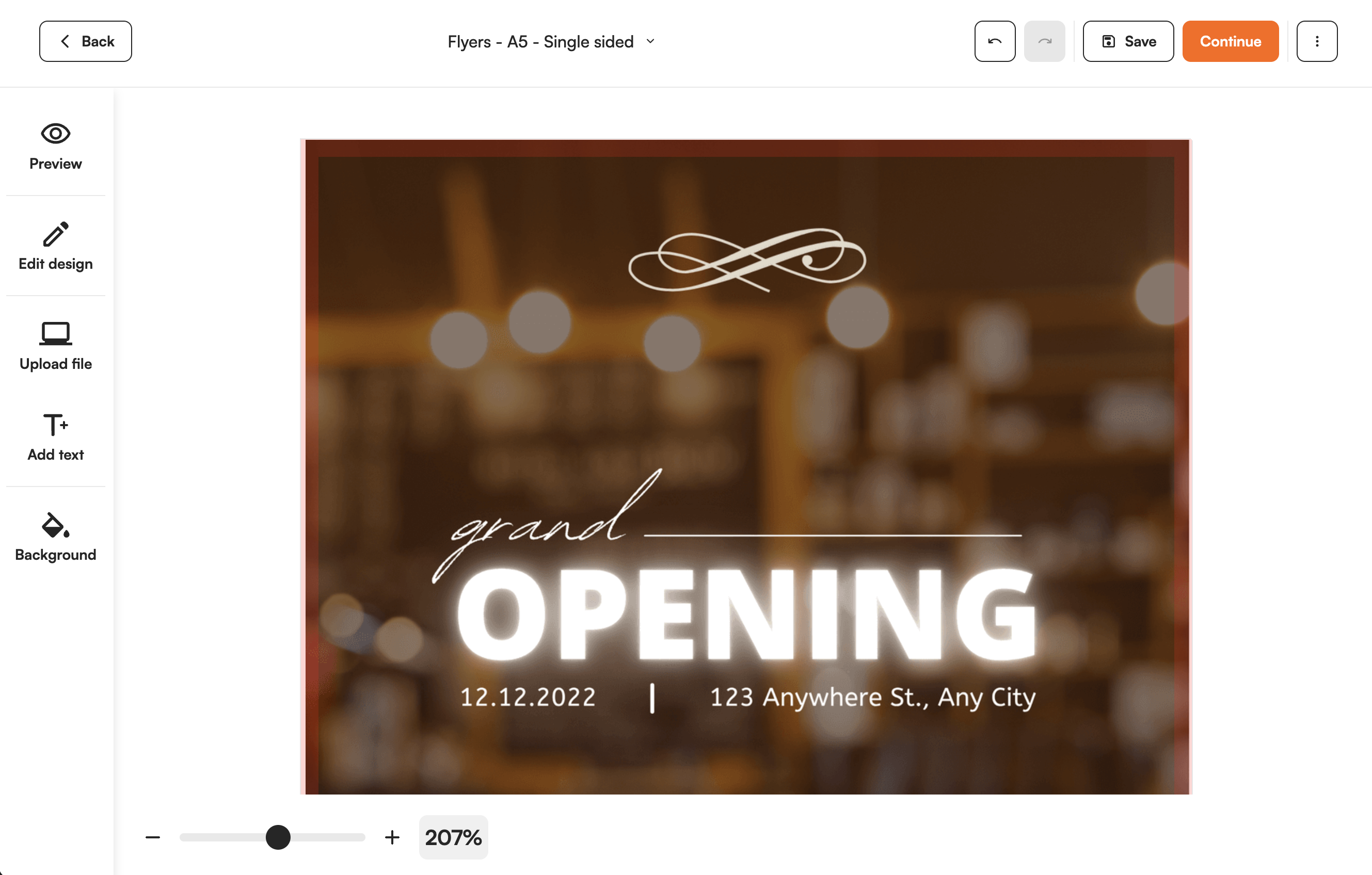
FastEditor editor showing a flyer upload with bleed and safe area guides and a preflight warning
Automated
configuration-specific artwork processing
99.95%
file accuracy over 20,000+ files
150+
connected suppliers
300 DPI
production resolution, auto-checked
Auto
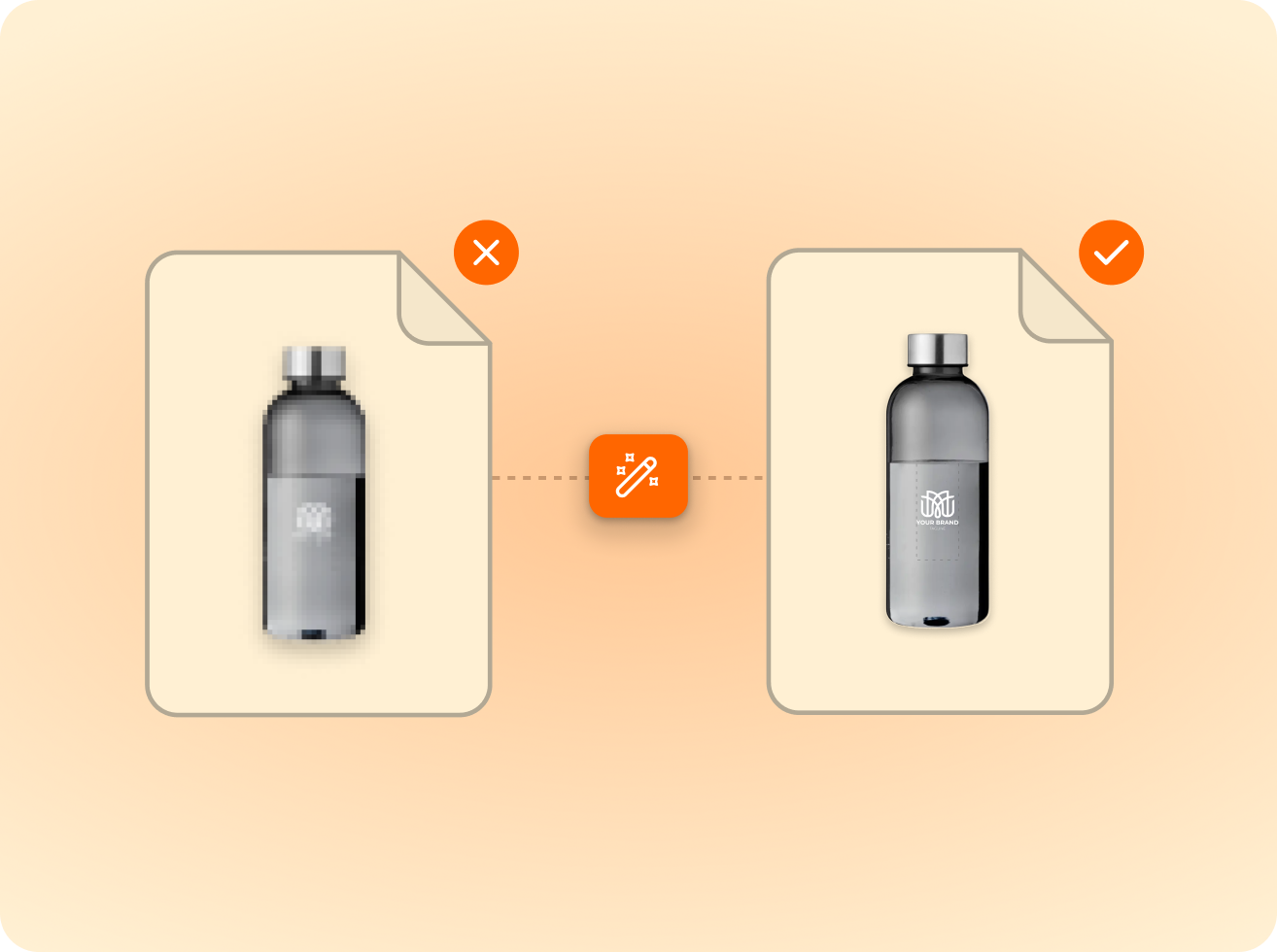
low-res & quality warnings
5+
photo product types

Checked against the real format. Bleed and safe area are enforced per flyer format, not by a generic rule. The file is checked against the product the customer ordered.

The customer fixes it before checkout. A failing file is flagged while the customer is still in the order. They scale the artwork, add a background or add text, and prepress stops chasing files.

Production-ready output. After approval the file is generated in the colour space and format the printer requires.

How it works

From upload to production-ready file

  1. 1Upload

    Logo or photo upload

    Logos are vectorised automatically; photos are quality-checked.

  2. 2Validate

    Checked against the technique

    Size, colour and detail limits validated per product and method.

  3. 3Approve

    Proof approval

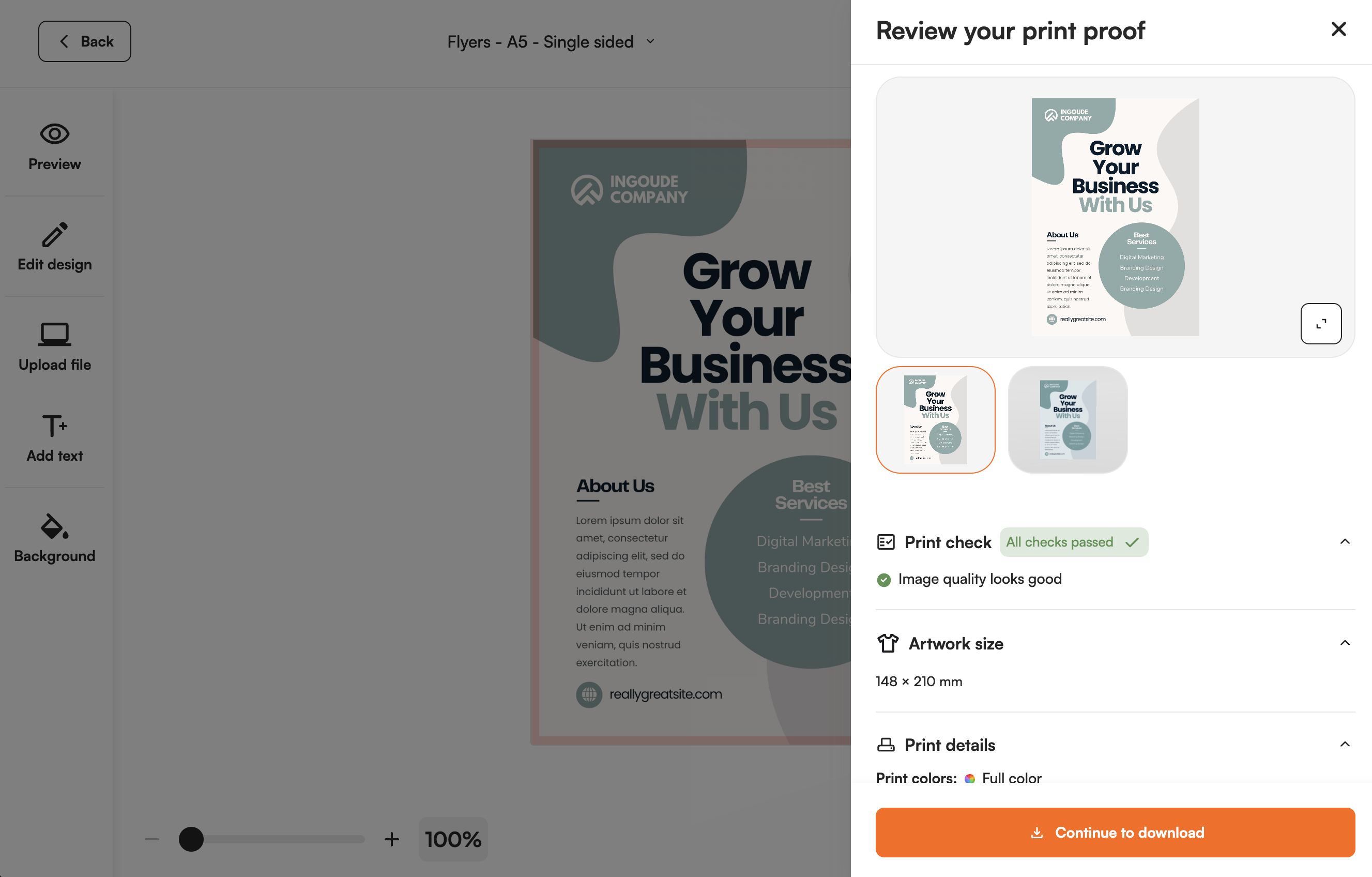
    The customer previews the proof and approves what gets produced.

  4. 4Produce

    Production-ready file

    Output in the supplier’s format, resolution and colour profile.

What goes wrong on flyer files.

Flyers are ordered by people who are not designers. The files come from office software and online tools, and the same faults return every day: no bleed, content inside the trim zone, images that are too small for the format, RGB colour.

Each of those becomes a support ticket, a delayed job or a reprint. FastEditor finds them at upload, against the specification of the flyer format, and tells the customer in plain terms what is wrong.

  • Bleed and safe area enforced per format
  • Resolution measured at finished print size
  • Colour converted to the press colour space
  • Low resolution files flagged before production
A customer logo placed and checked across a product's print areas in the FastEditor editor
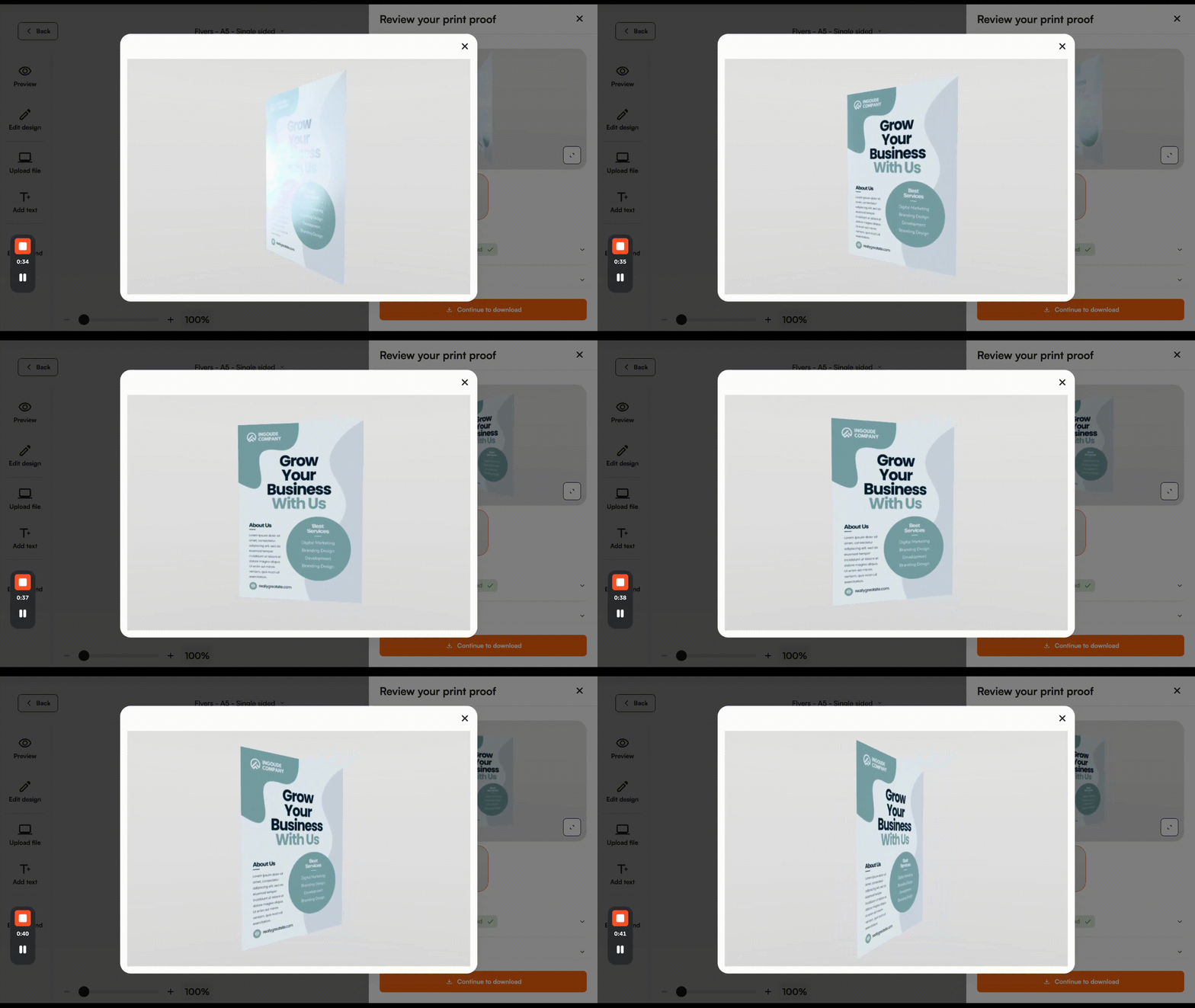
A personalized product previewed from multiple angles in 3D

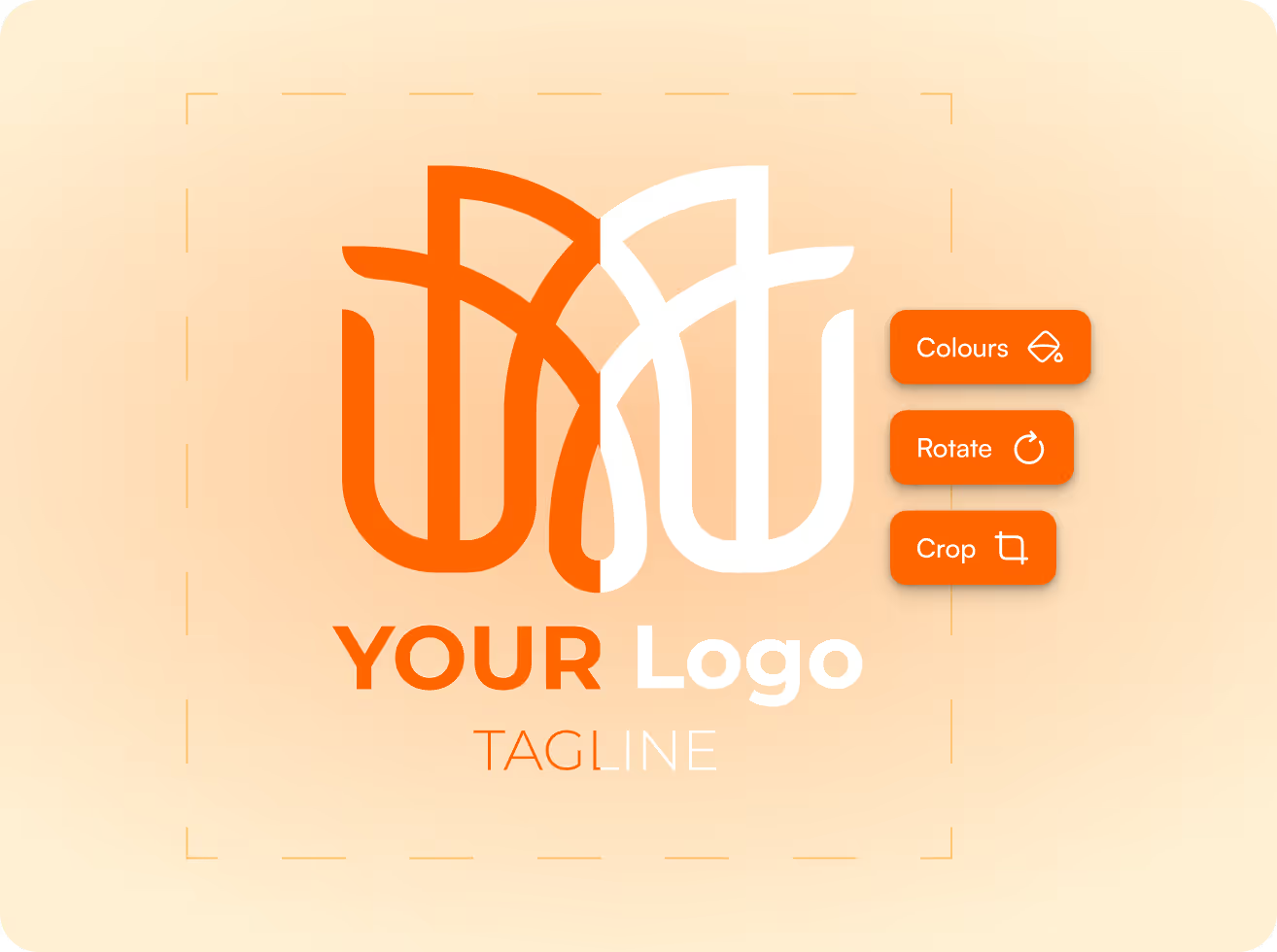
Small fixes in the editor, no new upload.

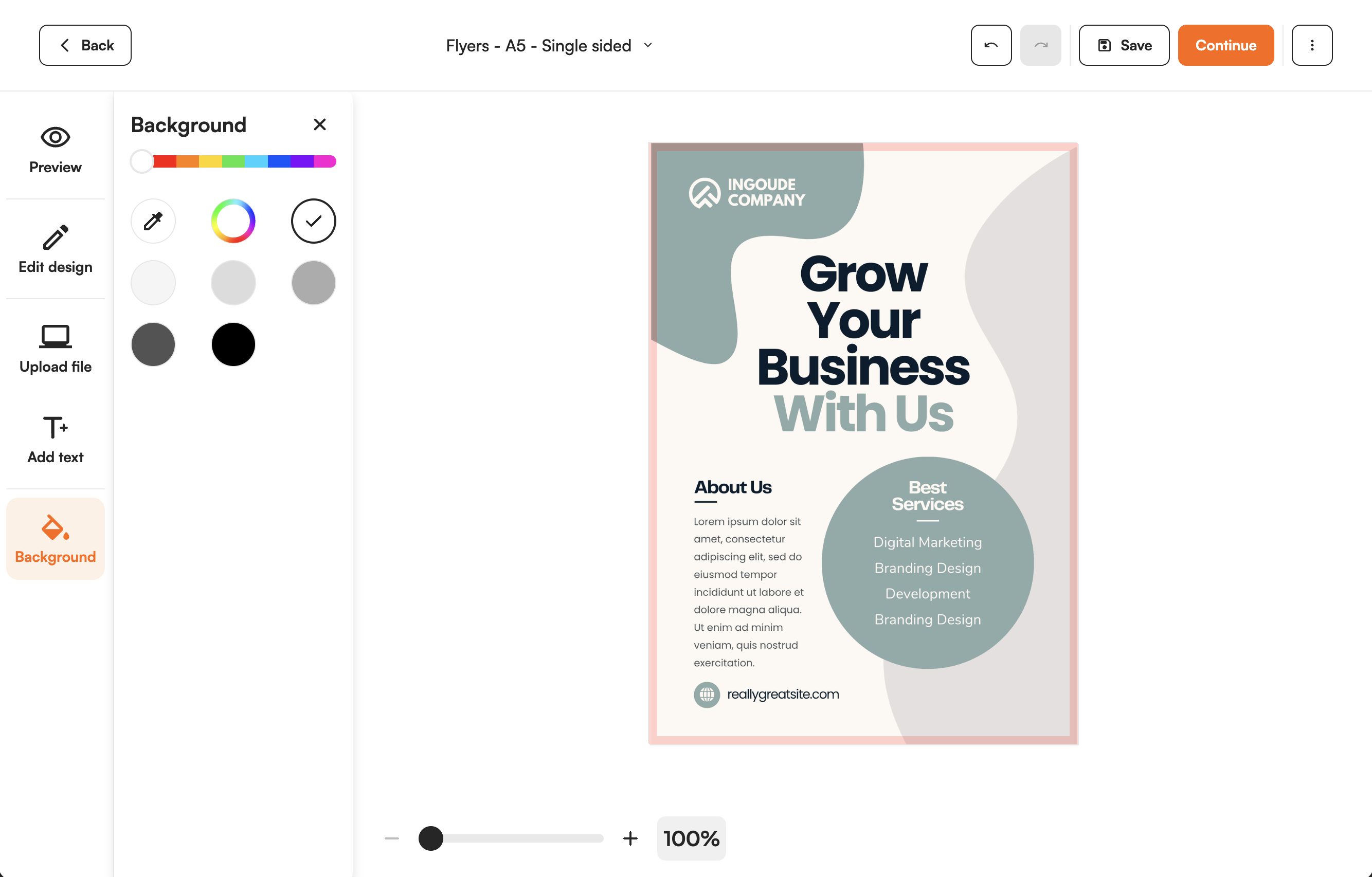
Most failing flyers do not need a designer. They need to be scaled to fill the bleed, given a background colour, or completed with a line of text. The customer does that in the editor and sees the checks turn green.

This is not a design tool for building a flyer from an empty page. The starting point is the customer's own file, and the edits are the ones that save an order: add text, add a background, scale.

  • Scale the artwork to the format
  • Add a background behind the artwork
  • Add text
  • Approve the proof online

Printer specifications built in.

Flyer products from Helloprint are configured with their sizes, bleed rules and production requirements. Flyeralarm and Taylor on Demand are fully available as well. Probo, Showdown Display and Expofit are coming, without confirmed dates.

After approval FastEditor generates the production-ready file. The flyer flow sits next to business cards and stationery in paper print, on one integration.

  • Sizes and bleed rules per product
  • Colour and resolution requirements per press
  • One integration for paper print, large format and merchandise
One artwork setup applied automatically across every size in an order
Artwork prepared to match connected decorator and supplier production specs

A production-ready print file generated automatically by FastEditor
FastEditor

Explore the FastEditor platform

85%

of uploaded logos need at least one fix before they can go to production. FastEditor applies those fixes automatically.

FastEditor benchmark 2026: 32,435 uploads analysed. Rate measured on 13,340 uploads, July to September 2026.

Ready to automate your artwork?
See how FastEditor turns a logo upload into a production-ready file.
FastEditor’s  case studies

Innovative businesses in the industry are using FastEditor

Flyers

Frequently Asked Questions

What does the editor check on a flyer upload?

Bleed, safe area, resolution at finished size and colour space, all against the specification of the flyer format ordered.

What happens when bleed is missing?

The file is flagged before the order proceeds. The customer can scale the artwork to fill the bleed or add a background in the editor, without uploading a new file.

Can customers design a flyer from scratch in the editor?

No. The flow starts from the customer's own file. The editor offers small edits that save an order: add text, add a background and scale the artwork.

Which file formats can customers upload?

JPG, JPEG, PNG, GIF, WEBP, AVIF, HEIC, HEIF, SVG, PDF, EPS, AI and CDR. The output is usually a PDF. Every file is checked against the product specification on upload.

Which print suppliers are configured for flyers?

Helloprint is live for flyers. Flyeralarm and Taylor on Demand are fully available as well. Probo, Showdown Display and Expofit are coming, without confirmed dates. Your own products and specifications can be configured as well.

How does this connect to my shop and print workflow?

FastEditor connects through the Web-to-Print API, with native Shopify and WooCommerce integrations. Standard integrations go live in 1 to 2 days. Custom API integrations take 3 to 4 weeks.

Which flyer sizes are available?

Flyers run from A7 to A3, plus US sizes, DL and square formats. Folded leaflets are not available yet and will be added later.

Related product flows

Same pipeline, different print area.

Suppliers in this cluster

Decoration techniques

What is flyer preflight software? || Flyer preflight software checks a customer's flyer file against the format ordered before the order is placed: bleed, safe area, resolution at finished size and colour. FastEditor runs those checks in the webshop, lets the customer make small fixes in the editor and outputs a production-ready file for the press.
Sizes: A7 to A3, US sizes, DL and square | Folded leaflets: Not yet available | Checks: Bleed, safe area, resolution at finished size, colour space | Small edits in the editor: Add text, add a background, scale | Accepted files: JPG, JPEG, PNG, GIF, WEBP, AVIF, HEIC, HEIF, SVG, PDF, EPS, AI, CDR | Suppliers live: Helloprint, Flyeralarm, Taylor on Demand | Output: Production-ready file to the printer's specification, usually a PDF | Go-live: Standard integrations 1 to 2 days, custom API 3 to 4 weeks