
Turn any customer logo into a production-ready vector, automatically.
FastEditor rebuilds a raster logo as a clean vector in about 2 seconds, matched to the decoration technique of the order. No designer in the loop, no waiting on an outsourced conversion.
30-day free trial of the Studio Tool. Plans from €95 per month after that.
“FastEditor vectorization technology helped us to build a fully automated artwork workflow. Our team is now much more efficient, and can focus on more value-adding tasks.”Mike Rovers, Head of Artwork, Helloprint
What is automated logo vectorization?
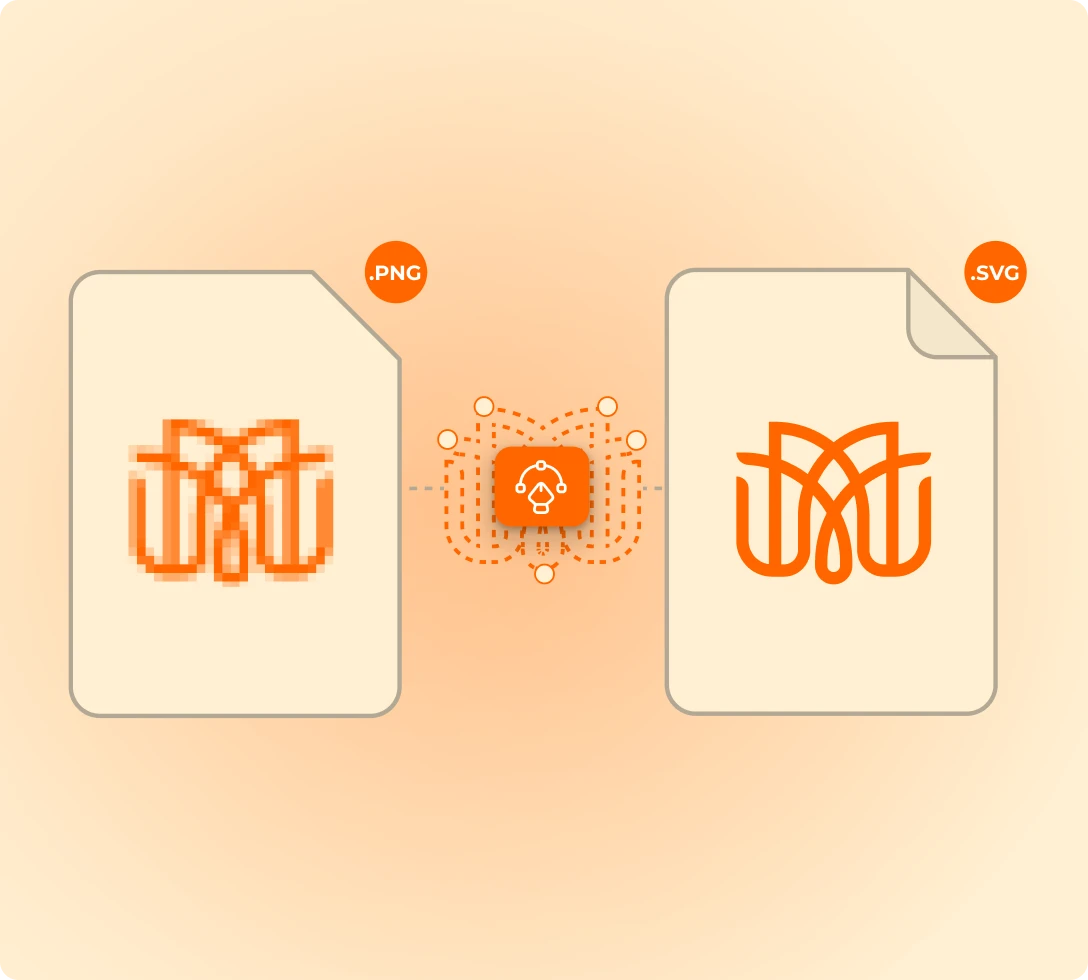
Automated logo vectorization converts a raster logo, such as a JPG, PNG or scanned PDF, into a vector file built from clean paths and solid fills, without a designer redrawing it. A vector scales to any size without losing sharpness, which is why decoration techniques such as screen printing, pad printing, laser engraving and embroidery typically need one.
FastEditor runs this step inside the order flow. The engine traces the upload in about 2 seconds, sets colors and detail for the chosen technique, and hands the vector to preflight and production-ready file generation.
- Input
- JPG, PNG, WEBP, AVIF, HEIC, PDF, EPS, SVG, AI and CDR
- Output
- A clean vector, plus a production file as SVG, PDF, PNG or JPG
- Speed
- About 2 seconds per trace
- Accuracy
- 99%+ on standard logos, 2026 benchmark
- Coverage
- 17 decoration techniques, 150+ connected suppliers
- Runs in
- Studio Tool, Logo Editor and the API
A designer redraws the same logo, on every single order.
Manual redrawing eats hours
A designer traces the same logo again for every order, time that never gets billed back to the job.
Outsourced conversions cost per file
Sending logos out for vector conversion adds a fee and a wait to every order that needs one.
Blurry previews lose the sale
A pixelated preview on the product page makes the buyer hesitate, so the order stalls before it starts.
One upload in. A clean vector out.
In about 2 seconds, with no designer in the loop. The vector flows straight into preflight and the production file.
Upload
The customer adds a logo or artwork in any common format.
Trace
FastEditor rebuilds it as a true vector, clean paths and solid fills, in about 2 seconds.
Match to method
Colors and detail are set for the chosen decoration method.
Hand off
The vector flows straight into preflight and the production file.
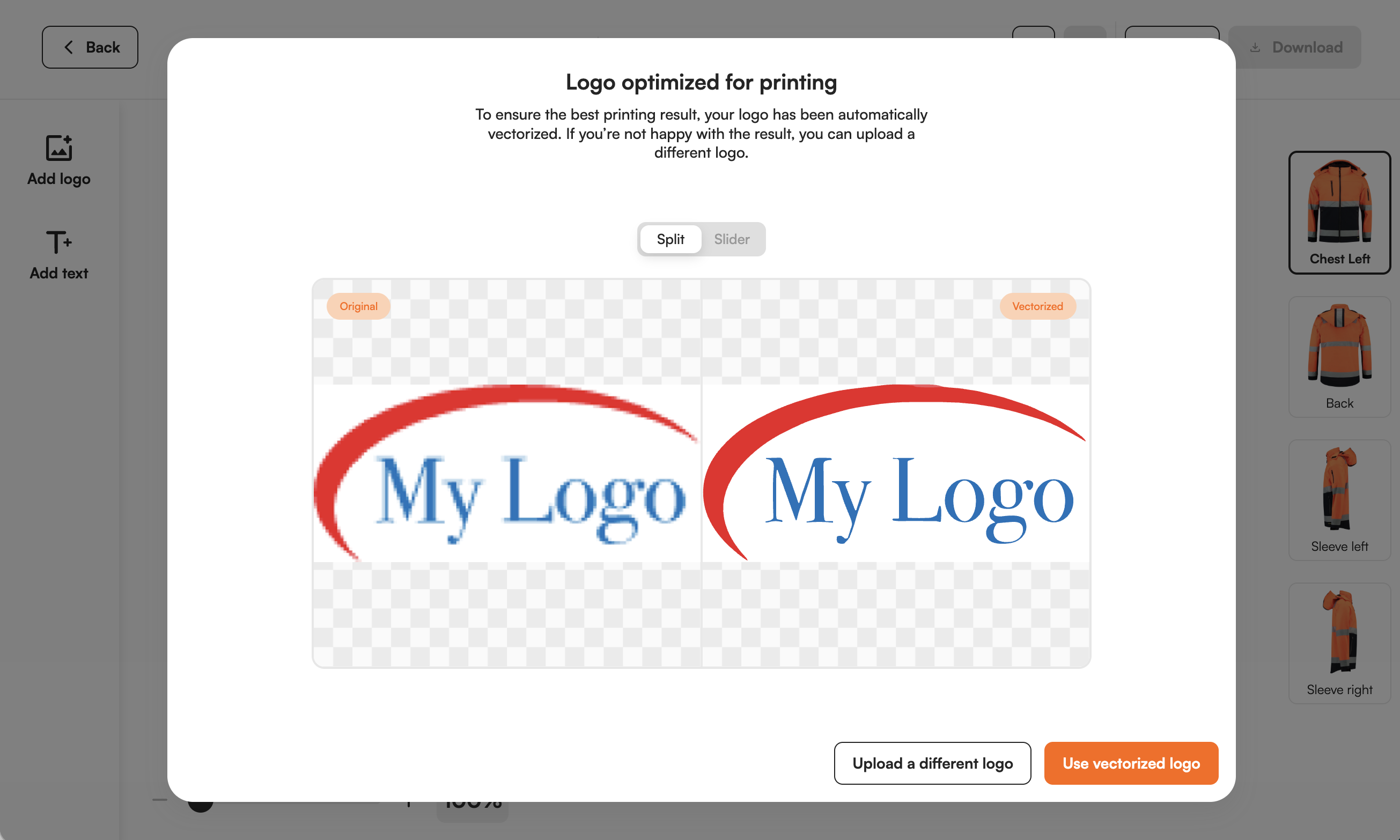
The manual artwork step is switched off. Your customers never see it.
Try it on your own logoor book a 30-minute demo →Four ways to get a vector. One runs by itself.
How automated vectorization in FastEditor compares with redrawing in-house, outsourcing the conversion, or a generic auto-trace tool.
| Manual DTP redraw | Outsourced conversion | Generic auto-trace tool | FastEditor | |
|---|---|---|---|---|
| Turnaround | Minutes to hours per logo, plus the queue | Hours to days | Seconds | About 2 seconds |
| Cost | Designer time on every order | A fee per file | Per image or subscription | Part of the platform |
| Matched to the decoration technique | Depends on the designer | Only if briefed per order | No, one generic output | Yes, automatically per technique |
| Preflight and production file | Separate manual step | Separate step | Not included | Yes, in the same flow |
| Runs inside the order flow | No, the order waits | No, the order waits | No, a separate tool | Yes, in Studio Tool and Logo Editor |
What resellers see after switching the manual step off.
Measured across live integrations in promo, merch, and workwear.
Design corrections leave the order flow instead of queueing behind a person.
Customers see a sharp, brand-accurate preview at the moment they hesitate.
No internal DTP fixes, no per-file invoices from an outsourced studio.
Production receives consistent files, so rework and goodwill credits drop.
Clean paths and matched colors mean a better result on the product.
Live with customers, not slideware.
Helloprint automated artwork across its catalog and took designers out of the order flow. Vectorization was the bottleneck they removed first.

Passot runs its catalog, data enrichment and 3D models in-house, and its resellers preview a customer logo on every product.
Vectorization accuracy is measured, not asserted.
FastEditor flagged 18,479 uploads for vectorization across the 2026 benchmark window and tracked how many reached a production-ready file. The cohort, method and formula are public.
Two ways to switch it on.
The same vectorization engine runs in the tool your team uses and in the editor your customers use. Pick the one that fits how artwork reaches you.
Studio Tool
Upload a customer logo and get the clean vector, a branded print proof and the production file in minutes. No integration needed.
Logo Editor and API
Vectorization runs live while your buyer personalizes, and in bulk across uploaded files. Connect through Shopify, WooCommerce or the REST API.
Works with the rest of the engine.
Production-ready file generation
The clean vector becomes the final file your press runs.
Learn more →Preflight and line-thickness checks
Every file validated against the method before it ships.
Learn more →Branded print proof
An on-brand approval document generated from the vector.
Learn more →3D visualization
Show the decorated product on screen, method-accurate.
Learn more →Go deeper on vectorization.
Hand-picked reads on how automated vectorization works, where it is hardest, and where it still needs a human.
How Automated Vectorization Works and Why It Matters for Promo Products
How automated tracing actually works, where it fails, and how to judge an engine before you trust it with orders.
Read article →Vectorizing the Text in a Logo: The Hardest Case, and How AI Now Solves It
Type is the part tracing engines get wrong most. Here is how AI-based text recovery rebuilds it cleanly.
Read article →Text, Gradients and Messy Files: Why Some Logos Cannot Be Auto-Vectorized
The inputs that break tracing, why they break it, and what to do with the files automation cannot save.
Read article →Questions resellers ask about vectorization.
What is automated vectorization?−
Which printing techniques trigger vectorization?+
What can customers upload?+
How long does vectorization take?+
How close is it to manual DTP work?+
What happens when a logo cannot be vectorized automatically?+
Does it change the customer's design?+
Does it handle brand colors?+
Can we download the vector file?+
How much does automated vectorization cost?+
Can we use vectorization through an API?+
See your own logo become a clean vector.
Start a 30-day free trial of the Studio Tool, or book a 30-minute demo on your own products and supplier specs.
No commitment on the demo. We run the full flow on your products.