Book a demo
Artwork automation

Artwork automation software for print and promo.

Any upload in. A production-ready file out.

FastEditor is the artwork automation layer for print and promo. Logo, photo or text: validated, vectorized, formatted to each supplier's spec and routed to production. Without a designer touching it.

Book a demoSee the pipeline

Plans from €95/month plus a per-production-file fee. Live in 3 to 4 weeks.
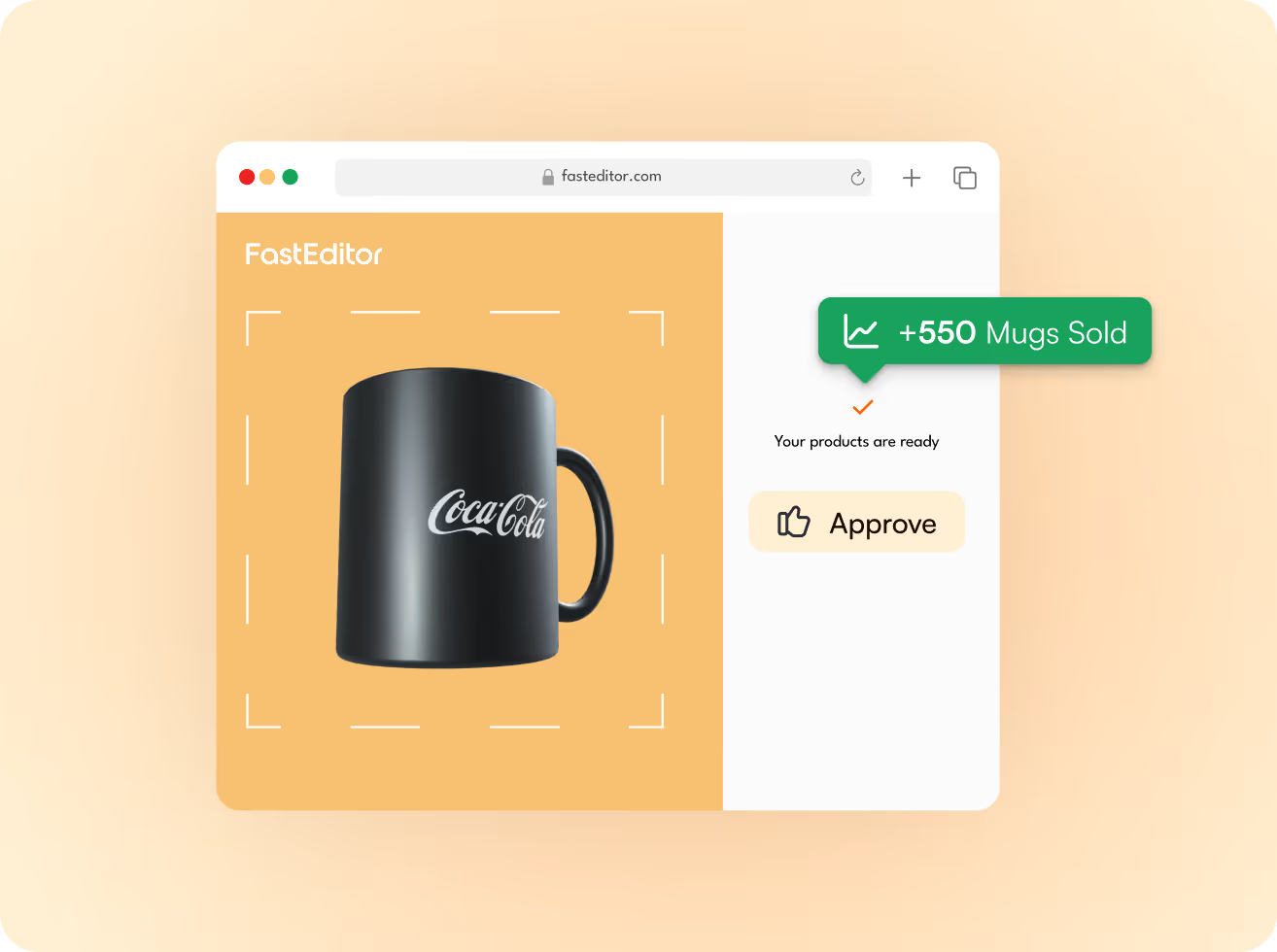
FastEditor rendering a customer logo on a mug with live order uplift
80%Lower cost per ordercalculated across 72 partners
99.95%File accuracymeasured over 20,000+ files
20 secAverage turnaroundupload to production file
500k+Product configurations150+ connected suppliers

Trusted by leading resellers and brands
Helloprint logo
Staples logo
BeGlobal logo
Allgifts logo
Promo2000 logo
HEMA logo
AgfaPhoto logo
Fulfiller logo
The problem

Artwork is the bottleneck you stop noticing until it breaks you.

Every personalised order has an artwork problem hiding inside it. Wrong format. Colours that can't be reproduced. Lines too thin to embroider. At low volume your artwork team absorbs it. At scale it absorbs your margin, your turnaround and your ability to grow.

Slow turnaroundEvery customer logo waits in a designer's queue. Small orders take days you can't bill for.
Error-prone filesManual prep means wrong colours, low-res uploads and reprints that eat straight into margin.
No design capacityYou can't hire designers fast enough to scale. Volume becomes a bottleneck instead of growth.
How it works

One automated flow, from upload to production file.

Five steps, fully automated. No handoffs, no designer, no back-and-forth. Average time from upload to routed file: 20 seconds.

01
Upload artworkAny logo, even a low-res JPG

Your customer drops in whatever they have: a low-res JPG, a PDF, a photo taken on a phone. No file prep, no naming conventions, no design brief.

02
Improve artworkVectorized, cleaned, colour-matched

Backgrounds are removed, thin lines are checked against what the print method can actually hold, and colours are mapped to the supplier’s palette.

03
Visualize on productRendered live on the real product

The artwork is mapped to the print area at the correct scale, position and curvature. Your customer sees what they will actually receive, not a flat overlay.

04
Approve designOne click, no email rounds

A branded print proof is generated and approved in the browser. No PDF attachments, no email rounds, no waiting on a designer to send a mockup back.

05
Production file createdBuilt to each supplier’s specs

Correct format, colour space and dimensions per decoration method. The file arrives ready to run, with no prepress step in between.

Before FastEditor
~15 min manual work per artwork3 email rounds to approve each proofFrequent reprints from bad files
After FastEditor
20 seconds, fully automatedZero touch, no email roundsPrint-ready files, every time
The engine

What the automation actually does to your files.

Six capabilities carry the pipeline. Each one replaces a step your artwork team does by hand today.

01Spec validation per supplierMinimum line thickness for screen print. Colour-count limits for embroidery. Bleed for DTF. Resolution for sublimation. Enforced at the point of personalisation, not after the order lands.See spec validation →
02Background removalLogos arrive on white boxes, photo backgrounds and screenshot clutter. FastEditor isolates the mark, cuts the background and keeps clean edges, so the logo prints on the product and not on a rectangle.See background removal →
03Automated vectorizationAny raster logo (JPEG, PNG or PDF) becomes a clean production vector in under 20 seconds. No manual tracing, no back-and-forth with the customer.See automated vectorization →
04Preflight and quality checksStrokes too fine to print, detail too small to embroider, colours outside the reproducible gamut. Flagged and corrected before the file reaches the press.See preflight checks →
05Print proof creationA branded proof is generated with the artwork, print position, dimensions, colours and technique. Approved online in seconds and bundled with the production file, so there are no email rounds and fewer reprints.See print proof creation →
06Multi-format file outputOne upload, many outputs: vector PDF and SVG for print, PNG or JPG for digital and sublimation. The right file goes to the right production step automatically, per decoration method.See file generation →
Bad upload in, good file out

A pixelated phone photo is not a blocker anymore.

The editor analyses the upload, decides which improvements the file needs (vectorization, upscaling, text conversion, colour fitting, line-thickness repair, background removal) and applies them before anyone downstream sees it.
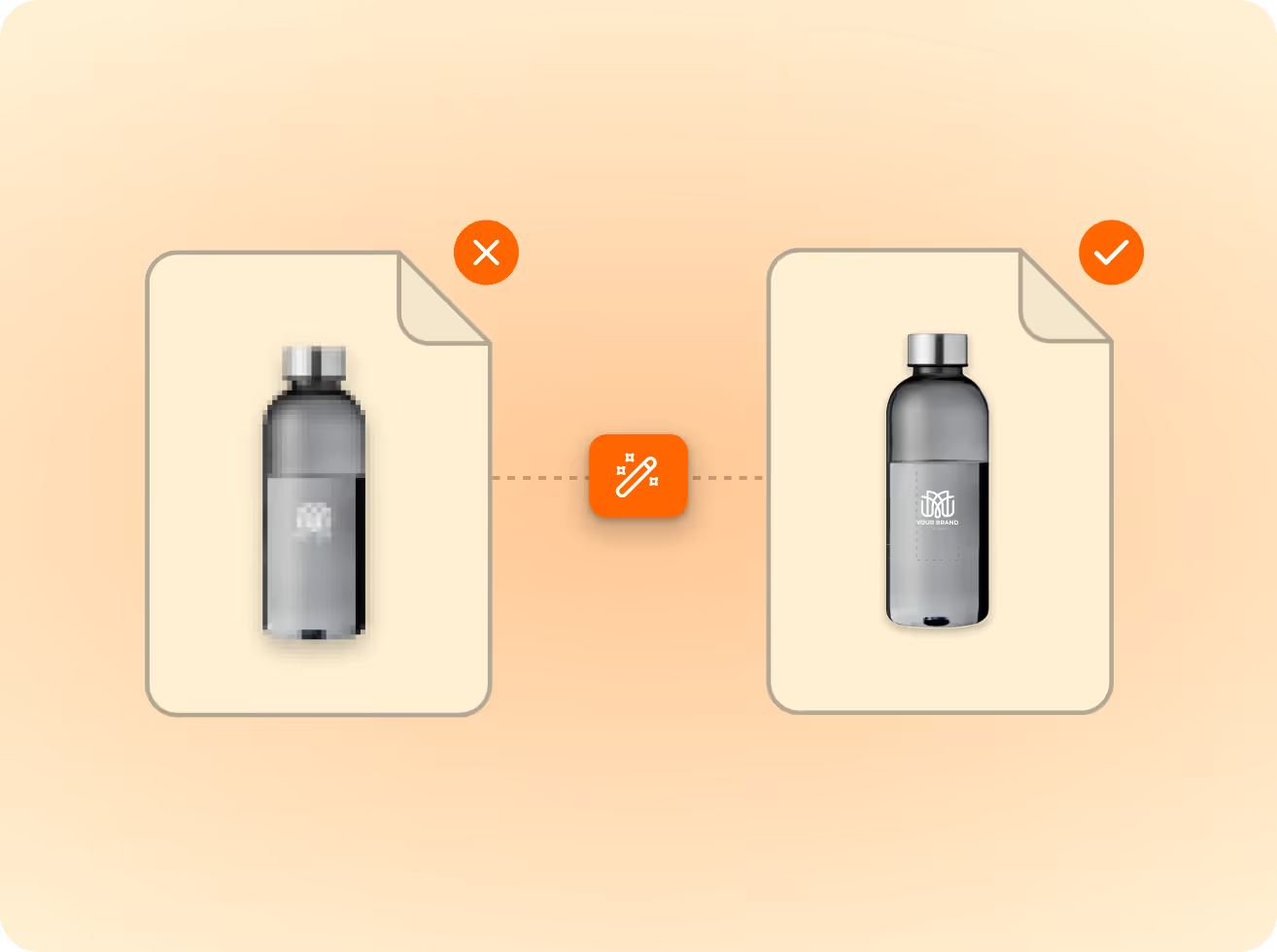
A pixelated upload marked incorrect next to a clean production file marked correct
Who it's for

Same engine. Three very different queues.

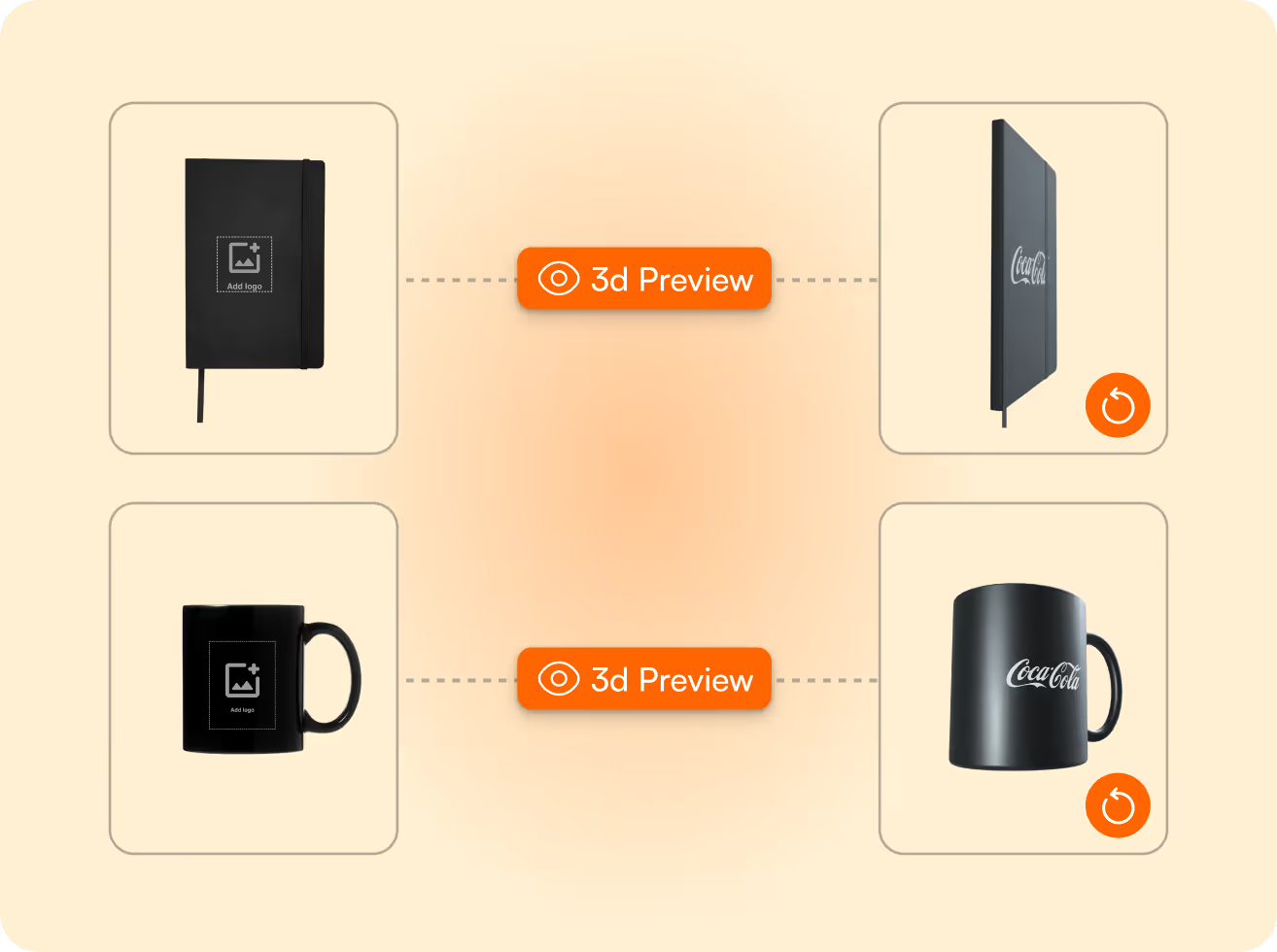
A notebook and mug shown in flat and 3D preview with a customer logo applied
E-commerce resellersHundreds of personalised orders a week, no artwork queue. Uploads validate and convert at the point of order, production files are ready before fulfilment sees them.How we add value for resellers →
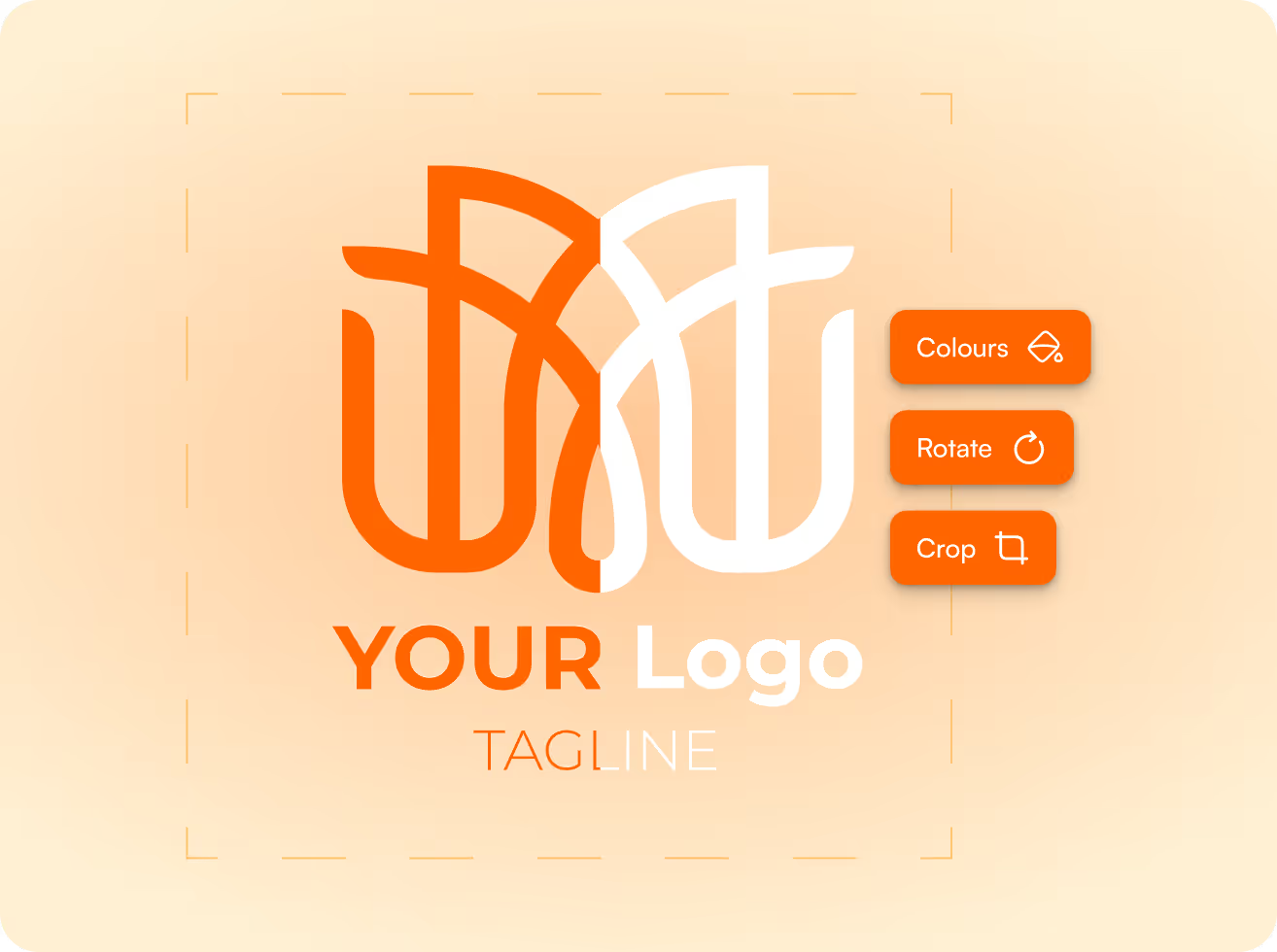
Logo editor with colour, rotate and crop controls
Offline resellers and decoratorsA front end that captures the order and a back end that prepares files to your exact production spec. You print. FastEditor handles the artwork.How we add value for decorators →
Network diagram of resellers connected to FastEditor
Promotional product suppliersStandardised incoming artwork across your whole reseller base. Every file arrives correctly formatted and validated against your specs, first attempt. 80% fewer corrections.How we add value for suppliers →

More FastEditor solutions

See where FastEditor fits the rest of your workflow.

Compare

A configurator shows a preview and stops.

A web-to-print editor sometimes goes further. Artwork automation finishes the job every time: a production-ready file, routed to production.

Capability
Product configurator
Web-to-print editor
FastEditor
Customer preview
Yes
Yes
Yes
Auto-vectorization
Rare
Sometimes
Yes
Per-supplier spec validation
No
Rare
Yes
Branded print proof
Sometimes
Sometimes
Yes
Production-ready output file
No
Sometimes
Yes, every order
Direct-to-production routing
No
Rare
Yes, via API
Integrations

Plugs into what you already run.

Shopify, WooCommerce, Magento, Promidata, European Sourcing or a custom REST integration. FastEditor runs as a self-contained layer inside your order flow, invisible to your customers. No platform migration, no new tooling for operations.

Standard integrations go live in 1 to 2 days. Custom API integrations take around three weeks, with a sandbox and full documentation from day one.

See all integrations →

Shopify
WooCommerce
Odoo
Promidata
European Sourcing
REST APISandbox + docs
The stack

The artwork automation tech stack, end to end.

Automated vectorizationAny customer logo into a clean vector in seconds.Production-ready file generationPrint-ready output to each supplier's spec.Preflight & line-thickness checksCatch detail too fine to print or embroider.3D product visualizationPhotorealistic previews that lift conversion.Print proof creation & approvalBranded proofs, approved in the browser.Cross-sell moduleShow the same logo on related products in flow.
Per product category

See the full flow on the products you actually sell.

Every category has its own print areas, techniques and spec limits. Pick one to see the upload, the preview and the production file it generates.

PensPad print, 360° barrelCheck it out →ApparelEmbroidery, DTF, DTGCheck it out →T-shirtsFront chest print areaCheck it out →Tote bagsScreen print, large formatCheck it out →DrinkwareLaser, wrap printCheck it out →All decoration methodsNine techniques supportedCheck it out →
Case studies

What automating artwork actually changed.

250%growth in promo & merchHelloprint automated artwork processing across 30+ product categories, cutting production time at scale.Read Helloprint's story →
650+products live in 3.5 weeksXD Connects rolled automated artwork visualization across their full promotional catalogue.Read XD Connects' story →
90%of orders fully automatedMerchMaker built a scalable merch platform on the FastEditor API, generating print-ready artwork in real time.Read MerchMaker's story →
“FastEditor took our artwork handling from hours to seconds. We ship more orders with fewer people and zero reprints.”Jordan Sok · Lead Account Management, Allgifts
FAQ

Questions buyers ask before they integrate.

If your case isn't covered here, we'll walk it through on your own products.

Ask us anything

What is artwork automation?

+

Taking customer-submitted artwork (logos, photos, text) and automatically converting it into production-ready files that meet your supplier's exact specifications. It replaces the manual prep step between customer order and production.

Which decoration methods are supported?

+

Screen print, embroidery, DTF, DTG, pad print, laser engraving, sublimation, debossing, digital and offset. Output as vector PDF, SVG, PNG or JPG. Embroidery DST output arrives Q3 2026.

Does it replace our artwork team entirely?

+

For standard orders, yes. Your artwork team handles the exceptions, under 0.05% of orders, plus custom or complex work that sits outside the automated pipeline.

Do customers need to upload a vector file?

+

No. Standard uploads are auto-vectorized, upscaled, colour-fitted and background-removed as needed. A phone photo of a business card is a valid starting point.

We run a custom-built platform. Can it still integrate?

+

Yes. That is exactly what the Custom API integration is for. FastEditor is already embedded in bespoke platforms, ERPs and headless stacks. Your developers own the integration; FastEditor owns the artwork.

Is our uploaded artwork and customer IP secure?

+

Files are stored per account in AWS in your local region (EU, US or Australia), never shared between partners and never used to train anything. Access runs through your own API credentials, a DPA is available, and artwork is purged on your retention schedule.

How does pricing work?

+

Plans start at €95 per month plus a per-production-file fee, with no commission on your order value. Tiering follows catalogue size and usage.

How fast can we go live?

+

Standard integrations in 1 to 2 days. Custom API integrations typically 3 to 4 weeks, including catalogue onboarding and spec configuration.