Connected supplierMakito is a high-volume European supplier offering an extensive range of promotional items and gadgets based in Spain.

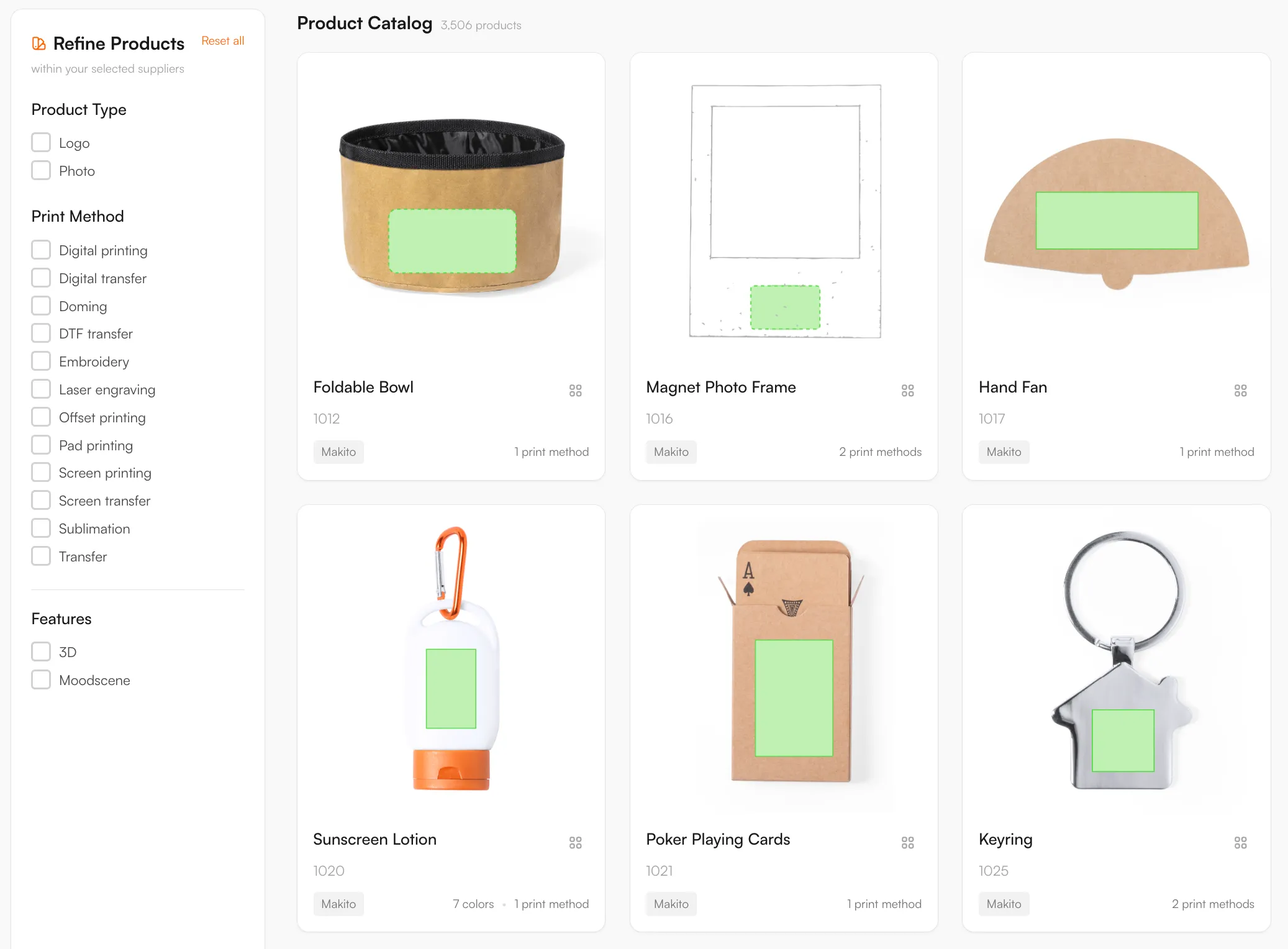
3,506 Makito products are connected by API and updated daily, covering bags, drinkware, caps and gadgets. Twelve decoration methods are mapped per product, so customers can add a logo online and you get a proof and a print-ready file per order.
Makito is a high-volume Spanish supplier with one of the broadest promotional ranges in Europe: apparel, drinkware, bags, office, technology, outdoor and gadgets. For a reseller, that scale is the draw and the challenge: thousands of products, each with its own print areas, decoration methods and file requirements.
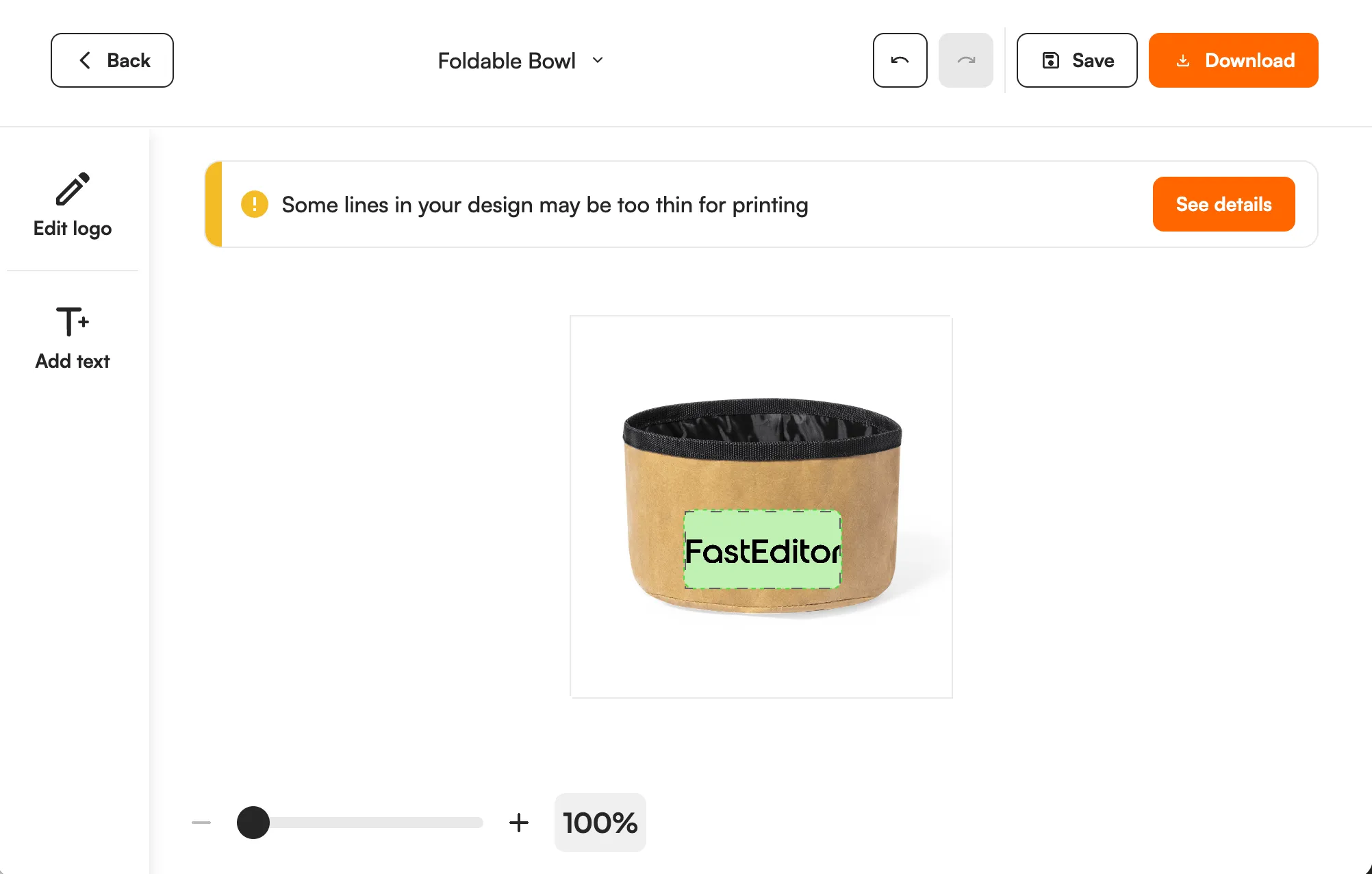
FastEditor connects to Makito by API, with 3,506 products live and synced daily. FastEditor prepares customer artwork using the selected product’s configured print area, decoration technique and supplier requirements. Raster logos are vectorized when the technique requires vector output. The editor applies automatic improvements and guides customers through any artwork issues. After the customer places an order, the webshop’s Sale Notification triggers the configured production file and proof, without a separate manual prepress step.
The Makito connection is a direct API integration that refreshes every day, backed by a manual enrichment step so print areas and decoration data are checked and corrected rather than taken raw from the feed.
Three things travel with every product:
Every product, with print positions and decoration methods attached, ready to drop into your webshop.

Digital printing, Digital transfer, Doming, DTF transfer, Embroidery, Laser engraving, Offset printing, Pad printing, Screen printing, Screen transfer, Sublimation, Transfer
Makito's catalogue is the broadest of the four, spanning apparel, drinkware, bags, office, tech and outdoor, which means one uploaded logo can face a dozen different decoration rules depending on the product. FastEditor validates each upload against the specific product and method before a production file is generated.
The checks are built to match Makito's own specifications and are verified through a manual enrichment step, so artwork that passes in the editor is prepared to their production requirements.
3,506 Makito products are in the Product Hub. Makito is a Spanish supplier with a very broad range: apparel, drinkware, bags, office items, technology, outdoor products and gadgets. Examples are an insulated bottle, a backpack and a cap. The catalogue updates daily through the API, and print areas and decoration data are checked by hand on top of the feed.
Twelve methods are mapped: digital printing, digital transfer, doming, DTF transfer, embroidery, laser engraving, offset printing, pad printing, screen printing, screen transfer, sublimation and transfer. A broad range means the right method changes per product. A cap is usually embroidered or decorated with a transfer, a bottle is engraved or printed, and a tote bag is screen printed or decorated with a transfer. The editor shows only the methods the chosen product supports and checks the logo against that method. For embroidery, FastEditor prepares and checks the artwork today. Embroidery file (DST) output is in testing and not yet available.
For a webshop with thousands of low-priced items, manual artwork checks cost more than the margin on a small order. FastEditor places the logo inside the real print area, vectorizes raster logos when the method needs vector output, and flags problems before the order is placed. Use the Logo Editor in Shopify, WooCommerce or through the API, or the Studio Tool for quotes. Each order gives you a proof and a production file.
Logo Editor or Studio Tool?
For internal sales & account management teams
For your webshop
3,506 Makito products are live in the FastEditor Product Hub. The catalogue connects by API and refreshes daily, with a manual enrichment step keeping print areas and decoration data accurate.
Twelve methods are mapped, including screen printing, pad printing, offset printing, digital printing, embroidery, laser engraving, sublimation, DTF transfer, doming, digital transfer, screen transfer and transfer. Each product carries the methods available for it, with the colour and line-weight limits that method imposes.
Yes. FastEditor generates a proof and a production file using the selected product and decoration technique’s configured supplier specifications. Raster logos are vectorized automatically when vector output is required; otherwise vectorization may be recommended and is optional. In Studio Tool, generate the files with Download. In Logo Editor, the webshop sends a Sale Notification after the customer places the order to trigger file generation. The production format depends on the configuration and can be JPG, PNG, PDF or SVG. Embroidery DST output is currently in testing and is not yet available.
Makito is a large, fast-moving catalogue, so new and updated ranges pass through a manual enrichment step on top of the daily API sync before they publish. That keeps print areas and decoration specs accurate at scale, and a new range is usually live about two weeks after a feed update.