Menu openen
Menu sluiten
Decoration
/
Digital Printing
Digital Printing

Digital Printing Software with Automatic File Prep

Digital printing puts full-colour artwork straight onto the product or substrate with no plates and no set-up, which makes it ideal for short runs, variable data and photographic designs. FastEditor checks every upload at true print size, applies bleed and the right colour profile, and outputs a press-ready file.

52 sec
Median upload to production-ready file
99.95%
file accuracy over 20,000+ files
150+
connected suppliers
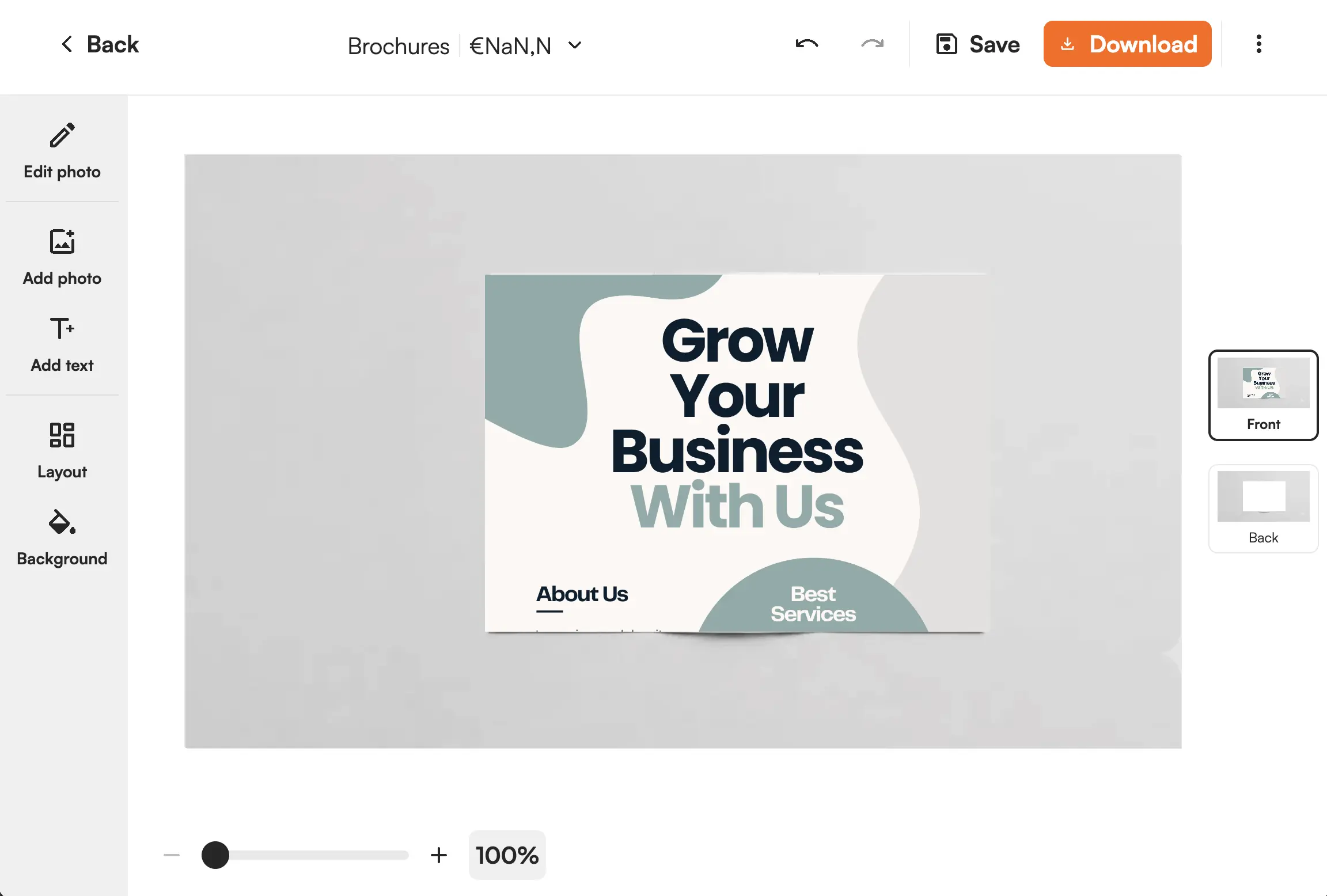
Digital printing full-colour preview of artwork on a product
The artwork

What this technique demands of the artwork

Digital printing is full-colour with no plates and no minimum, so its constraints are about image quality and colour rather than colour count.

Resolution is judged at print size. A file that looks sharp on screen can print soft at full size, so FastEditor validates resolution at the physical dimensions the design will print, not per file.

Colour is CMYK, not screen RGB. Bright screen colours can shift on a CMYK press, so the artwork is converted to the press profile and out-of-gamut colours are flagged before approval.

Edges and bleed. Full-bleed designs need artwork to run past the trim, so bleed and safe margins are applied automatically.

  • Resolution validated at true print size
  • Automatic CMYK conversion with out-of-gamut flags
  • Bleed and safe margins applied automatically
  • Full colour, photographic and variable data supported

Where it runs

One proof engine, every route to the customer.

However the order reaches you, the same production-ready file comes out, checked against the method’s limits and matched to the supplier’s specs.

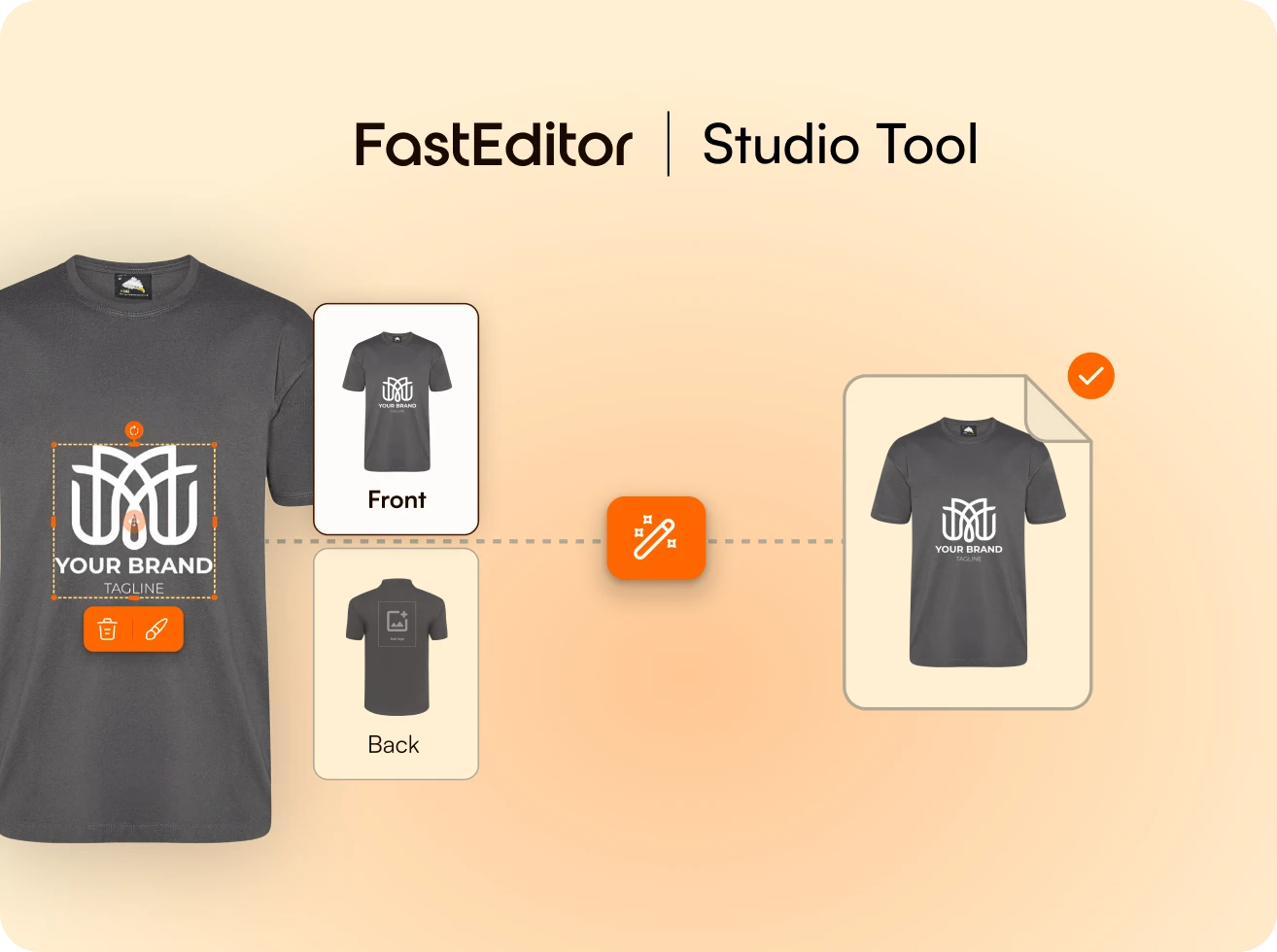
FastEditor Studio Tool interface showing customization of a gray t-shirt design with a white logo and tagline on the front, with options to edit or delete the design.

Studio Tool

Design it, get the file

Place the artwork, pick the product, and download a production-ready file in seconds, branded and ready to send.

Explore Studio Tool →
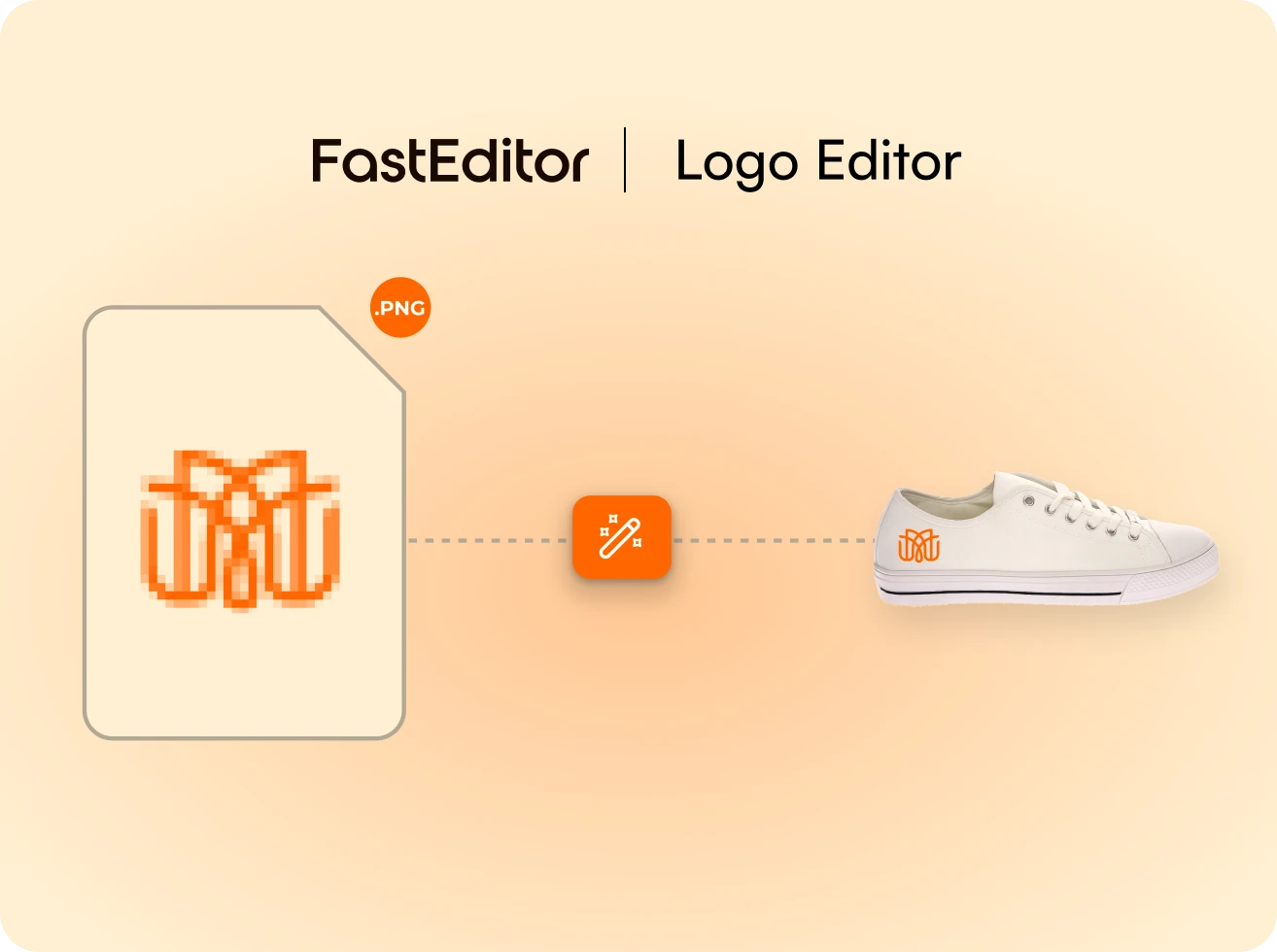
FastEditor Logo Editor showing a pixelated PNG logo file being refined and applied as a sharp orange logo on a white sneaker.

Logo Editor · customer-facing

Personalized before checkout

Customers add their logo and review a product preview before checkout. Final production files are generated when the webshop sends the configured Sales Notification, normally after payment. Proof approval alone does not trigger production-file generation.

See the customer flow →
FastEditor Print Proof Creation hero image

Web-to-print API

Automated at scale

Every order returns a file built against the supplier’s specs, with no designer in the loop.

Explore the API →

Where it goes

Products decorated this way

Digital printing suits full-colour, short-run and on-demand work:

  • Photo products: books, calendars and wall art in full colour. See the photo editor.
  • Labels and packaging: short runs and versioned designs without plate costs.
  • Cards and flyers: business cards, postcards and marketing print on demand.

Products are pre-configured in the Product Hub. See the full supplier ecosystem.

Photo Products

Sell photo books, canvas and prints without building an editor. Customers upload their photos once and FastEditor handles the rest, automatic album layout, resolution validated per placement, production-ready output, all running on your domain, in your branding, with no third party visible to the customer.

See the flow →
Promotional Products

A promotional order is a logo, a deadline and a print area three centimetres wide. FastEditor automates everything between the customer's upload and the file your supplier prints, vectorisation, colour validation, 3D preview, technique-specific output, across mugs, pens, bags, drinkware and the rest of the branded merchandise catalogue.

See the flow →
Tote Bags

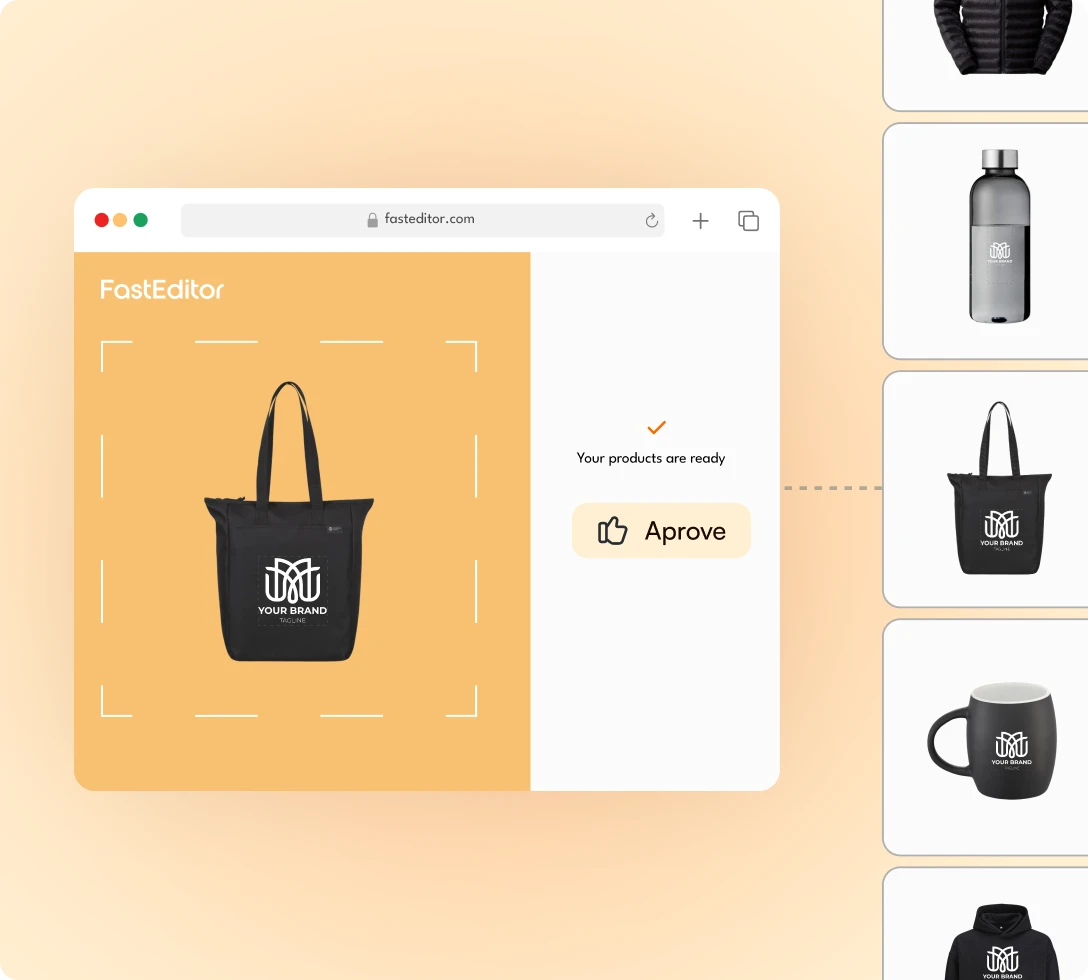
Customers upload a logo or photo and instantly see it on a tote bag, from multiple angles, in their chosen colour. Automated vectorisation, colour checks, and production file generation. No manual artwork handling required.

See the flow →

FAQ

Common questions.

Still not sure it fits your catalog? We’ll walk it through on your own products.

Ask us anything
What is digital printing best for?

Full-colour, photographic and short-run work where the plate set-up of offset would be uneconomic. There is no colour limit and no minimum quantity.

How is colour handled?

Artwork is converted to the press CMYK profile automatically, and colours that fall outside the printable gamut are flagged before the customer approves.

Does the customer need a high-resolution file?

FastEditor validates resolution at the true print size and enhances where it can. Anything that will print soft is flagged before checkout.

What file does production receive?

A press-ready CMYK file at the exact size with bleed and safe margins applied, generated on proof approval.

Can it handle variable data?

Yes. Because there are no plates, each item in a run can carry different names, codes or images without added set-up.

What upload formats are accepted?

PNG, JPG, SVG, AI, EPS, PDF and TIFF. Raster files are resolution-checked and enhanced at the size they will print.

See it on your own product.

Personalized demo within 24 hours, run on your own products and print methods. 15 minutes.

Book a demo