Connected supplierClipper Interall is a Dutch promotional supplier specializing in lighters, drinkware, and branded accessories for the European market.

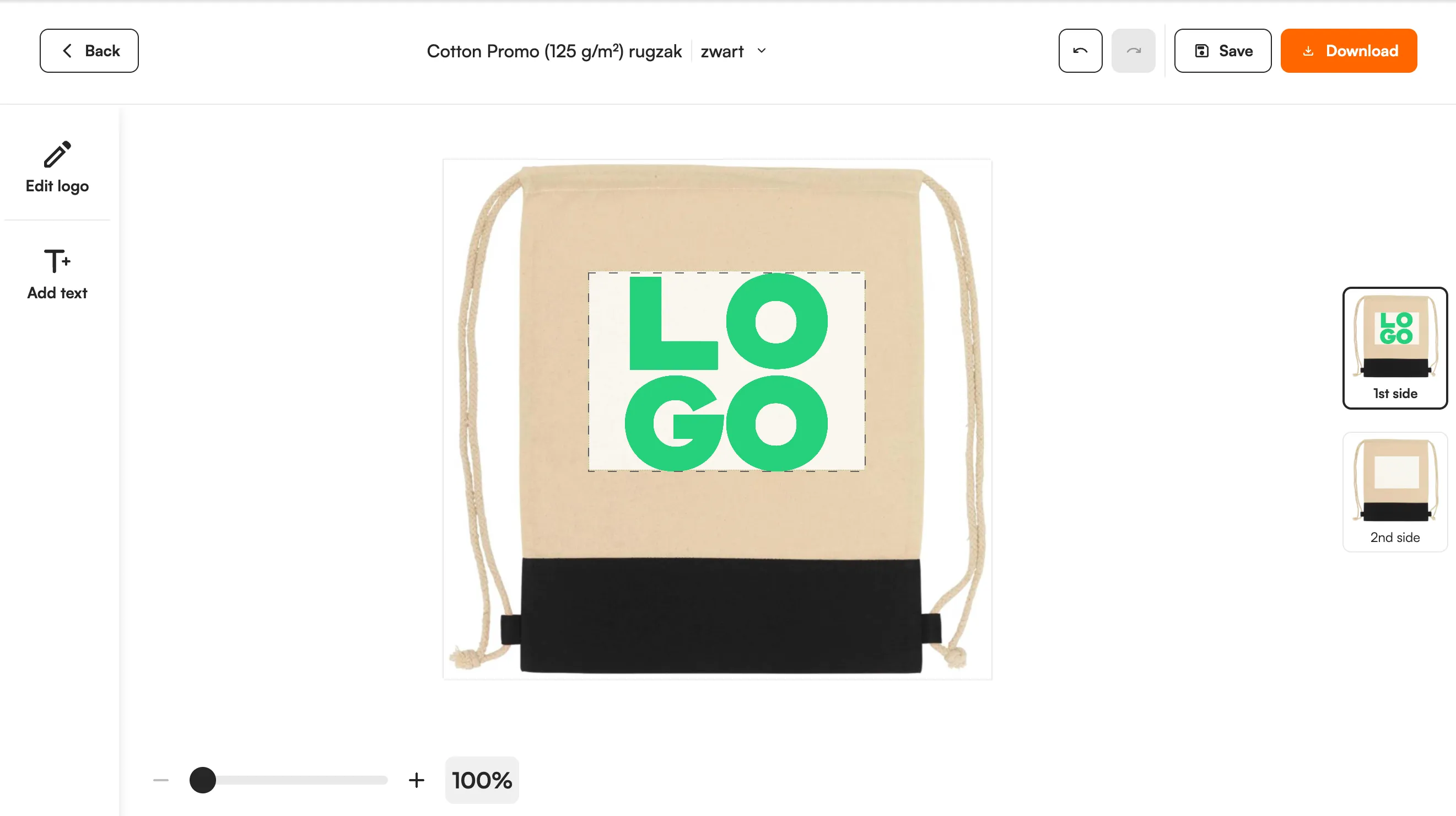
943 Clipper Interall products are live in the FastEditor Product Hub, with print areas and five decoration methods mapped: pad printing, screen printing, digital printing, laser engraving and doming. The editor keeps a logo inside small print areas and delivers a proof and a print-ready file per order.
Clipper Interall is a Dutch promotional products supplier known for lighters, drinkware and branded accessories for the European market. It is a high-volume, print-led catalogue, the kind where a small product carries a small print area, and getting a logo to sit and print cleanly on it is the difference between a clean order and a reprint. For a reseller, handling that across a large range is exactly the work FastEditor removes.
Clipper Interall products are live in FastEditor's Product Hub, with print areas and decoration methods attached to each product. A customer uploads a logo on your product page, the editor places it inside the real print area for that product and method, and the file that reaches production is vectorized automatically when vector output is required for the selected decoration technique, validated and ready to print. When vector output is not required, vectorization may be recommended to improve quality but is optional.
The Clipper Interall connection keeps product data, images and decoration specifications in sync, so a range that Clipper Interall changes or discontinues is reflected in your store without touching a spreadsheet.
Three things travel with every product:
Every product, with print positions and decoration methods attached, ready to drop into your webshop.

Pad printing, Screen printing, Digital printing, Laser engraving, Doming
Small promotional products punish fine detail, and FastEditor validates every Clipper Interall upload against the rules for the chosen product and method before a production file is generated. The checks that run on each upload:
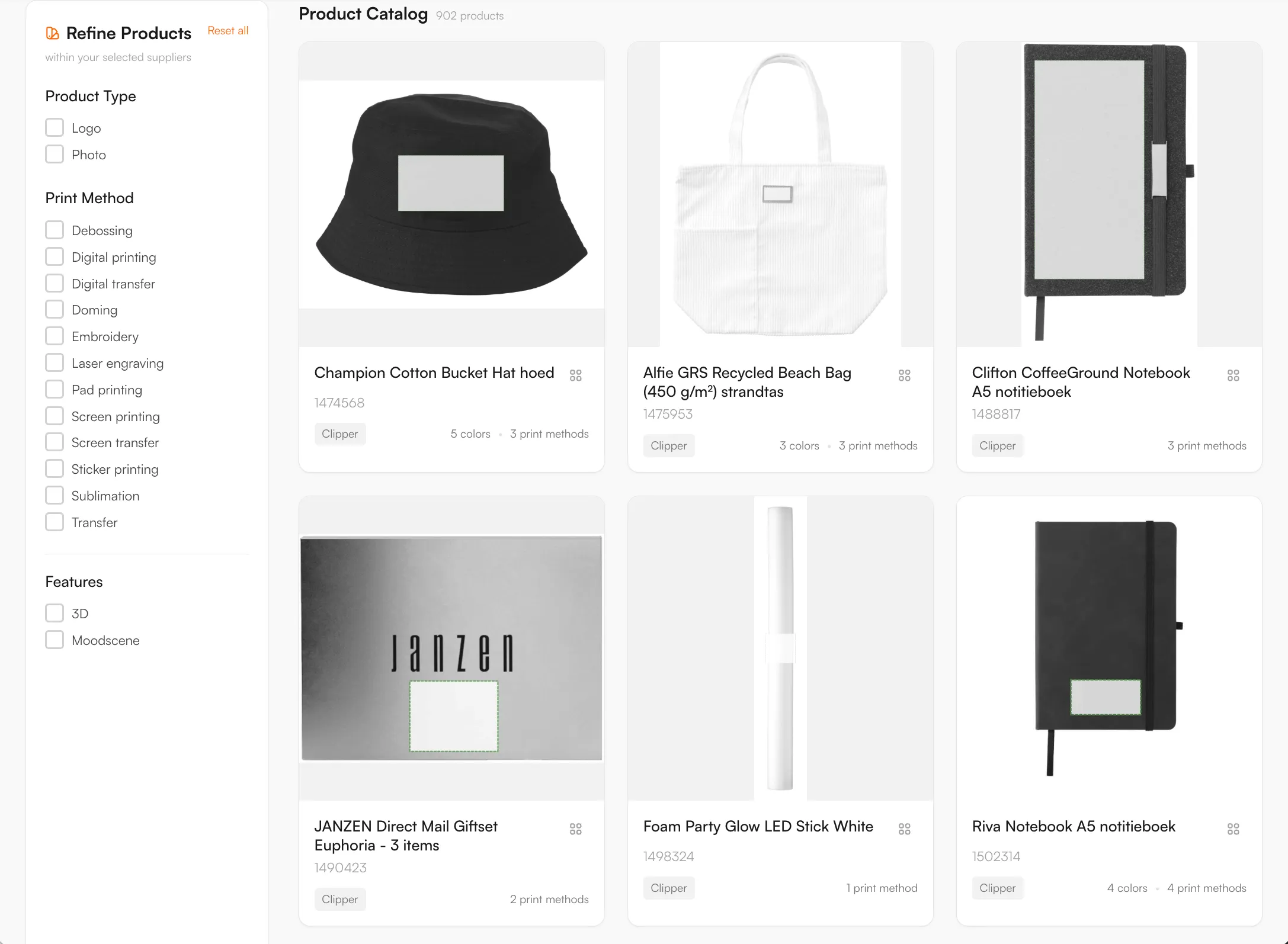
943 Clipper Interall products are in the Product Hub. The Dutch supplier is known for lighters, and the range also covers drinkware, notebooks and accessories. Examples are the Calvin Mug Black 290 ml, the Noma Recycled Steel Insulated Bottle 750 ml and the Glenburn TeaGround Notebook A5. Product names in the Product Hub follow the supplier feed, so some include Dutch terms. The catalogue updates daily.
Five methods are mapped: pad printing, screen printing, digital printing, laser engraving and doming. Small products mean small print areas. On a lighter, a logo with fine lines or small text can lose detail, so the editor shows a line thickness indication and keeps the design inside the real print area. Pad and screen printing use spot colours with a maximum number of colours per position. Digital printing and doming allow full colour.
Clipper Interall's FAQ (read in November 2026) asks for vector artwork in PMS colours and counts white as a print colour. FastEditor vectorizes raster logos when the method needs vector output and checks the colour count per position before the order is placed.
Use the Logo Editor on your webshop in Shopify, WooCommerce or through the API, or the Studio Tool for quotes. Each order gives you a proof and a production file for the selected product and technique.
These are Clipper Interall's own statements, read on its website in November 2026. They are not FastEditor limits. The checks the FastEditor editor runs are listed under artwork requirements on this page.
Source: the FAQ on Clipper Interall's website. Clipper Interall can change these figures, so check with the supplier before you quote them.
Logo Editor or Studio Tool?
For internal sales & account management teams
For your webshop
The Clipper Interall catalogue is available through the FastEditor Product Hub, with print areas and decoration methods attached to each product, so availability and specifications stay current.
Pad printing, screen printing, digital printing, laser engraving and doming, matched to each product. Each product carries the methods available for it, with the colour and line-weight limits that method imposes.
Yes. The logo is held inside the real print area for the product, and line thickness, colour count and resolution are checked against that output size, so fine detail that would fill in or drop out is caught in the editor.
Yes. FastEditor generates a proof and a production file using the selected product and decoration technique’s configured supplier specifications. Raster logos are vectorized automatically when vector output is required; otherwise vectorization may be recommended and is optional. In Studio Tool, generate the files with Download. In Logo Editor, the webshop sends a Sale Notification after the customer places the order to trigger file generation. The production format depends on the configuration and can be JPG, PNG, PDF or SVG. Embroidery DST output is currently in testing and is not yet available.