Per type bedrijf
E-commerce resellers
Maak van productpagina's een koopervaring.
Offline resellers
Offreer 5 tot 10x sneller met visuals die klaar zijn voor de klant.
Voor leveranciers
Gestandaardiseerde aanlevering. 80% minder correcties.
Company store / brand portal
Leg de huisstijl vast. Alleen het logo varieert.
Bedrukkers en drukkerijen
Vectoriseren, preflight en output per leveranciersspecificatie.
Merchplatformen
Live personalisatie voor veel klanten tegelijk.
Per workflow
Productconfigurator
Producten online personaliseren, van begin tot eind.
Drukwerk personaliseren
Maak van elke upload een drukklaar bestand.
White-label web-to-print
Onder uw eigen merk en op uw eigen domein.
Drukproeven maken
Drukproeven in uw huisstijl, direct bij de upload.
Artwork akkoord
Online akkoord, gebundeld met het bestand.
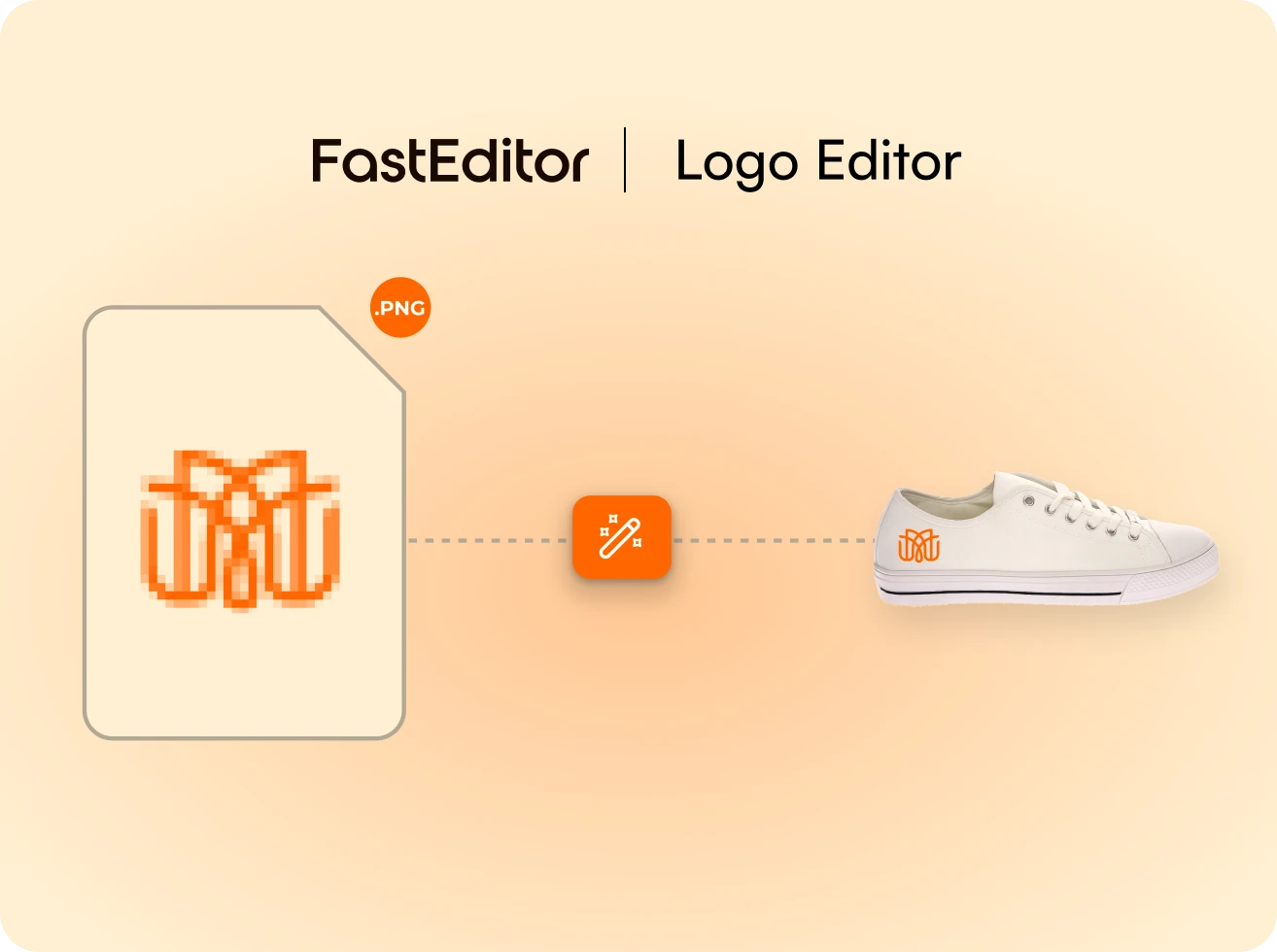
Automatisch vectoriseren
Elk logo in seconden een schone vector.
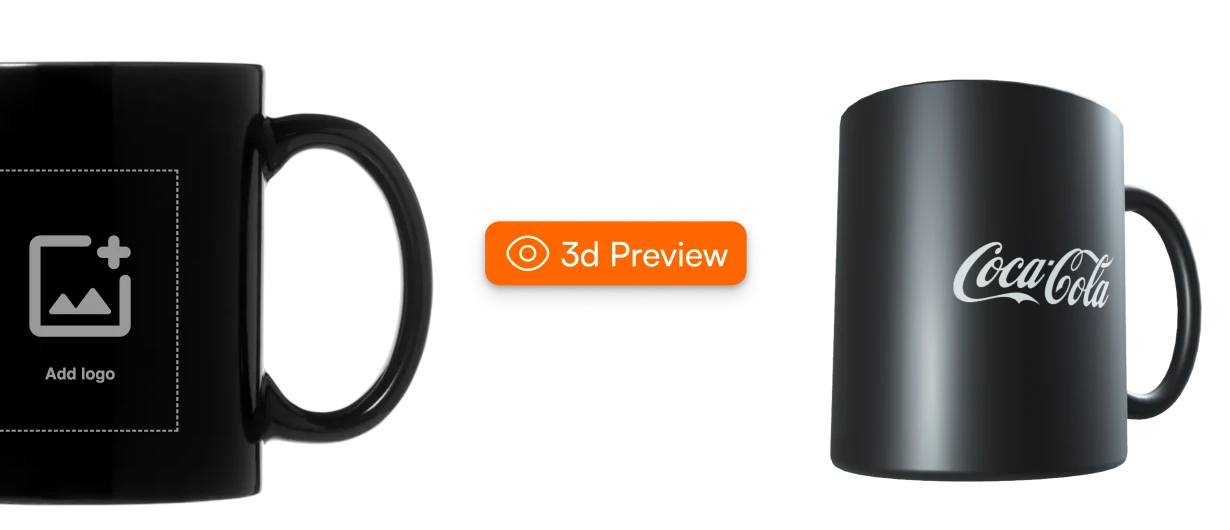
3D-visualisatie
Bekijk het artwork op een levensecht 3D-product.
Producten
Artwork automatisering
Het platform, van upload tot drukklaar bestand.
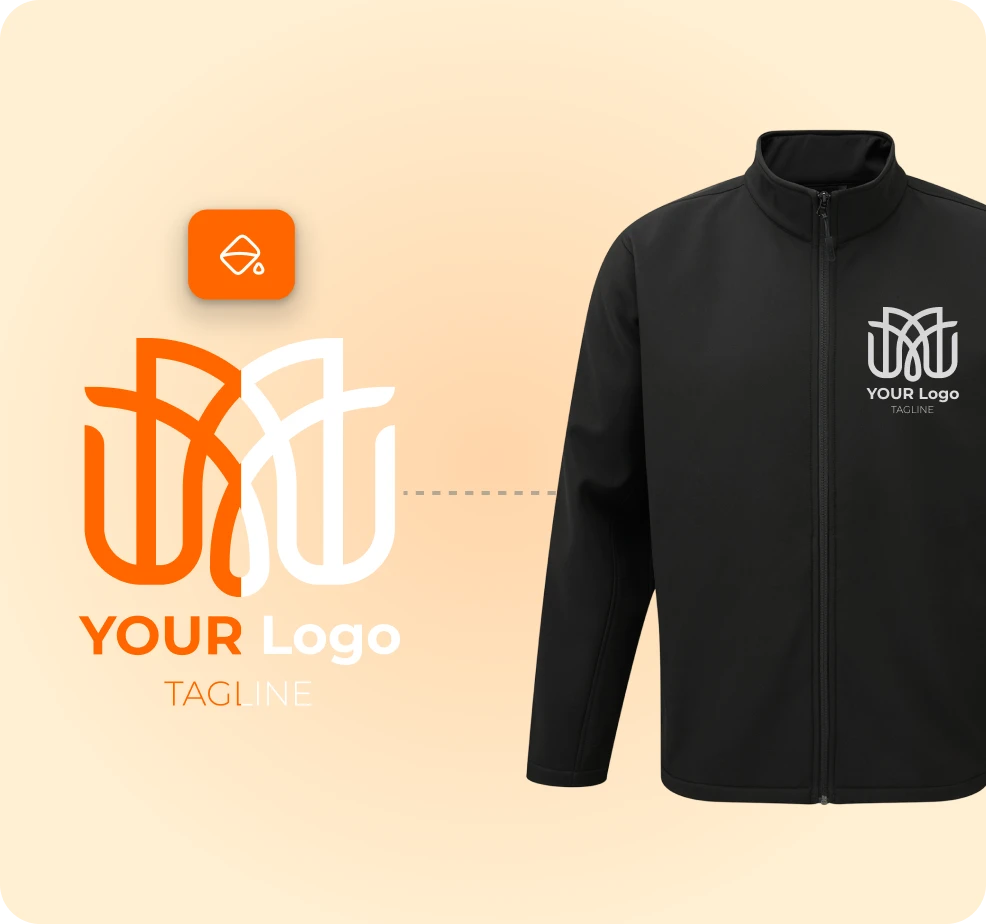
Logo Editor
Logo's personaliseren, ingebouwd in uw webshop.
Photo Editor
Gepersonaliseerde fotoproducten, klaar voor productie.
Studio Tool
Editor voor de backoffice. Maak drukproeven en productiepakketten.
Product Hub
De grootste catalogus met productiespecificaties.
Productflows
Integraties
Kennisbank
Blog
Artwork automatisering, uitgelegd.
Klantcases
Hoe partners op schaal automatiseren.
ROI-calculator
Bekijk uw terugverdientijd per ordervolume.
Gekoppelde leveranciers
150+ leveranciers gekoppeld, en dat groeit.
Druktechnieken
Elke druk- en veredelingstechniek.
API-documentatie
Bouw voort op de automatiseringsengine.